
How are applications updated in a hosted desktop?
Applications in a hosted desktop are updated centrally by the service provider or authorised IT administrator, rather than on each user’s individual computer. Updates are typically assessed, tested and scheduled before deployment to help maintain compatibility, security and consistent versions across the hosted environment.
Application maintenance in a hosted desktop normally follows a controlled release process, with security patches, routine fixes and major upgrades handled according to their risk and potential effect on users. The exact procedure depends on the hosting design, the application and the agreement with the service provider, but the aim is to introduce a supported version without disrupting business data, user profiles or connected systems.
Updates are usually grouped by type. Security updates and critical fixes may be prioritised because leaving a known vulnerability unaddressed can increase risk. Minor maintenance releases are generally handled as standard changes, while major upgrades need more planning because they may alter the interface, system requirements, file formats, integrations or licensing model. An application vendor’s support requirements may also determine which operating system and application versions can be used together.
Before release, the update is checked against the hosted desktop configuration. This can include reviewing:
- compatibility with the hosted operating system and virtual desktop software;
- connections to databases, file shares, printers and business systems;
- plug-ins, add-ons, templates and document formats;
- user permissions and application settings;
- licensing and activation requirements; and
- dependencies shared with other applications.
This is particularly important where an application is used by several departments or connects to operational systems. A change that appears small in isolation can affect reporting, document production, authentication or data exchange elsewhere in the environment.
Many providers use staged deployment. The updated application may first be made available to an administrator or representative test users. Their checks can confirm that the application launches correctly, existing files open as expected, workflows remain usable and integrations continue to work. If the application passes these checks, it can then be released to the wider user group. Staging reduces the likelihood that an incompatibility affects every user at the same time.
User sessions can affect when an update is applied. Some changes require the application to be closed, a user to sign out, or the virtual desktop to restart. Others can be installed while the environment is not being actively used. Users may therefore receive instructions to save work, close a particular programme or reconnect after a planned change. Whether a user needs to do anything depends on the application and the hosting platform.
Application updates do not normally mean that users must manually install the same software on each physical computer used to access the hosted desktop. The local device generally provides the connection to the hosted environment, while the application version used for business work is maintained within that environment. Local software such as a web browser, display client or printer component may still have separate update requirements.
Rollback planning is an important part of a responsible update. If a new version causes an error, the provider or IT administrator may need to restore the previous application package, revert an image or configuration, or remove the change while the issue is investigated. This is separate from restoring business data from backup: a rollback addresses the software state, whereas a backup protects files and other recoverable information.
After deployment, administrators can review installation results, application errors, login issues and user reports. They may also check whether scheduled tasks, integrations and security controls continue to operate correctly. Keeping a record of the version installed, the affected users, the change date and any corrective action makes future troubleshooting easier and supports consistent management across different hosted desktop environments.
For organisations using specialist or older applications, the update process should be agreed before the service is implemented. The relevant questions include who approves application changes, whether the provider or the customer supplies the licence, how testing is carried out, how users are notified, and what happens if the new version is incompatible. S2 Technology Group can help businesses review these requirements as part of a managed IT and hosted desktop strategy, so application maintenance fits the organisation’s security, operational and support needs.
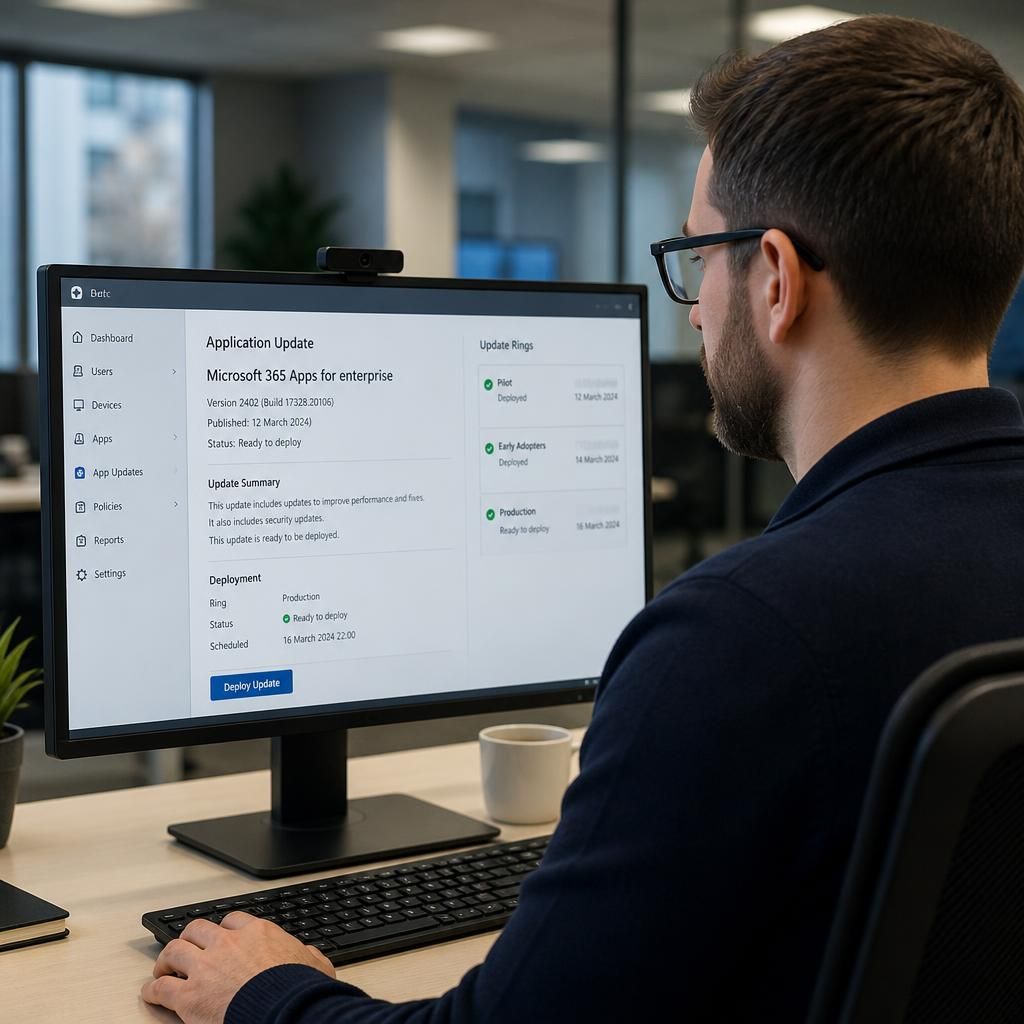
Application updates in a hosted desktop depend on clearly defined responsibilities between the hosting provider, the business and the application supplier. The hosting provider may maintain the desktop platform, while the customer or an authorised IT administrator may remain responsible for approving business applications and deciding when changes are suitable.
This division should be documented for each important application. It should identify who monitors vendor notices, confirms that a release is required, manages licensing, authorises the change and deals with any user or integration issues that follow. It should also distinguish applications included within the hosted desktop service from software managed separately on local devices.
A responsibility matrix helps prevent gaps, particularly where an application is business-critical or supplied by a third party. S2 Technology Group can help organisations define these ownership arrangements as part of a managed hosted desktop strategy, ensuring application maintenance is aligned with operational requirements.
Discuss Hosted Desktop Application Updates
If you are assessing how application updates should be managed in a hosted desktop, speak to S2 Technology Group about your applications, licensing arrangements and update responsibilities. We can help you define a practical maintenance approach that fits your business requirements.