
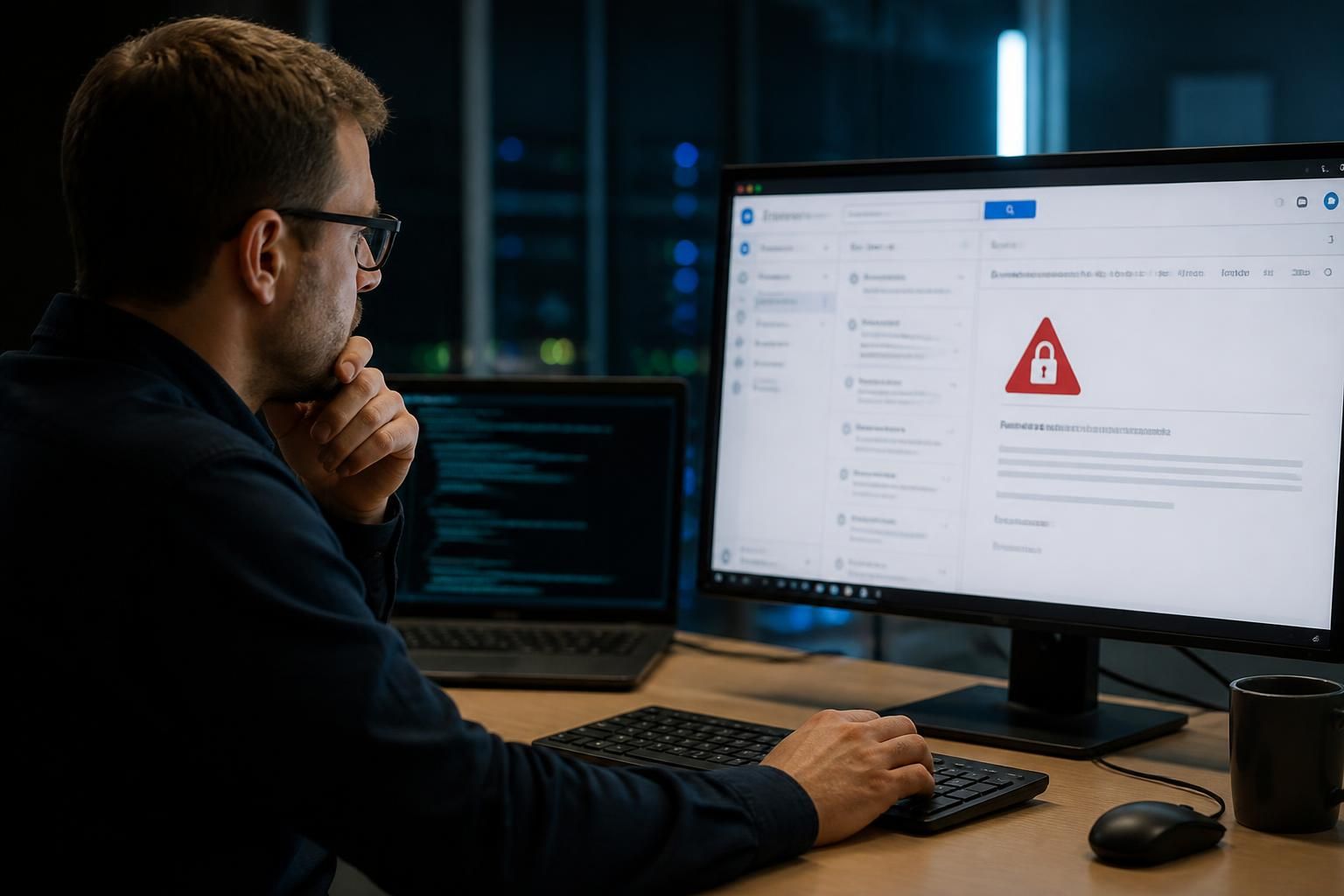
Does emergency IT support cover compromised email accounts?
Yes. Emergency IT support can help contain a compromised email account by securing access, resetting credentials, revoking active sessions, checking for unauthorised forwarding rules and assessing whether the incident has affected other business systems.
Yes. Emergency IT support can cover a compromised business email account where unauthorised access, suspicious messages or changes to the mailbox create an immediate risk to the organisation. The work is not limited to restoring the individual user’s access; it involves determining what has happened, limiting further misuse and identifying any wider business impact.
Email compromise can take several forms. An attacker may obtain a password through phishing, use a stolen session, gain access through a poorly protected device or exploit a weakness in the organisation’s identity controls. Warning signs include unexpected password notifications, messages sent that the user did not write, unfamiliar sign-ins, altered mailbox settings, missing messages or requests for payment and bank-detail changes that appear to come from a known contact.
Emergency support should establish the difference between a suspected compromise and a confirmed incident. This normally involves reviewing available sign-in and audit information, examining unusual activity in the mailbox and identifying when the suspicious behaviour began. The review can help determine whether the incident appears limited to one account or whether other users, shared mailboxes, applications or connected services may also be at risk.
There may be business consequences beyond the mailbox itself. Attackers commonly use an account to impersonate an employee, monitor commercial discussions, intercept invoices or send convincing requests to customers and suppliers. If sensitive information has been viewed, downloaded or disclosed, the organisation may also need to consider contractual duties, internal reporting requirements and data protection obligations. IT support can provide technical findings, but the business remains responsible for deciding whether legal, regulatory, insurance or specialist forensic advice is required.
A controlled response should also protect the reliability of the investigation. Relevant logs, suspicious messages, email headers and security alerts may help establish the sequence of events. Staff should avoid deleting potential evidence or continuing to use an affected account for sensitive communication until the technical review has established that it is safe to do so. Important contacts may need to be warned through a separate trusted channel if fraudulent messages could have been sent from the account.
Emergency IT support may not resolve every part of the incident itself. Recovering money sent in response to a fraudulent request, investigating a compromised personal device, handling a suspected data breach or determining criminal liability may require the involvement of the bank, insurer, legal advisers, data protection specialists or law enforcement. Technical support should make these boundaries clear while providing the information those parties need.
After the immediate incident, the organisation should review why the compromise was possible. Useful follow-up measures can include strengthening sign-in controls, improving multi-factor authentication coverage, reviewing administrator and delegated access, tightening email security policies, checking external sharing and updating staff guidance on phishing and payment fraud. The objective is to reduce the chance that the same weakness will be used again, rather than simply returning the affected mailbox to normal operation.
S2 Technology Group can help businesses around Stourbridge, including organisations in Kinver, Wordsley, Kingswinford, Kidderminster, Halesowen and Dudley, assess compromised email accounts as part of a wider managed IT and cyber security response. The appropriate scope depends on the account, the evidence available and the potential effect on the organisation.
An email that appears to come from a business account does not always mean that the mailbox was compromised. Attackers can spoof a sender address without signing in, so emergency IT support should first distinguish forged messages from genuine unauthorised access.
This assessment can compare the message headers with the organisation’s mail records and review sign-in activity, sent items and mailbox audit data. Evidence of a real compromise may include a successful sign-in from an unexpected location, a message recorded in the user’s Sent folder or changes made within the mailbox. A spoofed message may have no corresponding sign-in or mailbox activity, although it can still mislead customers and suppliers.
The response differs accordingly. A confirmed compromise may require account containment and credential action, while suspected spoofing may call for checking domain email-authentication controls, preserving the fraudulent message and warning affected recipients. Making this distinction helps the business take proportionate action without treating every suspicious email as proof that an account was accessed.

Discuss a compromised email account with S2 Technology Group
If you suspect a business email account has been compromised, discuss the circumstances with S2 Technology Group so the appropriate technical response can be assessed. Provide any relevant alerts, suspicious messages or sign-in details available to support the initial review.