
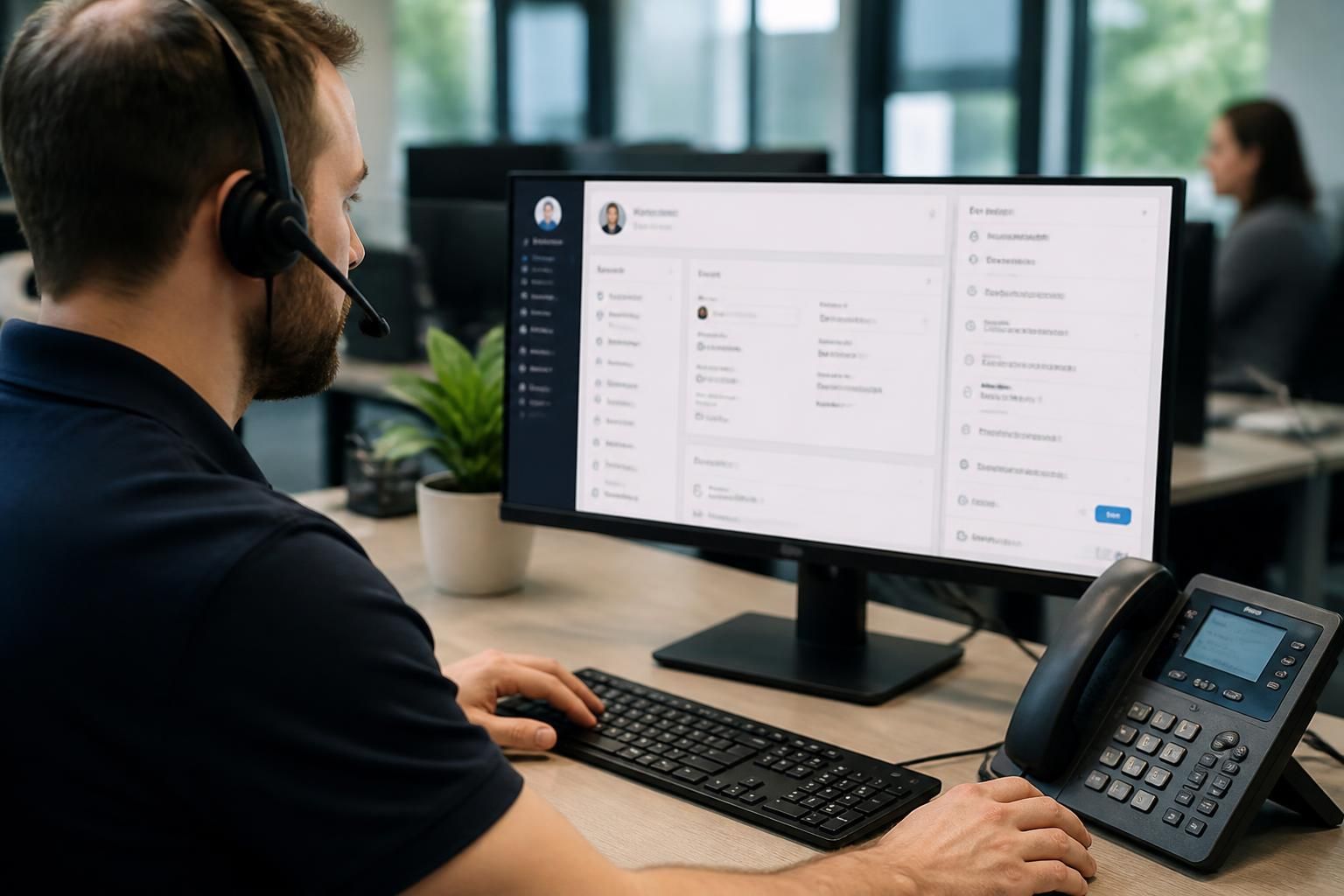
Can managed IT support for VoIP integrate with business applications?
Yes. Managed IT support for VoIP can integrate calling with business applications such as CRM, email, calendars and service desks through approved connectors or APIs, while managing permissions, data protection, compatibility and ongoing support.
Business application integration connects VoIP activity with the systems that employees already use, so relevant call information can move between platforms in a controlled and useful way. Managed IT support provides the technical oversight needed to design, configure, secure and maintain those connections rather than treating the phone system as an isolated service.
Common integration functions
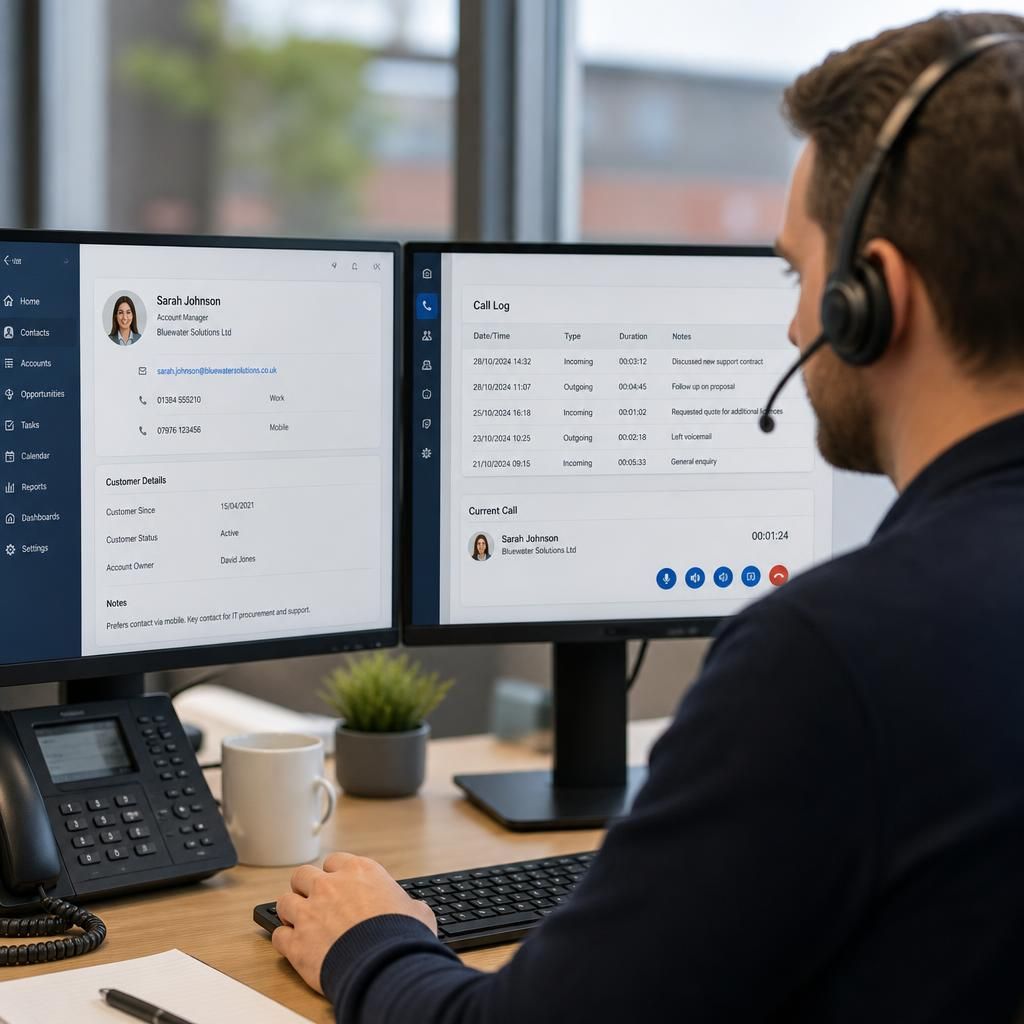
- Screen popping: an incoming number can identify a contact and display the relevant customer or account record to the user.
- Click-to-dial: authorised users can start calls from approved records, reducing manual number entry and the risk of dialling errors.
- Automatic activity records: call details can be associated with the correct contact, case or account, subject to the application’s capabilities and the organisation’s recording policy.
- Presence and availability information: selected applications may show whether a colleague is engaged, available or away, helping staff choose an appropriate method of contact.
- Workflow triggers: a call event may create a task, update a record or alert a responsible team, provided the workflow is supported and properly configured.
The exact result depends on the integration method. A pre-built connector is usually simpler to administer, but may offer fewer options for specialised processes. An API-based integration can provide more control over data and workflows, although it normally requires clearer technical design, authentication management and testing. In some cases, middleware is used to translate information between systems or apply business rules before data is passed on.
Important design decisions
- Which call events should create or update records?
- Which fields are necessary, and which should never be transferred?
- Which users or teams need access to the integrated functions?
- How should duplicate contacts, shared numbers and unanswered calls be handled?
- What should happen if one platform is unavailable or rejects a request?
- How long should activity data, recordings or integration logs be retained?
These decisions prevent an integration from producing incomplete records, duplicate tasks or unnecessary exposure of personal information. They are particularly relevant where calls involve customers, patients, clients or other individuals whose details must be handled carefully.
Security and access control
Integration accounts should use the minimum permissions needed for their function. Administrative credentials should not be shared with ordinary users, and tokens, passwords and API keys should be stored securely rather than placed in scripts or configuration files that are widely accessible. Access should be reviewed when employees change roles or leave the organisation.
Managed IT support can also help separate configuration rights from day-to-day user rights, apply multi-factor authentication where supported, review audit records and investigate unexpected changes. If call recordings or transcripts are transferred, the organisation should also establish who can view them, where they are stored and how deletion requests are handled. The integration should support the organisation’s information governance rather than bypass it.
Compatibility and ongoing maintenance
Applications change over time. A software update, altered API, expired certificate or revised permission model can interrupt an otherwise stable connection. Support should therefore include documentation of the configuration, ownership of the integration account, dependency tracking and a defined method for testing changes before they are applied to live users.
Monitoring should focus on useful indicators such as failed synchronisation attempts, authentication errors, delayed updates and unexpected increases in transferred data. A failure should produce enough diagnostic information to identify whether the problem sits with the VoIP platform, the application, the connector, the network or the user’s permissions. Backup processes may also be needed where missed call records would affect customer service or operational reporting.
A controlled implementation process
- Document the business process and identify the data that genuinely needs to move between systems.
- Confirm technical compatibility, licensing requirements and the permissions available to the integration.
- Configure a test environment or limited pilot using representative records and user roles.
- Test normal calls, missed calls, transfers, shared numbers, duplicate contacts and failed connections.
- Check privacy controls, audit trails, retention settings and the handling of recordings or transcripts.
- Train affected users and provide a documented process for reporting integration faults.
- Review performance and configuration after deployment, especially following updates to either platform.
For small and medium-sized organisations, this structured approach helps keep the integration proportionate. The objective is not to transfer every available item of call data, but to connect the events and records that support defined business processes while preserving security, accuracy and administrative control. Managed IT support can coordinate the technical assessment, implementation and maintenance so that application integration remains part of the wider IT environment rather than an unmanaged add-on.
VoIP integration works most reliably when each business application has a clearly defined role and source of truth. For example, the CRM may own customer contact details, while the VoIP platform manages call routing, extensions and presence. The integration should pass only the information each system needs rather than allowing uncontrolled two-way changes.
Managed IT support can help define whether data should move one way or in both directions, which system takes priority when records conflict, and how updates are identified. This is important where a customer has several telephone numbers, multiple contacts share a main line, or users work across more than one application. Clear ownership reduces inconsistent records and makes faults easier to investigate.
These rules should be documented alongside the integration configuration. They give administrators a practical basis for reviewing changes, testing updates and deciding whether a failed synchronisation needs correction in the VoIP platform, the connected application or the integration itself.
Discuss VoIP and Business Application Integration
If you are assessing whether your VoIP platform can connect securely with your business applications, discuss your requirements with S2 Technology Group. Their managed IT support team can help review integration options, access controls and implementation considerations.