
How do managed cloud IT services support secure remote access?
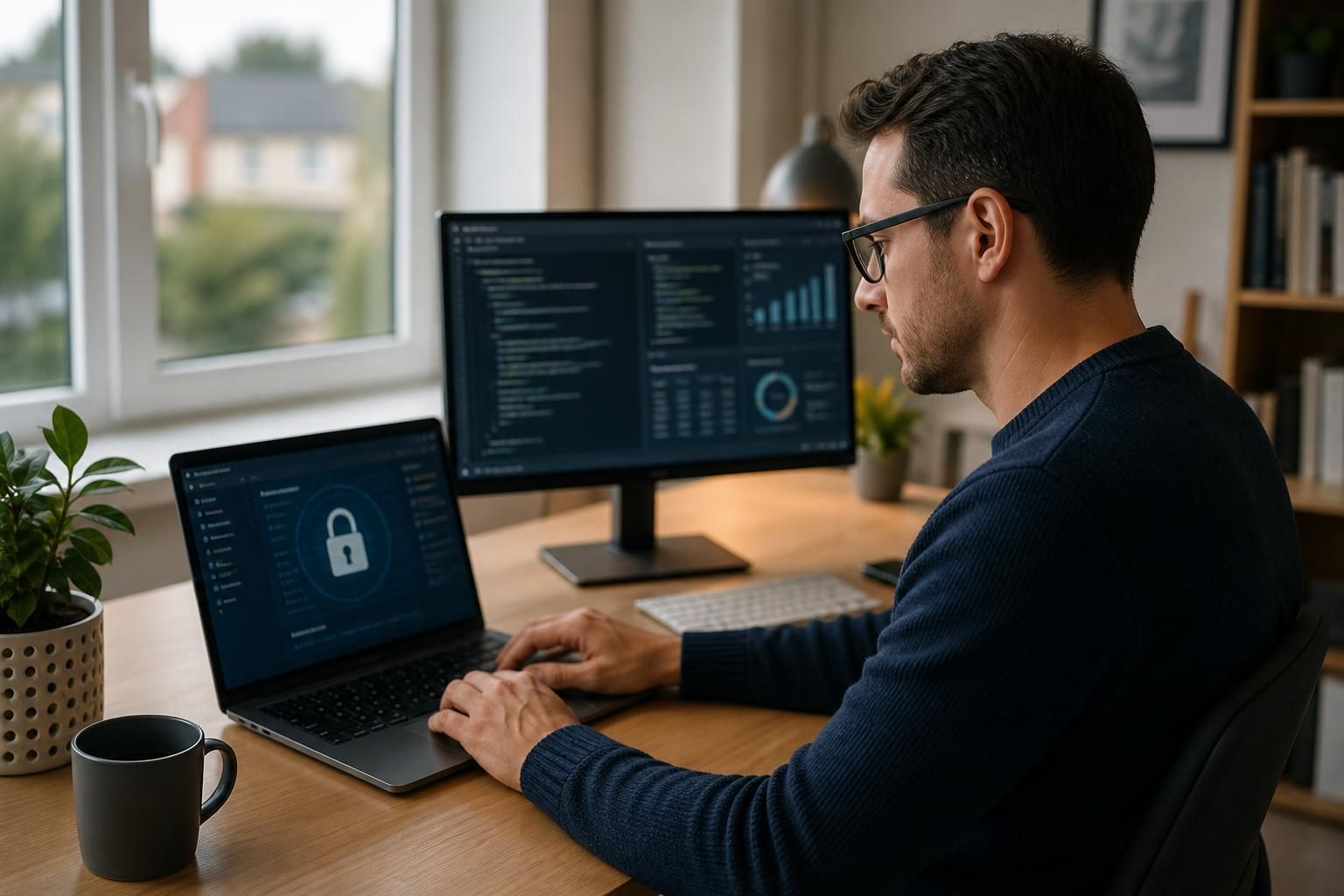
Managed cloud IT services support secure remote access by applying centralised identity controls, multi-factor authentication, encryption and role-based permissions to connections from outside the workplace. They also help monitor access and manage security policies consistently, so authorised users can reach the applications and data they need without exposing the wider business environment.
Managed cloud IT services support secure remote access by providing a controlled way for users to reach cloud applications, business systems and files without placing the entire internal network directly on the internet. The service combines cloud architecture, endpoint management, access policies and ongoing administration so remote connections can be designed around the specific applications and data each person needs.
Application-level access rather than broad network access
A traditional virtual private network (VPN) can connect a remote device to a wider business network. This may be useful for some legacy systems, but it can also provide more network access than a particular user requires. Managed cloud environments can use application-level access, allowing an authorised person to connect to a defined service without creating a general route into other systems.
This approach supports network segmentation. Finance applications, production systems, shared documents and administrative tools can be separated into distinct services or network areas. If one account or device is compromised, segmentation can reduce the number of other resources that are directly reachable. It also makes access rules easier to review because they can be tied to a named application, business role or operational requirement.
Checking the device as well as the user
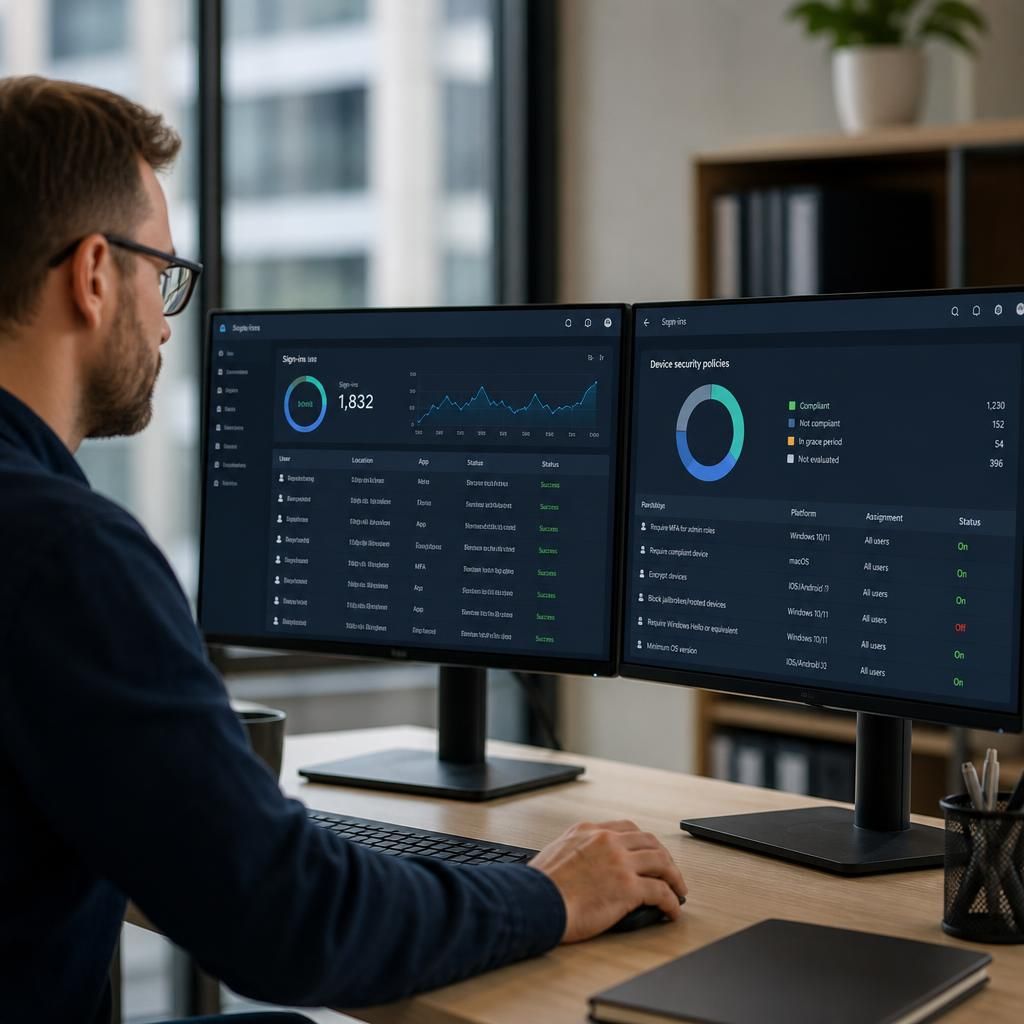
Remote access security depends on the condition of the device being used. A valid user account does not necessarily make an unmanaged laptop or personal computer suitable for handling business information. Managed cloud IT services can apply endpoint requirements such as:
- Supported operating system versions and current security updates.
- Active anti-malware and host firewall controls.
- Device encryption and screen-lock settings.
- Approved device registration and management software.
- Removal or restriction of access when a device is lost, retired or no longer meets policy.
These checks can be applied before access is granted or while a session is in progress, depending on the design of the service. Businesses should decide which systems require a compliant managed device and whether lower-risk services can be accessed through a browser or another restricted method.
Protecting data during remote use
Secure access is not only about establishing a connection. The way information is viewed, downloaded, synchronised and shared also needs consideration. Cloud services can be configured to limit activities such as downloading sensitive files to unmanaged devices, copying information into unauthorised applications or sharing documents with external accounts.
Where suitable, remote workers can use browser-based applications or hosted desktops so that business data remains within the managed environment rather than being stored locally. This can reduce the impact of a lost device, although it does not remove the need for appropriate permissions, secure devices and user awareness. Policies should distinguish between information that may be safely accessed from any approved location and information that must remain within a more tightly controlled environment.
Managing the remote access journey
A well-designed service controls the complete user lifecycle. When someone joins the organisation, their access should reflect their role rather than copying another employee’s permissions. When responsibilities change, access should be adjusted. When employment ends or an account is suspected of being compromised, access should be withdrawn promptly through the agreed administration process.
Access reviews are important because permissions can accumulate over time. Regular checks should identify inactive accounts, unnecessary privileges, shared accounts and access to applications that are no longer required. Privileged administration accounts should be separated from ordinary user accounts and used only for administrative tasks. This limits the opportunity for a routine account to be used to make damaging changes.
Using audit information to investigate access
Cloud platforms can record events such as sign-ins, access to applications, changes to permissions and unusual activity. A managed service can help determine which events should be retained, who should review them and how significant incidents are escalated. Useful audit information can show whether a file was accessed, an account was used from an unexpected location or a permission changed shortly before an incident.
Audit records should be protected from unauthorised alteration and retained in line with the organisation’s legal, contractual and operational requirements. Logging alone does not prevent an attack; its value comes from having defined review procedures and a clear response process when activity appears abnormal.
Supporting different types of remote worker
Remote access requirements vary between a permanent home worker, a travelling employee, a contractor and a staff member using a shared site. Each group may need different restrictions. For example, contractors may require access to one project workspace for a limited period, while an employee may need several internal applications. Multi-site organisations may also need consistent access rules across offices without connecting every location into one unrestricted network.
Cloud-based access can provide a common policy framework, but it should still account for connection quality, device ownership, application compatibility and the sensitivity of the data involved. Systems that depend on older on-premises protocols may need a separate secure connection or an application modernisation plan rather than being exposed directly to remote users.
Planning and testing the service
Before implementing remote access, a business should map its applications, data stores, user groups and administrative dependencies. It should then document which users need access, from which device types, and under what conditions. Testing should cover normal use as well as lost devices, disabled accounts, failed authentication, unavailable services and attempted access to systems outside a user’s role.
Changes should be introduced through a controlled process, with a record of the approved design, affected users and rollback steps. This is particularly important where remote access supports essential operations, because an incorrectly applied policy can either create a security gap or prevent legitimate work.
For small and medium-sized organisations without a full in-house IT team, managed cloud IT support can provide the administration, policy review and technical coordination needed to maintain this arrangement. S2 Technology Group helps businesses around Stourbridge and neighbouring areas assess and manage cloud-based IT, with secure remote access considered as part of the wider infrastructure rather than as an isolated connection tool.
Secure remote access for IT administration requires stricter controls than ordinary employee access because administrative sessions can change systems, permissions and security settings. A managed cloud service should provide a separate, controlled route for authorised support personnel rather than allowing administrative work through shared accounts or standard user connections.
Administrative access can be limited to approved tasks and granted only when it is needed. Separate administrator identities, approval for sensitive changes and time-limited privileges help reduce the risk of permanent high-level access. Management tools should also prevent the use of shared passwords and support the secure storage and rotation of credentials.
Remote administration should be traceable from the initial request through to the completed change. Session records, command logs or detailed activity records can help establish who accessed a system, what was changed and whether the work matched the approved purpose. This gives the business clearer evidence for investigating incidents and reviewing whether administrative access remains appropriate.
Discuss your secure remote access requirements
If you are reviewing how staff, contractors or sites access cloud systems, discuss your secure remote access requirements with S2 Technology Group. A structured review can identify suitable controls and any integration considerations before changes are planned.