
Can remote IT support manage devices across multiple business locations?
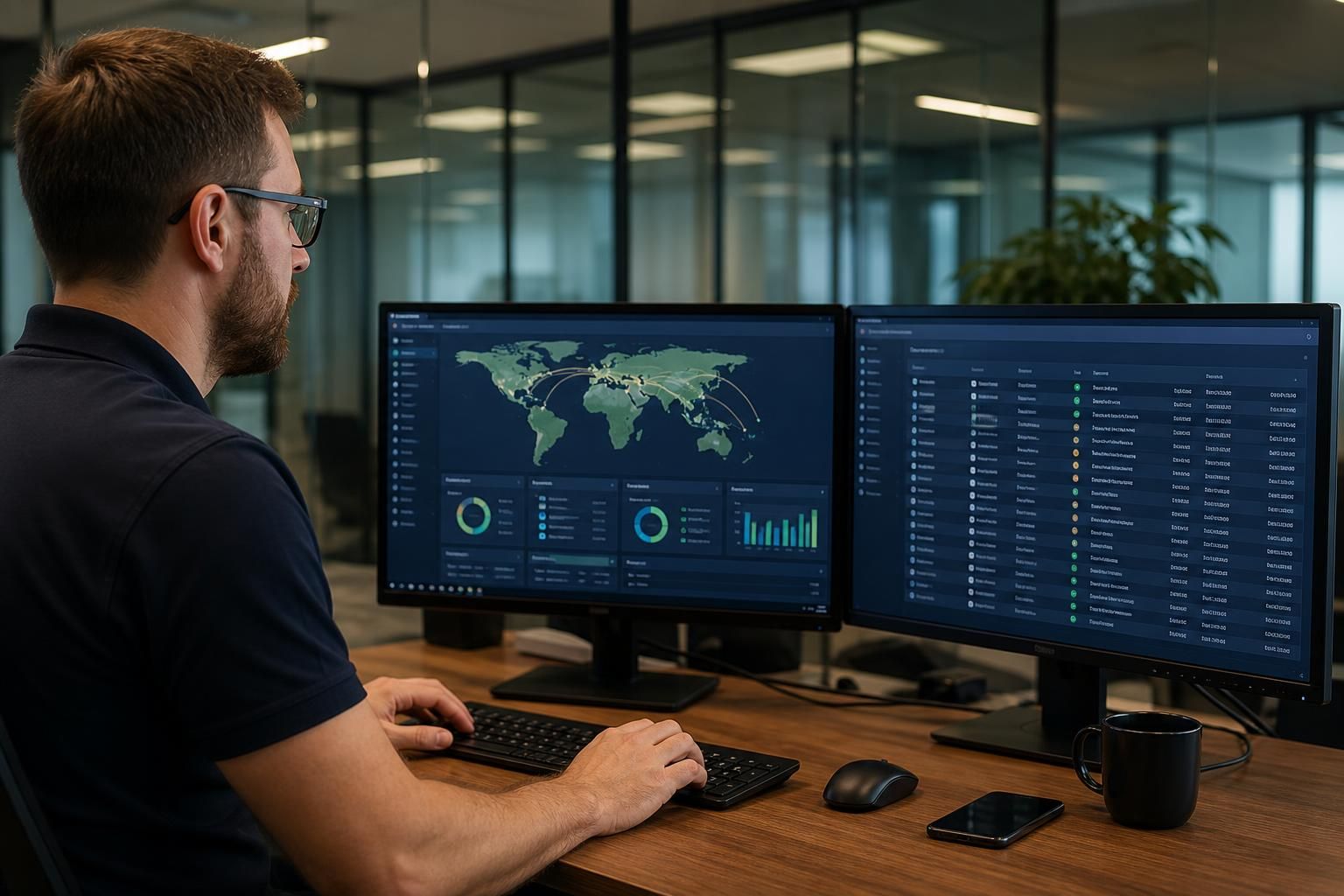
Yes. Remote IT support can manage devices across multiple business locations from a central platform, allowing technicians to apply consistent security policies, monitor device health, troubleshoot problems and coordinate updates across each site.
Remote IT support can manage devices across multiple business locations effectively when each site is mapped, connected and governed through a single management framework. The important distinction is that multi-site support is not simply a matter of accessing every computer remotely; it requires accurate asset records, site-aware policies, dependable connectivity and clear procedures for issues that require physical intervention.
Each device needs a known relationship with its location. A managed service should record which office, warehouse or branch a device belongs to, who uses it, what operating system it runs and which business applications it requires. This allows a technician to identify whether an issue affects one user, one site or several locations. It also helps prevent the wrong configuration being applied to devices with different operational requirements.
Site-specific management is particularly important for organisations with a mixture of offices, production areas, warehouses and remote workers. Devices can share core security and configuration standards while retaining local settings for printers, specialist software, network resources and access permissions. For example, a laptop used by a travelling employee may need a different access profile from a workstation connected to equipment at a particular site.
Remote management usually depends on several connected layers:
- Endpoint management: laptops, desktops and supported servers can be checked for configuration, health, software status and security issues.
- Identity and access controls: user accounts and permissions can be administered according to role, location and business need.
- Network visibility: connectivity problems can be investigated by examining the relationship between the device, local network and wider business systems.
- Configuration records: documented hardware, applications and dependencies make it easier to assess the effect of a change at one site or across the organisation.
- Remote assistance: technicians can guide users, inspect settings and carry out supported repairs without requiring every issue to be handled in person.
Policies should be applied in groups rather than indiscriminately. A business may want common controls for password management, device encryption, security software and approved applications, while assigning additional rules to finance users, administrators or teams handling sensitive information. Grouping devices by site, role and risk makes these distinctions manageable and reduces the chance that a branch-specific requirement is overlooked.
Connectivity between locations is another deciding factor. Remote support cannot reliably manage a device that is switched off, disconnected, incorrectly configured or separated from the management service by a network restriction. A robust arrangement therefore includes documented internet connections, remote access routes, local network details and dependencies such as authentication services or shared applications. Where a site loses connectivity, support may be able to diagnose the boundary of the fault, but restoring physical equipment or a failed connection may require someone at the premises.
A sensible multi-location support process separates routine work from site-dependent work. Routine checks, account administration, configuration changes and many software issues can generally be handled remotely. Faults involving cabling, power, damaged hardware, local printers or equipment that cannot be reached over the network may need an on-site technician or an appointed contact at the location. The remote support record should show what has already been tested, so the next person can act without repeating the same investigation.
Change control is also essential. A modification that is harmless in one office could interrupt a warehouse application or affect a shared service used by several branches. Changes should therefore be assessed for their site impact, assigned to the correct device group, tested where appropriate and recorded afterwards. This is especially important when sites use different network equipment, software versions or business processes.
For growing organisations, the model scales best when new locations follow a standard onboarding process. That process should document the site network, supported devices, user groups, critical applications, local contacts and any equipment that cannot be managed remotely. With this information in place, remote IT support can provide a consistent management approach while still accounting for the practical differences between locations.
In short, remote IT support is well suited to distributed businesses, but its effectiveness depends on preparation rather than distance alone. Accurate inventories, secure access, reliable connectivity, site-specific policies and a defined route to physical assistance allow devices in different locations to be managed as part of one controlled IT environment.
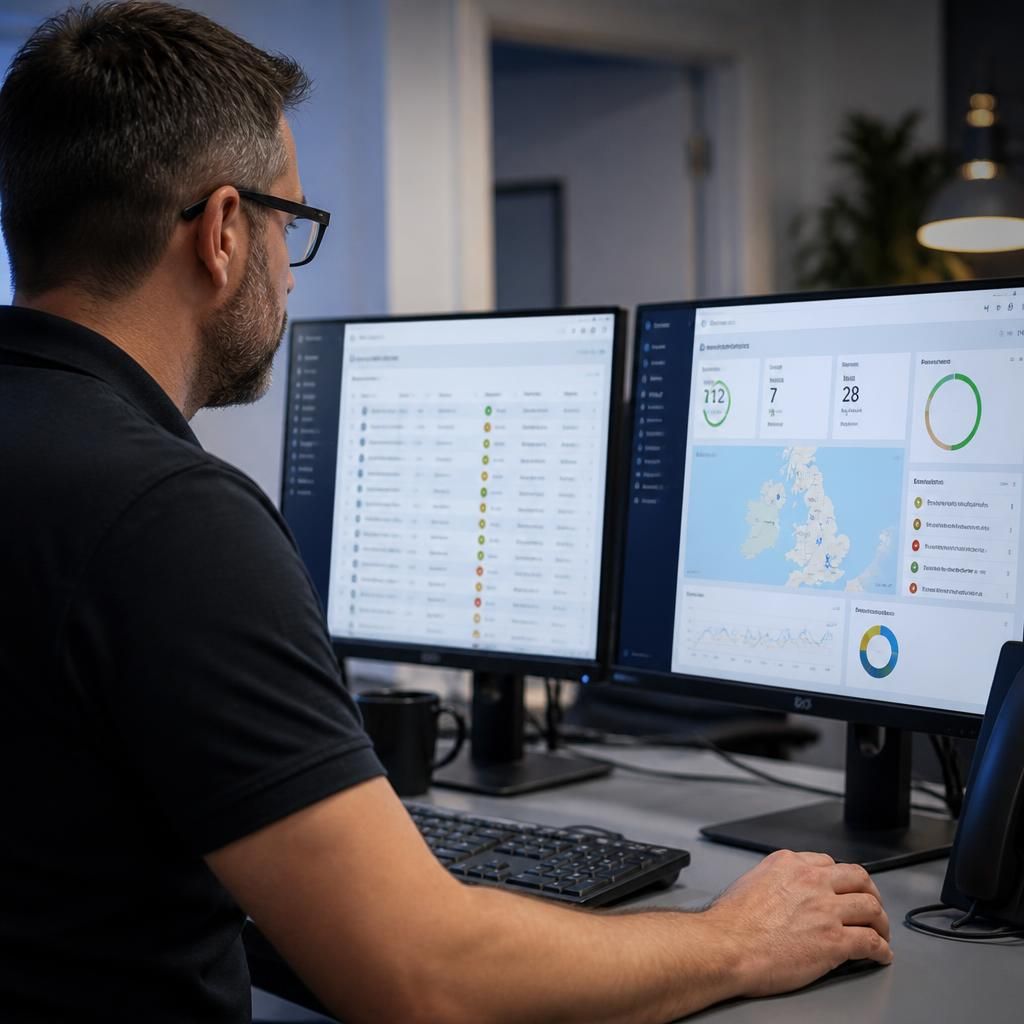
Remote IT support can manage devices across multiple business locations throughout their lifecycle, not just while they are in daily use. Central administration can support the onboarding of new devices, the reassignment of equipment between sites and the removal of devices that are replaced or retired.
When a device moves from one location to another, its management record should be updated so that support information, access requirements and local dependencies remain accurate. This helps technicians apply the correct settings and understand whether the equipment is being used in an office, warehouse, production environment or by a mobile employee.
Retirement also needs careful handling. Devices should be removed from active management only after business data, user access and stored credentials have been addressed. Keeping the device register aligned with real equipment reduces confusion, limits the risk of forgotten access and gives support teams a reliable view of the organisation’s distributed technology estate.