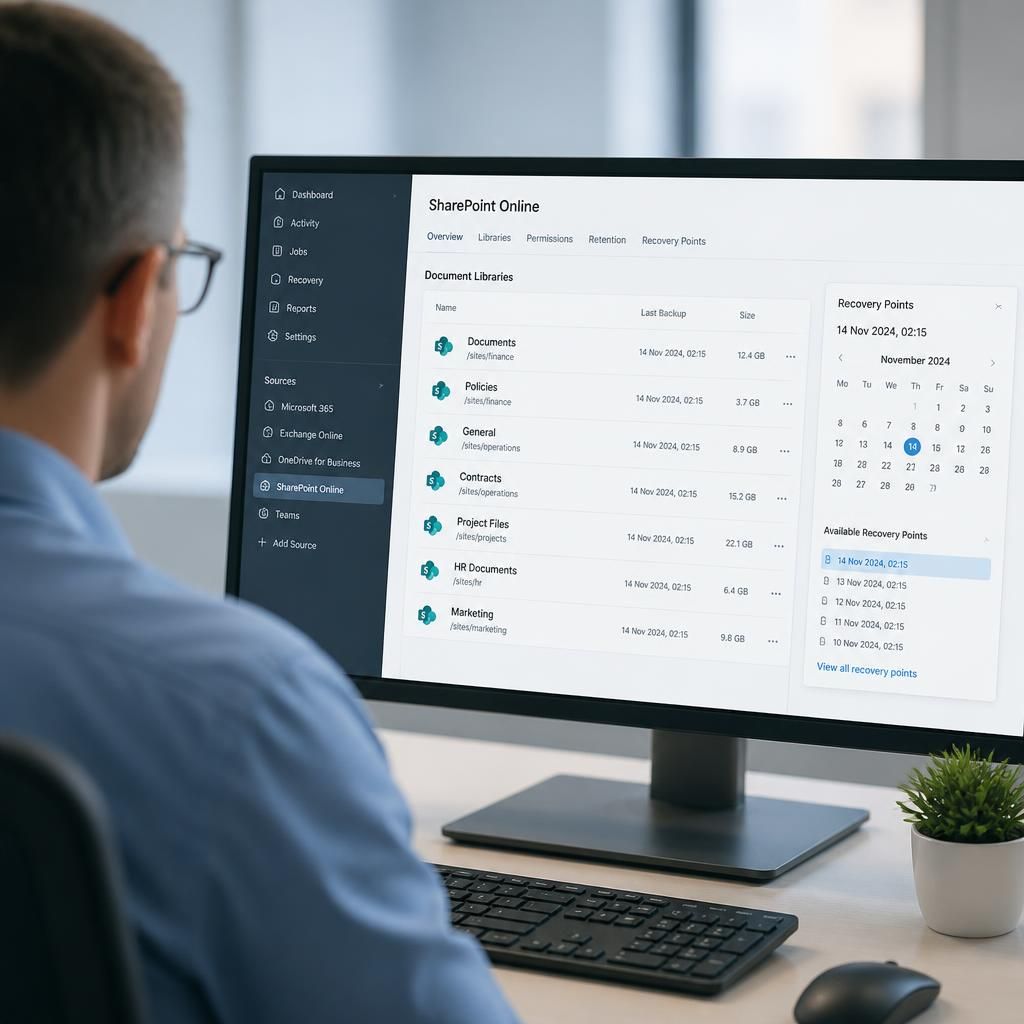
Does Microsoft 365 backup cover SharePoint sites?
Yes, Microsoft 365 backup can cover SharePoint sites, including site content such as files and document libraries, when SharePoint is included in the backup configuration. However, Microsoft 365’s native retention and recycle-bin features are not the same as an independent backup, so coverage, recovery points and restoration options should be checked carefully.
SharePoint sites can be included in Microsoft 365 backup, but the level of protection depends on the backup service, the workloads selected and the recovery features available. A proper assessment should establish whether the solution protects the relevant site collections, document libraries, files, lists and associated metadata, rather than assuming that every item in the tenant is covered automatically.
What SharePoint backup may include
Depending on the product and configuration, SharePoint protection can cover the content that makes up a site, including:
- Documents and files held in document libraries
- File versions and associated metadata
- SharePoint lists and list items
- Site pages and libraries
- Folders, permissions and sharing information, where supported
- Content from sites connected to Microsoft Teams, such as files stored in Teams channels
These items do not necessarily have identical recovery options. For example, a service may protect the contents of a library but provide fewer options for restoring site structure, custom applications, workflows or particular permission settings. The service documentation should therefore be checked against the way the organisation uses SharePoint.
SharePoint features that need separate consideration
A SharePoint site can contain more than ordinary documents. Custom lists, managed metadata, site columns, pages, templates, embedded content, automation and third-party integrations may not be restored in the same way as files. Some backup products restore data to its original location, while others can restore to a new site or export selected content. A recovery plan should identify which elements are essential to business operations and confirm how each would be recovered.
Teams also creates a common area of confusion. Files in Teams channels are generally held in SharePoint, so they may fall within SharePoint file protection. Teams chat messages are a separate data type and should not be presumed to be covered simply because the associated Team has a SharePoint site.
Why native SharePoint recovery features are not enough on their own
SharePoint includes features such as version history and recycle bins that can help with accidental changes or recent deletion. They do not necessarily provide the same protection as a separately managed backup. A malicious administrator, compromised account, widespread ransomware event or deliberate deletion could affect the availability of both the live data and some of the recovery mechanisms that depend on it.
Native retention policies also have a different purpose from backup. Retention is primarily concerned with keeping information for defined governance or compliance reasons. Backup is intended to create recoverable copies and support operational restoration. An organisation may need both, with each configured according to its role.
Checks to make before relying on SharePoint backup
- Confirm that all required SharePoint sites and site collections are included, including newly created sites.
- Check whether exclusions apply to particular libraries, file types, lists, versions or metadata.
- Understand how frequently recovery points are created and how long they are retained.
- Verify whether the service supports full-site, library-level, folder-level or individual-item restoration.
- Confirm whether content can be restored to the original site, another site or a separate tenant.
- Establish how permissions, sharing links, version history, pages and site configuration are handled.
- Check how deleted sites are identified and recovered after their normal recycle-bin period.
- Review protection against unauthorised deletion or alteration of the backup copies.
- Test the recovery process using representative documents, lists and site structures.
Recovery objectives should be agreed in practical terms. The business needs to know how much recent SharePoint activity it could afford to lose and how quickly critical collaboration areas would need to be usable again. Those requirements influence the suitable backup frequency, retention policy, storage design and restoration method.
For a small or medium-sized organisation, the most useful evidence of coverage is a documented configuration combined with a completed recovery test. An IT provider can review the tenant, map important sites and data types to the selected backup service, and identify gaps before a real incident occurs. This makes it possible to distinguish genuine SharePoint backup from reliance on recycling, version history or retention settings alone.
SharePoint backup should be assessed by usability as well as by whether files can be recovered. A restored document may still be difficult to use if its original permissions, sharing relationships or location within the site are not preserved. This is particularly important for departmental sites where access is controlled through groups rather than individual users.
Before selecting a backup service, identify which SharePoint access controls are business-critical and confirm how they are handled during recovery. The aim is to restore the site’s working context, not merely produce a separate copy of its documents.