
How does cloud IT support work with on-site networks?
Cloud IT support works with an on-site network by managing the secure connection between cloud services and local routers, switches, servers and devices. It combines cloud administration with monitoring and maintenance of the physical network so access, identity controls, data flows and faults can be managed as one connected environment.
Cloud IT support works with an on-site network through a hybrid operating model: cloud platforms are managed alongside local infrastructure, with clear controls for identity, traffic, devices, applications and data. The cloud does not automatically replace the office network. Instead, support is designed around which services remain on site, which are hosted in the cloud, and how users and systems need to move securely between them.
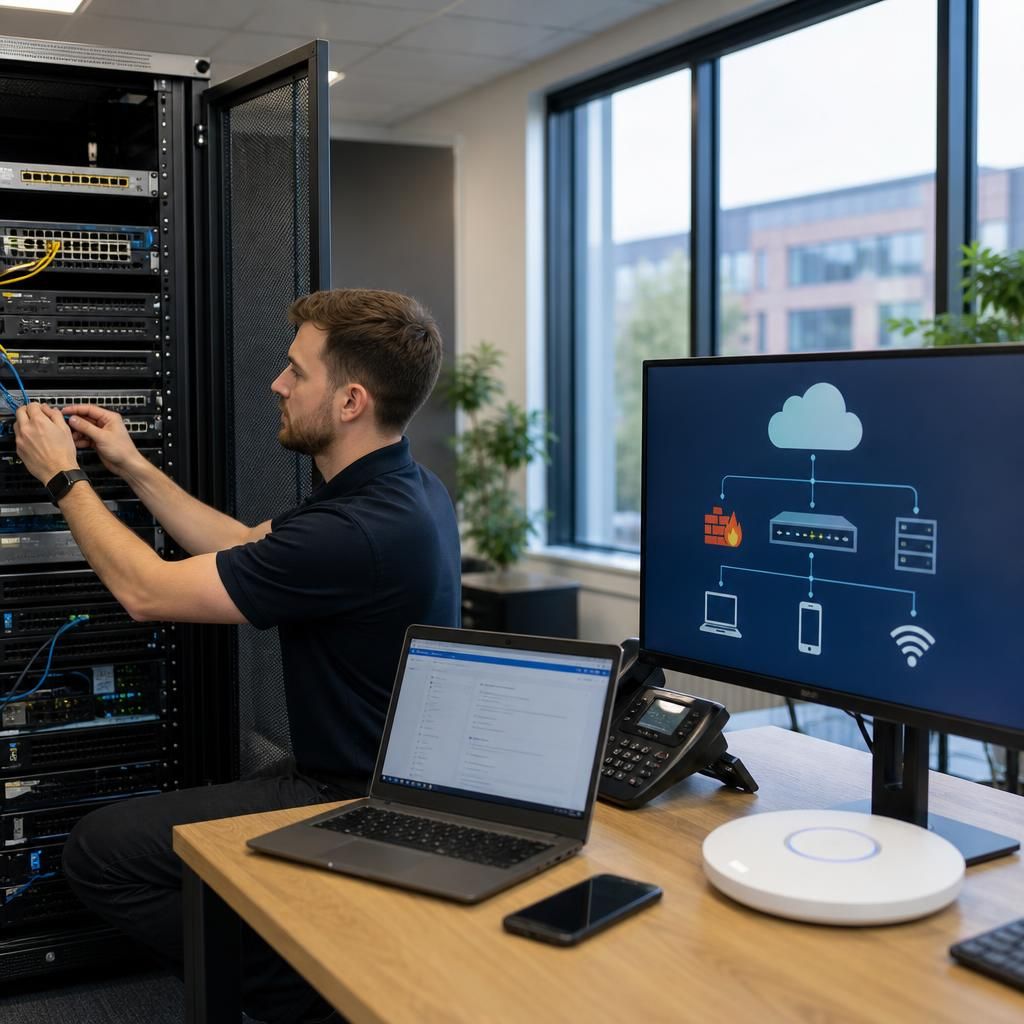
The first step is to map the environment. This includes identifying local servers, network switches, wireless access points, firewalls, printers, line-of-business applications and internet connections, then documenting the cloud services used by the organisation. The resulting view should show dependencies such as:
- which users and devices require access to cloud applications;
- which systems still depend on a local server or internal database;
- which applications exchange data between cloud and on-site systems;
- which services rely on DNS, DHCP, directory services or particular network routes; and
- what happens if the internet connection, a local device or a cloud service becomes unavailable.
This mapping prevents an organisation from treating cloud services as isolated subscriptions. A cloud application may still depend on accurate user accounts, suitable device configuration, reliable name resolution and properly controlled internet traffic. Conversely, a local application may need a secure method of reaching cloud storage, identity services or hosted email.
Identity is usually the central link between the two environments. Cloud IT support manages user accounts, authentication methods, permissions and access policies so that people can use the services required for their role without receiving unnecessary access to local systems or cloud data. Where local and cloud identities are connected, account changes must be controlled carefully. A user leaving the organisation, changing role or losing a device should not retain access through an overlooked account or cached session.
Access policies can also consider the condition of a device, the sensitivity of the application and the type of connection being used. Multi-factor authentication, least-privilege permissions and separate administrator accounts reduce the risk associated with compromised credentials. These controls apply across the boundary between the office network and cloud platforms rather than being managed as two unrelated security tasks.
Network design determines how traffic passes between the environments. Some cloud services are accessed directly over the internet, while others may require a private connection, site-to-site VPN or tightly controlled application route. The appropriate arrangement depends on the service, the sensitivity of the data, the number of locations and the requirements of any local systems.
Firewalls and routers need rules that permit legitimate communication without exposing internal services unnecessarily. Support should review outbound and inbound rules, remote administration paths, wireless segmentation and the separation of guest, staff, server and device traffic. If cloud services are used for voice, collaboration or business applications, traffic management may also be needed to reduce the effect of local congestion on user experience.
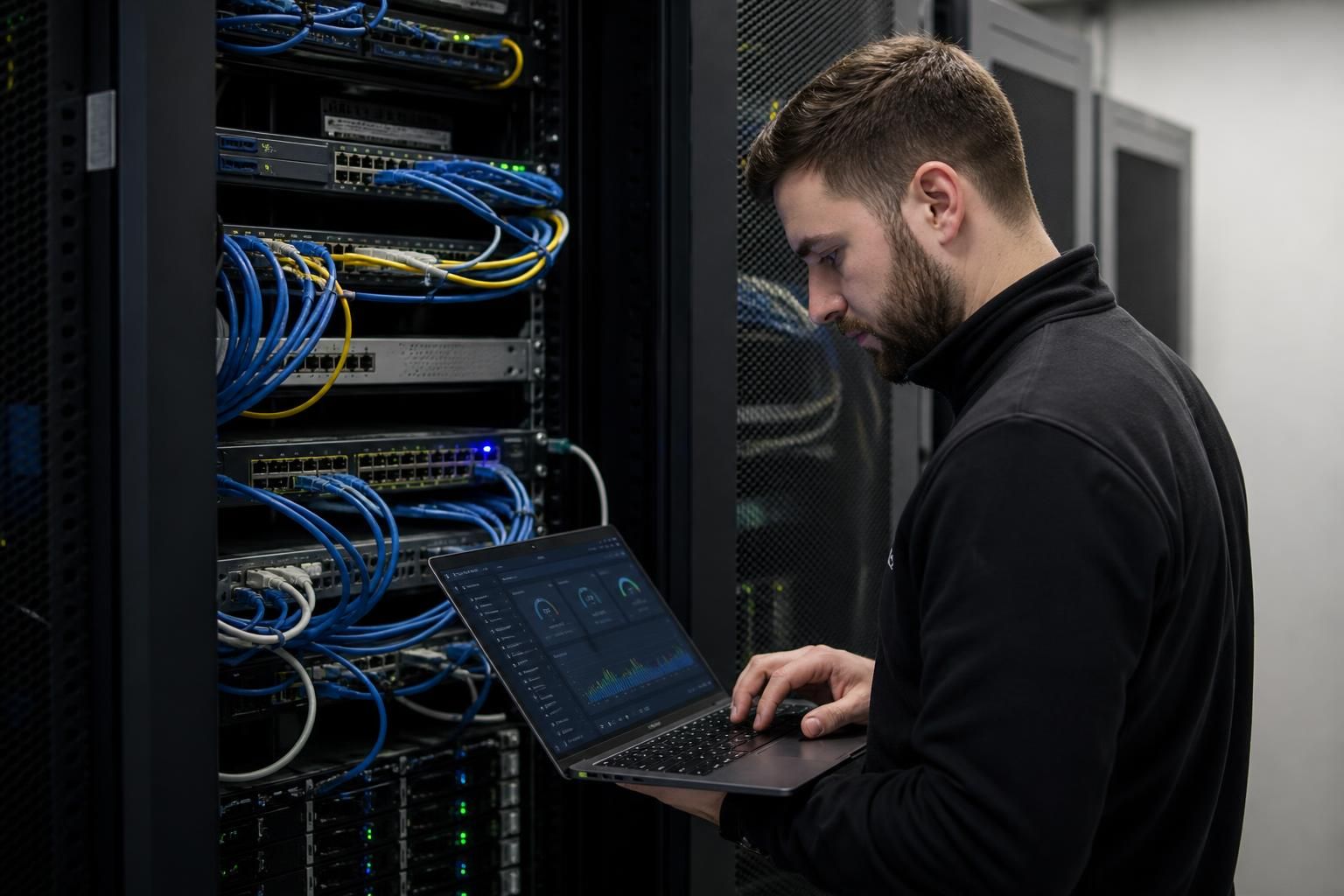
On-site infrastructure remains important even when more services move to the cloud. Local switching, wireless coverage, power, cabling, storage and internet connectivity still affect access to cloud applications. A failure in any of these areas can prevent users from reaching systems that are hosted elsewhere. Cloud IT support therefore includes checking the condition and configuration of local equipment, not just administering the online service.
It should also account for services that cannot be moved immediately. Older applications, specialist equipment and systems with local processing requirements may need to remain on site. In these cases, support can focus on isolating the system, restricting who can reach it, controlling its connections and documenting how it interacts with newer cloud services. This reduces the risk that a legacy dependency becomes an unmanaged route into the wider environment.
Monitoring needs to cover both sides of the connection. Useful monitoring may include cloud service status, sign-in activity, unusual authentication events, firewall logs, internet performance, server health, storage capacity and network-device alerts. These signals should be considered together. For example, repeated cloud sign-in failures may be caused by an account issue, a time synchronisation problem, a firewall rule or an internet-routing fault.
Support processes should define how faults are investigated. A structured sequence normally starts by confirming the scope of the issue, checking whether it affects one user or multiple users, and separating local network faults from cloud-service or account faults. Engineers can then test connectivity, authentication, application access and permissions in turn. Accurate diagrams, asset records and configuration backups make this investigation more consistent and reduce the risk of changing the wrong component.
Security and continuity must be planned across the whole arrangement. Cloud data still requires appropriate permissions, retention settings and backup considerations. Local servers and network devices require their own backup and recovery arrangements, including protected copies of important configurations. Recovery planning should identify which services are essential, which dependencies must be restored first, and how users will operate if a particular connection or system is unavailable.
Changes should be assessed before implementation. Moving an application, altering a firewall rule, changing identity settings or replacing a local server can affect services on the other side of the environment. A suitable change process records the reason for the change, the systems affected, the testing required and the method for reversing it if the result is not as expected.
For a small or medium-sized organisation without a full in-house IT team, an IT support provider such as S2 Technology Group can coordinate these responsibilities as one service. The practical value is not simply administering cloud accounts or maintaining physical equipment separately; it is keeping the relationship between them documented, secure and suitable for the organisation’s applications and working practices.
Cloud IT support works with an on-site network by defining which organisation is responsible for each part of the service chain. This prevents faults being passed between a cloud provider, connectivity supplier and internal IT team without a clear route to resolution.
A responsibility matrix should identify ownership for the cloud platform, user accounts, local servers, firewalls, wireless equipment, internet circuits, application settings and data protection controls. It should also record the dependencies between them. For example, a cloud application may be managed by one provider while user authentication depends on a local directory and access depends on the organisation’s firewall and internet connection.
When a problem occurs, support can then gather the right evidence and direct it to the appropriate party. A failed application login may require checks of the user account and authentication policy, while widespread loss of access may require examination of the local network or connection. Documented ownership, escalation routes and service dependencies make the hybrid environment easier to manage without treating cloud and on-site systems as separate responsibilities.
Discuss your cloud and on-site network requirements
Discuss your cloud and on-site network requirements with S2 Technology Group to identify suitable support, security and connectivity arrangements for your organisation. Contact the team to explore how your existing infrastructure can support your cloud services.