
Can an IT helpdesk support new employee onboarding?
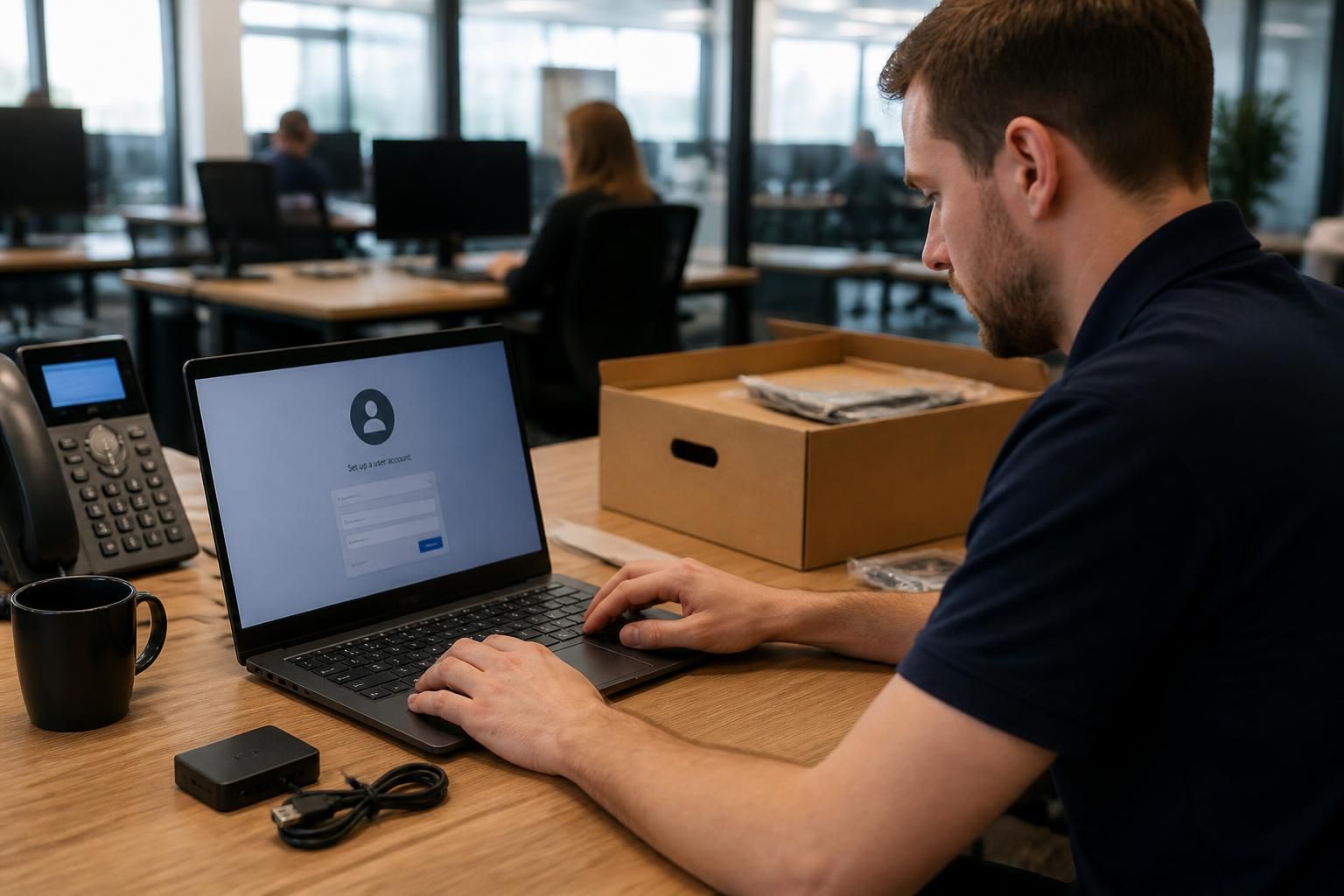
Yes. An IT helpdesk can support new employee onboarding by preparing devices, setting up user accounts and permissions, configuring secure access, and resolving technical issues as the employee starts work.
Yes. An IT helpdesk can provide structured onboarding support by coordinating the technical tasks, approvals and checks needed for a new starter to work securely and productively. Its role is not limited to fixing faults on the first day. It can help the business plan the onboarding process, confirm requirements with the relevant manager, record actions and verify that the new starter has the correct technology for their role.
Planning should begin with an onboarding request. The request should include the employee’s name, job title, manager, start date, working location, employment type and any specific systems they need. It should also identify whether the employee is replacing someone, joining a particular team or requiring access to specialist applications. This information allows the helpdesk to work from an agreed checklist rather than handling each task informally.
A well-designed checklist typically covers:
- the equipment required for the role and who is responsible for approving it;
- the applications, shared resources and collaboration tools the employee needs;
- the access level appropriate to the employee’s duties;
- any security controls or training that must be completed before access is granted;
- the person who will confirm that the setup is complete.
Security should be built into onboarding rather than added afterwards. The helpdesk can apply the organisation’s access rules, use role-based permissions and ensure that requests are approved by an appropriate manager or system owner. It can also check that security requirements such as multi-factor authentication, device encryption, endpoint protection and software updates are in place. Giving a new starter broad access for convenience can create unnecessary risk, particularly if the employee handles confidential client, financial or operational information.
Device preparation involves more than handing over a laptop or desktop computer. The equipment should be recorded against the correct user, configured according to the organisation’s standards and checked for essential updates and security settings. Business applications, printers, collaboration tools and other role-specific software should be tested before handover where practical. Asset records also make it easier to identify who is responsible for equipment and to maintain an accurate technology inventory.
The helpdesk can coordinate the different people involved in the process. Human resources may provide the employee’s details, a line manager may approve access, a software owner may authorise a licence and the helpdesk may complete the technical work. Keeping these actions within a ticket or service record creates an audit trail and reduces the chance of an important dependency being missed. It also gives the business a clear way to distinguish between requested, approved, completed and outstanding tasks.
On the employee’s first day, the helpdesk can provide practical assistance with sign-in, authentication, email, collaboration tools, printing and other common points of friction. For remote or hybrid workers, checks may include secure connection methods, access to cloud services and the ability to reach the resources required for the role. Clear instructions for reporting problems are useful, especially where the new starter is unfamiliar with the organisation’s support process.
Onboarding support can continue after the initial setup. A short review with the employee or manager can identify missing applications, incorrect permissions, equipment issues or access that is no longer required. Any unresolved item should remain recorded until the responsible person confirms that it has been addressed. This prevents the process being treated as complete simply because the employee received their equipment.
An IT helpdesk will not usually replace every part of the wider onboarding process. The business still needs to manage employment records, induction, role training and approvals. The helpdesk’s contribution is to manage the technology-related work and make dependencies visible. Before introducing or reviewing an onboarding process, a business should agree who submits requests, how much notice is needed for preparation, which access requires approval and who confirms completion.
For small and medium-sized organisations without a full in-house IT team, this structured approach can make onboarding more consistent. It supports secure access from the outset, reduces avoidable setup errors and gives managers a documented process for bringing new employees into the organisation’s technology environment.

An IT helpdesk can make onboarding safer by separating a new employee’s access requirements from those of the person who previously held the role. Copying an existing user’s permissions may grant access to confidential files, systems or administrative functions that the new employee does not need.
Instead, the helpdesk can use the role’s approved access profile as the starting point and compare it with the employee’s actual responsibilities. Any exceptions should be documented and approved by the relevant manager or system owner. This approach helps ensure that the new account reflects the job rather than inheriting unnecessary access from another user.
- Remove permissions that relate to the previous employee’s responsibilities.
- Check shared mailbox, file storage and application access separately.
- Record temporary access with an owner and review date.
- Confirm that privileged functions are restricted to authorised staff.
This is particularly important when a new starter joins a team with shared systems or handles sensitive business information. The helpdesk can record the approved access profile within the onboarding request, giving the organisation a repeatable basis for future starters and a clearer record for security reviews.