

How secure is a cloud server for a small business?
A cloud server can be highly secure for a small business when it is correctly configured, regularly updated and protected with strong access controls, encryption, monitoring and tested backups. Security remains a shared responsibility: the provider secures the underlying infrastructure, while your business must manage user access, software settings, data and day-to-day security practices.
A cloud server can provide a strong security foundation for a small business, but its security depends on the design and management of the complete environment. The cloud provider protects the physical data centre, hardware and core platform; your business remains responsible for how the server is configured, who can use it, which applications run on it and how security incidents are handled.
Cloud hosting does not remove the risks associated with business IT. Common weaknesses include publicly exposed administration ports, reused passwords, excessive user permissions, unsupported applications, poorly secured integrations and compromised user devices. A server may be hosted in a highly controlled facility yet still be vulnerable if an administrator account is taken over or an application contains an exploitable flaw.
Security should therefore be considered in layers:
- Provider layer: physical access controls, data-centre security, hardware resilience and protection of the underlying cloud platform.
- Server layer: operating system hardening, removal of unnecessary services, secure configuration and vulnerability management.
- Application layer: secure software settings, controlled interfaces and appropriate handling of business data.
- Identity layer: verified users, limited privileges and separate administration arrangements.
- Business layer: documented procedures, staff awareness and a defined response when something goes wrong.
Identity management is one of the most important areas for a small business. Each person should have an individual account rather than sharing administrator credentials. Administrative access should be restricted to people who need it, with separate standard and privileged accounts where practical. Multi-factor authentication adds a further verification step, while a regular review of permissions helps remove access when someone changes role or leaves the organisation.
Administrative services should not be left openly available to the internet without a clear reason and appropriate protection. A better design may restrict access through a private connection, a virtual private network or an allowlist of approved sources. Network separation can also limit the effect of a breach by preventing one compromised system from reaching every server, application or data store.
The operating system and business applications need a defined maintenance process. This includes identifying supported versions, assessing security advisories, applying updates according to risk and checking that changes have not weakened the server’s configuration. Unused accounts, ports, applications and services should be removed or disabled. Vulnerability scanning and configuration reviews can identify weaknesses that are not obvious during routine administration.
Security also depends on the devices and accounts used to reach the server. A well-configured cloud environment can still be accessed by an attacker through a stolen password, an infected laptop or an unprotected remote session. Business devices should therefore have appropriate endpoint protection, current software, screen-lock policies and controlled access to administrative tools. Staff should know how to report suspicious messages, unexpected login prompts or unusual system behaviour.
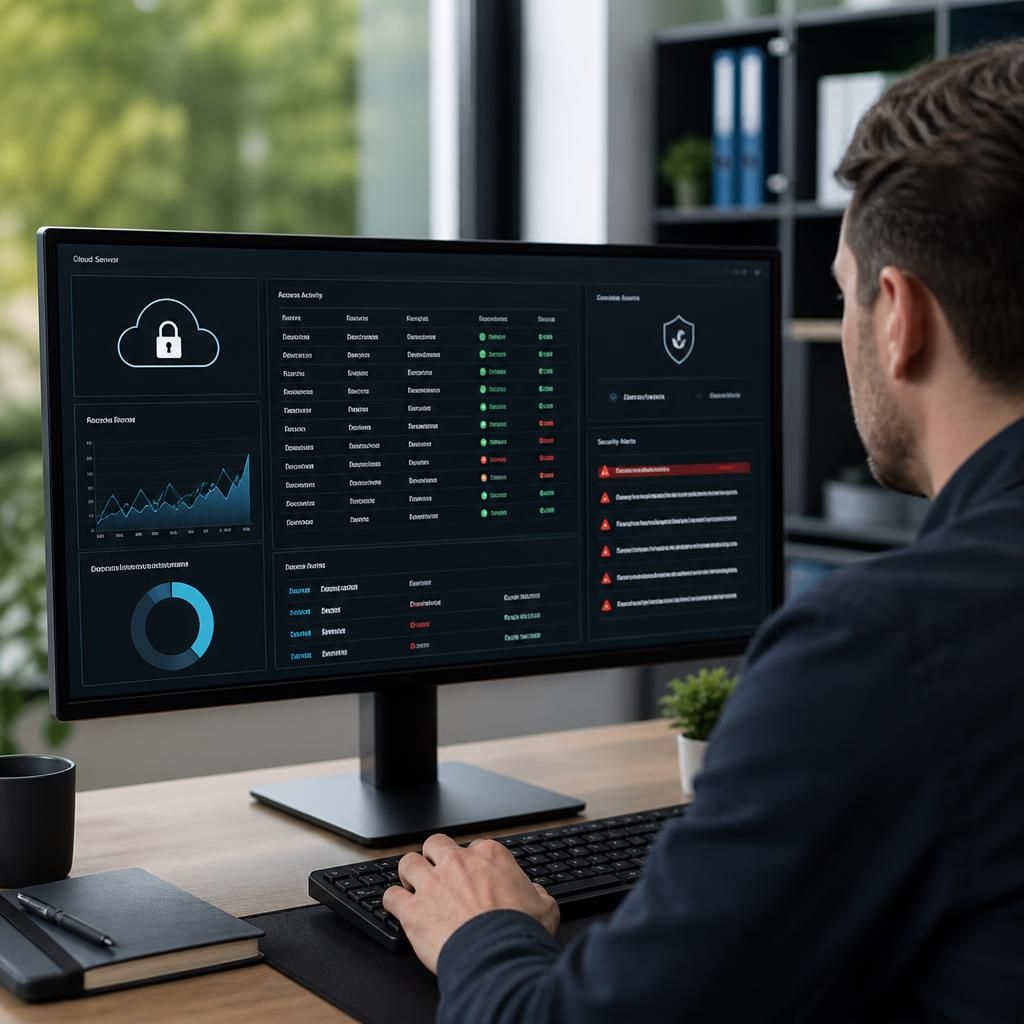
Logging is useful only when someone knows which events matter and what action to take. Important events can include privileged logins, failed access attempts, changes to firewall rules, new accounts, alterations to security settings and unusual data activity. Logs should be protected from unauthorised alteration and retained for a period that supports investigation and the business’s regulatory obligations. Alerts should have a named owner and a documented escalation process, rather than being collected without review.
A small business should also have an incident response plan that explains how to isolate an affected account or server, preserve relevant evidence, contact the appropriate technical provider and assess whether personal or commercially sensitive data was involved. The plan should identify decision-makers and include practical scenarios such as a compromised administrator account, ransomware affecting a server or an application vulnerability requiring urgent action. Reviewing the plan periodically helps expose gaps before a real incident occurs.
Before selecting a cloud server arrangement, ask the provider:
- Which parts of the environment does the provider secure, and which parts must the customer manage?
- How are privileged accounts controlled and recorded?
- What options exist for restricting administrative access?
- How are vulnerabilities and unsupported software identified?
- What security logs are available, and who is responsible for reviewing them?
- How are incidents reported, investigated and communicated?
- Can the configuration and security controls be reviewed independently?
Security requirements should reflect the information and applications hosted on the server. A system holding financial records, client information or operational data may require stricter permissions, additional segregation and more formal evidence of control than a non-critical internal tool. Data protection duties may also depend on the type of information processed and the organisation’s contracts or sector requirements.
For a small business without a full in-house IT team, the practical challenge is maintaining these controls consistently as users, applications and business processes change. S2 Technology Group can help organisations around Stourbridge, Kinver, Wordsley, Kingswinford, Kidderminster, Halesowen, Dudley and neighbouring areas assess cloud security arrangements, manage the supporting IT environment and plan improvements based on their operational requirements.
Encryption protects cloud-server data by making it unreadable without the relevant key. Encryption in transit helps protect information while it moves between users, offices, applications and the server. Encryption at rest protects stored data if the underlying storage or a backup medium is accessed without authorisation.
For a small business, it is important to establish which data is encrypted, when encryption applies and who controls the keys. Provider-managed keys may simplify administration, while customer-controlled keys can provide greater control but require careful protection and recovery procedures. Encryption does not replace access controls: an authorised account can still view or alter data, so permissions and identity checks remain essential.