How should cyber security services secure remote access for business users?
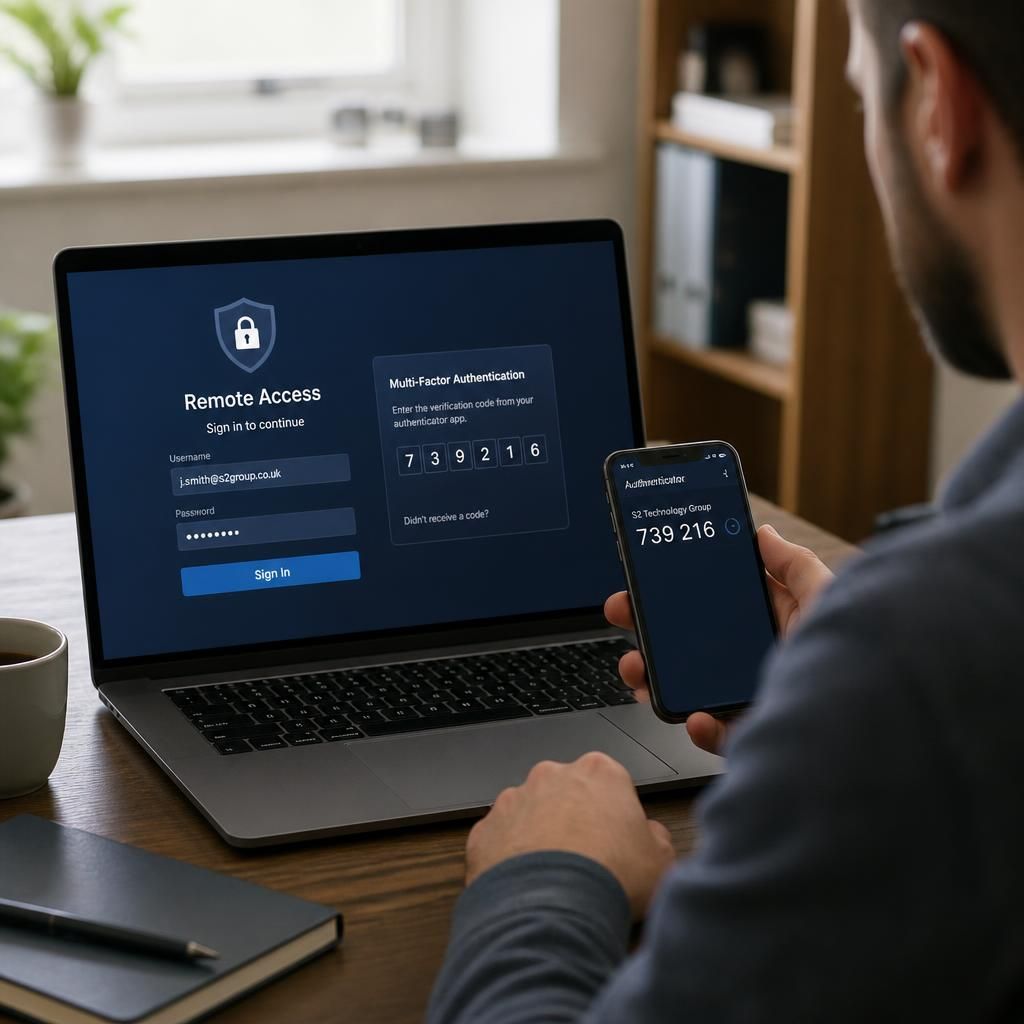
Cyber security services secure remote access by combining strong multi-factor authentication, encrypted connections, least-privilege permissions and managed device controls. They should also monitor access activity, apply security updates and review user and device permissions regularly to reduce the risk of compromised credentials or unsafe endpoints.
Cyber security services secure remote access by controlling how users, devices and applications connect to business systems, rather than treating a remote connection as a trusted extension of the office network. A sound approach combines an appropriate access architecture with clear policies, separated systems, protected data and tested procedures for suspected misuse.
The first step is to define which people need remote access, what they need to reach and from which types of location. A finance user may require access to a finance application, while a field worker may only need cloud-based documents or a service portal. Access should therefore be granted to specific applications and services wherever practical, instead of exposing an entire internal network through a single remote connection. This limits the potential impact if an account or endpoint is compromised.
Businesses should choose the access method according to the system involved. Application-level access, secure remote desktops and network-based connections each have different security and operational implications. Remote desktop services require particular care because they can provide a direct route into internal systems. They should be isolated from other network segments, restricted to authorised users and configured to prevent unnecessary administrative access. Any internet-facing remote access service should also be hardened, kept under review and removed when it is no longer required.
Remote access policies need to cover more than login requirements. They should explain:
- which systems may be accessed remotely;
- which locations and connection types are acceptable;
- how business data may be downloaded, copied or stored;
- whether personal devices may be used and what conditions apply;
- how users must report a lost device, suspicious prompt or unexpected sign-in; and
- when a remote session must be ended or access withdrawn.
Personal devices and unmanaged endpoints present additional risks because the business may not control their operating system, applications, storage or security configuration. Where bring-your-own-device access is permitted, controls should separate business information from personal content and prevent sensitive files being stored in unsuitable locations. For higher-risk systems, access may need to be limited to devices that meet defined security requirements, or provided through a controlled remote workspace rather than directly from the personal device.
Network design is also important. Remote users should not be placed on the same unrestricted network path as servers, backup systems and administrative tools. Segmentation can restrict movement between systems and make it harder for an attacker to use one compromised connection to reach unrelated resources. Administrative access should use a separate route and account arrangement from ordinary user access, with additional safeguards for changes to servers, firewalls and security settings.
Session controls reduce exposure after a user has finished working or leaves a device unattended. Suitable measures can include automatic locking, session expiry, restrictions on concurrent sessions and blocking access from unusual connection patterns where the business has the capability to assess them. These controls should be balanced against operational needs, particularly for staff working with systems that support long-running tasks.
Remote access security also depends on how information is handled after it reaches the user. Organisations should consider whether printing, clipboard transfer, local downloads, screen capture and removable storage are appropriate for each application. Sensitive information may be better viewed within a controlled session than copied to a home computer. Data classification helps determine which restrictions are necessary without applying the same rules to every type of document.
Cyber security services should connect remote access controls to wider incident response arrangements. The business needs a defined method for disabling a compromised account, isolating an affected endpoint, ending active sessions and preserving relevant records for investigation. Staff should know how to report suspected compromise, and technical teams should understand which remote access components must be checked when an incident occurs.
Regular testing should examine both technical configuration and real user behaviour. Useful exercises include checking whether former users can still connect, attempting access to systems outside a person’s role, reviewing remote desktop exposure, testing the response to a lost device and confirming that unusual access can be investigated. Findings should be recorded, assigned to an owner and used to improve the remote access design.
A managed IT and cyber security provider can support this process by documenting the access model, hardening remote services, helping define device and application requirements, and providing structured reviews. The objective is not to prevent legitimate remote working, but to ensure that every connection has a clear business purpose, an appropriate level of trust and a controlled route to the information required.
Remote access security also depends on the network and physical environment from which a user connects. A correctly protected business account can still be exposed if someone works through an unsecured home router, a shared computer or an untrusted public connection.
- Protect home Wi-Fi with a strong, unique administrator password and current router firmware.
- Avoid accessing sensitive systems from shared or public computers, where passwords, sessions or downloaded files may remain accessible.
- Use a trusted network or approved mobile connection when public Wi-Fi cannot be avoided.
- Keep work devices out of sight when handling confidential information in shared or public places, and use a privacy screen where appropriate.
- Do not allow other household members to use a business device or account.
These measures should be included in remote working guidance and reinforced through practical user training. Cyber security services can help assess whether the guidance matches the systems being accessed, the sensitivity of the information and the environments in which staff work.