How does onsite IT support protect confidential information during a site visit?
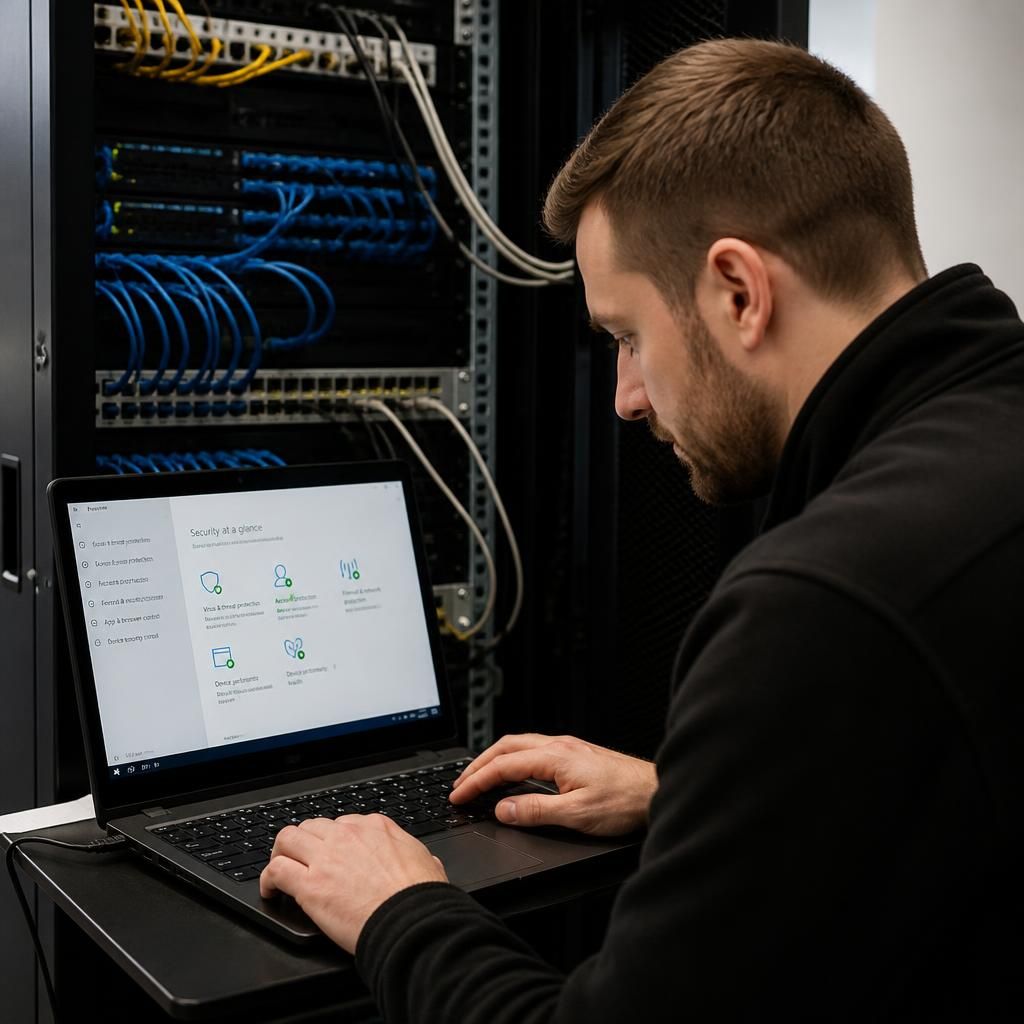
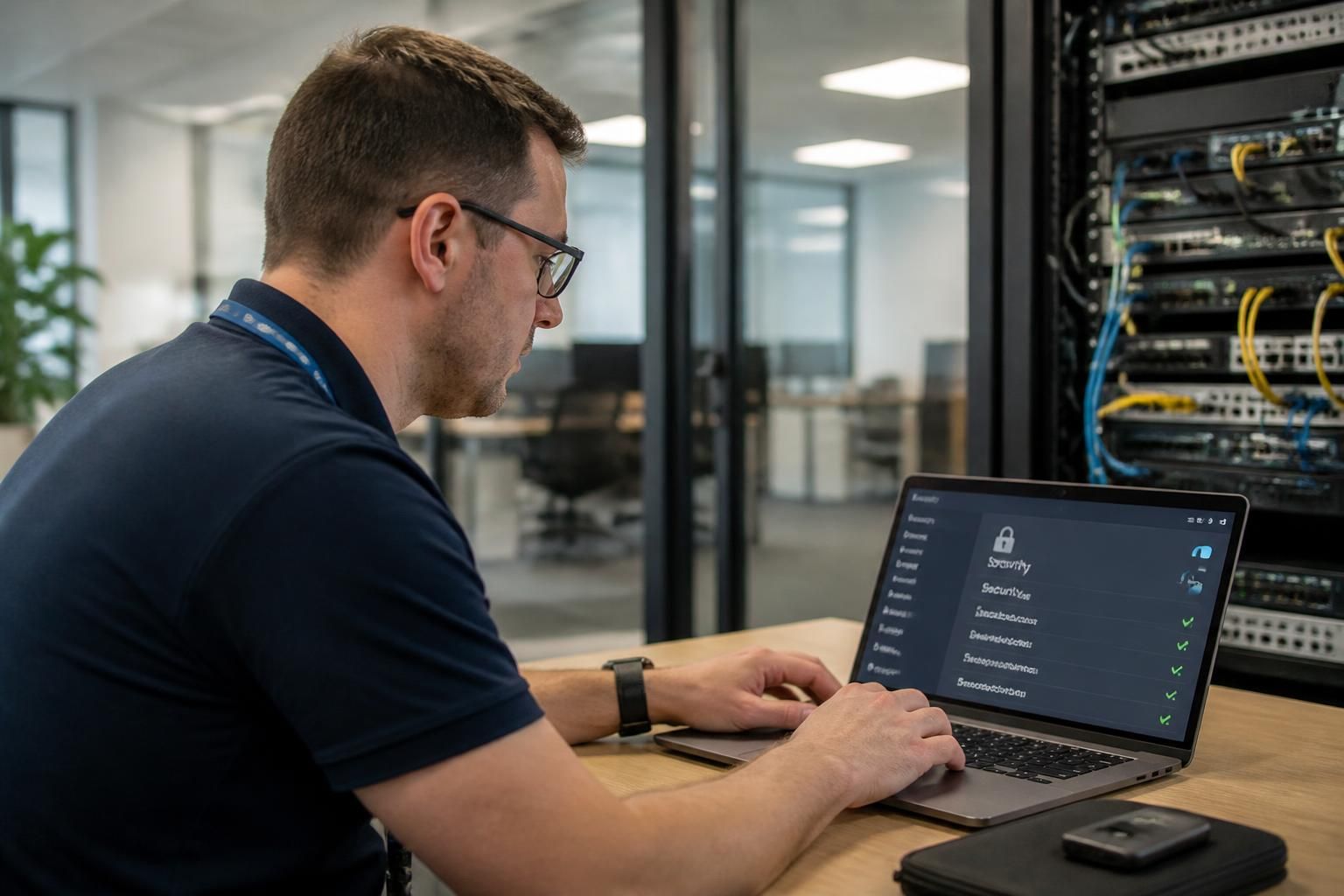
Onsite IT support protects confidential information by using controlled access, least-privilege permissions and secure handling procedures while working on business systems and devices. Technicians should verify authorisation, avoid viewing or copying unnecessary data, protect credentials and document any access or changes made during the visit.
Onsite IT support protects confidential information through a combination of physical safeguards, technical controls and a clearly defined visit process. The aim is to ensure that a technician can diagnose or repair an issue without exposing documents, communications, personal data or commercially sensitive information to unnecessary risk.
Protection begins before the technician arrives. The organisation should define the purpose and boundaries of the visit, identify which systems or devices may need attention, and nominate an internal contact to oversee the work. This prevents an open-ended investigation in which unrelated systems or information are accessed. Where a visit involves sensitive environments, the business may also set requirements for visitor identification, escorted access, confidentiality obligations and areas that are out of scope.
A suitable onsite process should also take account of the physical surroundings. Technicians may work near printed reports, whiteboards, customer files, meeting-room displays or unlocked devices that contain confidential information. Staff should clear or secure exposed material where practical, while the technician should avoid handling unrelated paperwork, photographing the workplace or positioning equipment where screens can be viewed by unauthorised people.
Secure working practices reduce accidental exposure. A technician should use approved tools and business equipment wherever possible rather than introducing unverified software or removable media. Any diagnostic files, configuration exports or temporary copies created during the work should be limited to what is necessary, stored securely and removed in line with the organisation’s retention requirements. Personal USB drives, unmanaged cloud storage and informal file transfers create avoidable risks because they can leave business information outside the organisation’s control.
Network design provides another layer of protection. Separating user devices, servers, guest access and sensitive operational systems can restrict the effect of a mistake or compromised device. For example, troubleshooting a workstation should not automatically provide a pathway to finance records, production systems or other unrelated parts of the network. Firewalls, endpoint protection, secure remote administration tools and network monitoring can help identify unusual activity while onsite work is taking place.
Confidential information can also be exposed through screens and conversations rather than through deliberate file access. A technician should avoid discussing sensitive findings where visitors or unauthorised colleagues can overhear them, and should take care when displaying logs, usernames, email subjects or file paths on a shared monitor. If a screen recording or photograph is genuinely required to explain a fault, the business should establish how it will be stored and deleted afterwards.
Changes should be controlled and reversible. Before altering a configuration, replacing a component or resetting a service, the technician should establish the current state and consider whether the action could affect data, access controls or audit records. Backups, recovery information and rollback steps are particularly important when work touches storage, identity systems or business-critical applications. This is not only an availability concern: an unsuccessful change can force emergency access or recovery work that increases the risk of confidential data being mishandled.
After the visit, the business should verify that temporary accounts, diagnostic utilities, test files and connection methods are no longer present unless they have been formally approved. Equipment, cables and removable media should be checked before the technician leaves, and any data-bearing item removed from the premises should follow the organisation’s asset and disposal process. Where a device has been repaired or replaced, confirming encryption, security software, patching and screen-lock settings helps prevent later exposure.
A useful post-visit record should capture the systems affected, the work completed, relevant evidence, outstanding risks and any follow-up actions. If information may have been viewed, copied or disclosed unexpectedly, the event should be reported through the organisation’s incident process rather than treated as an ordinary technical note. Prompt escalation allows the business to assess whether credentials, devices, accounts or affected individuals require further protective action.
For small and medium-sized organisations without a full in-house IT team, these safeguards turn an onsite visit into a controlled operational activity rather than an informal repair task. S2 Technology Group can help businesses establish practical arrangements for secure infrastructure management, device support and cyber security, with controls suited to their systems and working environment.
A practical way to protect confidential information during an onsite visit is to separate technical testing from live business content. Where possible, the technician should reproduce a fault using a test account, sample file or sanitised copy rather than opening customer records, financial documents or private correspondence.
If the problem can only be investigated within live data, access should be limited to the specific item or system involved and carried out with an authorised employee present. The technician can then explain what evidence is required without receiving broader access than the fault demands. This approach creates a clear boundary between diagnosing the technology and viewing the information held on it.
- Use test accounts with the minimum permissions needed for the investigation.
- Redact names, addresses, reference numbers and message content from screenshots or diagnostic examples.
- Require a business representative to approve any access to particularly sensitive records.
- Record the reason for any unavoidable access to live information.