What support is included with cloud IT services?
Cloud IT services typically include ongoing management of cloud systems, user support, security controls, data protection, maintenance and advice on adapting the environment as the business changes. The exact scope depends on the service agreement, but S2 Technology Group can support secure cloud access, remote working, infrastructure management and integration with wider IT systems.
Support included with cloud IT services is usually a combination of day-to-day administration, user assistance, monitoring, account control and technical advice. The precise scope depends on the agreement, but a well-defined service should explain which cloud platforms are covered, what tasks the provider performs, what users can request and which responsibilities remain with the business or the cloud platform provider.
Typical inclusions include:
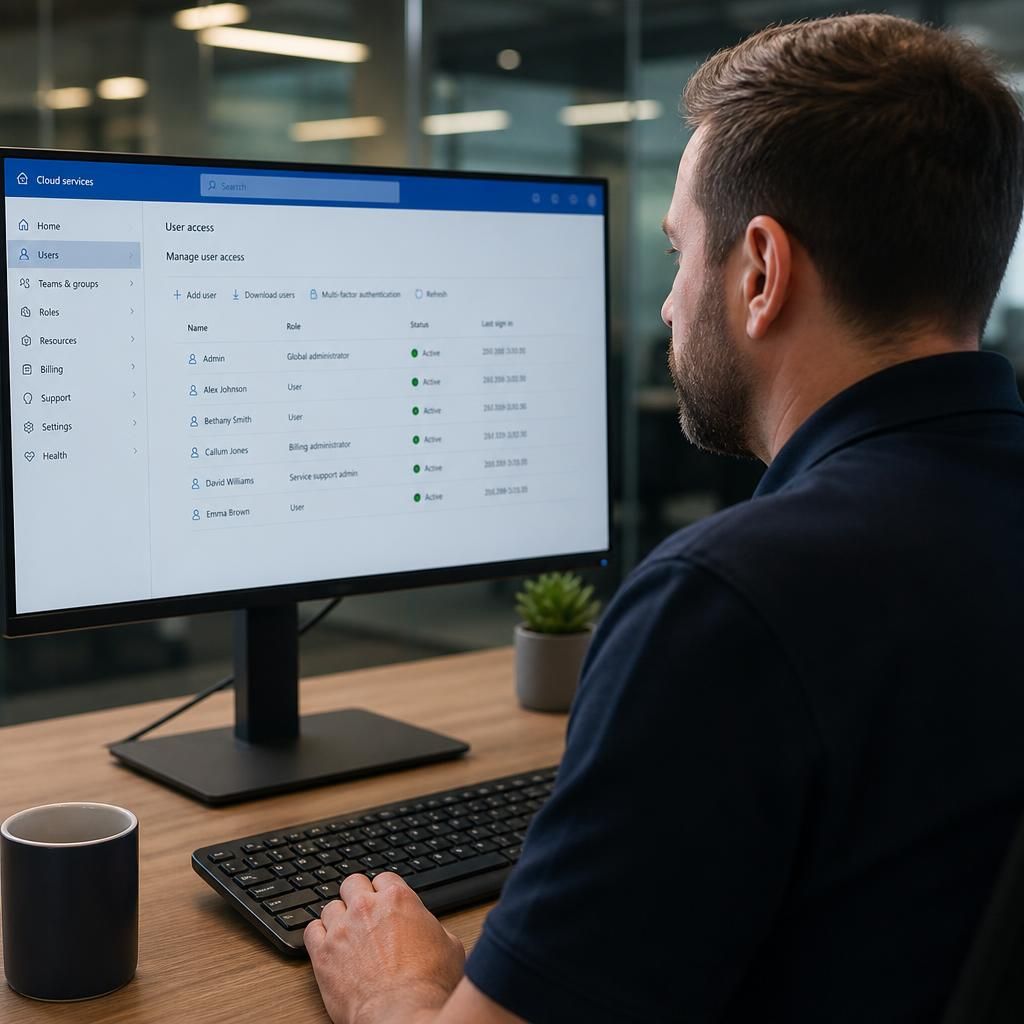
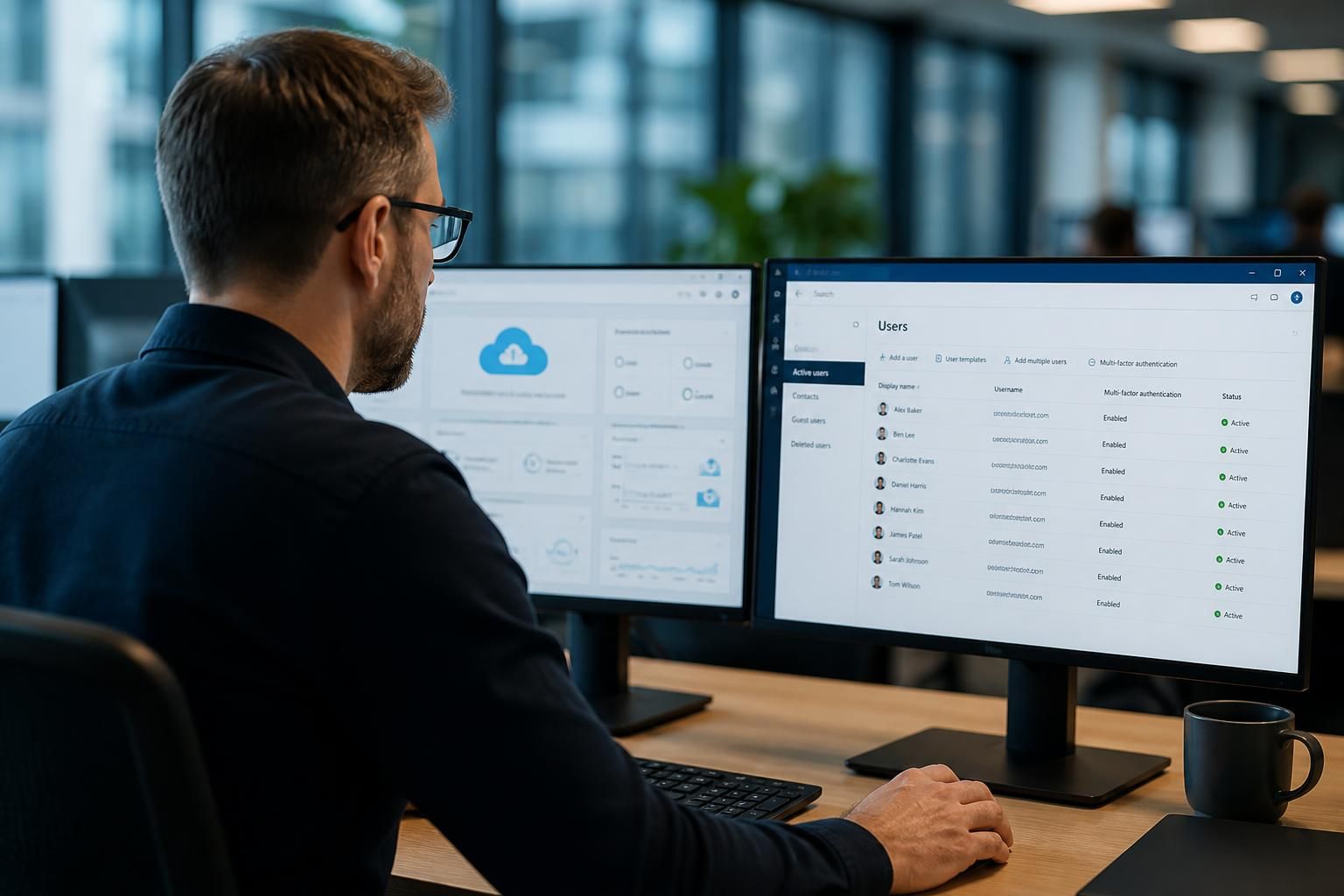
- User and account administration: creating, changing and removing user accounts; assigning licences; managing group membership; and applying access permissions according to each person’s role. This also covers joiner, mover and leaver processes, so access is adjusted when someone changes job or leaves the organisation.
- Service desk assistance: help with sign-in problems, access requests, configuration issues and common faults affecting cloud applications. Support may also cover diagnosing whether a problem comes from the user’s device, the internet connection, the cloud service or an interaction between systems.
- Configuration management: maintaining agreed settings, policies and standard configurations across the cloud environment. Keeping a record of important changes makes it easier to investigate faults and identify the cause of an unexpected change.
- Monitoring and alert review: checking relevant service notifications, capacity indicators, system events and administrative alerts. Monitoring is useful only when alerts are assessed and followed up, so the agreement should state what is monitored and what action is taken when an issue is identified.
- Updates and technical maintenance: applying or coordinating suitable updates, reviewing configuration changes and removing obsolete settings where appropriate. The cloud provider may manage the underlying platform, while the managed IT provider looks after the organisation’s tenant, policies, accounts and connected systems.
- Access and identity reviews: checking that permissions remain appropriate as the business changes. This can include reviewing privileged accounts, identifying unused accounts and confirming that sensitive information is available only to suitable users.
- Backup and recovery administration: checking that agreed backup arrangements are operating, reviewing retention settings and helping test the recovery process. A cloud service is not automatically the same as a complete backup strategy; responsibility for recoverable copies and restoration procedures should be documented clearly.
- Incident and problem management: recording faults, investigating recurring issues and coordinating corrective work. Incident management addresses a current disruption, whereas problem management looks for the underlying cause so that the same issue is less likely to return.
- Change coordination: assessing planned changes before they are made, considering their effect on users and connected systems, and recording the outcome. This is particularly important where cloud services support finance, production, customer records or several business locations.
- Supplier and platform liaison: communicating with the relevant cloud provider or software supplier when an issue cannot be resolved through normal administration. The support arrangement should clarify who owns the case, who provides updates and what information the business must supply.
- Documentation and reporting: maintaining records of the cloud environment, key dependencies, administrative ownership and agreed procedures. Periodic reports may summarise account changes, incidents, security events, backup checks or recommended improvements.
Cloud support can also include onboarding and training guidance. This might involve preparing accounts for new starters, explaining safe ways to share files, documenting approved working practices and helping managers understand which controls they can administer themselves. The aim is not necessarily to remove all responsibility from the business, but to make responsibilities clear and reduce inconsistent administration.
Some activities are commonly excluded unless they are specifically purchased. Examples include redesigning a business application, recovering data outside the agreed retention period, supporting personally owned equipment, resolving faults in an unrelated third-party service or carrying out major migration work. Project work may therefore be charged or managed separately from recurring support.
Before choosing a cloud IT support agreement, a small business should check:
- which cloud services, applications, users and locations are included;
- which support requests are covered and how they should be submitted;
- who approves new accounts, permissions and major changes;
- how backups, restoration tests and retention are handled;
- what monitoring and reporting are provided;
- which tasks belong to the cloud platform provider, the IT support provider and the business;
- how project work, additional users and services outside the agreed scope are treated.
S2 Technology Group can help businesses define and manage this type of cloud support as part of a wider managed IT arrangement. The most useful comparison is not simply the number of services listed, but whether the agreement gives the business clear ownership, documented processes and appropriate technical oversight as its cloud environment develops.
Cloud support commonly follows a defined process for handling user requests. A typical case is logged with details of the affected account, application, device and business impact, then assessed to establish whether the cause is an access setting, configuration issue, connectivity problem or fault within the cloud service. This helps prevent time being lost investigating the wrong part of the environment.
Once the cause is understood, the support provider can apply an authorised correction, guide the user through a safe change or refer the issue to the relevant platform supplier. The final action should be recorded, including any settings changed and further work recommended. For a small business, this creates a useful technical record and helps identify repeated issues that may require a wider improvement rather than another individual fix.