Can managed backup recover individual files without restoring an entire system?
Yes. Managed backup can usually restore individual files or folders from a suitable recovery point, avoiding the need to rebuild the entire system; the time required depends on the backup platform, data volume and recovery point selected.
The key capability is granular recovery: selecting a specific file, folder or set of files from a backup repository and returning it to its original location or an alternative destination. This is different from a full-system recovery, which reconstructs an operating system, applications, settings and data after major failure.
A typical individual-file recovery involves:
- Identifying the required file, folder and approximate recovery date.
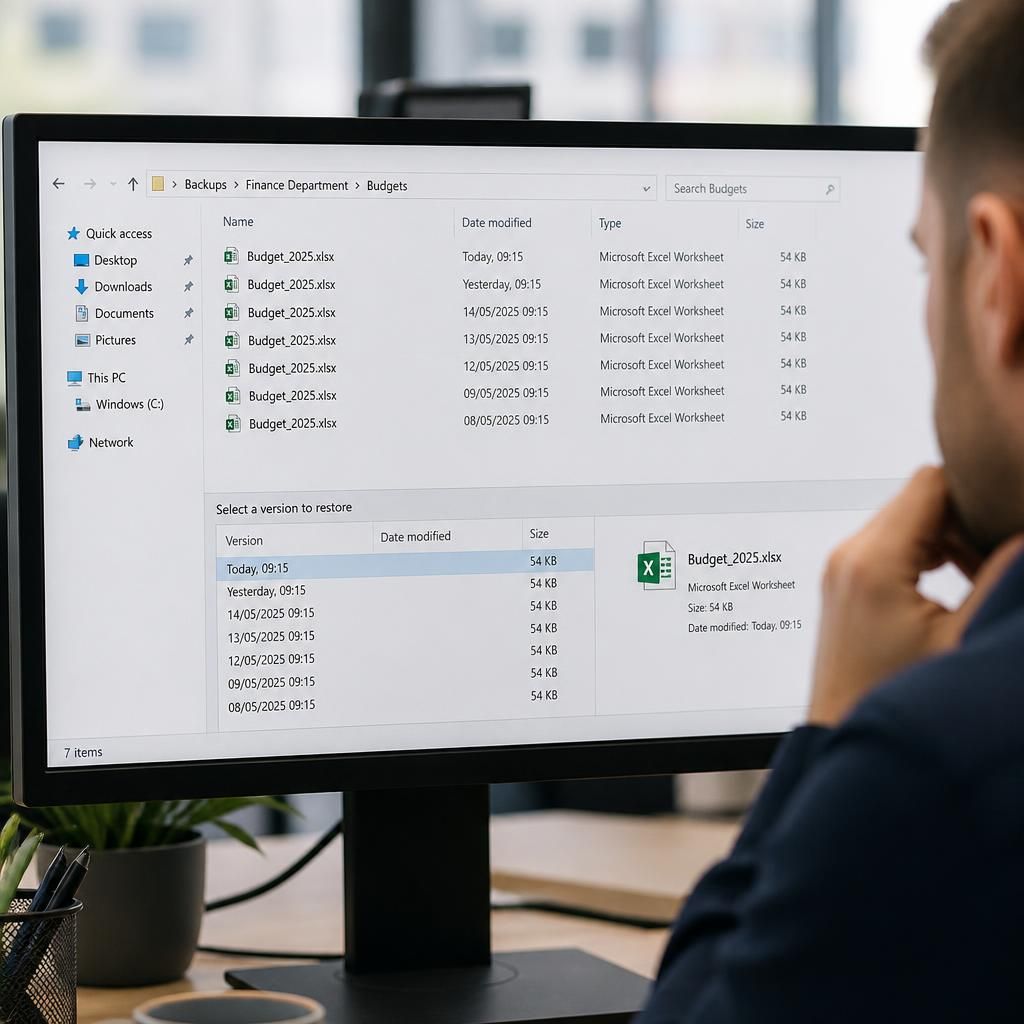
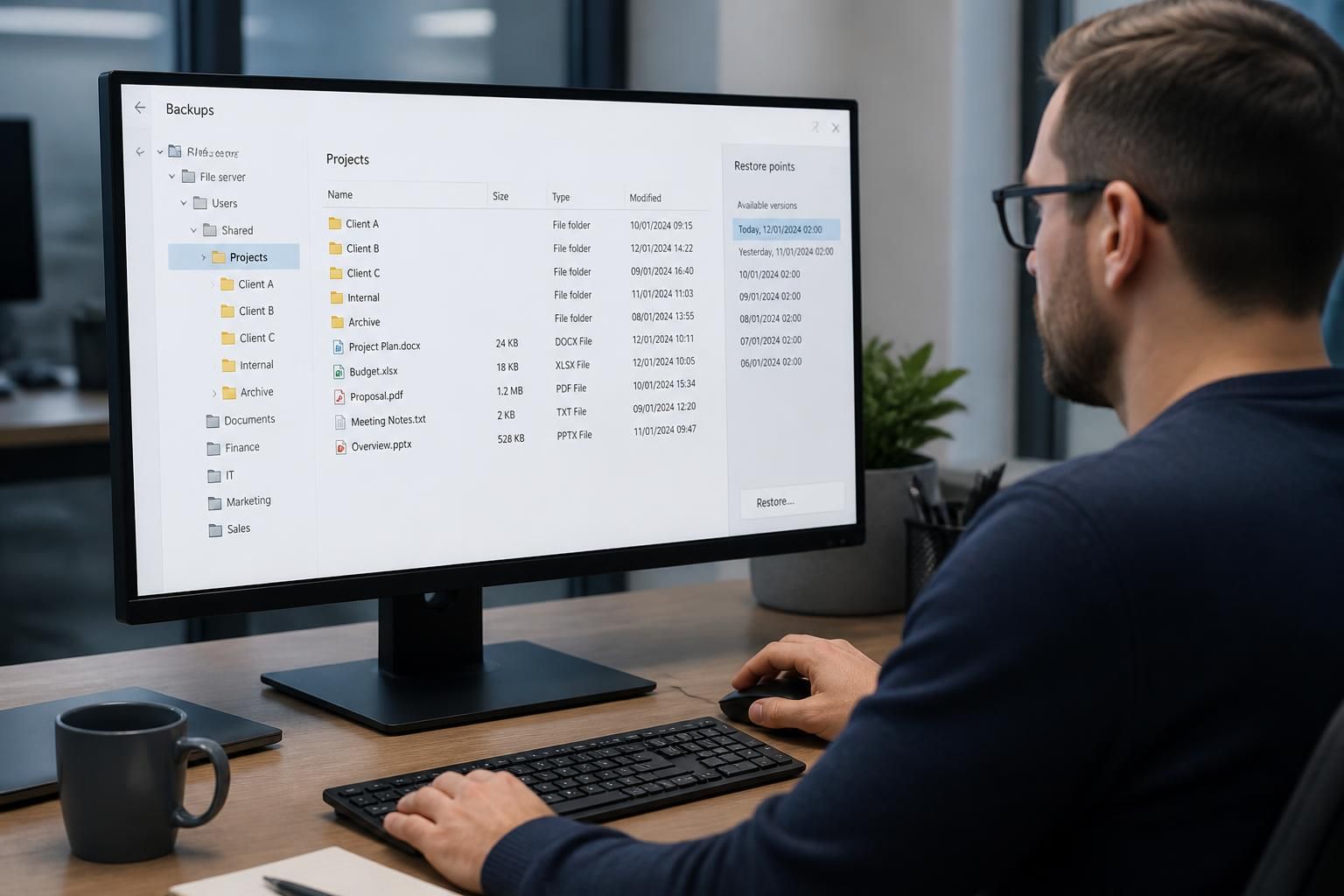
- Searching available restore points or backup versions.
- Previewing or selecting the relevant item without recovering unrelated data.
- Choosing whether to overwrite the original, restore to another location or provide the recovered copy securely.
- Checking that the file opens correctly and that its permissions and ownership are appropriate.
Several versions may be available, which is useful when a file was deleted, overwritten or changed before the problem was noticed. The most recent copy is not always the correct one; the suitable version may be the last known-good copy before accidental editing, corruption or unauthorised changes.
Recovery results depend on how the backup system captures data. File-based backups generally provide straightforward folder and file selection. Image-based or virtual-machine backups may require the backup to be mounted or browsed before individual items can be extracted. Some application data is also stored in databases or proprietary formats, so recovering a single document may not restore the complete application state. In those circumstances, application-aware recovery or a separate export may be needed.
Permissions require particular care in business environments. Restoring a file with the wrong owner or access controls can prevent its intended users from opening it, or expose sensitive information to people who should not see it. A managed process should therefore consider the destination, original permissions, inherited permissions and the identity of the person requesting the recovery.
Individual-file recovery does not remove the need for broader backup planning. If an entire device is lost, malware has affected system components, or a server cannot boot, a file-level restore alone may not be sufficient. The appropriate recovery method depends on the failure: granular restoration for isolated data loss, system or image recovery for infrastructure failure, and application-specific procedures where business data depends on a database or service.
After recovery, the restored item should be checked for completeness, readability and suitability for use. Records of the request, selected recovery point, destination and outcome can also support internal controls and help identify recurring causes of data loss. Managed backup services commonly combine these recovery procedures with monitoring, access controls and recovery testing so that the organisation understands what can be restored and how the process works before an incident occurs.
Individual-file recovery depends on the required version still being held in the backup repository. A file created or changed after the last successful backup may not appear in the available restore points, while a deleted file may remain recoverable if an earlier copy falls within the configured retention period.
This makes backup frequency and retention important when assessing whether a specific file can be recovered. The relevant question is not only whether the system is backed up, but whether it captured the file at a suitable point in time and kept that version for long enough. Managed backup reviews can compare these settings with the organisation’s data-loss risks and retention requirements, helping to identify gaps before a restore is needed.