How does small business IT support manage new starter onboarding?
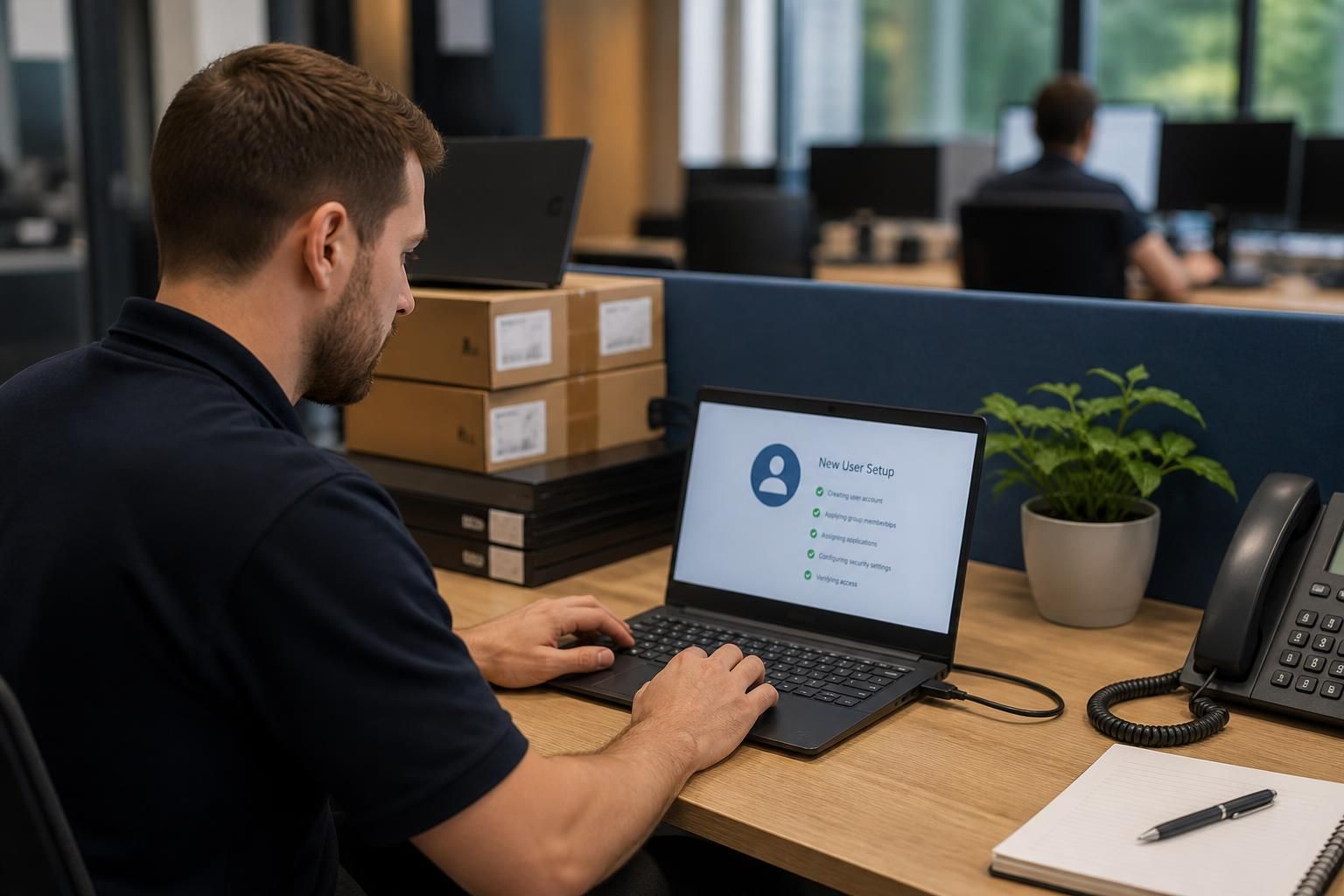
Small business IT support manages new starter onboarding by preparing the required device, user account, applications and role-based permissions before the employee begins. It can also apply security controls, provide access instructions and verify that systems work correctly, giving the new starter an organised and appropriately protected setup from day one.
Small business IT support manages new starter onboarding through a documented workflow that connects the employment request with technology, security and administrative checks. The process assigns responsibility for each task, confirms what the employee needs for their role and records what has been issued, approved and completed.
1. Start with an approved onboarding request
Onboarding should begin when the business submits a complete request, rather than when the employee arrives. The request normally includes the employee’s name, job title, start date, department, manager, working locations and any specific systems required. It should also identify whether the person is permanent, temporary, a contractor or a member of a particular project team, because these factors can affect the duration and scope of access.
IT support can use this information to apply an established onboarding profile. For example, a finance employee, field worker and office administrator may need different applications, shared resources and authentication arrangements. Using role-based profiles reduces ad hoc decisions and gives the business a consistent method for requesting technology.
2. Confirm approvals and responsibilities
A clear process separates the people who request access from those who approve it. The line manager confirms the employee’s business requirements, while an appropriate system owner or business lead approves access to sensitive applications and data. IT support then carries out the technical work within those decisions.
This distinction matters because IT support should not have to infer what a new employee is entitled to see. It also creates an audit trail showing who authorised access and why. Where an employee will handle confidential, financial or personal information, the onboarding record should identify any additional approval or training requirement before access is enabled.
3. Prepare the user record and identity controls
New starter onboarding commonly includes creating or updating the employee’s identity record, adding them to the correct groups and applying the organisation’s authentication rules. These controls should reflect the person’s role without granting broad access simply because it is convenient.
Where multi-factor authentication, password policies or device compliance checks are in use, the employee should be guided through the required setup. IT support may also confirm recovery details and ensure that authentication information is not shared informally. The aim is to give the employee a usable sign-in process while maintaining control over the business account.
4. Link onboarding with equipment and working arrangements
The onboarding record should show which equipment has been assigned, who is responsible for it and whether the employee is office-based, home-based, mobile or working across more than one site. This helps IT support apply the appropriate configuration and gives the business a record for future maintenance, replacement or return.
For remote or multi-site staff, the process may also need to cover secure connectivity, access to shared files, printing arrangements and support contacts. These requirements should be tested against the employee’s actual working pattern rather than assumed from their job title.
5. Check the employee’s first-use experience
Technical preparation is only one part of onboarding. The employee needs clear information about how to sign in, request help, report a suspected security incident and use business systems responsibly. Instructions should be written for the organisation’s own tools and policies, avoiding unnecessary technical detail.
A controlled handover can include a brief confirmation that:
- the employee can sign in using their assigned identity;
- required applications open correctly;
- the employee can reach the approved files, systems or services for their role;
- authentication and security requirements have been completed;
- the employee knows how to contact IT support; and
- assigned equipment and accessories have been recorded.
These checks are different from simply preparing an account. They confirm that the agreed setup is usable and that any issue has been identified before it disrupts the employee’s work.
6. Record completion and deal with exceptions
IT support should close the onboarding task only when the relevant actions are complete or an exception has been accepted by the responsible manager. Missing information, delayed equipment or an unavailable business application should be recorded rather than overlooked.
A useful record can include the request date, approving manager, role profile, assigned equipment, access granted, outstanding actions and completion confirmation. This documentation supports later reviews and makes it easier to investigate an access or equipment issue without reconstructing the original onboarding process.
7. Review the setup after the employee settles in
The initial request may not capture every legitimate requirement. A manager can review the employee’s setup after they have begun their role and confirm whether any access is unnecessary, missing or broader than intended. This is also an opportunity to remove temporary permissions that were provided for induction or a specific project.
For a small business, an IT support provider can combine these activities into a repeatable onboarding procedure, while keeping approval decisions with the relevant business managers. The result is a process that is easier to follow, more accountable and less dependent on individual knowledge when a new person joins the organisation.
Effective new starter onboarding separates preparation from activation. IT support can configure the device, applications and onboarding checklist in advance, while user access is enabled only when the start date and employment details have been confirmed. This reduces the risk of abandoned accounts or equipment being issued against outdated information.
The process should also include a change procedure for postponed start dates, altered job roles or cancelled appointments. The manager should notify IT support, who can amend the request, delay activation, reassign equipment and remove any temporary arrangements that are no longer needed. Keeping these changes within the original onboarding record preserves a clear history of what was planned and what was actually provided.