
How is remote monitoring integrated with IT support?
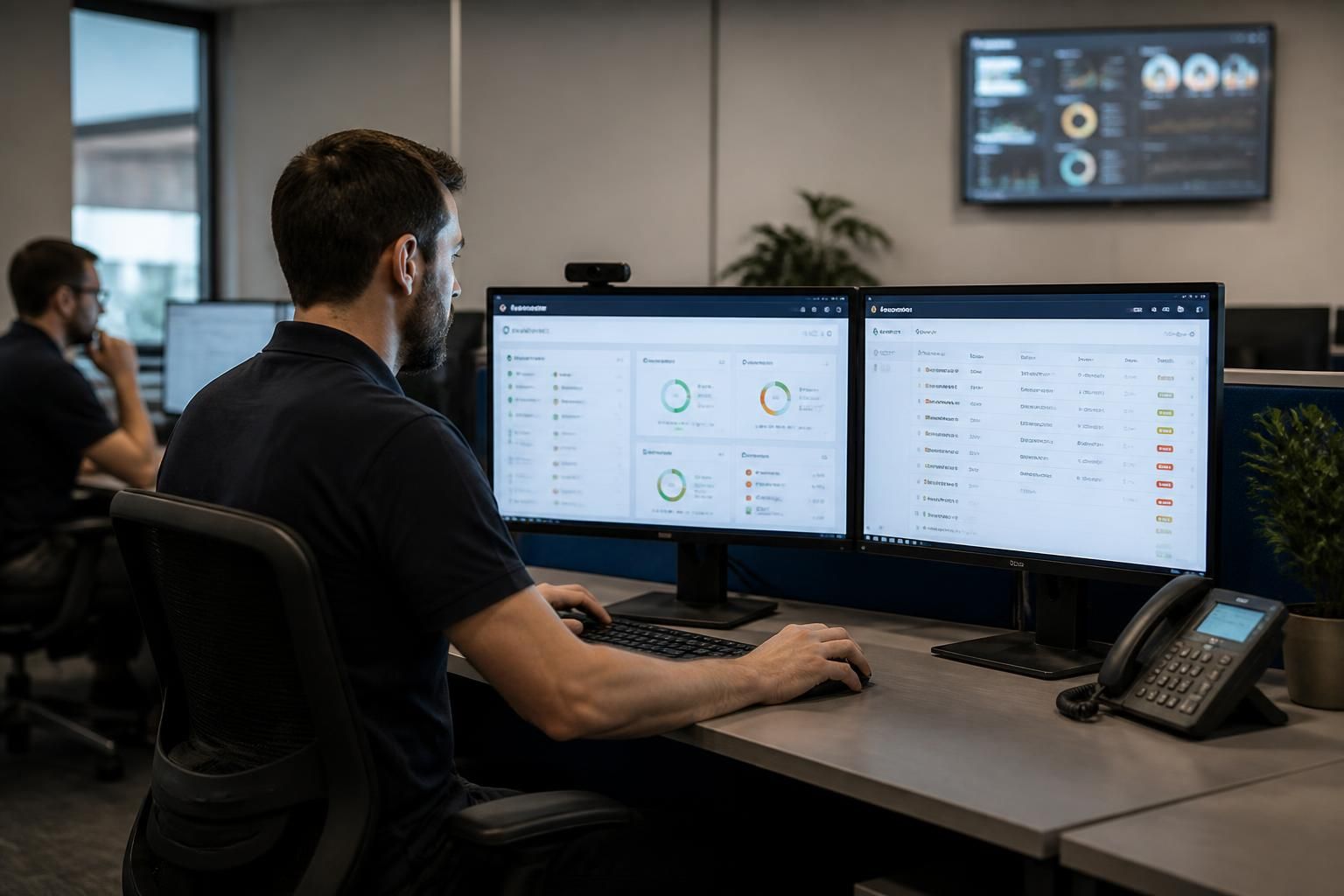
Remote monitoring integrates with managed IT support by collecting information from devices, servers, networks and other systems, then sending relevant alerts into the support process. IT specialists assess those alerts, distinguish genuine issues from normal activity and take appropriate action, such as investigating a fault, applying a fix or recommending further work.
Remote monitoring is integrated with IT support through a defined operational workflow: monitoring tools gather technical data, apply agreed rules, create or update support records, and provide technicians with the context needed to diagnose and manage issues. This makes monitoring part of the support function rather than a separate source of disconnected notifications.
Integration normally begins by identifying the assets and services that support the organisation’s work. These may include workstations, servers, network equipment, cloud-connected systems, backup processes and security controls. Each monitored item is assigned appropriate checks, such as service availability, storage capacity, system health, update status, backup completion or unusual configuration changes. The checks should reflect the importance of the system and the effect that a failure could have on the business.
The monitoring platform then applies policies to the information it collects. A policy defines what should be treated as normal, which conditions require investigation and which events should be recorded for trend analysis. For example, a brief rise in processor use may not need intervention, while sustained resource pressure, a failed backup or a disabled security control may warrant a support record. Separating these conditions helps the support team focus on events that require judgement.
When a rule is met, the resulting event can be connected to the service desk or IT service management process. The record should include the affected asset, time of detection, type of condition, relevant readings and any previous related activity. This gives the technician a starting point and creates an auditable history of the investigation. Where several alerts relate to the same underlying problem, they can be grouped or associated with one incident instead of generating multiple unrelated tasks.
- Detection: a monitored condition is identified against a configured policy.
- Classification: the event is assessed according to its technical and business significance.
- Investigation: the technician reviews current data, historical patterns, dependencies and recent changes.
- Resolution or escalation: an authorised corrective action is taken, or the issue is passed to the appropriate specialist.
- Closure and review: the outcome, actions and any follow-up recommendation are recorded.
Technicians use more than the alert itself when providing support. Historical monitoring data can show whether a condition is isolated, recurring or gradually worsening. Relationships between systems can also help establish whether an apparent device fault is actually connected to a network, authentication, storage or configuration issue. This reduces reliance on a single snapshot taken after a user reports a problem.
Remote actions may form part of the integrated process where they are authorised and appropriate. Examples include restarting a service, applying an approved configuration change, removing a known temporary fault or initiating a maintenance task. Actions should be controlled through permissions and documented in the support record. Changes that could affect users, data or business operations should follow the organisation’s change-management approach rather than being performed solely because an alert has appeared.
Monitoring also supports preventative IT support. Repeated warnings about storage, ageing software, capacity or device health can be converted into planned work instead of being handled as separate incidents. The support team can then recommend maintenance, replacement, configuration changes or infrastructure improvements based on observed evidence. This is particularly useful where a business is growing, adding locations or relying on systems that need to scale with demand.
Security monitoring follows the same broad integration model but usually requires additional controls. Events such as an unexpected change to a security setting, a failed protection service or unusual access pattern may need to be correlated with other information before action is taken. The support process should define who can investigate, what evidence must be preserved, when an event becomes a security incident and how decisions are documented.
Effective integration depends on clear ownership. The organisation and its IT provider should agree which systems are in scope, what each policy is intended to detect, who receives different categories of event and which actions require approval. They should also review the configuration as systems change. Poorly maintained policies can produce irrelevant records, overlook newly introduced assets or continue checking systems that no longer exist.
The result is a connected support process in which monitoring supplies operational evidence and IT support supplies interpretation, governance and action. Used in this way, remote monitoring helps support teams move from isolated fault handling towards a more structured approach to maintenance, investigation, security management and technology planning.
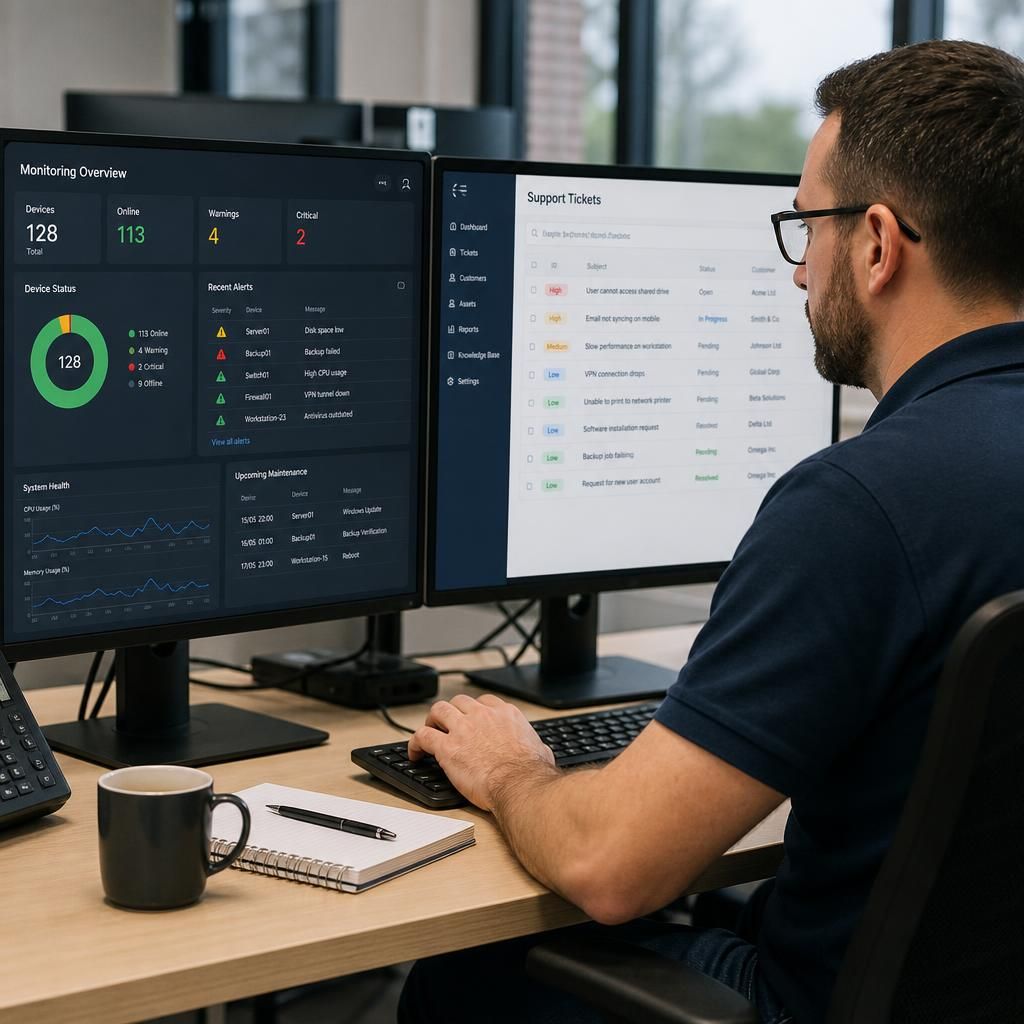
A practical integration point is the relationship between automated monitoring and user-reported support. Monitoring shows what systems are reporting, while a support request explains how a technical condition is affecting people and business processes. Both sources are needed to assess the issue accurately.
For example, a device may pass its health checks while a user is unable to access an application because of permissions, workflow changes or an account-specific problem. Conversely, monitoring may identify a developing infrastructure issue before users notice any symptoms. Combining technical telemetry with support records helps distinguish isolated user problems from wider service issues.
This combined view also improves the quality of support information. Technicians can document which users, services or processes are affected alongside the relevant monitoring evidence, creating a clearer basis for prioritisation, investigation and recommendations. Remote monitoring therefore strengthens IT support without replacing professional assessment or direct communication with the organisation.