
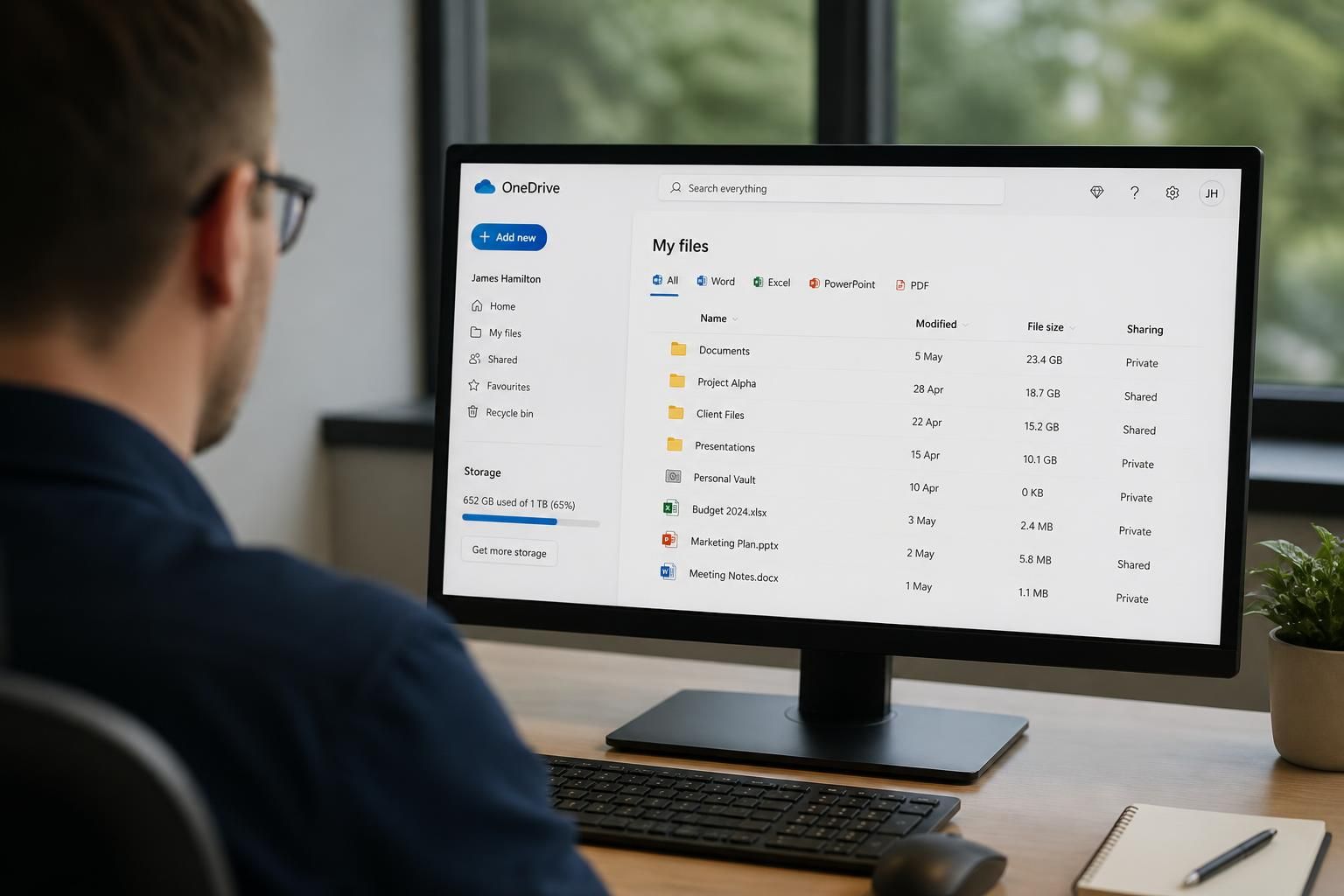
What is the OneDrive storage limit in Microsoft 365 Business Premium?
Microsoft 365 Business Premium includes 1 TB of OneDrive storage per licensed user. This is each user’s individual cloud storage allowance, separate from storage allocated to SharePoint sites.
The OneDrive limit in Microsoft 365 Business Premium applies to each licensed user’s work account and is managed as an individual quota. It is not a general-purpose company file store, so the available capacity of one user’s OneDrive cannot normally be treated as a shared pool for the whole organisation.
What counts towards the limit? Files and folders stored in the user’s OneDrive count towards the cloud quota, whether they were uploaded through a browser, saved through the OneDrive synchronisation client or created in an Office application. Files marked as online-only through Files On-Demand still occupy cloud storage; that setting reduces local device usage rather than the amount stored in Microsoft 365.
Deleted material can also affect available capacity until it is permanently removed from the relevant recycle bin. Version history and multiple copies of large files may increase storage consumption, particularly where documents are edited frequently or large design, media or engineering files are retained.
What happens when the quota is reached? OneDrive can become unable to accept new uploads or synchronise further changes. Users may see synchronisation warnings, and applications may be unable to save new content to the cloud until space is released. Existing files are not automatically moved into another user’s account, and deleting a local synchronised copy does not necessarily remove the cloud file in the way users expect.
Administrators should review storage usage before the limit becomes an operational issue. Useful checks include identifying unusually large files, removing obsolete content in line with the organisation’s retention requirements, reviewing recycle-bin contents and checking whether duplicated data belongs in a team document library instead.
Can the limit be increased? The available upgrade route depends on the organisation’s Microsoft licensing, user eligibility and current Microsoft terms. Options may include an eligible OneDrive storage add-on or a licence arrangement with a higher allowance. An administrator should confirm the available options in the Microsoft 365 admin centre rather than assuming that extra capacity is automatically included with Business Premium.
For business information that needs shared ownership, structured permissions, team collaboration or continuity when an employee leaves, SharePoint document libraries are usually more appropriate than an individual OneDrive account. OneDrive is best suited to a user’s working files, drafts and documents they manage personally, with sharing applied where appropriate. S2 Technology Group can help organisations review where information is stored, set suitable permissions and plan a storage approach that reflects how their teams work.
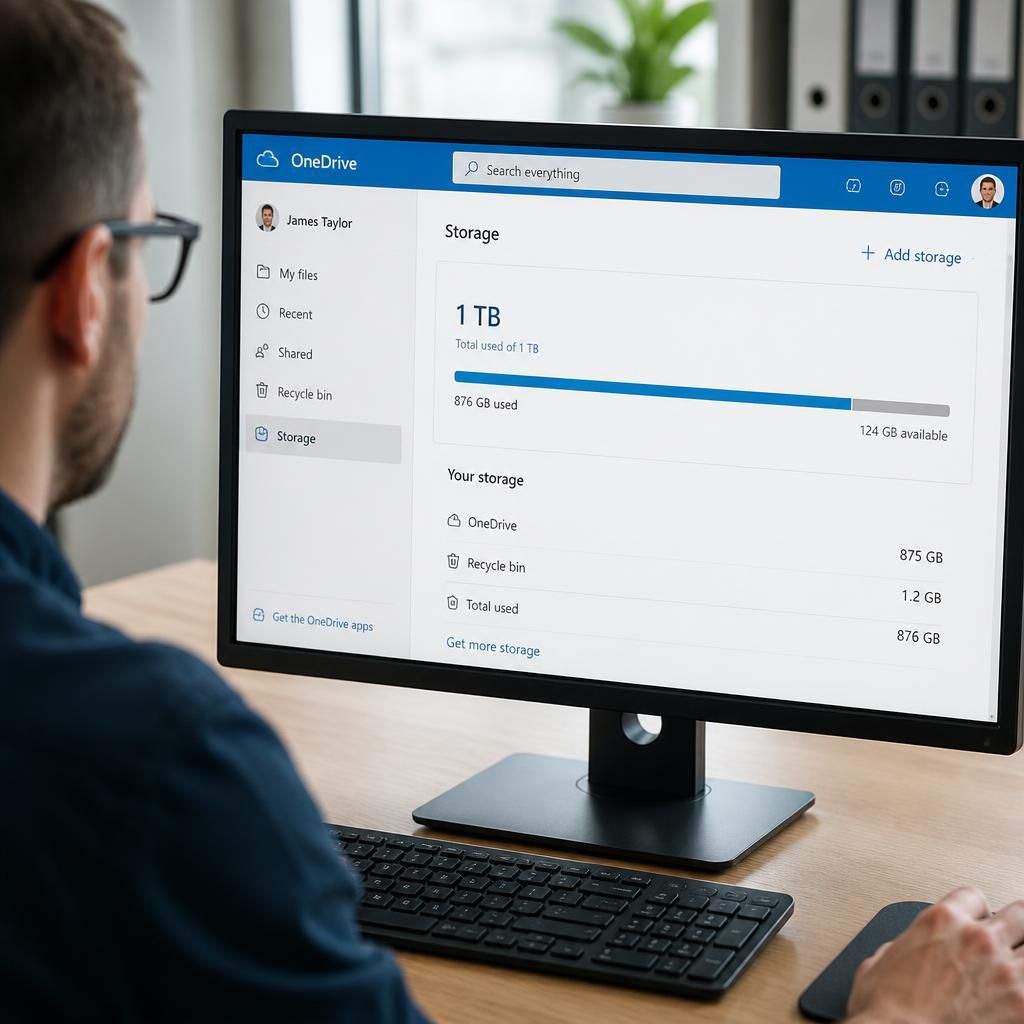
The OneDrive storage limit is tied to the user’s Microsoft 365 account rather than to a particular computer or synchronised folder. Changing devices, using the web version or accessing files through an Office application does not create additional OneDrive capacity. Storage planning should therefore be based on the cloud content assigned to each account, not on the size of users’ local hard drives.
Account changes also need to be considered. Removing a licence, disabling a user or deleting an account does not make its files suitable for informal transfer to another person’s OneDrive. Before making licensing or staffing changes, the organisation should identify content that needs to be retained, establish its appropriate owner and move shared business material into a controlled document library where necessary. This avoids treating an individual’s quota as a long-term archive for company records.