
How should onsite IT support handle retired business devices?
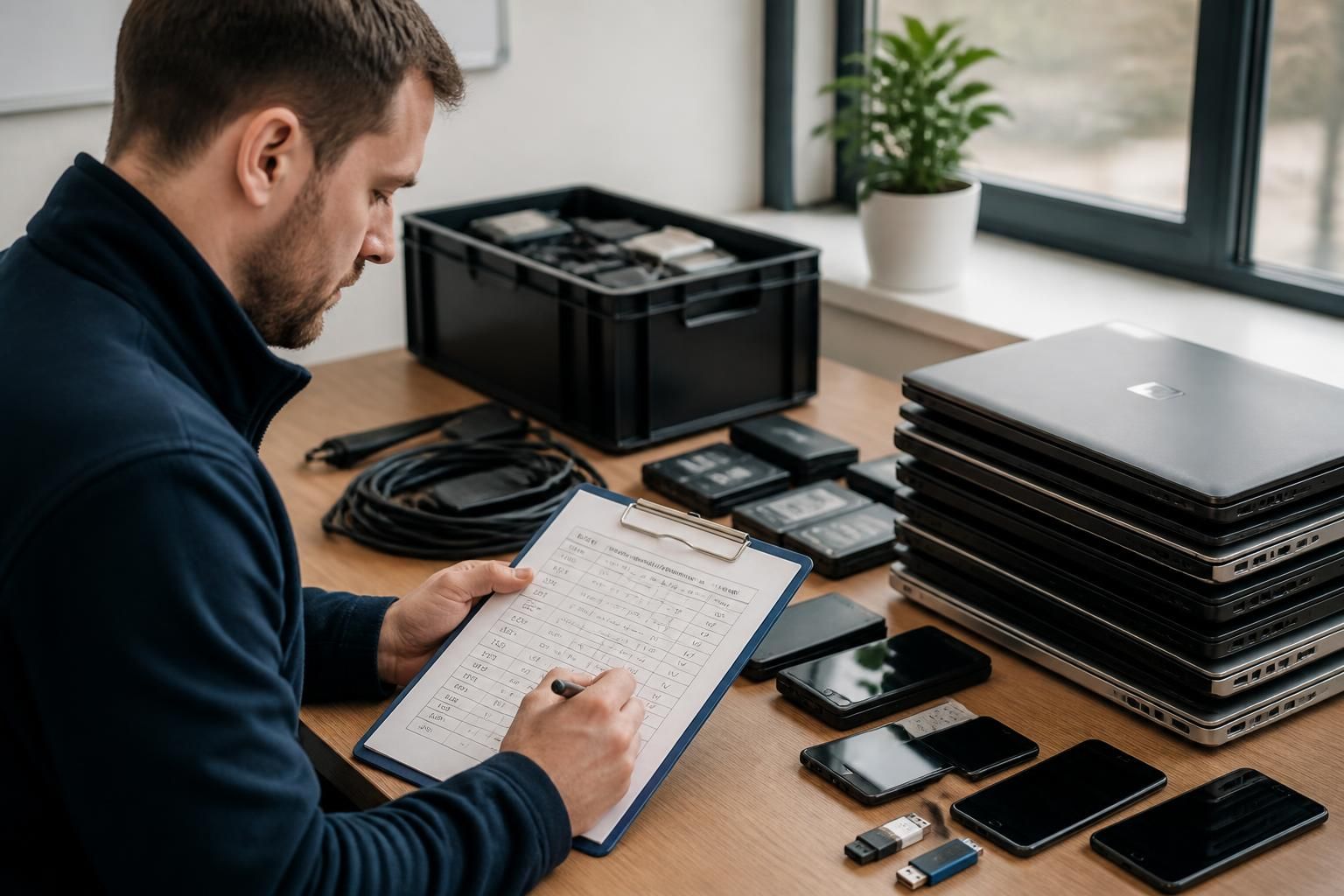
Onsite IT support should retire business devices through a documented process that identifies the equipment, preserves any required business data, securely erases storage and prevents unauthorised reuse. Devices can then be removed for approved recycling or disposal, with asset records updated and replacement equipment configured where needed.
Retired business devices should be managed as information-security assets until they have been formally released from the organisation’s control. The retirement decision should therefore cover the device’s data, accounts, software access, physical condition, ownership and final destination—not just whether the equipment is still switched on.
Start with a retirement decision. Not every unwanted device should be treated in the same way. A laptop that can be securely redeployed requires a different route from a failed hard drive, a damaged mobile phone or equipment that is no longer supported. The responsible person should record why the device is being retired and decide whether it will be:
- returned to a supplier, leasing company or finance provider;
- reassigned internally after preparation;
- held temporarily for investigation or legal, contractual or regulatory reasons;
- kept as a source of historical information; or
- sent to an approved waste or recycling provider.
This decision helps prevent equipment being discarded before a business has checked whether it contains information that must be retained.
Check ownership and obligations. Asset ownership may not be straightforward where devices are leased, financed, supplied under a service agreement or purchased for a particular project. Returning equipment through the wrong route can create contractual problems, while disposing of leased equipment may breach the agreement. The retirement record should therefore include ownership details, any return instructions and the person who authorised the decision.
Businesses should also consider their own retention policies and any relevant legal or contractual requirements before removing information. If a device may be relevant to an employment dispute, investigation, insurance claim or client requirement, it may need to be preserved rather than processed as ordinary redundant equipment. The appropriate decision depends on the organisation’s obligations and should be confirmed with the relevant legal, compliance or records-management adviser where necessary.
Separate business information from device functionality. A device can appear to be empty while still being linked to business services. Onsite IT support should check for locally stored documents, cached email, browser sessions, password managers, authentication applications, downloaded files, synchronisation folders and recovery partitions. It should also consider removable media, docking stations and attached storage that may have been used with the equipment.
Access can remain possible through the device even after files have been removed. For that reason, the retirement review should consider active user sessions, local administrator accounts, device-management enrolment, remote-access tools, certificates, encryption keys, wireless profiles and stored credentials. Relevant accounts, tokens and device registrations should be withdrawn through the systems that control them. This is particularly important for equipment used by administrators, travelling staff or people with access to sensitive client information.
Use a disposal method suitable for the storage medium. The correct treatment depends on the type and condition of the storage. A working solid-state drive, a damaged hard disk, removable flash storage and a mobile device may require different controls. Conventional file deletion or reformatting should not be assumed to remove recoverable information. Where secure erasure is appropriate, the method should be compatible with the storage technology and the device should be checked afterwards.
If the storage cannot be reliably erased—for example, because it is damaged, inaccessible or technically unsuitable—physical destruction may be the safer option. Destruction should be proportionate to the sensitivity of the information and handled by a competent provider where specialist equipment is required. The organisation should retain suitable evidence of the method used rather than relying on a general statement that the device was disposed of.
Control the handover. Retired equipment should not be left in an unsecured office, collection area or vehicle while awaiting its final destination. A controlled handover records who accepted it, when it moved, what condition it was in and where it was taken. This chain of custody is especially useful when equipment is transported to a third party or contains storage that is awaiting processing.
Where an external recycling or disposal provider is used, the business should check that the provider can explain how data-bearing equipment is handled. Evidence may include an itemised receipt, processing record or certificate describing the treatment applied. A certificate is useful only when it relates clearly to the relevant equipment; a generic document with no identifiable asset information provides limited assurance.
Include equipment that is easy to overlook. Retirement should cover more than desktop computers and laptops. Phones, tablets, servers, network appliances, backup media, printers with internal storage, USB drives, memory cards and some multifunction devices may contain configuration details or copies of documents. Accessories can also hold information, such as removable storage, security tokens and smart-card readers. Equipment should be assessed according to its capabilities rather than its size or apparent importance.
Close the administrative record. Once the device has reached its approved destination, the organisation should reconcile the outcome against its asset and management systems. This can include recording the final status, disposal route, date, authorisation, storage treatment and any associated evidence. Device-management platforms, monitoring tools, software licences and insurance or leasing records may also need updating. Keeping these records consistent reduces the risk of an apparently retired device remaining visible as an active asset.
For organisations without a dedicated IT team, onsite IT support can provide practical control over the physical equipment and coordinate the technical checks with the systems that manage accounts and devices. The business should still define who authorises retirement, who approves the treatment of sensitive information and how long supporting records are retained. Clear responsibilities make the process repeatable when staff change, offices relocate or multiple devices are withdrawn together.
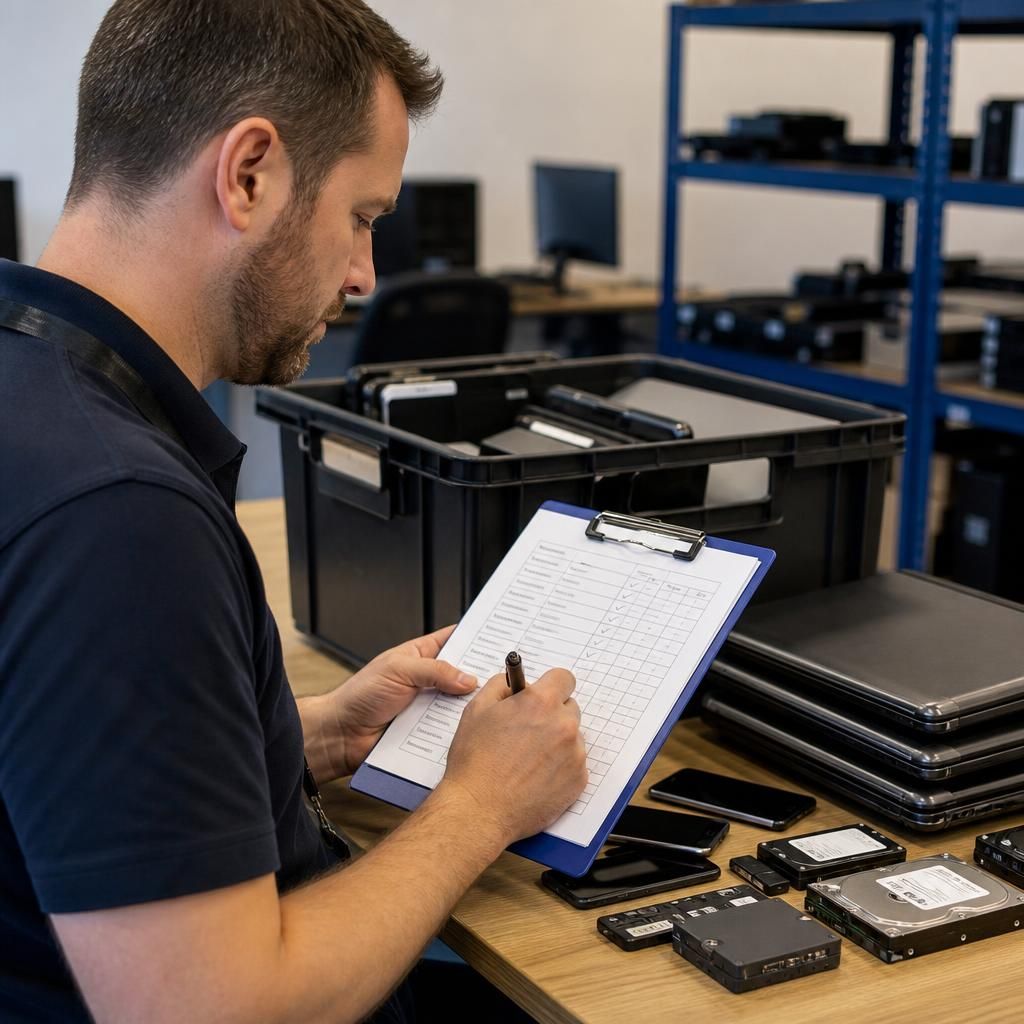
Before a business device is wiped or released, onsite IT support should confirm that its user and services have been moved successfully to the replacement equipment. Retirement should not remove access to locally stored working files, specialist applications, device settings or attached peripherals that the organisation still needs.
A practical handover check can confirm that the replacement device has the correct user profile, business applications, printers, network access, email, shared folders and authentication method. The user or responsible manager should then verify that essential tasks can be completed without relying on the old device. Any problems should be resolved before the retired equipment is processed, particularly where the original device contains uncommon software or configuration details.
This separation between replacement validation and disposal reduces the risk of treating a device as redundant before its operational role has genuinely been transferred. It also gives the retirement record a clear basis for showing that the equipment was released only after the relevant business functions had been checked.