
What should small business backup monitoring include?
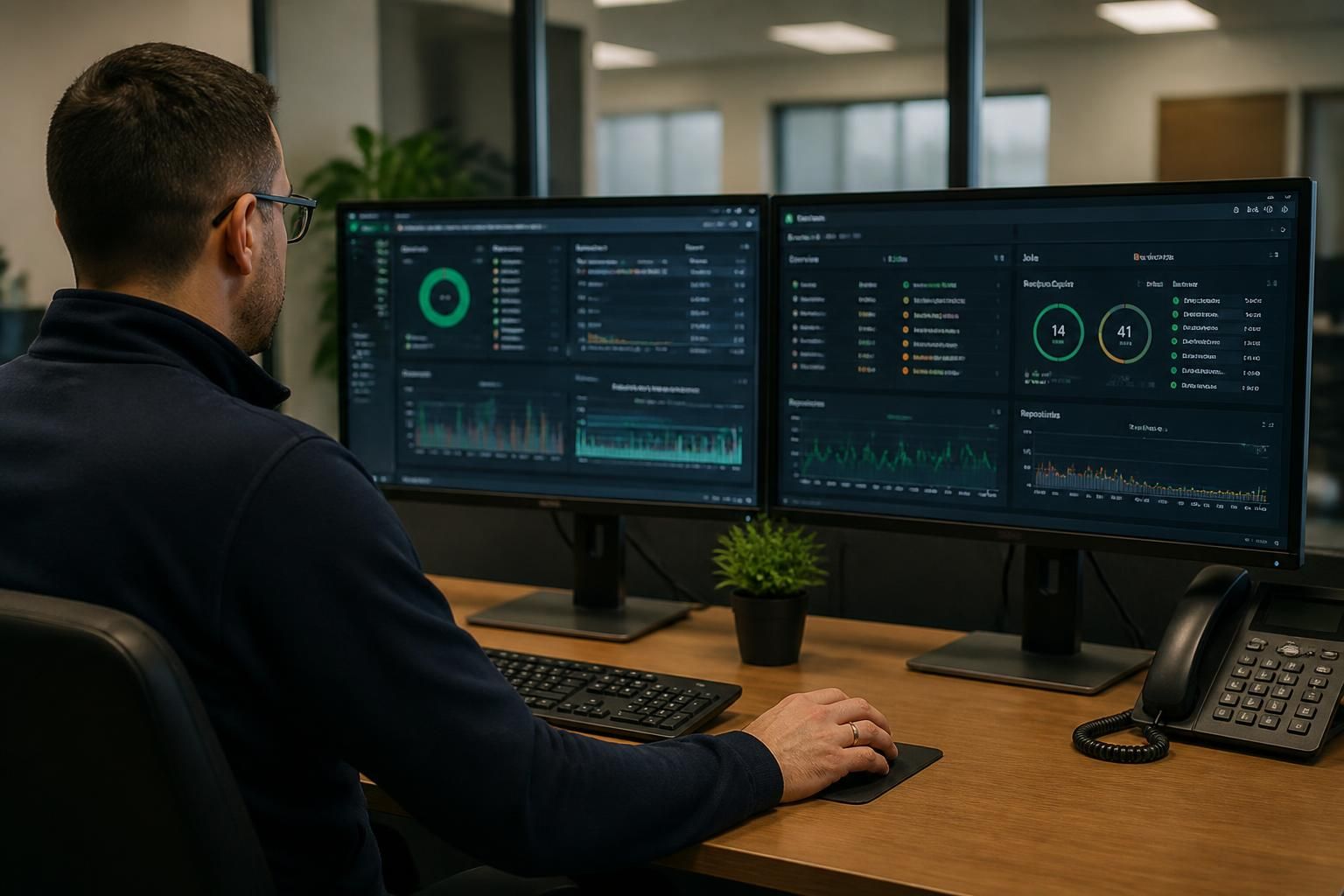
Small business backup monitoring should confirm that backups complete successfully, identify failures or unusual changes, and alert the responsible person when action is needed. It should also include regular recovery testing, checks on backup integrity and storage security, and clear records showing which systems and data are protected.
Small business backup monitoring should provide continuous operational oversight of the backup environment, showing whether protection is being applied to the right systems, whether backup jobs are behaving as expected, and whether the organisation can act on exceptions. Effective monitoring combines technical data with clear ownership, defined escalation rules and regular review.
Scope should be mapped to the business’s data. Monitoring should cover servers, workstations, virtual machines, network-attached storage and other local devices that hold important information. If the backup plan includes cloud applications, databases or specialist business systems, their protection should be monitored separately because they may use different backup methods and have different recovery dependencies. A list of protected workloads should identify the system owner, data type, backup method and expected protection schedule.
Monitoring should assess more than whether a job started. Useful checks include:
- whether the expected source system was available to be backed up;
- whether the job processed the expected files, databases or volumes;
- whether the amount of changed data is consistent with normal activity;
- whether backup repositories have sufficient capacity;
- whether retention rules are being applied correctly;
- whether encryption, access controls and immutable or isolated copies remain correctly configured; and
- whether backup agents, credentials, network connections and other dependencies are functioning.
These checks help distinguish a genuinely protected system from one that merely reports a completed task. For example, a job may finish without an obvious error while excluding a newly added folder, losing access to a database, or writing to storage that is nearing capacity.
Alerts need prioritisation and ownership. A monitoring system should separate critical exceptions from information that can wait for routine review. An inaccessible backup repository, repeated failure affecting a key server or an unexpected deletion should be treated differently from a minor warning on a non-essential device. Each alert should identify the affected system, the nature of the problem, the time it occurred and the action required. Alerts should be directed to a named responsible person or managed service team rather than an unmonitored mailbox, with a defined process for acknowledgement, investigation and escalation.
Trend information is valuable alongside individual alerts. Regular reporting can reveal gradual changes such as shrinking retention capacity, increasing backup duration, repeated network interruptions or a growing number of excluded files. Reviewing these trends helps identify risks before they prevent a usable recovery. Reports should also show unresolved exceptions, recurring causes and actions taken, rather than presenting only a list of successful jobs.
Monitoring should produce an audit trail. Records should show changes to backup policies, administrator activity, failed access attempts, repository configuration and the outcome of remedial work. This supports internal governance and helps demonstrate that backup controls are managed as an ongoing process. Access to monitoring data should be restricted because it can reveal system names, data locations and security settings.
Recovery evidence should be linked to the monitored system. A backup can appear healthy while still being unsuitable for a particular recovery scenario. Monitoring records should therefore connect protected workloads with documented recovery procedures, dependencies and test outcomes. When systems change, the backup scope and recovery documentation should be reviewed together so that new applications, devices or locations are not left outside the protection plan.
For a small business, the most practical arrangement is usually a monitoring process that gives a concise view of protection status, sends actionable exceptions to an accountable person, records investigation and remediation, and feeds regular reviews of capacity, configuration and recovery readiness. S2 Technology Group can help businesses around Stourbridge, Kinver, Wordsley, Kingswinford, Kidderminster, Halesowen, Dudley and neighbouring areas assess whether their backup monitoring provides this level of operational control.

Backup monitoring should measure whether the available recovery point still meets the business’s agreed data-loss tolerance, not simply whether the latest job completed. A successful job may still leave a gap if it ran late, protected the wrong dataset or produced a recovery point that is too old for a critical system.
Each important workload should therefore have a defined protection objective, such as the maximum acceptable age of its latest usable backup. Monitoring can then highlight when that objective is missed and distinguish a routine delay from a condition that could affect business continuity. This is particularly useful where different systems have different priorities: a line-of-business database may require closer oversight than an archive containing information that changes less often.
Reports should show the age and status of the latest usable recovery point for each protected workload, alongside any missed protection objectives. This gives business and IT decision-makers a clearer basis for reviewing whether the backup design still matches operational needs.