How are access permissions managed in a virtual desktop?
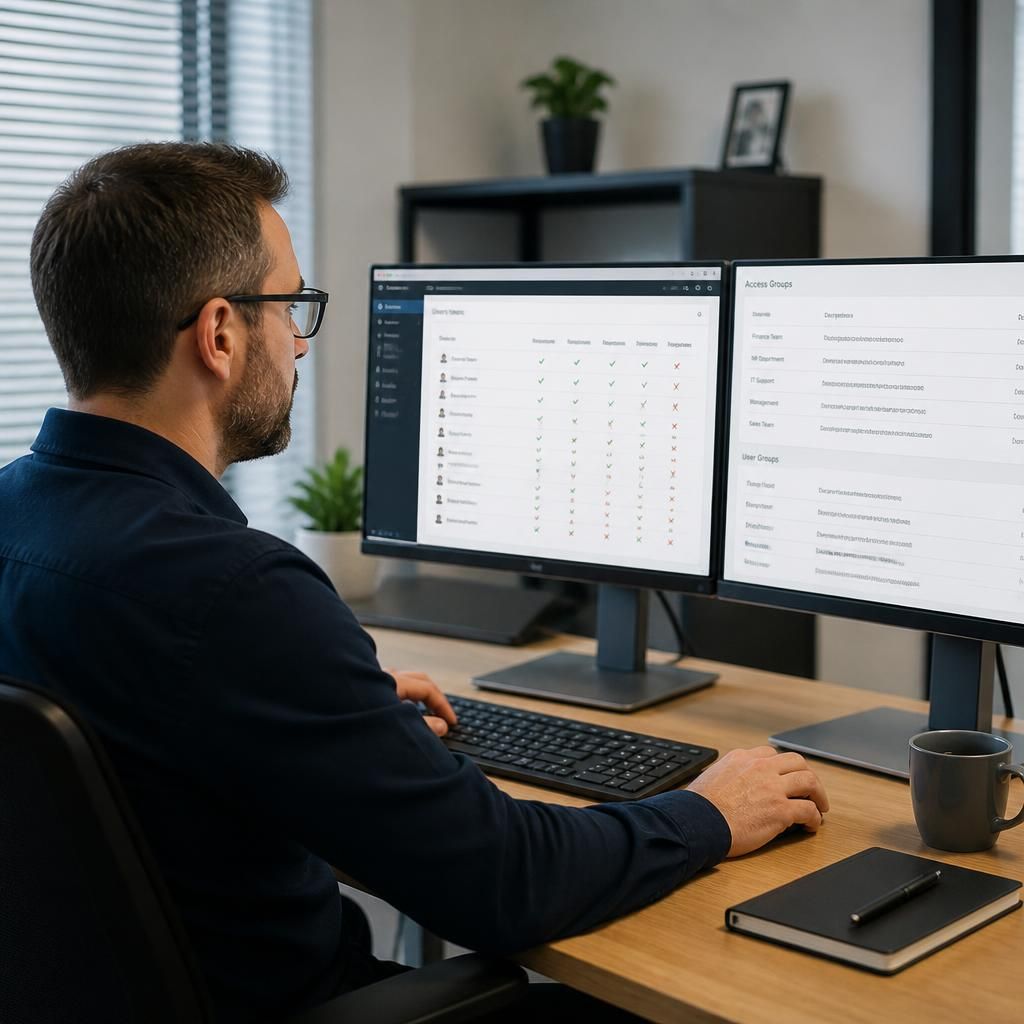
Access permissions in a virtual desktop are managed through individual user accounts, security groups and role-based access controls. Administrators grant each person only the applications, files and systems needed for their role, then review and remove access when responsibilities change or employment ends.
Access permissions in a virtual desktop are managed through several control layers, not just a username and password. The environment determines who can sign in, how their identity is verified, which virtual desktop they can use, what resources are available within it and what actions are permitted during a session.
Authentication is the first control. Each user should have an individual identity, with strong password policies and multi-factor authentication used where appropriate. Sign-in policies can also consider factors such as the user’s location, device security status and the sensitivity of the requested resource. This helps reduce the risk of a stolen password being used to access the virtual desktop.
Permissions should then be applied to the different layers of the environment:
- Virtual desktop assignment: users may be directed to a standard, restricted or specialist desktop based on their business function.
- Application access: software can be made available only to people who need it, reducing unnecessary licensing and limiting access to sensitive tools.
- File and data access: permissions can be applied to folders, shared drives and business applications according to ownership and operational need.
- Peripheral and session controls: administrators can restrict printing, clipboard use, local drive mapping, removable media and file transfer where data leakage is a concern.
- Administrative functions: configuration changes and privileged operations should be separated from ordinary user activity and limited to authorised administrators.
A least-privilege approach is important. It means a user receives the minimum access needed to perform their duties, rather than broad access to the whole virtual desktop environment. This limits the potential impact of an account compromise and reduces the chance of accidental changes or inappropriate access to confidential information.
Permission changes should follow a controlled process. A typical process records the request, confirms the user’s role and business need, obtains the required approval, applies the change and records who made it. Temporary or exceptional access should have a defined reason and expiry point rather than remaining in place indefinitely.
Access reviews are another important safeguard. Administrators can compare current permissions with job responsibilities, identify unused or excessive access and check for conflicts such as one person having incompatible approval and processing rights. Reviews should also cover administrative accounts, service accounts and external users where these exist. When a person changes role or leaves the organisation, access should be amended or disabled as part of the organisation’s joiner, mover and leaver process.
Virtual desktop platforms can produce sign-in and activity records showing authentication attempts, permission changes and administrative actions. These logs support investigation and can highlight unusual behaviour, such as repeated failed sign-ins or access from an unexpected device. Retention and monitoring arrangements should reflect the organisation’s security, legal and regulatory requirements.
Permissions should be tested before changes are introduced widely. Testing with representative user profiles helps confirm that staff can perform required tasks without receiving more access than intended. It also identifies practical issues, such as an application needing access to a particular folder or a legitimate workflow being blocked by clipboard or printing restrictions.
For small businesses, a clearly documented permissions model is usually more sustainable than granting access individually without a consistent structure. S2 Technology Group can provide guidance on configuring and reviewing virtual desktop access as part of its managed IT, cloud and cyber security services, helping an organisation align controls with its operational requirements.
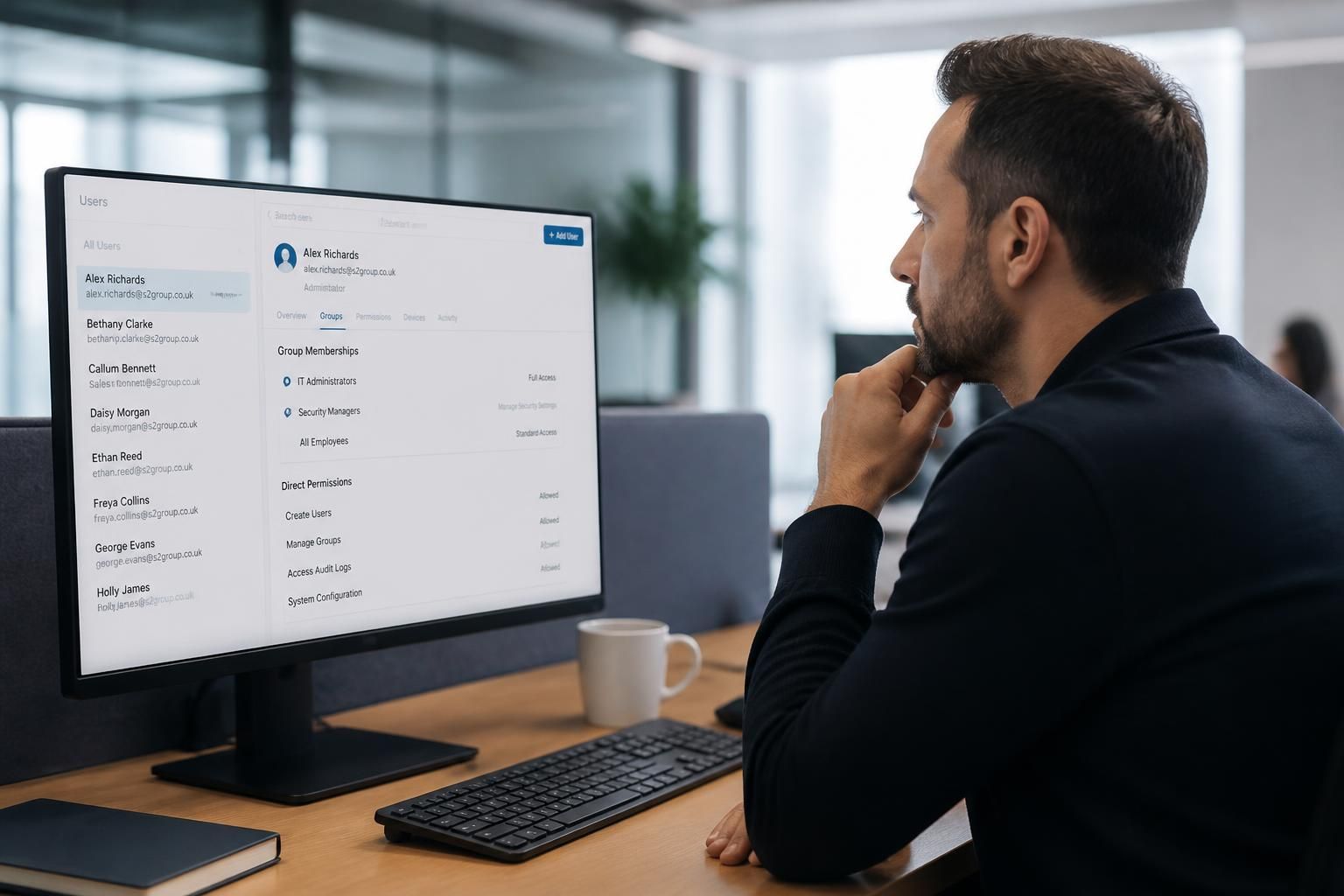
A well-structured permissions model uses groups to apply access consistently, rather than assigning rights separately to each individual. Groups can reflect a person’s department, job function, office or level of responsibility, while access to applications and data is linked to those groups. When someone changes role, updating their group membership can adjust their access without rebuilding the entire virtual desktop profile.
Group design still needs careful control. Nested groups and inherited permissions can make it difficult to see why a user can access a particular resource, so administrators should document the purpose of each group and avoid overlapping access routes where possible. Direct permissions should be treated as exceptions and reviewed separately, particularly where they provide access to confidential data or administrative tools.
Shared user accounts should generally be avoided because they make individual activity difficult to attribute. Where a technical or service account is necessary, it should have a defined owner, limited permissions and a documented purpose. This makes the access model easier to audit and helps administrators identify whether an account remains necessary.