
When is onsite IT support more suitable than remote troubleshooting?
Onsite IT support is more suitable when a problem involves physical equipment, cabling, power, connectivity or conditions that cannot be assessed remotely. Remote troubleshooting is generally more appropriate for software faults, account issues, configuration changes and other problems that can be investigated securely through remote access.
Onsite IT support is most suitable when the risk of an incorrect diagnosis, an incomplete fix or business disruption is greater than the inconvenience of arranging a site visit. The decision should be based on the scope and consequences of the fault, the quality of the evidence available remotely, and whether the required investigation can be carried out safely without being physically present.
A site visit is particularly appropriate in the following situations:
- The issue affects several users or shared services. A problem reported by multiple people may involve a common dependency, such as shared network access, local infrastructure or a site-wide configuration. Investigating the environment as a whole can be more reliable than examining each user’s device separately.
- The symptoms are intermittent or difficult to reproduce. Recurring freezes, unexplained disconnections and inconsistent performance can be difficult to assess through a remote session, especially when the fault disappears before diagnostic information is collected. An onsite technician can compare affected and unaffected workstations, observe the problem in its normal setting and identify patterns that may not be visible in logs.
- There is insufficient evidence to identify the underlying cause. Remote troubleshooting depends on accurate descriptions, available access and useful diagnostic data. If those sources do not distinguish between several possible causes, an onsite assessment may reduce the risk of applying an unsuitable change.
- The problem involves dependencies between equipment and the working environment. The position of equipment, cable routes, power arrangements, wireless coverage, ventilation, access points and nearby electrical devices can all influence reliability. These factors are difficult to verify from a remote connection alone.
- A change needs to be validated in the real working environment. A configuration may appear correct when tested remotely but still fail for a particular department, room, device type or workflow. Onsite testing allows the technician to check the result with the relevant users and confirm that connected services continue to operate as expected.
- Remote access is unsuitable or restricted. Some organisations limit remote administration because of internal controls, client requirements or the sensitivity of the systems involved. In those cases, an onsite visit can provide a controlled way to inspect and manage the affected equipment without bypassing the organisation’s access procedures.
- The issue creates a material operational or security risk. When a fault could interrupt an important process, expose information, prevent staff from working safely or leave equipment in an uncertain state, direct assessment may be more appropriate than repeated remote experimentation.
Onsite support is also useful where the people reporting the problem cannot easily describe what is happening. This is common with faults that depend on timing, physical conditions or a particular sequence of actions. Observing the user’s normal process helps separate a device fault from a workflow, access or application issue and provides better evidence for deciding what should happen next.
Remote troubleshooting remains a sensible first step when the problem is isolated, the symptoms are clear, the necessary access is available and the proposed action is limited and reversible. It can also be used to gather logs, confirm the affected users and establish whether the issue is local or widespread. However, continuing with remote checks is less suitable when the same symptoms return, the scope of the problem expands or each attempted change makes the diagnosis less certain.
A practical decision process is:
- Define the business impact. Establish who is affected, which activities are impaired and whether the issue is continuing, intermittent or resolved temporarily.
- Review the available evidence. Record error messages, affected equipment, recent changes, connection points and the times at which the problem occurs.
- Assess remote access and risk. Confirm whether the relevant systems can be examined without weakening security controls or disrupting other users.
- Choose the least disruptive effective approach. Use remote investigation where it can produce reliable evidence; arrange onsite assessment where physical observation, wider testing or controlled intervention is needed.
- Verify the outcome. Test the service from the user’s normal location and confirm that the original symptoms, related dependencies and business process have all been considered.
In some cases, the most effective approach is a combination of both methods. Remote checks can narrow the scope and prepare the technician before travelling, while onsite work can confirm the cause and test the completed repair. This avoids treating remote and onsite support as competing choices: they are different ways of gathering evidence and applying changes according to the risk of the particular incident.
S2 Technology Group uses this distinction when advising small and medium-sized organisations around Stourbridge, Kinver, Wordsley, Kingswinford, Kidderminster, Halesowen, Dudley and neighbouring areas. The relevant question is not simply whether a technician can connect remotely, but whether remote access can provide enough certainty to resolve the issue without creating further operational or security risk.
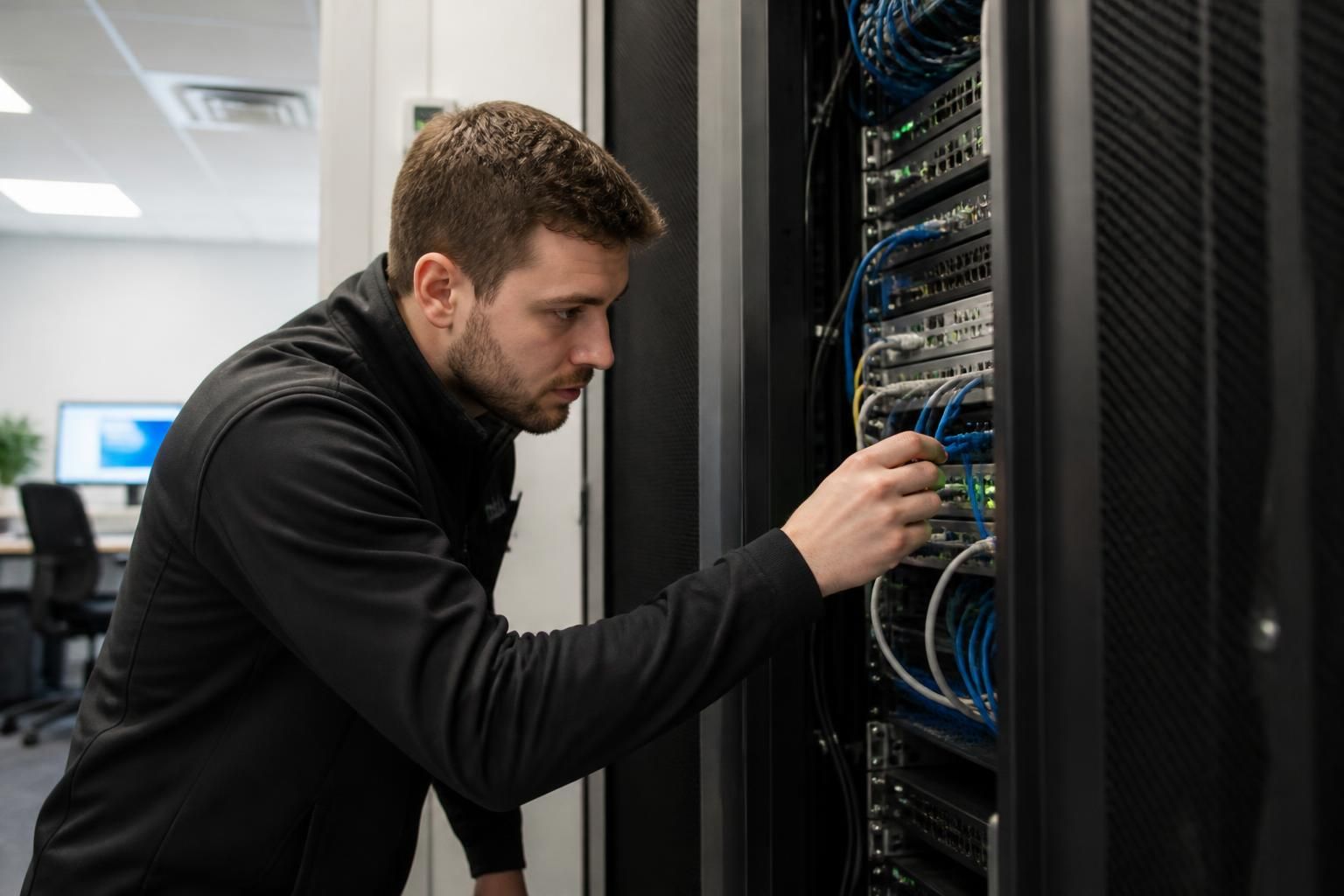
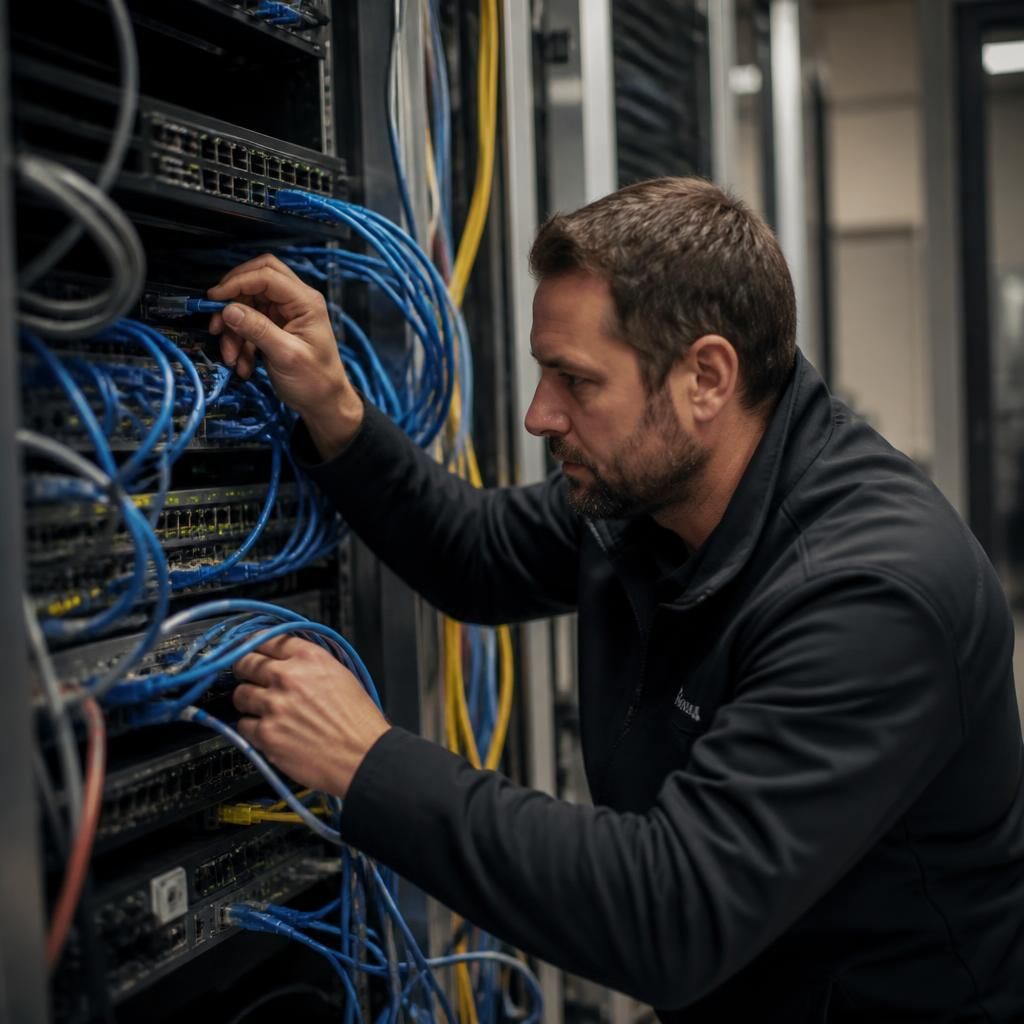
Onsite IT support is particularly suitable when resolving the fault requires physical verification rather than screen-based diagnosis. A technician can trace a network cable to its port, check indicator lights, identify a damaged connector, test a power source or compare a suspect peripheral with a known-working one. These checks can distinguish an equipment fault from a configuration problem before any replacement or permanent change is made.
This is also useful where a remote diagnosis could lead to the wrong component being changed. Physical inspection confirms how devices are connected and whether the reported equipment is actually the source of the problem. The findings can then guide a targeted repair, reduce unnecessary disruption and provide clearer evidence for deciding whether further remote troubleshooting is appropriate.
Discuss the right onsite or remote IT support approach
If you are unsure whether a recurring or disruptive fault requires physical investigation, discuss the symptoms and business impact with S2 Technology Group. The right onsite or remote IT support approach can then be considered from the available evidence and operational risk.