
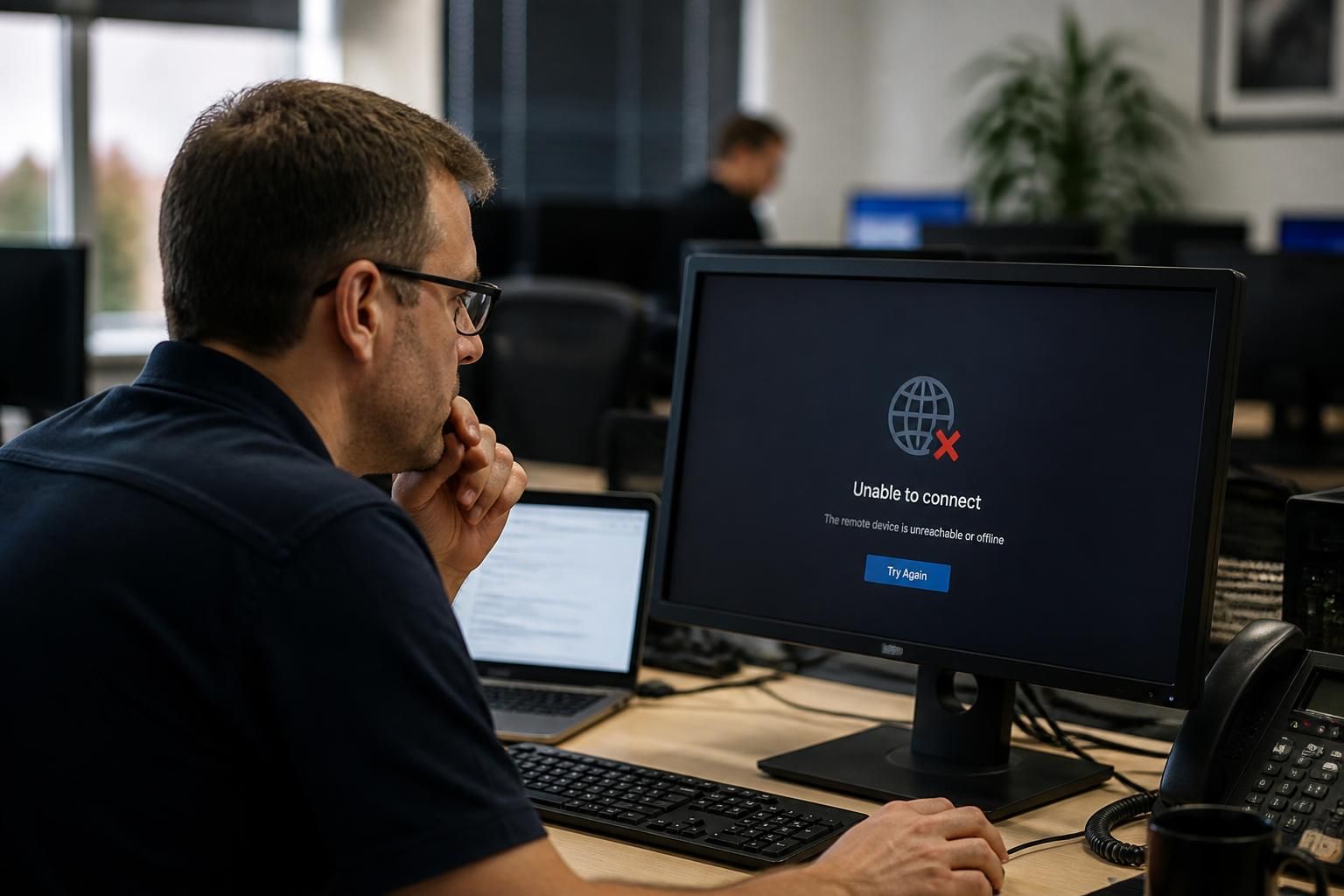
What happens when remote access cannot reach the affected device?
When remote access cannot reach the affected device, the issue is first narrowed down by checking whether the device is powered on, connected to the network and running its remote access service. If remote troubleshooting remains unavailable, an authorised user or technician may need to carry out local checks or use an alternative access method before support can continue.
If remote access cannot reach the affected device, support cannot safely assume that the device itself is the only problem. The next step is to establish whether the failure is caused by the endpoint, its network path, the remote access platform or an access policy, then choose a controlled recovery method that preserves security and evidence.
A technician will usually compare the affected device with other devices using the same connection or remote access arrangement. This helps distinguish an isolated endpoint issue from a wider problem, such as a network segment outage, a failed gateway, a changed firewall rule or an unavailable management service. Recent changes are also relevant, including operating system updates, security policy changes, network migrations, power events and alterations to user permissions.
The remote access record can provide useful evidence even when a session cannot be established. Connection attempts, authentication results, certificate errors and policy denials may indicate different causes. For example, an authentication failure points towards identity or permission controls, while a timeout may indicate that traffic is not reaching the device or that a service is not responding. These findings should be recorded rather than repeatedly attempting connections without a defined plan.
Where the issue is limited to the remote access agent or service, an authorised person with physical access may be asked to check its status, restart it or reinstall it in accordance with the organisation’s support procedure. Any repair package or configuration change should come from a trusted administrative source and be verified before use. Unplanned software downloads, shared passwords and ad hoc remote tools can create additional security risks.
If the device is working but its normal management route is unavailable, an alternative administrative path may be considered. Depending on the organisation’s design, this could include a separate management network, console access, a secured jump host or another approved out-of-band method. Such access should be restricted to authorised personnel, logged and disabled or withdrawn when it is no longer required. It should not bypass the organisation’s approval and identity controls.
Some incidents require the device to be handled locally. A local technician or authorised member of staff may need to inspect network equipment, read an on-screen error, reconnect a cable, approve a security prompt or start the device into a recovery environment. Instructions should be specific and limited to actions that are understood and reversible where possible. If the device contains sensitive information or supports a critical business process, local intervention should follow the organisation’s incident and change procedures.
Before making major changes, the technician should consider whether the unreachable device may be affected by malware, unauthorised access or a wider security incident. Disconnecting it from the network may be appropriate in some circumstances, but this decision needs to balance containment against the need to preserve logs and other evidence. Rebuilding, resetting or deleting data without assessment can remove information needed to understand what happened.
Once access is restored, the underlying cause should be confirmed rather than treating the restored connection as the end of the incident. This may involve checking the remote access configuration, reviewing recent policy changes, validating certificate and account settings, and confirming that the device reports correctly to the organisation’s monitoring and management systems. A test from an approved support account can verify that access works without granting broader permissions than necessary.
The incident record should capture the symptoms, affected device, time of the failed attempts, diagnostic evidence, actions taken, people who authorised those actions and the final resolution. Recording this information makes recurring failures easier to identify and supports future troubleshooting. If the same device repeatedly becomes unreachable, the appropriate remedy may be a network design change, improved resilience, replacement hardware or a review of the remote support method rather than repeated manual intervention.
S2 Technology Group can help organisations assess failed remote access, separate connectivity faults from access-control problems and plan a secure recovery route. For businesses around Stourbridge, Kinver, Wordsley, Kingswinford, Kidderminster, Halesowen, Dudley and neighbouring areas, this forms part of a wider approach to managed IT support, cyber security and dependable remote administration.

When remote access cannot reach a device, the immediate priority may be to maintain the affected business process while the technical fault is investigated. This means assessing what the device supports, whether work can be redirected to an approved alternative, and who must authorise that change.
A documented continuity plan can specify what staff should do when a key workstation, application host or site device becomes unreachable. Depending on the system, this might involve using an already-approved secondary device, recording transactions for later entry, moving a task to another site or temporarily suspending a process that could otherwise create duplicate or inaccurate records.
- Identify the business function affected, not just the device name.
- Record any temporary workaround and the person who approved it.
- Protect confidential information when using an alternative device or location.
- Reconcile work completed during the interruption after the original system is available again.
This approach prevents staff from inventing informal solutions while technical support works out why the remote route failed. It also helps determine the appropriate priority for recovery and ensures that restoring access does not leave incomplete, duplicated or unauthorised work behind.