
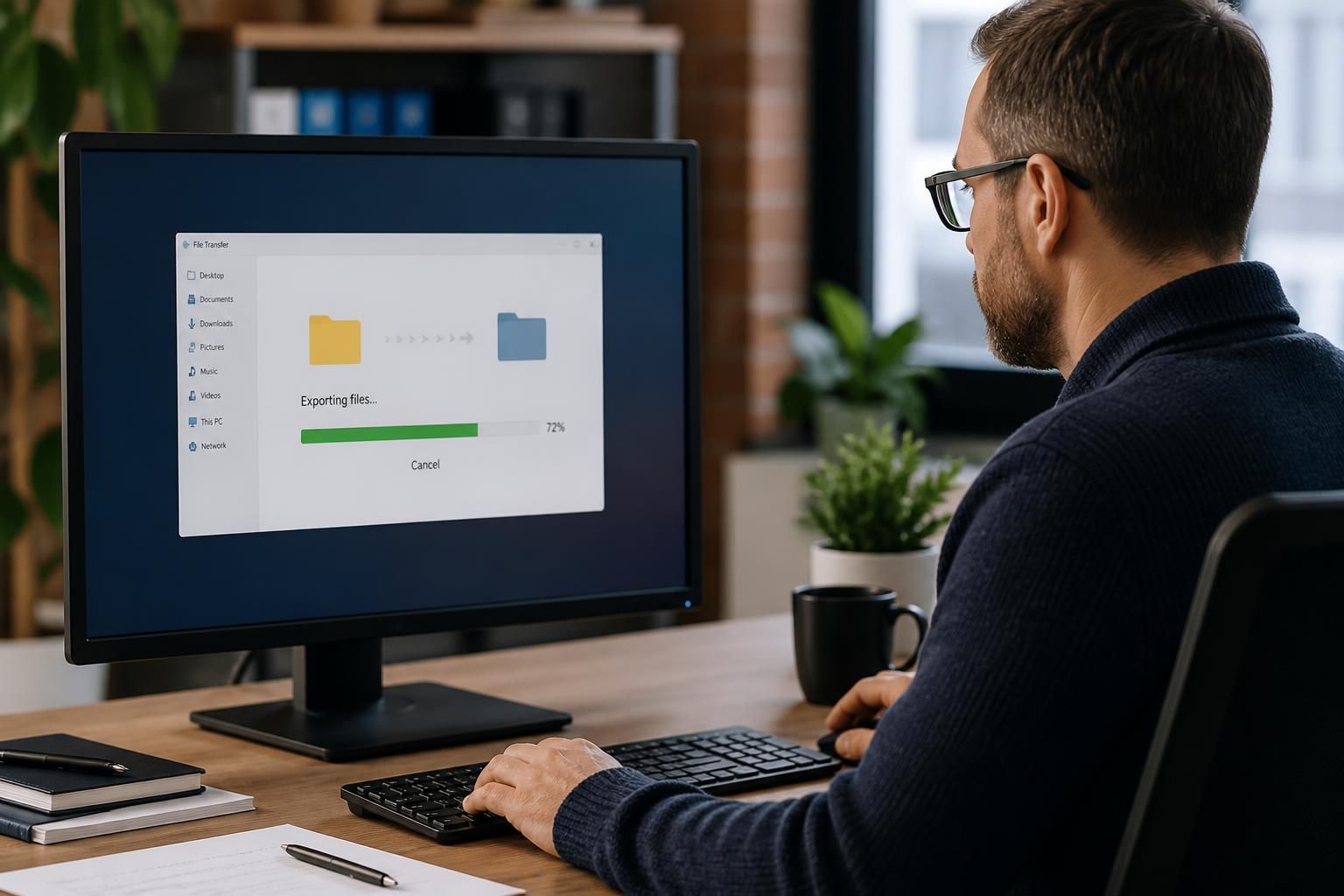
Can we retrieve our data if we leave the virtual desktop service?
Yes, business data can usually be retrieved when leaving a virtual desktop service, provided the exit process, data ownership and export arrangements are defined in advance. The process should cover secure data transfer, suitable file formats, user access, application dependencies and validation to confirm that the exported data is complete and usable.
Data retrieval at the end of a virtual desktop service is governed by the service agreement, the location of the data and the export tools available. A well-managed exit identifies what belongs to the business, how it will be transferred, which format is required and how the transfer will be checked before the hosted environment is decommissioned.
The first step is to create a complete inventory. This should include:
- User documents, desktop files and downloads
- Shared folders and departmental data
- User profiles, templates and configuration files
- Application databases and records held by hosted software
- File permissions, ownership information and audit records where these are required
- Backups, archives and retained copies subject to the agreed retention policy
Not every item is necessarily stored inside the virtual desktop platform. Data may also be held in a separate cloud application, file server, backup system or line-of-business database. These sources need to be reviewed individually because the export method, licence arrangements and ownership terms may differ.
The contract should define the exit process before the service begins. Important points include who owns the data, which information is included, how long it remains available after termination, whether export assistance is included, what charges may apply, and when the provider may delete remaining copies. It should also state whether the business receives data in its original structure or as a set of exported files.
Common export approaches include:
- File-based export: Documents are copied to an agreed storage destination while retaining folder structures and, where possible, file metadata.
- Database export: Application data is supplied as a database backup or in a documented format that can be imported into replacement software.
- Full system image: A complete machine or disk image may be useful for migration or evidence, although it may not be directly usable without compatible infrastructure and software licences.
- Application-specific export: Some systems require their own reporting or migration tools rather than a simple copy of the underlying files.
File format matters. Standard formats such as common office documents, CSV or PDF may be suitable for general records, but converting files can remove metadata, formulas, permissions or application functionality. Database exports should include the relevant schema and documentation, while specialist applications may need the original software to interpret the information correctly. The intended destination should therefore be confirmed before the export starts.
Data should be transferred using a controlled method appropriate to its sensitivity. Options may include an encrypted transfer service, a managed storage location or encrypted physical media. Access should be restricted to authorised personnel, with credentials exchanged through a separate secure channel. A transfer record should note what was exported, when it was transferred, who approved it and where the receiving copy is stored.
Validation is essential. A successful copy operation does not prove that the data can be used. The receiving organisation should check folder and file counts, file sizes, key records, permissions and a representative sample of documents. Databases should be restored in a test environment where possible, and important applications should be checked for readability and linked dependencies. Checksums or hashes can provide additional evidence that files were not altered during transfer.
Access arrangements also need planning. Users may require temporary access to the virtual desktop while the new environment is prepared, particularly if the migration is staged. Administrators should document which accounts remain active, when access is removed and how credentials, encryption keys, certificates and service accounts are transferred or replaced. Any data held in personal profiles or local desktop folders should be included in the review rather than assumed to be part of shared storage.
Once the receiving copy has been verified, the outgoing provider should follow the agreed decommissioning process. This may include removing user access, revoking administrative credentials, deleting active data, addressing backup retention and confirming how residual copies are handled. Where personal or confidential information is involved, the process should align with the organisation’s data protection obligations and internal retention policy.
S2 Technology Group can help a business review these technical and contractual points as part of a virtual desktop transition. The most useful preparation is to document data locations, nominate an approved destination, agree export formats and test the recovered information before approving the final shutdown.
Retrieving business data does not necessarily mean taking the virtual desktop environment with it. A file export may contain documents and records, but it normally does not transfer the provider’s software licences, hosted applications or the technical controls that made those files usable.
Before ending the service, identify which applications are needed to open specialist files and confirm that the business has the right licences for the replacement environment. This is particularly important for proprietary databases, accounting systems and applications that store information in formats unavailable outside the original software. Separating transferable data from non-transferable platform components helps prevent an export from appearing complete while leaving important records inaccessible.
Plan Your Virtual Desktop Exit Strategy
If your business is considering a move away from a virtual desktop service, speak to S2 Technology Group about reviewing the proposed transition plan before termination is approved. This can help identify dependencies, responsibilities and any gaps in the handover arrangements.