How is business data protected during remote IT support sessions?
Business data is protected during remote IT support sessions through authenticated, encrypted connections, controlled access permissions and monitoring of support activity. S2 Technology Group applies these safeguards as part of its managed IT services, helping businesses maintain oversight while technical issues are investigated and resolved.
Business data is protected during remote IT support by limiting what the technician can access, why they can access it and how long that access remains available. Effective protection combines identity checks, least-privilege permissions, secure support tools, data-handling rules and an auditable record of the work carried out.
Access should be limited to the affected device or service. A support technician does not normally need unrestricted access to every system in a business. Access should be granted according to the task, with administrative privileges used only where necessary. This reduces the risk of unrelated files, personal information or sensitive business records being exposed during fault diagnosis.
- Technicians should use individual accounts rather than shared credentials.
- Privileged access should be restricted to authorised personnel and removed when it is no longer needed.
- Remote-control tools should be configured so that access cannot continue beyond the approved support activity.
- Businesses should be able to identify which technician accessed a device and what work was performed.
Permission and user awareness are also important. Where the support process involves connecting to a user’s workstation, the user should understand what access is being requested and what the technician may need to inspect or change. Sensitive applications can be closed or access can be limited to the relevant system before a session begins. This is particularly important for organisations handling confidential client, financial, employee or operational information.
Remote support software needs to be managed as part of the wider IT environment. Unapproved remote-access applications can create an additional route into business systems. A managed approach should therefore include controlling which tools are installed, restricting their configuration, reviewing connected devices and removing obsolete agents. The software itself should be kept maintained, because weaknesses in an outdated support tool can create a security risk even when the original support request is legitimate.
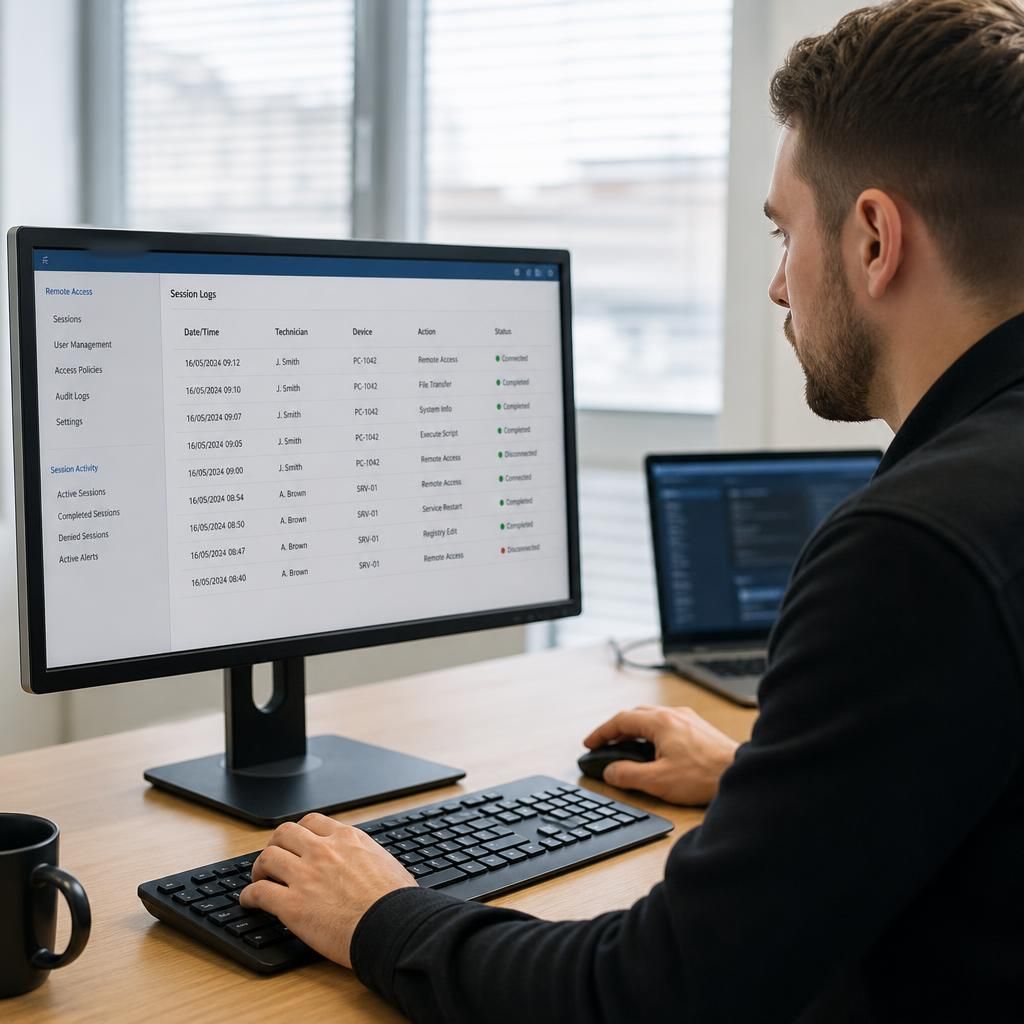
Support activity should be recorded and reviewed. Useful records may include the device involved, the person carrying out the work, the reason for access, the actions taken and any changes made. These records help a business investigate unusual activity, demonstrate internal accountability and understand whether a recurring fault requires a broader technical solution. Monitoring should support oversight without collecting unnecessary content from the device.
Data minimisation reduces exposure during diagnosis. A technician may be able to resolve an issue using system settings, error details, configuration information or service logs rather than opening business documents. If a file must be examined, the business should consider whether a copy with confidential information removed can be used. Screenshots, exported logs and diagnostic files should be transferred and retained only when they are relevant to the support task.
Businesses should also establish how information gathered during support is stored, who can view it and when it is deleted. Support records may contain usernames, device names, network details or fragments of application data, so they should be treated as business information rather than harmless technical notes. The handling process should align with the organisation’s data protection responsibilities and internal retention policies.
Remote access does not remove the need for endpoint security. Devices receiving support should be covered by suitable account controls, malware protection, patch management, secure configuration and backup arrangements. These measures help protect data if a device is compromised independently of the support session. Remote IT support can manage or assist with these controls, but the exact scope depends on the agreed managed IT service and the systems in use.
Before engaging a remote IT support provider, a business should ask how access is approved, how privileged accounts are controlled, what support records are retained, how diagnostic information is protected and how access is withdrawn. It should also confirm how incidents involving suspected unauthorised access would be escalated and which responsibilities remain with the business.
S2 Technology Group incorporates secure, monitored practices into its managed IT services. For a business, the practical objective is not simply to allow a technician to connect remotely; it is to ensure that every connection is necessary, limited, traceable and handled consistently with the sensitivity of the data involved.
Protecting business data during remote IT support also means protecting it from accidental loss caused by a troubleshooting change. Before altering system settings, applications or network configurations, the support process should establish whether a current backup, restore point or configuration copy is available. This gives the business a defined recovery option if a change affects data access or system operation.
For higher-risk work, the technician should document the existing configuration, make one controlled change at a time and verify the result before proceeding. If the change does not produce the expected outcome, it should be possible to reverse it without relying on guesswork. S2 Technology Group can include this type of change control within managed IT support, with the appropriate approach depending on the systems and backup arrangements in use.