

What should cloud and endpoint security cover on employee-owned devices?
Cloud and endpoint security for employee-owned devices should cover identity and access controls, multi-factor authentication, device enrolment and compliance checks, encryption, patching, malware protection, and secure separation of business and personal data. It should also define acceptable use, monitoring and privacy boundaries, remote lock or wipe procedures, access removal when employment or device ownership changes, and clear responsibilities for the employee and organisation.
Cloud and endpoint security for employee-owned devices should define how business information is accessed, used, shared, monitored and protected when the organisation does not own the hardware. A complete approach combines a documented bring-your-own-device (BYOD) policy with cloud configuration, device risk assessment, privacy safeguards, incident procedures and clear accountability.
Start with a documented BYOD policy
The policy should state which employees, contractors and device types may use business systems, and which activities are prohibited. It should distinguish between approved work activity and personal use, explain the consequences of non-compliance, and identify who authorises exceptions. The organisation should also record which cloud services are in scope, including email, file storage, collaboration tools, customer systems and line-of-business applications.
Ownership matters because a personal device may be shared with family members, repaired by a third party or sold without the organisation being notified. The policy should therefore address shared use, device replacement, loss of control over the hardware, and access from devices that no longer meet the organisation’s requirements.
Control what business data can be used for
Not all information should be treated in the same way. The organisation should classify data and define whether each category may be viewed, downloaded, edited, printed, copied to personal applications or shared with external recipients from a personal device. Sensitive records may need to remain within approved cloud applications rather than being stored locally.
Useful safeguards include restrictions on unmanaged downloads, controls on external sharing, link expiry, approval for forwarding business email to personal accounts, and rules for screenshots or copying content into consumer applications. Data loss prevention policies can help identify risky activity, but they should be configured around the organisation’s actual information classifications rather than applied indiscriminately.
Protect cloud sessions and applications
Security should not rely solely on the device itself. Cloud services should apply appropriate session controls, limit the persistence of sign-in tokens, and provide a way to revoke active sessions when compromise is suspected. Administrators should review connected applications and delegated permissions, since a personal device may allow unapproved browser extensions, synchronisation tools or third-party applications to access business information.
Where the risk warrants it, organisations can use managed application access, browser isolation, virtual desktops or application containers so that business data is handled within a controlled workspace without taking ownership of the employee’s personal content. These approaches can be preferable where a full device management model would intrude too far into private use.
Separate security monitoring from personal privacy
BYOD monitoring must be proportionate and transparent. Employees should be told what information is collected, why it is needed, who can view it, how long it is retained and in which circumstances it may be used. Security teams generally need business-focused signals such as application status, suspicious authentication activity or evidence of compromise, rather than personal photographs, messages, browsing content or unrelated location data.
The organisation should document its data protection assessment and make sure monitoring has a clear purpose and lawful basis. Access to security records should be limited, with audit trails for administrative use. Privacy rules should also cover support staff and third-party providers who may need temporary access while investigating a technical or security issue.
Define network and application behaviour
Personal devices may connect from home networks, public networks or locations outside the organisation’s direct control. Policies should explain which connection types are acceptable for sensitive work and whether additional protections are required when using an untrusted network. Access to business services should be restricted when the surrounding conditions create an unacceptable risk.
Applications should come from trusted sources and be kept within an approved set where practical. The organisation should consider the risks from unauthorised synchronisation, browser extensions, password managers, screen-recording tools and software that transfers content to external services. These controls are particularly important where employees work across several cloud platforms.
Make incident reporting specific
Employees need a simple process for reporting a lost device, suspected phishing, an unexpected sign-in prompt, accidental disclosure, malware warning or unusual cloud activity. The process should explain what information to provide, what not to do, and how the security team will assess the event.
An incident plan should identify who can suspend relevant sessions, restrict affected applications, preserve evidence and assess whether data has been accessed. It should also define internal escalation, communications with the employee, customer or regulator where applicable, and the criteria for restoring access. Testing this process is important because a BYOD incident may involve both business systems and the employee’s private information.
Cover the complete device lifecycle
Controls should apply when a personal device is first approved, during its use, and when it is replaced, repaired, shared or disposed of. The organisation should be able to confirm that business access and locally held business information have been dealt with at the end of the arrangement without unnecessarily affecting personal content.
Employees should know their responsibilities before handing a device to a repair service or transferring it to another person. The policy should also explain how access is handled when someone changes role, leaves the organisation or stops using the device for work. Records of approvals, policy acceptance, security events and removal actions provide useful evidence that the process is being followed.
Review whether BYOD remains suitable
BYOD is not appropriate for every role or every type of information. A risk assessment should consider the sensitivity of the data, the employee’s responsibilities, the likelihood of device sharing, regulatory requirements, the available cloud controls and the consequences of compromise. Higher-risk work may require an organisation-owned device, a controlled virtual workspace or access only from a managed environment.
Security teams should review policy exceptions, audit records, access events and incident findings to identify recurring weaknesses. Training should address practical issues such as unsafe sharing, fraudulent sign-in requests and reporting mistakes. S2 Technology Group can help organisations assess these requirements as part of wider managed IT, cyber security and cloud planning for businesses around Stourbridge and neighbouring areas.
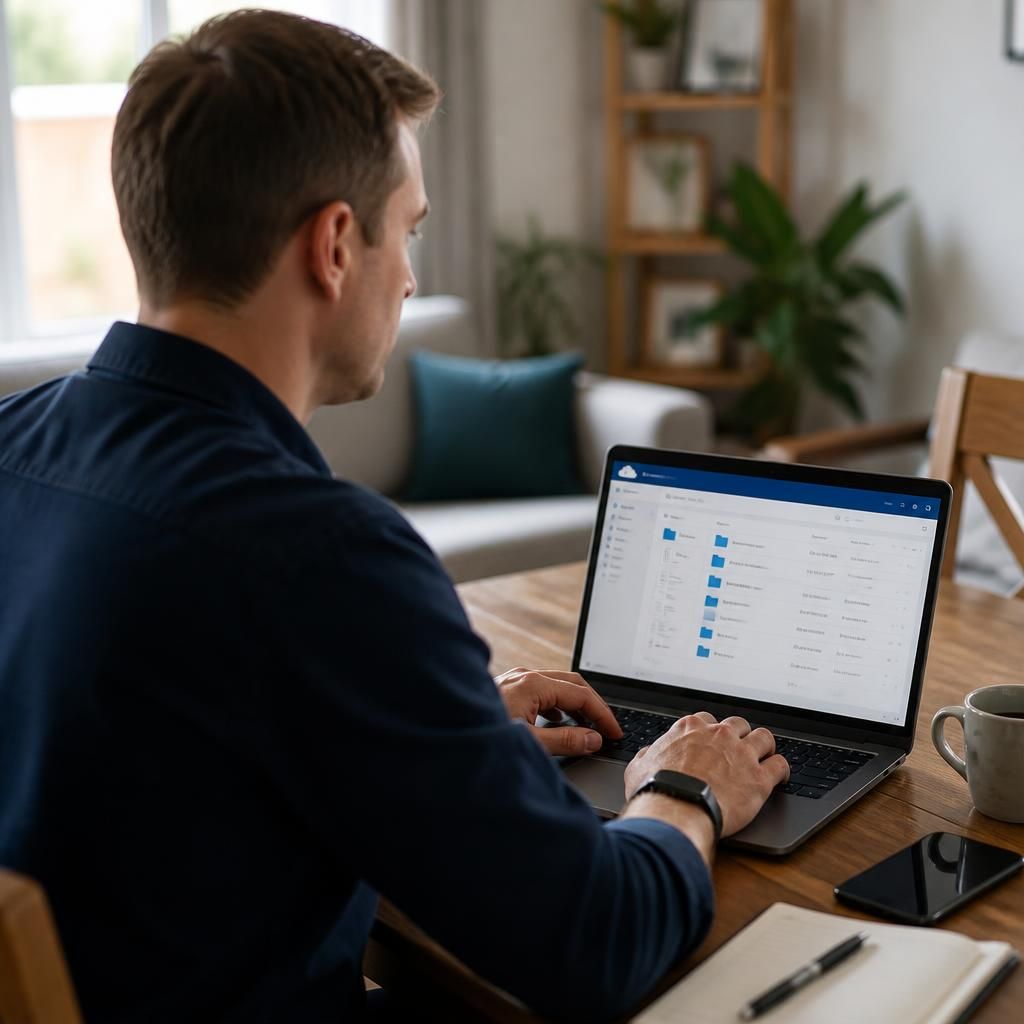
Authentication on an employee-owned device should be designed to resist stolen passwords and fraudulent sign-in prompts, not just confirm that a password is correct. Where supported by the organisation’s cloud services, phishing-resistant methods such as passkeys or security keys can reduce the risk of credentials being entered into a counterfeit login page. Multi-factor authentication should remain mandatory, with separate controls for administrators and users who can access sensitive information.
Account recovery also needs careful protection. Recovery email addresses, phone numbers and support-assisted resets can become routes around the main security controls, so they should be verified, restricted and recorded. Access policies should require stronger authentication when the risk changes, such as a new device, unusual sign-in location or access to a sensitive application. This helps protect cloud accounts even when the employee’s personal device is outside the organisation’s direct management.