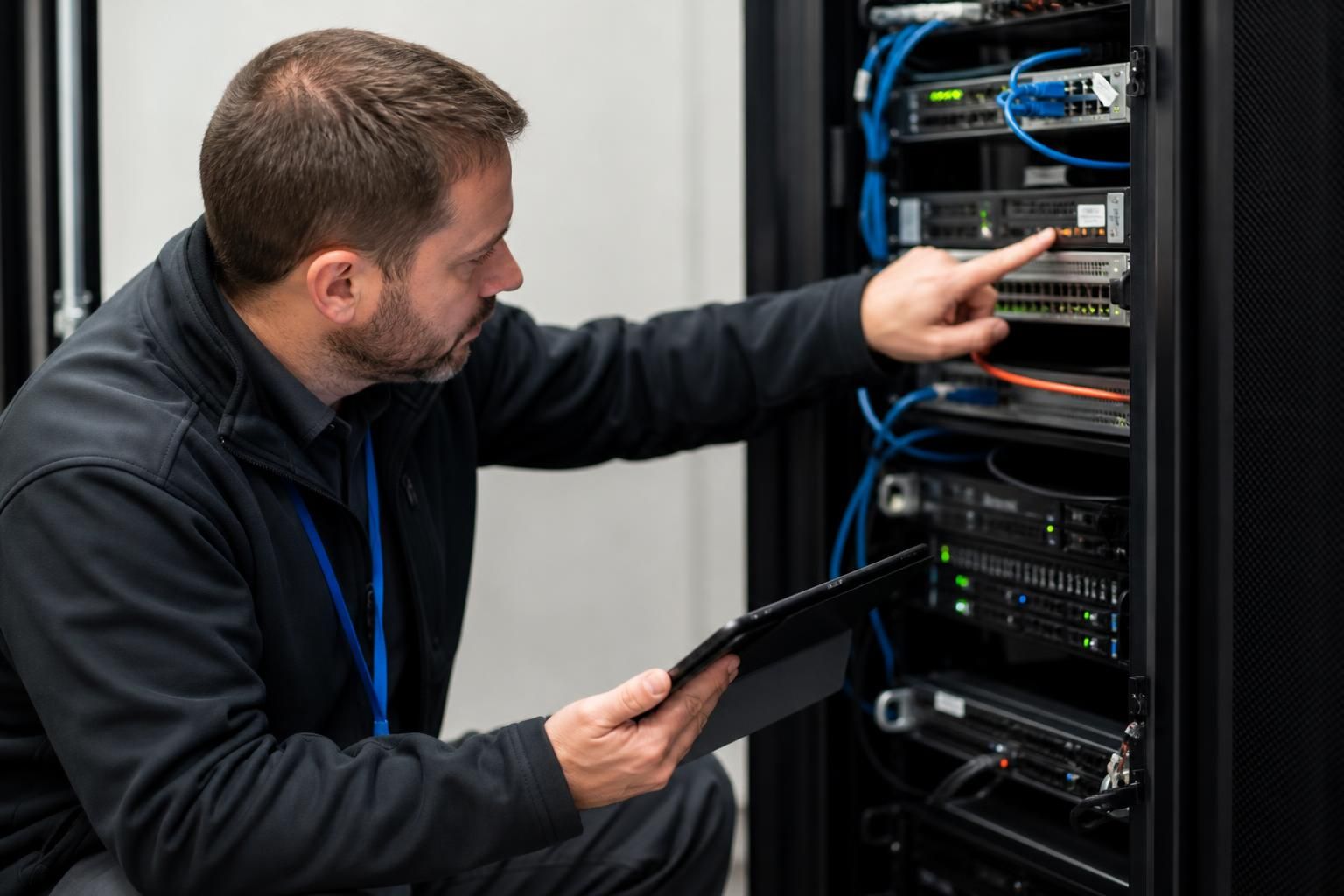
What should an onsite technician check before changing business-critical equipment?
Before changing business-critical equipment, an onsite technician should verify the fault, identify connected systems and dependencies, check compatibility and configuration requirements, and confirm that current data and settings can be restored. They should also assess security controls, plan a rollback if the replacement fails, and document the proposed change and its likely effect on business operations.
Before replacing business-critical equipment, an onsite technician should establish that the equipment is the true source of the problem, assess the physical and operational conditions around it, and confirm that the proposed replacement can be installed safely without creating a new failure point. This inspection should cover the existing unit, its immediate environment, the way it is used and the practical requirements of the installation.
Confirm the fault and its cause
A technician should examine the symptoms rather than treating the reported equipment as automatically defective. They may inspect error indicators, system logs, unusual sounds, overheating, intermittent connections, failed components and recent changes to the surrounding infrastructure. Where appropriate, they should test the equipment under normal load and compare its behaviour with other connected devices.
This helps distinguish a failed unit from problems such as a damaged cable, faulty power source, blocked ventilation, incorrect network port, overloaded circuit or software issue. Replacing the wrong component can leave the original fault unresolved and introduce unnecessary disruption.
Identify the exact asset
The technician should verify the equipment’s make, model, serial number, asset label, location and role within the business. This is particularly important where several similar devices are installed in the same room or cabinet. The physical unit should be matched against the organisation’s asset records so that the correct equipment is changed and its support or warranty position can be checked.
They should also note the equipment’s age, condition and previous repair history. Repeated faults may indicate that replacing one device will not address a wider issue, such as unsuitable environmental conditions or an ageing group of related equipment.
Inspect the installation environment
The surrounding area can determine whether a replacement will operate reliably. Checks should include:
- available rack, shelf or floor space;
- ventilation, airflow and signs of excessive heat or dust;
- the condition and arrangement of power sockets, extension equipment and power distribution units;
- cable routes, strain on connectors and the quality of labelling;
- physical access for removing the old unit and positioning the replacement;
- exposure to moisture, vibration, impact or other unsuitable conditions; and
- the need for lifting equipment, specialist tools or additional installation materials.
In a communications cabinet, the technician should consider whether the new equipment will obstruct airflow, place pressure on existing cabling or leave insufficient room for future maintenance. For office-based equipment, they should check desk layout, cable safety and the location of nearby peripherals.
Check power and connection requirements
The replacement should be assessed against the power available at the site, including socket type, power rating and connection method. A device that requires different electrical provision may need preparation before installation. The technician should also inspect the condition of existing leads and connectors instead of assuming that they can be reused.
Connection requirements should be checked at a practical level. This includes the number and type of physical ports, cable lengths, connector condition and the availability of suitable connections at the intended location. A replacement may work in principle but still be unsuitable if the site lacks the required physical interfaces.
Assess capacity and suitability for current use
The proposed equipment should be evaluated against how the business currently uses it, not only against the specification of the failed unit. The technician can review workload, storage use, memory demand, connected users, peripheral requirements and expected growth. This prevents a like-for-like change from carrying forward a capacity limitation that contributed to the original problem.
They should also check whether the equipment is intended for the correct operating environment. A device designed for a small office may not be appropriate for a busy shared area, a production setting or a multi-location installation. The assessment should take account of reliability requirements, manageability and the skills needed to maintain it.
Review practical change conditions
Before work begins, the technician should establish which people, processes and facilities depend on the equipment at the proposed time of change. This may include reception systems, production processes, communications, printing, access control or shared files. The business should identify an appropriate responsible contact who can confirm whether the site is ready and whether the change can proceed.
The technician should agree a clear start point, completion condition and test sequence with the relevant stakeholders. If the inspection finds that the site is not ready—for example, because required power, access or installation materials are missing—the change should be postponed until those conditions are resolved rather than improvised during the visit.
Prepare the installation and acceptance checks
Tools, mounting hardware, cables, labels and any required credentials should be identified before the equipment is removed. The technician should define how the replacement will be judged successful, using checks relevant to its role. These might include powering on correctly, recognising connected hardware, communicating with required systems, handling a representative user task and reporting no new errors.
It is also useful to capture a short baseline of the existing setup, such as indicator states, operating readings and connection positions. This provides a reference for post-installation testing and makes it easier to identify whether a problem was introduced during the change.
Obtain informed approval
The final pre-change check is confirmation that the proposed equipment, method and timing are understood by the appropriate business contact. Any known limitations, dependencies or additional site work should be stated plainly. Approval should be based on the actual condition found onsite rather than an assumption made from a remote description or an equipment label alone.
A careful onsite assessment therefore does more than verify that a replacement will fit. It tests the diagnosis, checks the installation conditions, exposes overlooked capacity or infrastructure issues and confirms that the business is prepared for the physical work. These checks reduce the risk of replacing a serviceable component or discovering preventable installation problems after the existing equipment has been removed.
Before connecting replacement equipment to a business network, an onsite technician should check that its security configuration can meet the organisation’s requirements. A new device may arrive with default settings, outdated firmware, unnecessary services or access controls that have not yet been configured.
The technician should establish which security measures apply to the equipment’s role, including administrative access, encryption, device management, logging and protection against unauthorised configuration changes. They should also confirm that required security updates can be applied and that the equipment can be incorporated into existing monitoring or protection processes without weakening them.
These checks should be completed before the device handles business data or connects to production systems. Any setting that cannot be applied onsite should be recorded as an outstanding risk, with a clear owner and agreed action rather than being left unresolved after the replacement.