
How does remote IT support protect privileged access to business systems?
Remote IT support protects privileged access by limiting administrative permissions, verifying the technician’s identity and controlling access to the specific system or task required. Secure remote sessions, multi-factor authentication and activity logging help prevent unauthorised changes while providing an audit trail of administrative actions.
Remote IT support protects privileged access when administrative work is carried out through controlled accounts, narrowly defined permissions and documented approval processes, rather than by sharing a permanent administrator password. The remote connection is only one part of the arrangement; account design, credential management and post-session review determine how safely elevated access is used.
Separate everyday and administrative accounts
Technicians and customer staff should use standard accounts for routine activity and separate privileged accounts only when an administrative task requires them. This reduces the risk that browsing, email or an ordinary user mistake will occur with system-wide permissions. A privileged account should identify its owner and intended purpose clearly, rather than using a generic account that cannot be attributed to an individual.
Where practical, administrative roles can also be divided. For example, a person responsible for user administration need not automatically have permission to alter firewall rules, modify security policies or access business data. Role-based access makes it easier to give a technician the authority required for a defined task without creating unnecessary access to unrelated systems.
Use temporary elevation instead of standing privilege
Permanent administrator rights create a larger window in which stolen credentials or an accidental change could affect the organisation. A stronger model is temporary elevation: the technician receives an approved administrative role for the duration of a task, after which that role expires or is removed. This is sometimes called just-in-time access.
Temporary elevation should have a clear scope. The request can identify the affected device, system, change and reason for access. For higher-risk actions, a nominated business contact may need to approve the request before the permission is activated. This creates a practical separation between requesting access and authorising a significant change.
Protect the credentials themselves
Privileged passwords should not be exchanged through ordinary email, chat messages or shared documents. They should be stored in a controlled password vault, with access granted to authorised personnel and changes to sensitive credentials managed centrally. Password rotation after a temporary use or after a technician’s access changes reduces the risk of an old credential remaining usable indefinitely.
Shared emergency accounts require particular care. If a break-glass account is retained for recovery, its use should be restricted to genuine emergencies, its credentials protected separately and its password changed after use. The account should not become a convenient alternative to properly assigned individual administrator accounts.
Restrict what a remote technician can do
Remote support tooling and endpoint policies can be configured to reduce unnecessary administrative capability. Useful controls include:
- allowing administrative commands only on approved devices;
- blocking unauthorised software installation or changes to security settings;
- restricting file transfer, clipboard use and access to sensitive directories where those functions are not needed;
- preventing direct access between network segments that do not need to communicate; and
- requiring a separate change process for high-impact actions such as altering directory services, backups or network security rules.
Network segmentation is particularly important for businesses with servers, production equipment, guest networks or multiple sites. If one endpoint is compromised, segmentation can limit the systems that a privileged account can reach. Remote administration should therefore follow the organisation’s network boundaries rather than creating a broad route into every connected device.
Use a controlled administrative workstation
Privileged work should be performed from a device that is managed, patched and protected to the same standard as the systems being administered. A dedicated administrative workstation or hardened management environment can reduce exposure to malicious browser extensions, untrusted downloads and ordinary user activity. Local administrator rights on that workstation should be restricted, and its software should be limited to what is needed for support work.
This control matters because a secure business system can still be put at risk if a privileged session begins from a compromised technician or employee device. Endpoint protection, encryption, secure configuration and device compliance checks form part of the access decision, not an alternative to it.
Review privileged access as part of governance
Access rights should be reviewed when a staff member changes role, leaves the organisation, a supplier relationship ends or a system is replaced. A periodic review should check which accounts exist, what roles they hold, which remote tools can reach them and whether those permissions remain justified. Dormant administrator accounts and unused integrations should be removed rather than left available for future use.
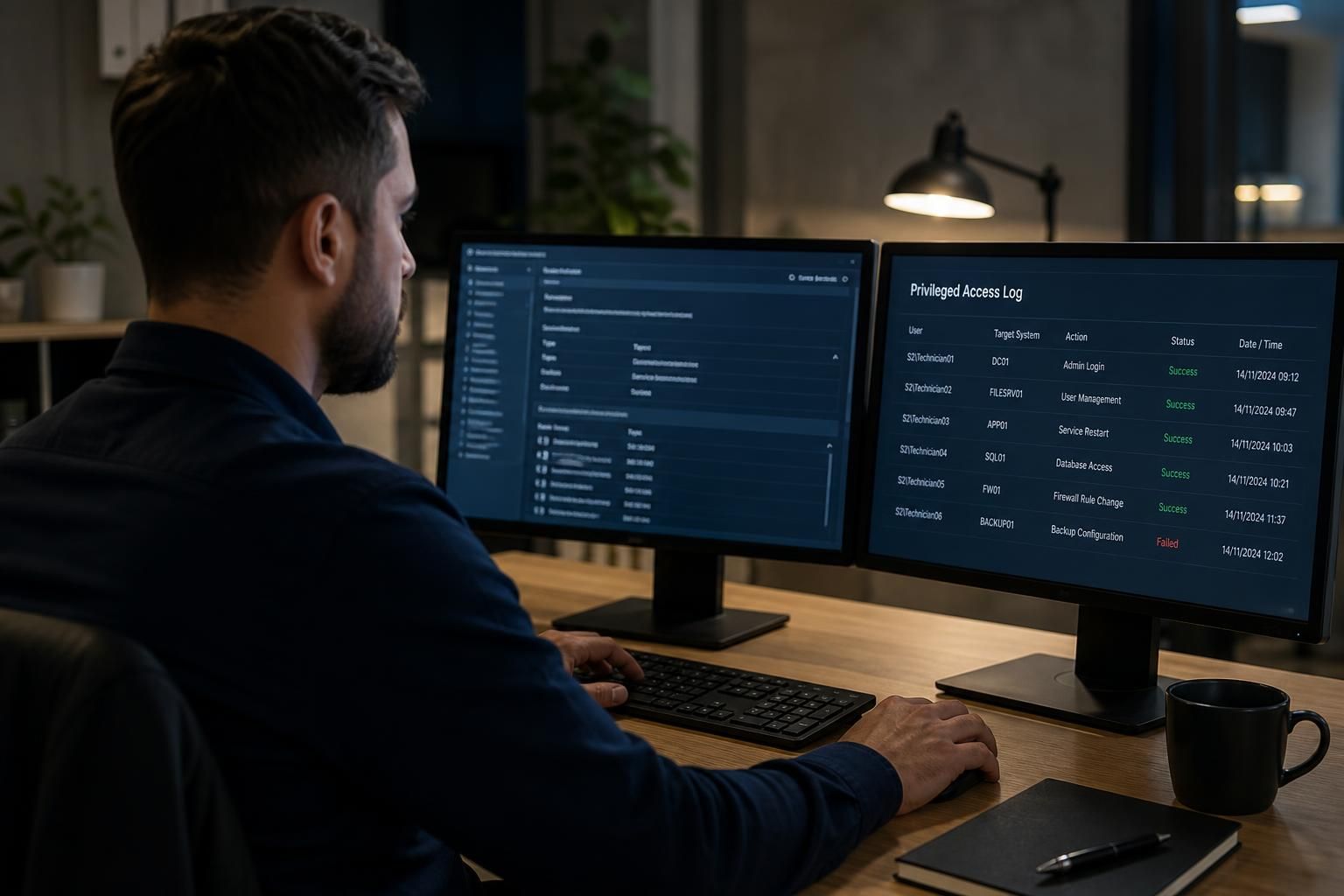
Operational records should also be examined for unusual administrative activity, such as access to systems outside the normal support scope, changes made without an associated request or repeated failed attempts to use an elevated account. The purpose is not simply to retain records, but to identify weak processes and correct them before they become a security incident.
Define the support boundary in advance
A remote IT support arrangement should state which systems may be administered remotely, which actions need customer approval and which changes require a separate technical or security review. It should also define how access is withdrawn when the task ends and how incidents involving a privileged account are escalated. For a small or growing organisation, these rules provide structure without requiring a large internal security team.
S2 Technology Group can help businesses around Stourbridge and neighbouring areas assess these controls as part of managed IT and cyber security planning. The appropriate design depends on the organisation’s systems, user roles, regulatory obligations and tolerance for administrative risk, so privileged access should be reviewed as part of the wider IT environment rather than treated as a remote-support setting alone.
Identity verification protects privileged access by confirming that the person requesting or operating a remote session is an authorised technician, not an impersonator using stolen support credentials. Before elevated access is granted, the business should verify the technician through an established contact route and match the request to a named support record, the affected user or device, and the administrative task.
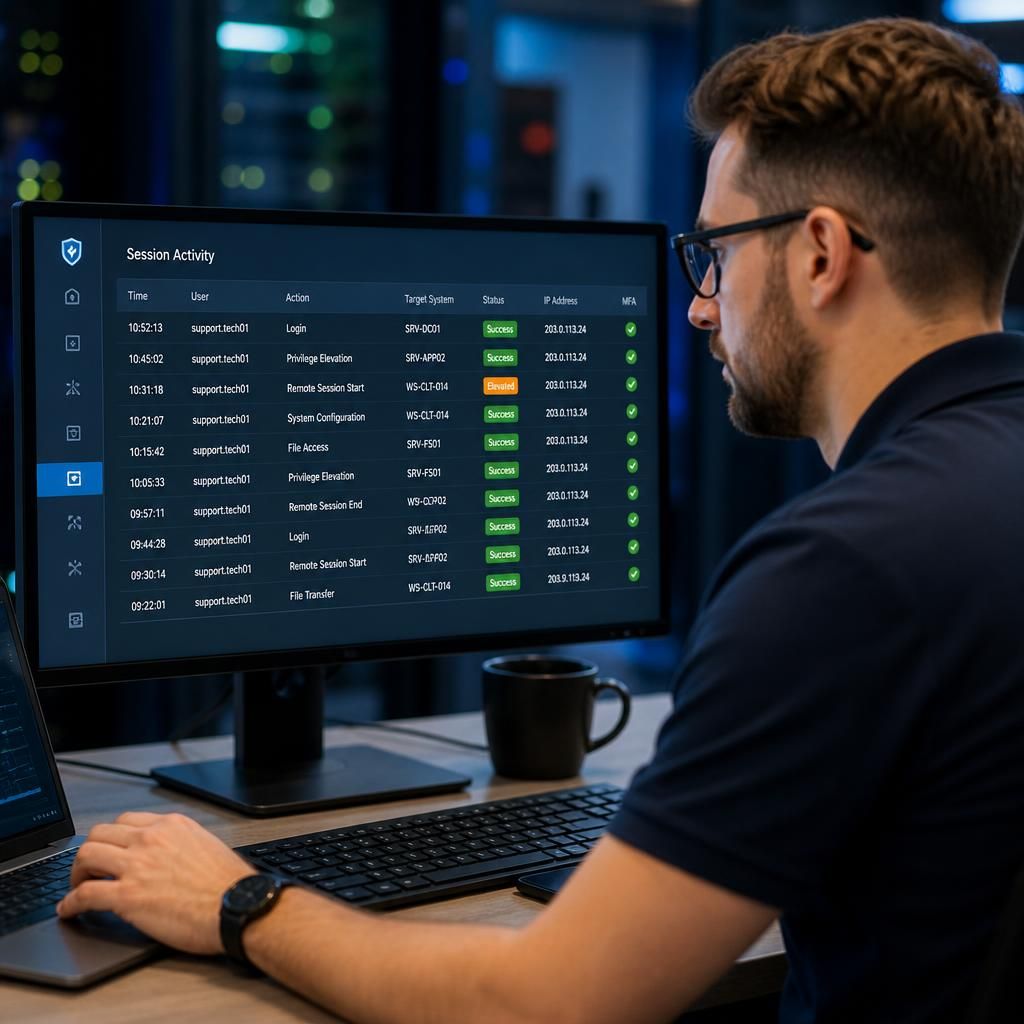
The session should also make it clear when privileged activity is taking place. A visible connection notice, user consent where appropriate and a record of the technician’s identity help prevent unnoticed administration. If the request changes unexpectedly, involves a different system or cannot be verified independently, access should be refused until the circumstances are clarified. This simple verification step complements technical controls by reducing the risk of social engineering and unauthorised remote intervention.
Review your privileged access controls
Review whether your remote support process gives each technician only the access required for the task, with clear approval and withdrawal procedures. S2 Technology Group can help assess your privileged access controls and identify practical improvements for your business.