How is remote access secured during technical support?
Remote access during technical support is secured through encrypted connections, multi-factor authentication, least-privilege permissions and controlled session access. Support activity should be authorised, limited to the systems required, monitored through audit logs and ended when the work is complete.
Secure remote technical support is a controlled process in which the support connection, technician’s device, remote-access software, data flows and resulting changes are all subject to security checks. Protecting the connection itself is important, but effective security also depends on verifying the support tool, controlling what it can do, preventing credentials from being exposed and retaining evidence of the work carried out.
The main safeguards include:
- Approved remote-support tools: Remote access should be provided through software that the business has assessed and authorised. Unapproved consumer remote-control applications can create unmanaged access routes, so their installation and use should be restricted through endpoint security policies.
- Technician identity checks: Each support engineer should use an identifiable individual account rather than shared credentials. This allows the business to establish who connected, which organisation they represented and which actions were performed.
- Device security: The technician’s workstation should be protected with current security updates, endpoint protection, disk encryption and appropriate device-management controls. A secure connection to an unsafe support device can still expose business systems.
- Time-limited access: Access should be granted for the specific support task and removed or allowed to expire when that task is complete. Temporary approval is generally safer than leaving a permanent remote-control route available.
- Permission separation: A support process should distinguish between viewing a device, diagnosing a fault and making an administrative change. Higher-risk actions should require additional approval or a separate administrative process rather than being available to every support user.
- Session visibility: Users should be able to see when a technician is connected, and the support tool should make it clear whether the technician can view the screen, transfer files, use a command line or control the keyboard and mouse. These capabilities should be disabled when they are not needed.
Access should also be governed by business context. Support staff may need to work with sensitive files, personal information, financial records or commercially confidential systems. A sound process avoids opening or copying unrelated information and uses test accounts, redacted data or designated support locations where possible. File transfer should be restricted to necessary items, checked for malware and handled according to the organisation’s data-protection procedures.
Network design provides another layer of protection. Remote support should not create a route from an external device into every internal system. Firewalls, network segmentation and access policies can restrict which servers, workstations and management interfaces are reachable. Sensitive infrastructure should be separated from ordinary user devices, with administrative access routed through appropriately protected management systems.
Changes made during a remote session should be controlled as carefully as the connection. Before altering configuration, the technician should confirm the affected device, understand the proposed change and consider its effect on users, applications and security controls. Important settings should be backed up or recorded before modification. Where the work could disrupt operations, it should follow the organisation’s change-approval process, with a rollback plan if the result is unexpected.
After the work, the device should be checked to confirm that security software, system controls and required services remain operational. Temporary files, downloaded tools and unused accounts should be removed where appropriate. Any credentials exposed during troubleshooting should be changed, and sensitive information should not remain in screenshots, ticket notes or local technician storage.
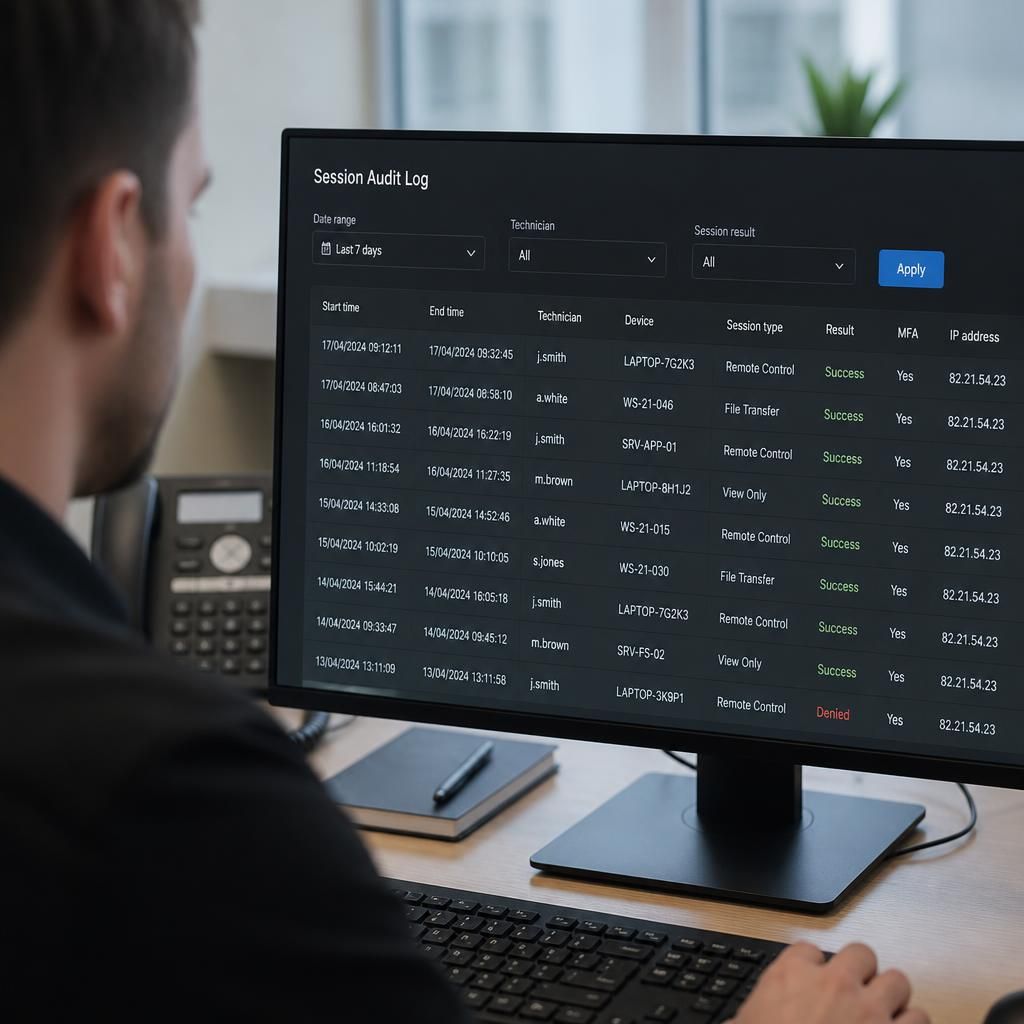
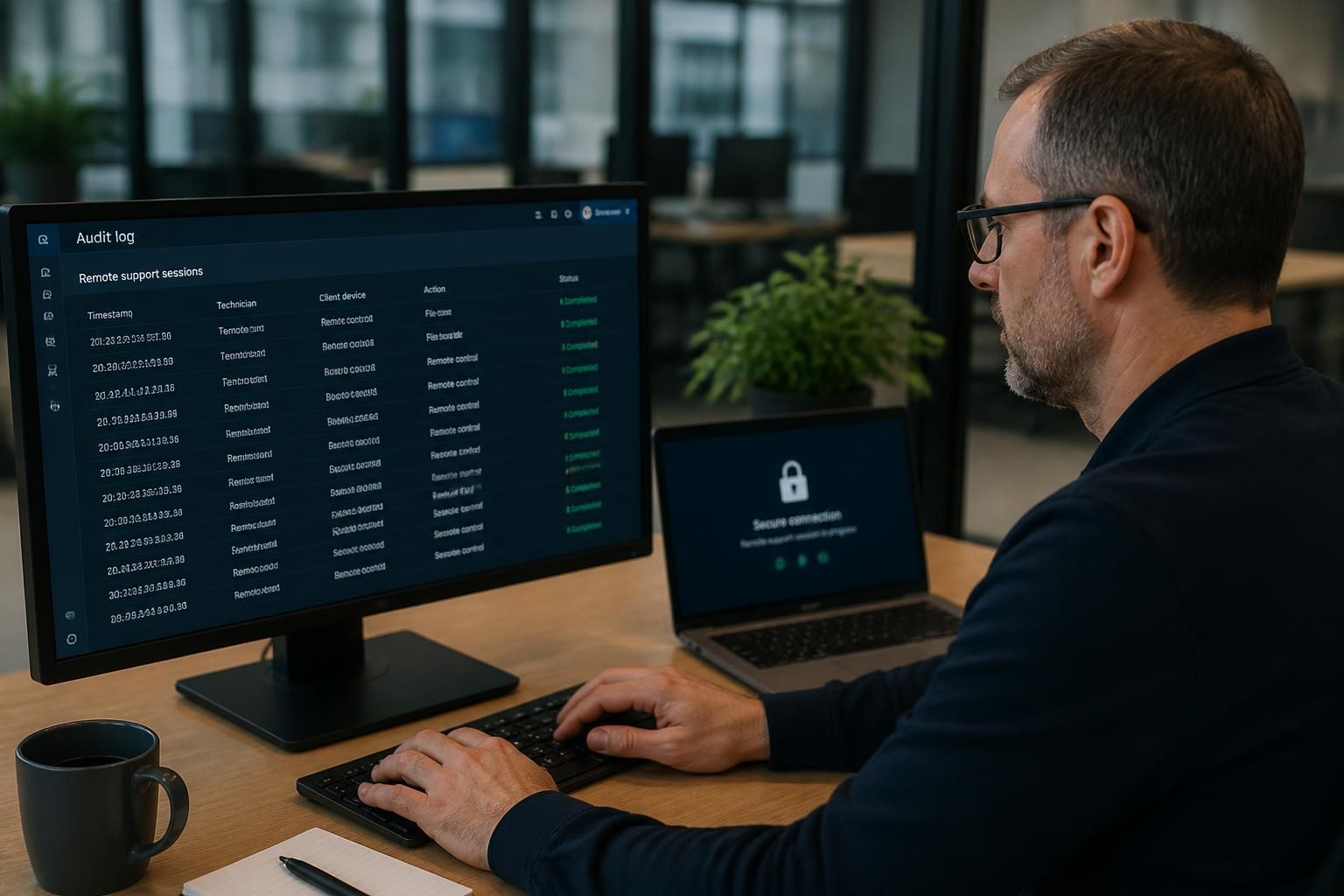
Audit records support both security and accountability. A useful record can include the requesting user, affected asset, reason for access, technician identity, approval, start and finish details, actions taken, files transferred and any changes made. Records should be protected from unauthorised alteration and retained in line with the organisation’s policies. For higher-risk systems, session recording or more detailed command logging may be appropriate, provided that privacy and data-protection requirements are considered.
Businesses should review the remote-support arrangement periodically rather than treating it as a set-and-forget control. Reviews can confirm that former users and technicians no longer retain access, remote-support software is still approved, permissions remain appropriate, and logs are being generated and reviewed. Testing should also cover what happens if a support account, technician device or remote-access tool is compromised.
For a small or medium-sized organisation without a full in-house IT team, these controls are often incorporated into a managed support process. S2 Technology Group can advise businesses around Stourbridge, Kinver, Wordsley, Kingswinford, Kidderminster, Halesowen, Dudley and neighbouring areas on how remote support fits within wider IT and cyber-security arrangements, including endpoint protection, access governance, network controls and change management.
Remote access is safer when the connection is established through an authenticated support gateway rather than by exposing a device directly to the internet. The gateway verifies the support service and the technician before brokering a session, reducing reliance on open inbound connections such as publicly accessible remote desktop services.
Connection security should include:
- Encryption in transit, with certificates properly validated so a technician is connecting to the intended service rather than an impostor.
- Mutual authentication where appropriate, allowing the support platform to verify the managed device as well as the technician.
- Protection against session hijacking, including short-lived session tokens and re-authentication when the risk or sensitivity of the task requires it.
- Secure handling of connection details, ensuring session codes, approval links and access tokens are not stored in emails, ticket notes or shared documents longer than necessary.
This approach protects the connection before screen sharing or system control begins. It should complement, rather than replace, user approval, access restrictions and audit records, because encrypted communication alone cannot prevent an authorised account from being misused.