
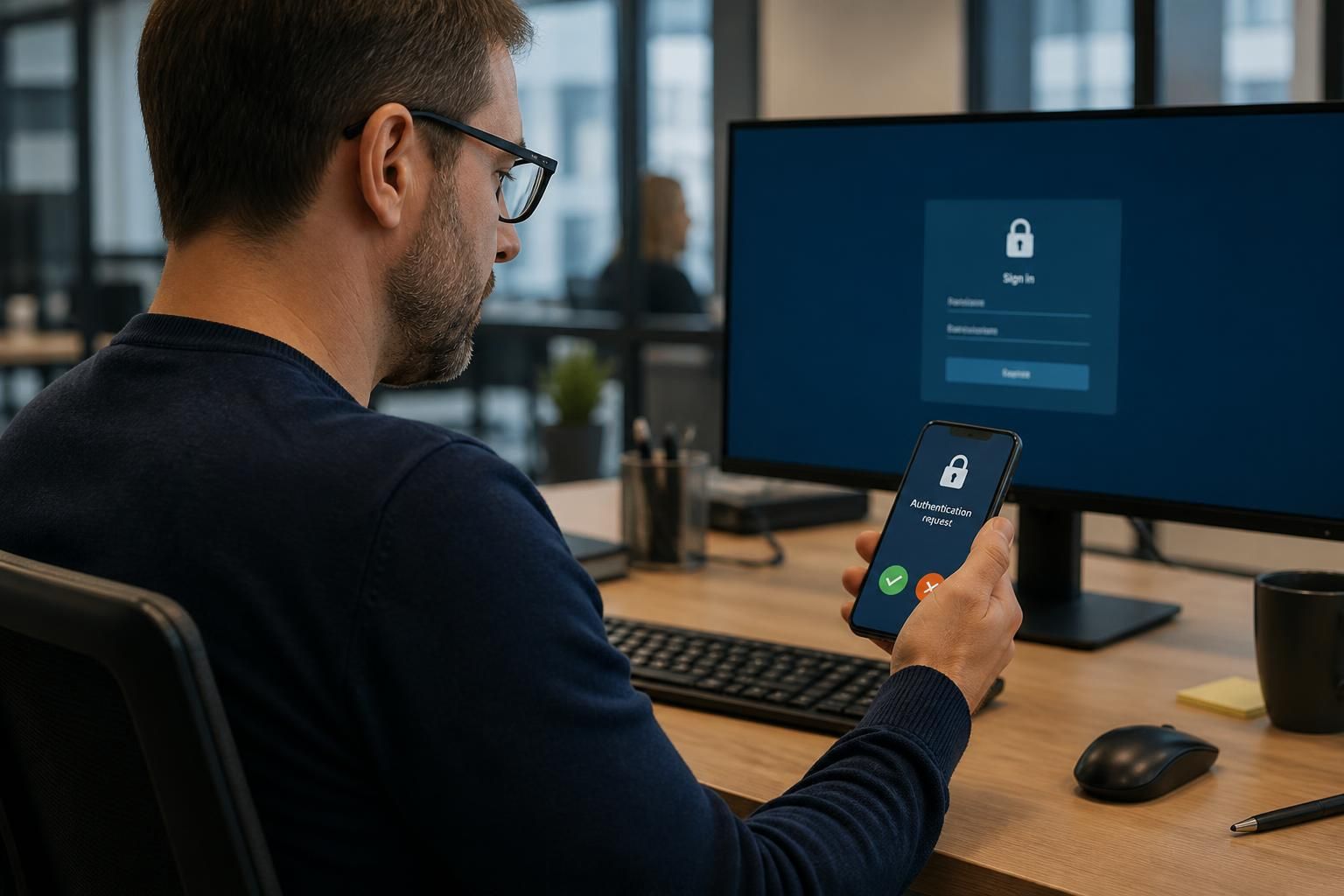
Why does multi-factor authentication matter for business cyber security?
Multi-factor authentication (MFA) requires users to verify their identity with two or more independent factors, such as a password and an authentication app. It matters for business cyber security because a stolen password alone is not enough to access a protected account, helping reduce the risk of unauthorised access.
Multi-factor authentication (MFA) matters because it makes account access depend on more than one type of evidence. Alongside something a user knows, such as a password, access may require something they have, such as an authentication device, or something they are, such as a fingerprint. This additional verification reduces the likelihood that a compromised credential can be used on its own to enter business systems.
Passwords are exposed in several ways, including phishing, reuse across services, malware and data breaches. MFA adds a separate control at the point of login. It can therefore limit the usefulness of a password obtained by an attacker, particularly for email, cloud administration, remote access, finance systems and other accounts containing sensitive information.
The protection depends on the method used. Common options include:
- Authentication applications: generate time-based codes or approve sign-in requests on a registered device.
- Hardware security keys: provide a physical credential and can offer strong resistance to phishing when they use modern cryptographic authentication.
- Biometric verification: confirms a characteristic such as a fingerprint or facial feature, usually alongside a device-based credential.
- Text-message codes: can be better than password-only access, but they are generally less robust because telephone numbers and mobile accounts may be targeted.
MFA is especially important for privileged accounts. An administrator account can alter security settings, create users, access company data or disable protective controls. Requiring stronger authentication for these accounts, separating administrative identities from ordinary user accounts and limiting administrator permissions reduces the potential impact of account misuse.
Businesses should also consider where MFA is applied. Email and identity platforms are high-priority targets because they can provide access to other services and enable fraudulent password-reset requests. Remote access tools, cloud management consoles, file-sharing platforms, financial applications and third-party services should be assessed as part of the same access strategy. Applying MFA only to a small number of systems leaves avoidable gaps.
Effective deployment requires more than switching on a sign-in prompt. A business should:
- Identify important systems, user accounts, service accounts and external users.
- Prioritise administrators, remote access, email and accounts with access to sensitive or valuable information.
- Choose authentication methods appropriate to the risk, user role and technical environment.
- Define how devices are enrolled, replaced, lost or removed from an account.
- Provide a controlled recovery process that verifies identity without creating an easier route around MFA.
- Review sign-in logs and investigate unusual locations, devices, applications or repeated approval requests.
- Test the arrangement periodically, including account recovery and access for staff who change roles.
Users should be trained not to approve unexpected authentication requests or disclose verification codes. Attackers may attempt to persuade a person to authorise a fraudulent login, repeatedly send prompts until one is accepted or direct the user to a convincing imitation sign-in page. MFA reduces risk, but it does not remove the need for phishing awareness, secure device management, sensible permissions and monitoring.
There are also practical considerations for business continuity. Recovery codes and replacement methods should be protected, documented and available to authorised personnel without being stored openly with passwords. Service accounts and older applications may not support modern MFA, so these exceptions need to be identified and controlled rather than silently left outside the policy. Where possible, legacy authentication should be removed or restricted.
A well-managed MFA policy forms part of a wider identity and access security programme. It should work alongside least-privilege access, regular account reviews, strong endpoint security, secure configuration and incident response procedures. For a small or growing organisation without a full in-house IT team, an IT security provider can help review which accounts and systems require protection, configure suitable controls and monitor for authentication-related threats.
Multi-factor authentication verifies a user at sign-in, but it does not automatically secure every subsequent session. If an attacker steals a browser session token, they may be able to use an already authenticated session without entering the password or completing MFA again. This is why MFA should be combined with controls that assess access throughout the session.
For higher-risk applications, businesses can require reauthentication before sensitive actions, limit session duration and revoke active sessions when compromise is suspected. Access policies can also consider whether the device is managed and secure, whether the sign-in is unusual for that user and whether the requested action is consistent with their role. These measures help ensure that MFA remains part of a broader access decision rather than a one-time check at the login screen.
Review your business multi-factor authentication requirements
Review your organisation’s multi-factor authentication requirements with S2 Technology Group to identify suitable controls for your users, systems and access policies. Contact the team for practical guidance on aligning MFA with your wider business cyber security strategy.