

How does an IT helpdesk support software and system changes?
An IT helpdesk supports software and system changes by assessing the request, planning and testing the change, coordinating implementation, and checking that systems work correctly afterwards. It also records the change and provides users with relevant guidance, helping reduce disruption and identify security or compatibility issues before they affect the business.
An IT helpdesk supports software and system changes by applying a controlled process around each change, from the initial request through to post-change support. Its role is not simply to install an update; it is to assess the business need, identify dependencies and risks, involve the right people, and maintain a reliable record of what was changed and why.
The process usually begins with a change request. The helpdesk records the requested software or system, the reason for the change, the users or locations affected, and any required deadline. It can then establish whether the request is a routine change, a significant project, or an urgent corrective action. This distinction helps determine the level of testing, approval and communication needed.
Before implementation, the helpdesk or IT service team considers the change’s effect on:
- Existing applications, operating systems and integrations
- User access, permissions and authentication
- Shared files, databases and business information
- Security controls, monitoring and backup arrangements
- Connectivity between offices, remote users and cloud services
- Licensing, hardware requirements and supplier dependencies
Compatibility is particularly important where a new application must work with existing systems. A software update may alter file formats, authentication methods, browser support or system requirements. Checking these dependencies in advance helps prevent a change from creating a separate fault elsewhere in the technology environment.
Testing should be proportionate to the risk. A minor configuration adjustment may need a technical check and confirmation from an affected user, while a major platform or operating system change may require a test environment, representative user accounts and checks of key business processes. Testing can cover login, permissions, data access, printing, integrations, remote access and security settings, rather than focusing only on whether the software opens.
Where a change could affect business operations, the helpdesk can help define an implementation plan. This normally includes:
- The precise steps for applying the change
- The systems, users and sites included in the scope
- Responsibilities for the IT team, internal contacts and suppliers
- Prerequisites such as backups, available storage or compatible versions
- Checks that confirm whether the change has worked
- A rollback or recovery procedure if the expected result is not achieved
A rollback plan is important because not every problem is visible during testing. It gives the support team a documented way to restore the previous configuration, remove an incompatible update or return users to a working service. The appropriate recovery method depends on the system and may involve configuration backups, software version control, data restoration or supplier assistance.
Change approval should reflect the potential impact. A routine, pre-approved update can follow an established procedure, whereas a change affecting many users, sensitive information or a critical business application may require approval from a manager, system owner or senior decision-maker. The helpdesk can provide the technical information needed for that decision without treating every request as an informal instruction.
Communication is another important part of change support. Users may need to know what is changing, which services could be affected, whether they must take action and where to report an issue. Clear communication reduces confusion and helps distinguish an expected temporary effect from a genuine fault. For user-facing software, the helpdesk may also provide instructions, short guidance or assistance with new features and revised procedures.
During implementation, the helpdesk can coordinate the sequence of tasks and monitor for faults. Changes may need to be staged rather than applied to every device or user at once. A staged approach allows the team to confirm compatibility with a representative group before extending the change further. It can also reveal differences between office-based devices, remote users, older hardware and specialist systems.
After implementation, validation should confirm both the technical state and the business outcome. This may include checking service availability, user access, integrations, event logs, security settings and performance indicators relevant to the system. The helpdesk can then record any incidents linked to the change, update support documentation and note lessons for future work.
Good change records normally include the request, assessment, approvals, implementation details, test results, affected assets, outcome and any follow-up actions. Keeping this information with the organisation’s wider IT documentation makes future troubleshooting more accurate. It also helps identify recurring compatibility problems, unauthorised changes or systems that require a more structured upgrade plan.
For software and system changes to remain secure, the helpdesk should also check that updates come from an appropriate source, permissions remain limited to those who need them and unsupported software is not introduced into the environment. Changes should be considered alongside patching, endpoint protection, backup arrangements and access management rather than treated as isolated technical tasks.
An IT helpdesk therefore provides continuity before, during and after a change. It combines technical checks with documentation, approval, communication and user support, helping an organisation introduce new or amended technology without losing control of its systems.
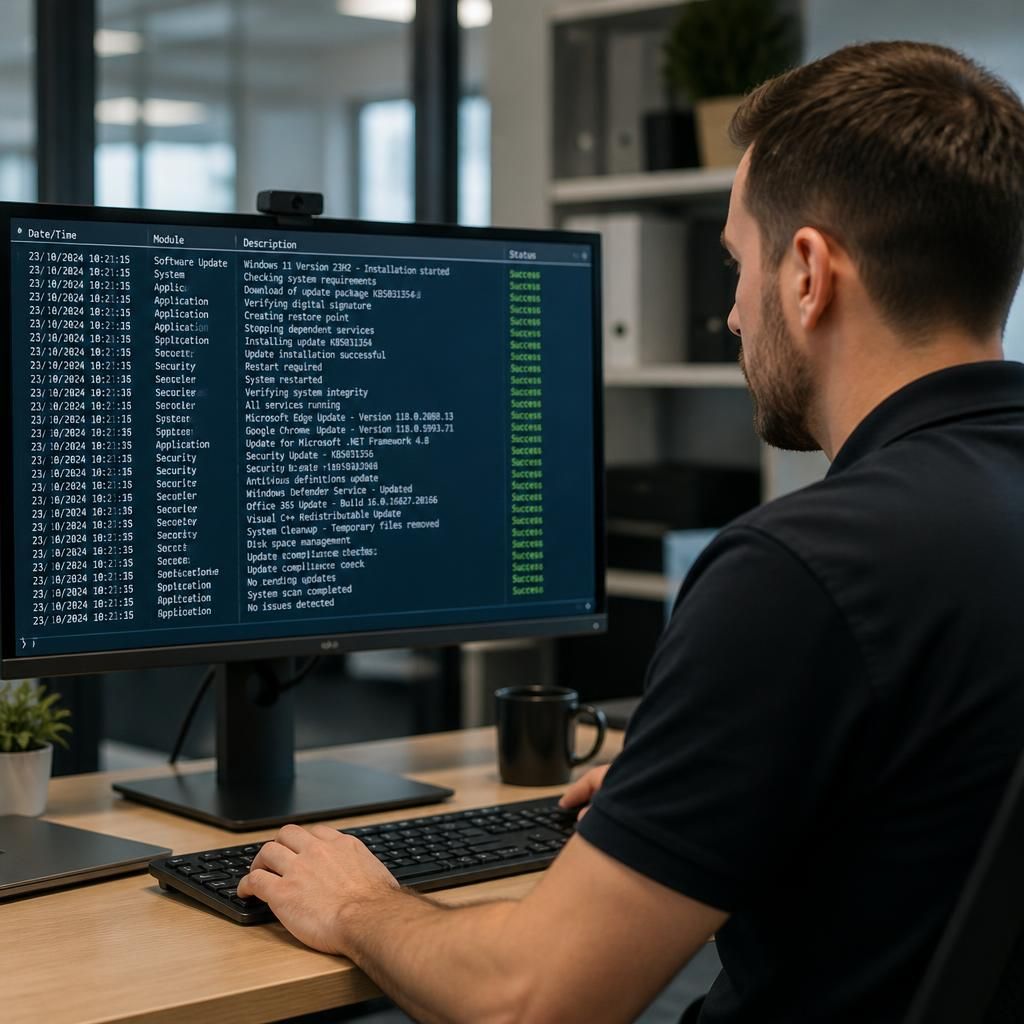
A key function of an IT helpdesk during software and system changes is deciding when a request can be handled through a standard support procedure and when it needs specialist or project-level involvement. This prevents a straightforward user change from being overcomplicated while ensuring that changes with wider technical or operational consequences receive appropriate attention.
For example, updating an individual application setting may follow an established procedure, whereas changing a shared business system, network service or identity platform may affect multiple dependencies. The helpdesk can identify these differences from the information supplied with the request and direct the work to the relevant technical team, system owner or software supplier where necessary.
This creates a clear route for changes that fall outside normal helpdesk activity. It also gives the organisation a consistent way to distinguish routine support from work that requires broader planning, specialist knowledge or formal project management.