Can virtual IT services manage remote employee devices?
Yes. Virtual IT services can manage remote employee devices through centralised monitoring, security policies, software updates, access controls and remote support, helping ensure laptops and other endpoints remain secure and properly configured wherever employees work.
Virtual IT services can manage remote employee devices, provided the organisation defines which devices are covered, how they are enrolled and what standards they must meet. Management can extend to company-owned laptops, desktops, tablets and mobile devices, as well as carefully governed personally owned equipment used for business purposes.
The first step is establishing an accurate device register. Each endpoint should be associated with an employee, department, ownership status and business role. This gives the IT service provider a clear view of which equipment is authorised, who is responsible for it and whether it is approaching replacement. It also helps identify devices that have been lost, retired or replaced but still appear in business systems.
Remote device management normally begins with an approved enrolment process. A new laptop, for example, can be configured with the organisation’s required settings before it is issued to an employee. The configuration may include approved applications, secure connection settings, storage protection, screen-lock rules and restrictions on administrative privileges. Standardising this baseline reduces the differences between home-working devices and those used at an office.
Device ownership needs particular attention when employees use their own equipment. A bring-your-own-device arrangement should state which business information may be accessed, what security checks apply and what the organisation can remove if the device is lost or the employee leaves. Selective removal of business accounts or data is generally preferable to treating a personal device as if the business owns the entire device. Some organisations may decide that sensitive work is permitted only from managed equipment.
- Company-owned devices: the organisation can usually apply a complete management standard, including configuration, application control and retirement procedures.
- Personally owned devices: management is normally narrower and should separate business information from personal content.
- Shared or multi-user devices: access should be assigned to named users where possible, with appropriate controls for local storage and saved credentials.
- Privileged or specialist devices: these may need additional approval, stronger restrictions and a documented exception process.
Remote employees also need a consistent method of connecting to business resources. Access should be based on the user’s identity, the device’s condition and the sensitivity of the application or data being requested. A device that has not been enrolled, has an unsupported operating system or does not meet the organisation’s requirements may need to be restricted from particular resources until it is brought back into compliance. This approach avoids treating a valid username and password as sufficient proof that a device is suitable.
Data handling is another important part of device management. Organisations should decide whether files are stored locally, accessed through hosted applications or synchronised to an approved cloud location. Local copies may need encryption, while removable storage and automatic synchronisation may require restrictions. These decisions should reflect the organisation’s regulatory duties, contractual commitments and the sensitivity of its records. Device management does not replace a properly designed data protection and backup strategy.
A documented process is also needed for lost, stolen or compromised equipment. The response may include disabling the affected account, removing business access, preserving relevant records and arranging secure replacement equipment. If the device contains local business data, the organisation should know whether it can be erased remotely and whether that action could affect personal information on a personally owned device. These decisions are best agreed before an incident occurs.
Supporting remote devices involves more than applying technical settings. Employees need clear guidance on reporting suspicious activity, installing only approved software, using secure networks and allowing required maintenance activity to take place. The IT provider can also distinguish between a device problem, a home network problem and an issue with the business application. That distinction helps prevent unsuitable changes being made to the endpoint when the actual fault lies elsewhere.
Device management should cover the full lifecycle:
- Planning: define supported device types, ownership rules, user groups and minimum technical requirements.
- Provisioning: enrol equipment, apply the approved configuration and assign it to the correct employee.
- Operation: maintain the device’s configuration, review its condition and deal with faults or exceptions.
- Change: assess new applications, operating system versions and hardware changes before wider deployment.
- Retirement: remove business access, preserve required records and securely erase or dispose of the equipment.
There are practical limits. A virtual IT service cannot fully control an unmanaged personal device without the user’s agreement, and it cannot guarantee that an employee’s home network, physical surroundings or personal software are safe. It may also be unsuitable to impose one configuration on every role; a designer, engineer, finance user and field worker may have different application and hardware requirements. Exceptions should therefore be recorded, justified and reviewed rather than allowed informally.
For a small or medium-sized organisation without a full in-house IT team, a virtual IT services agreement should make these responsibilities explicit. It should identify supported operating systems and device types, enrolment requirements, BYOD boundaries, user responsibilities, incident procedures, data-handling rules and the records retained about managed equipment. S2 Technology Group can use this type of framework to manage remote employee devices as part of a wider IT support and cyber security service, while aligning the controls with the organisation’s working practices and risk profile.
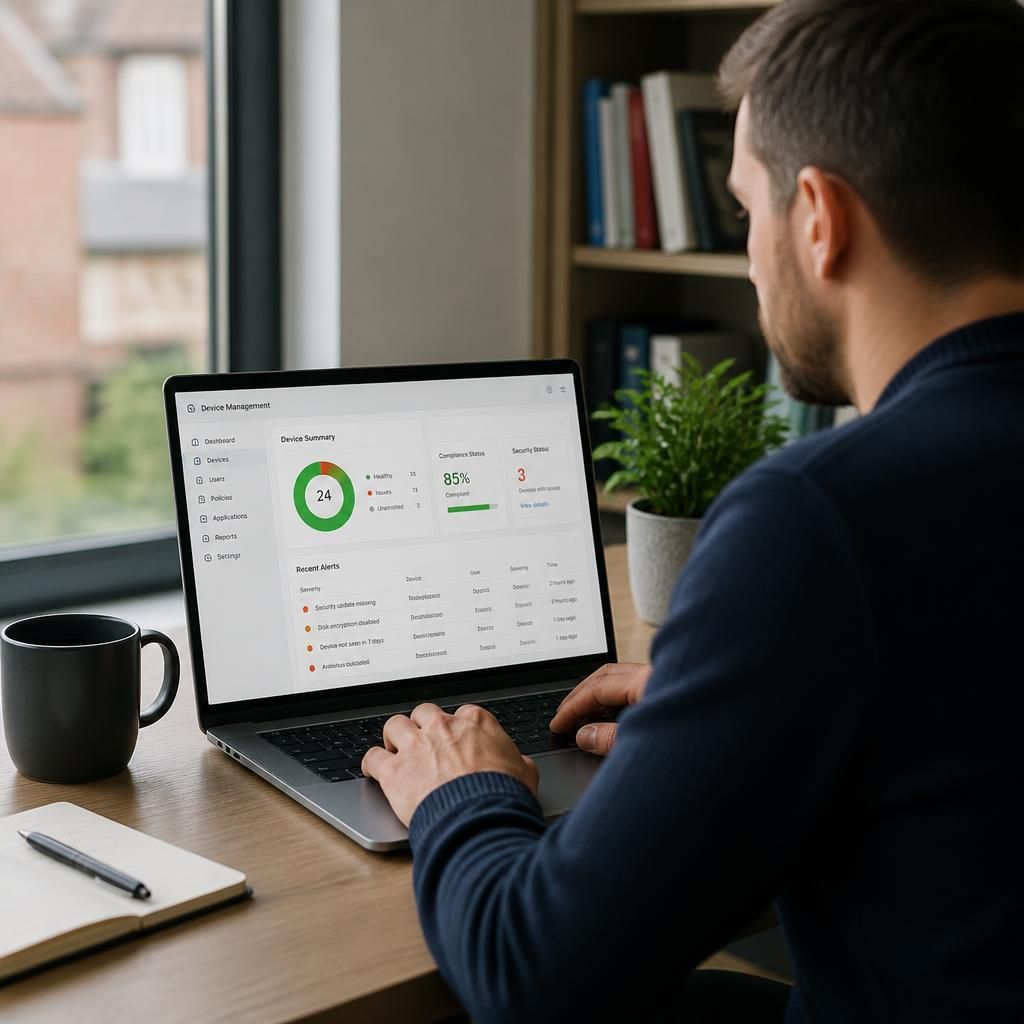
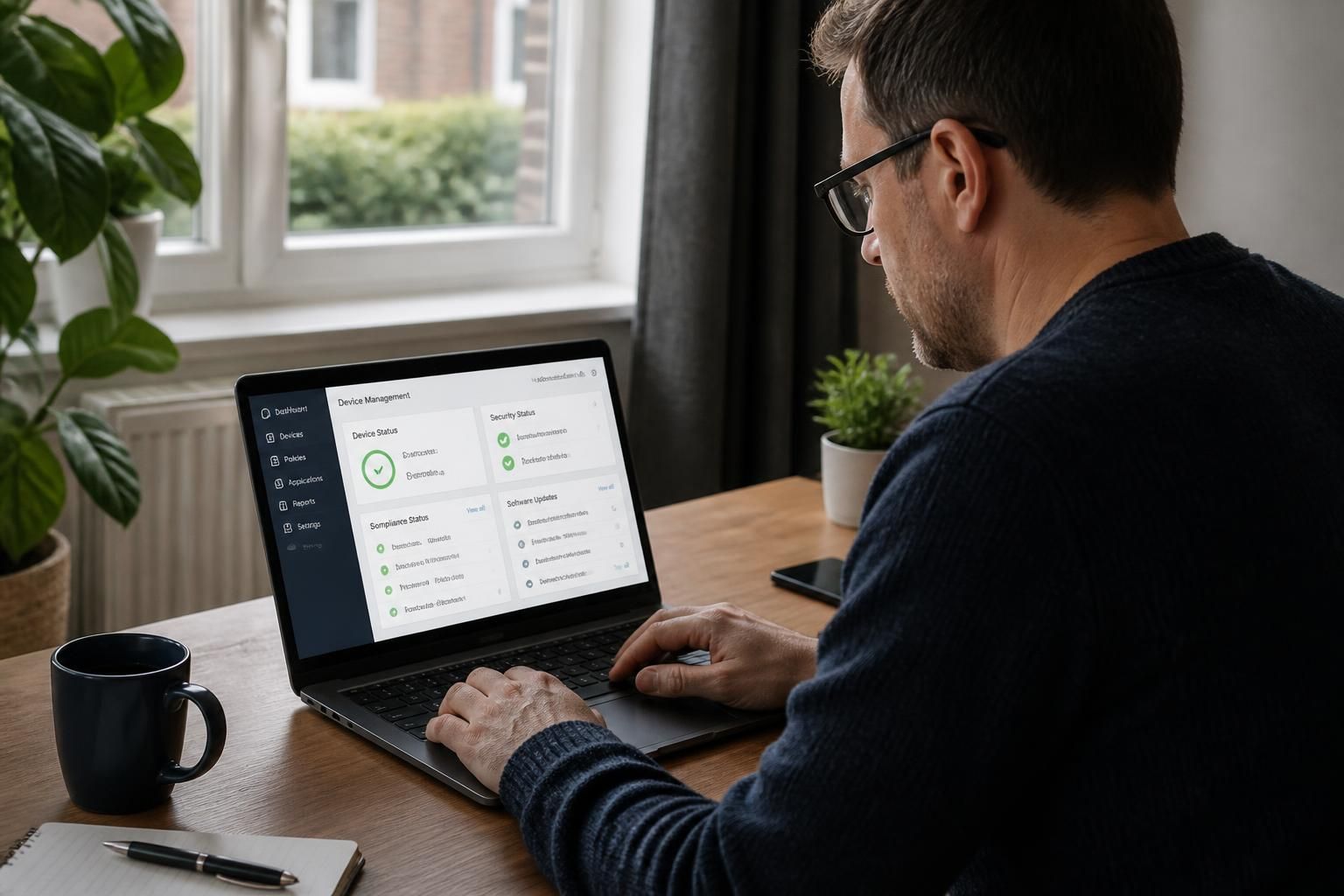
Remote device management relies on monitoring that shows whether an endpoint is healthy, protected and able to access the systems it needs. The information collected should support IT administration rather than track an employee’s personal activity. Typical monitoring may identify an outdated security component, failed maintenance task, unusual configuration change or device that has stopped checking in.
Alerts need defined handling rules. A service provider can classify them by risk, investigate whether they affect one device or a wider group, and record the action taken. This helps separate a genuine security concern from a routine fault and reduces unnecessary disruption for the user. Monitoring should also be limited to relevant technical information, with access to device data restricted to authorised personnel.
Organisations should agree what is monitored, how long records are retained and how employees are informed. Clear boundaries are particularly important where personal devices are permitted, because technical oversight must not become unrestricted access to private content. When these rules are documented, monitoring provides useful operational evidence while respecting user privacy.