How does an IT helpdesk support cybersecurity?
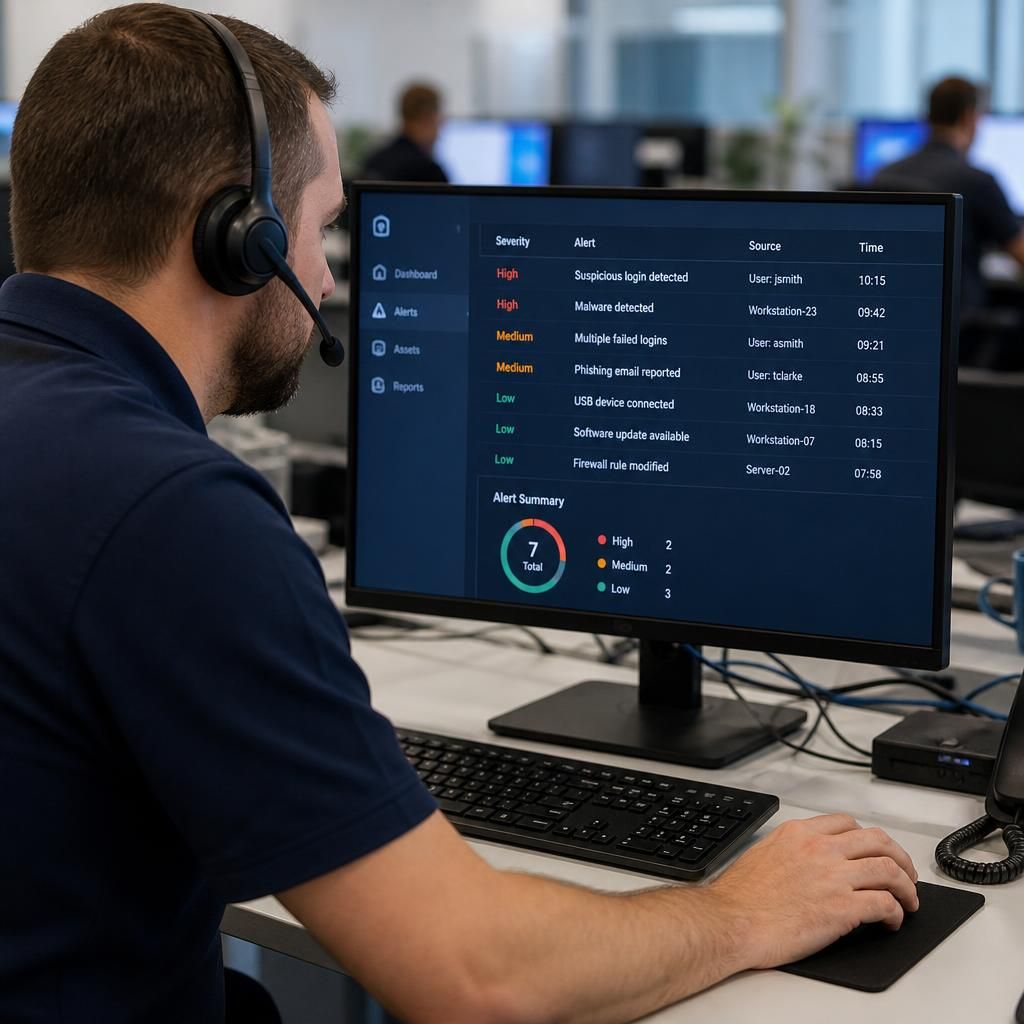
An IT helpdesk supports cybersecurity by handling security-related issues, assessing their urgency and coordinating appropriate action, such as securing compromised accounts, investigating suspicious activity and applying required fixes. It also helps maintain secure day-to-day practices by managing access requests, documenting incidents and escalating complex threats to the appropriate technical specialists.
An IT helpdesk strengthens cybersecurity by making security controls part of everyday IT operations. It connects technical safeguards with the people and processes that use them, helping a business reduce avoidable weaknesses, identify abnormal activity and maintain a consistent response when a control fails.
It supports preventative security. Helpdesk teams can help maintain secure configurations across computers, servers, networks and cloud services. This may include applying operating system and application updates, removing unsupported software, checking that protective tools are functioning and ensuring devices are configured according to the organisation’s security requirements. Keeping systems maintained reduces the number of known weaknesses available for attackers to exploit.
It reinforces identity and access controls. Cybersecurity depends on giving users the access they need without leaving unnecessary permissions in place. An IT helpdesk can follow defined approval processes for new accounts, password changes, authentication problems, group membership and access to business systems. It can also support stronger controls such as multi-factor authentication, secure password practices and the removal of dormant accounts. These procedures create a clearer distinction between a genuine access request and an attempt to obtain unauthorised access.
It helps monitor security-related signals. Helpdesk staff often have visibility of recurring login failures, unusual device behaviour, reports of unexpected messages and failures in security software. When these observations are recorded and assessed consistently, they can reveal patterns that an individual user might not recognise. Monitoring does not necessarily mean that the helpdesk performs specialist security investigation itself; its role may be to identify relevant indicators, preserve useful information and involve the appropriate security resource.
It improves phishing resistance. Users commonly contact an IT helpdesk when they receive a suspicious email, are directed to an unfamiliar website or are asked to disclose information unexpectedly. Clear reporting procedures allow potentially harmful messages to be assessed and, where appropriate, removed or blocked for other users. The helpdesk can also provide practical guidance on checking sender details, links, attachments and requests for sensitive information. This supports user awareness without relying on every employee to make an accurate technical judgement alone.
It protects devices used away from the office. Laptops and other mobile devices may connect through home networks, public connections or unfamiliar locations. Helpdesk processes can help verify that remote devices are encrypted, updated, protected by suitable authentication and covered by the organisation’s security policies. Support for secure remote access also reduces the temptation for users to bypass approved methods when they need to reach business systems.
It supports secure change management. A new application, network change or cloud configuration can introduce unintended exposure if it is made without review. An IT helpdesk can record what has changed, who authorised it, which systems are affected and whether the change should be reversed if it creates a problem. This provides traceability and makes it easier to identify whether a security event relates to a recent alteration.
It contributes to recovery planning. Cybersecurity includes the ability to restore normal operations after data loss, malware or a compromised system. Helpdesk procedures can support the verification of backups, the secure rebuilding of devices and the controlled restoration of user access. Recovery arrangements should be tested and documented rather than assumed to work, with responsibilities and dependencies understood before an incident occurs.
It creates an audit trail. A properly managed helpdesk system records relevant details such as the affected user or asset, reported symptoms, actions taken, approvals, related changes and the point at which the issue was handed to another specialist. This information helps identify recurring weaknesses, demonstrate that procedures are being followed and support later investigation. It also gives management a more reliable view of the organisation’s security workload than informal messages or undocumented fixes.
It links routine support with wider security governance. Repeated requests about access, outdated equipment, failed authentication or suspicious messages may indicate a need for a policy, training, technical control or supplier review. By analysing these trends, the helpdesk can provide useful evidence for risk assessments and improvement plans. The most effective arrangements define when a support issue becomes a security incident and what information must be passed to specialist teams.
An IT helpdesk is not a complete cybersecurity service on its own. It should operate alongside measures such as endpoint protection, network security, backups, staff training, vulnerability management, security monitoring and tested incident procedures. Its value is that it applies those requirements consistently during everyday interactions with users and systems, reducing the gap between a written security policy and what happens in practice.
An IT helpdesk must also protect the support system itself, because tickets can contain sensitive business information, device details and evidence of security incidents. If unauthorised users gain access to the ticketing platform, they may obtain information that helps them target accounts or systems.
Security controls for the helpdesk should include role-based access, multi-factor authentication and clear rules about what users must not include in tickets, such as passwords, authentication codes or unnecessary personal data. Attachments and screenshots should be handled carefully, particularly when they show account details or internal systems. Access for suppliers or temporary technicians should be approved for a defined purpose and removed when it is no longer required.
These safeguards reduce the risk that the support process becomes an additional route into the organisation. They also help ensure that sensitive security information is available to the people responsible for resolving an issue, without being exposed more widely than necessary.