
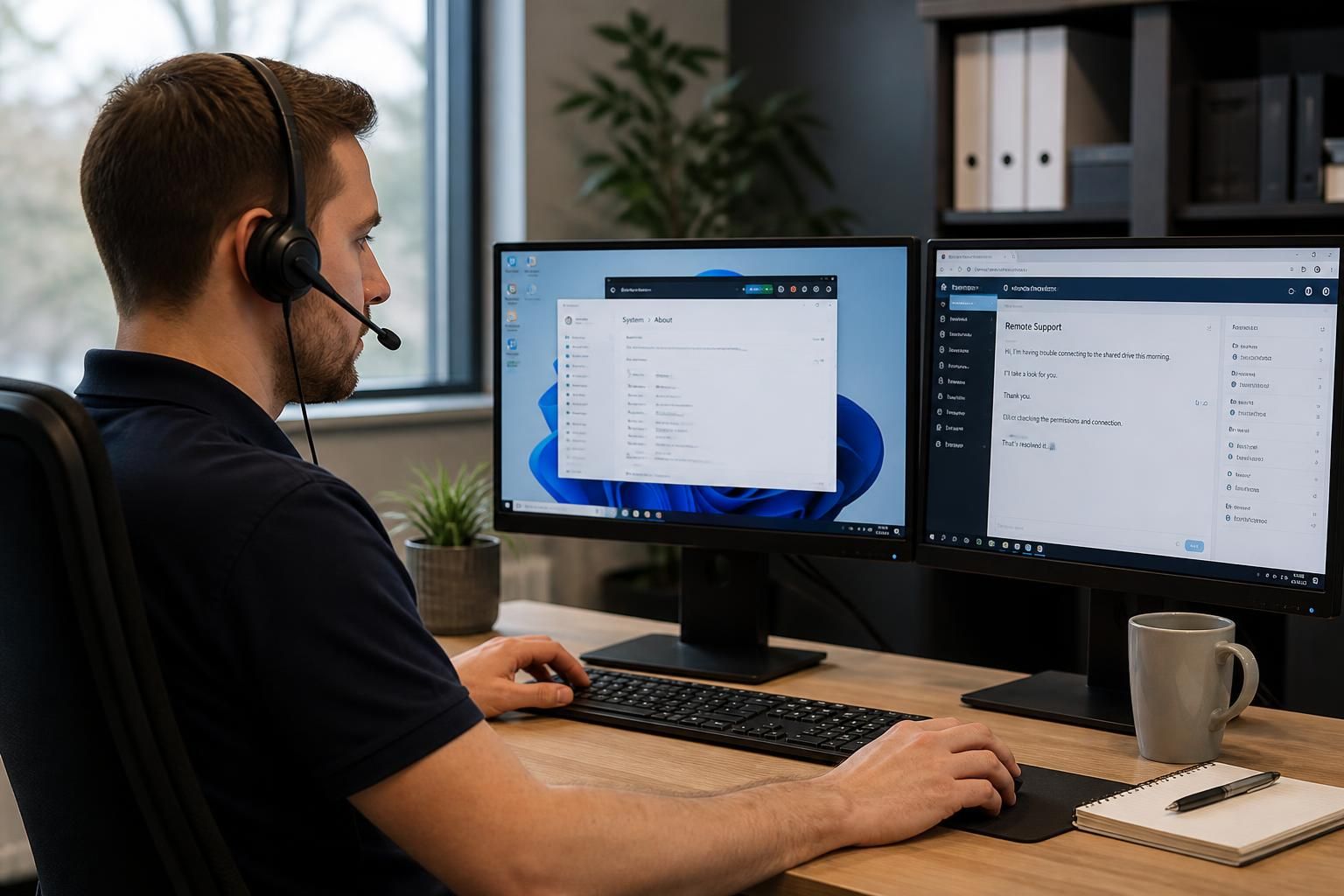
What issues can an IT helpdesk resolve remotely?
An IT helpdesk can remotely resolve many issues, including account access, password resets, software errors, email faults, device configuration, connectivity problems and routine security alerts. Technicians can diagnose systems, apply approved fixes and guide users without needing to visit the business premises.
A remote IT helpdesk can resolve faults that are diagnosable through management tools, system logs, configuration records or direct user guidance. It is particularly effective where the problem is logical rather than physical: a setting, policy, service, permission, process or application state can often be examined and corrected without an engineer attending the site.
Common issues suitable for remote resolution include:
- Printing and document workflow faults: A helpdesk can investigate unavailable printers, stuck queues, incorrect default devices, driver conflicts and problems reaching a shared print service. Where the equipment itself has failed, remote troubleshooting can identify that distinction and prevent unnecessary software changes.
- File and collaboration problems: Technicians can investigate missing shared folders, incorrect folder permissions, synchronisation conflicts, versioning issues and errors affecting access to business documents. They can also check whether the cause is a user setting, a service configuration or a wider policy issue.
- Performance problems: Remote monitoring can help identify high resource usage, failing services, storage pressure, excessive startup processes and application conflicts. Reviewing logs and device health information can distinguish an isolated workstation issue from a recurring problem affecting several users.
- Routine maintenance tasks: A helpdesk may deploy approved patches, update policies, remove unwanted software, restart failed services and check that managed devices meet the organisation’s configuration requirements. These tasks are normally carried out according to the business’s change and security controls.
- Cloud service administration: Where a cloud platform is centrally managed, technicians can review service settings, user policies, mailbox rules, shared resources and audit information. They can also investigate whether a fault originates within the local environment or with the cloud service itself.
- Remote working configuration: A helpdesk can check the configuration of an approved remote-access solution, validate device compliance and investigate why a user cannot reach a permitted business resource. This includes examining authentication records and policy settings without making uncontrolled changes.
- Hardware health warnings: Remote diagnostic tools can report storage errors, battery condition, overheating indicators and other signs of device deterioration. The helpdesk may be able to correct a related software cause, but a component that is physically damaged will require replacement or hands-on assessment.
How remote resolution normally works
- Define the impact: The technician records what is affected, when the issue began, which service or process is involved and whether other users or sites have the same difficulty. This information helps separate an individual fault from a wider incident.
- Collect evidence: The helpdesk may review system logs, monitoring data, configuration details, recent changes and relevant error messages. A managed support tool can provide diagnostic information without requiring the user to interpret technical records.
- Confirm the proposed action: Before changing a business system, the technician should establish what will be changed, what risk it carries and whether approval is required. This is important where the action could affect shared services or several users.
- Apply and test the fix: The technician makes the approved change, asks the user to repeat the affected task or performs an appropriate technical test, and checks that the original symptoms have been addressed rather than merely hidden.
- Document the outcome: The ticket should record the diagnosis, actions taken, affected assets, approvals, evidence of testing and any follow-up work. A clear record supports future troubleshooting and helps identify recurring faults.
Remote support is most effective when devices are enrolled in appropriate management systems, users can describe the symptoms accurately, and the helpdesk has secure administrative access to the relevant services. It is also important to use controlled remote sessions: access should be authorised, limited to the required systems, protected by suitable authentication and ended when the work is complete. Technicians should not request unnecessary credentials or make undocumented changes.
Some issues should be escalated rather than forced into a remote fix. Physical damage, cabling faults, power problems, failed network equipment and hardware replacement require onsite work or a hardware provider. A suspected wider service outage, a complex infrastructure change or an incident involving possible compromise may also need specialist investigation and formal incident management. In these cases, remote triage still has value because it can establish the scope, preserve useful evidence, apply safe containment measures where authorised and determine the next action.
For an SME, the practical benefit is not that every fault can be solved remotely. It is that many routine and configuration-based issues can be assessed consistently, with less disruption to users and a clear decision about whether onsite support is genuinely necessary. S2 Technology Group can provide remote IT support as part of its managed IT services for organisations around Stourbridge, Kinver, Wordsley, Kingswinford, Kidderminster, Halesowen, Dudley and neighbouring areas.
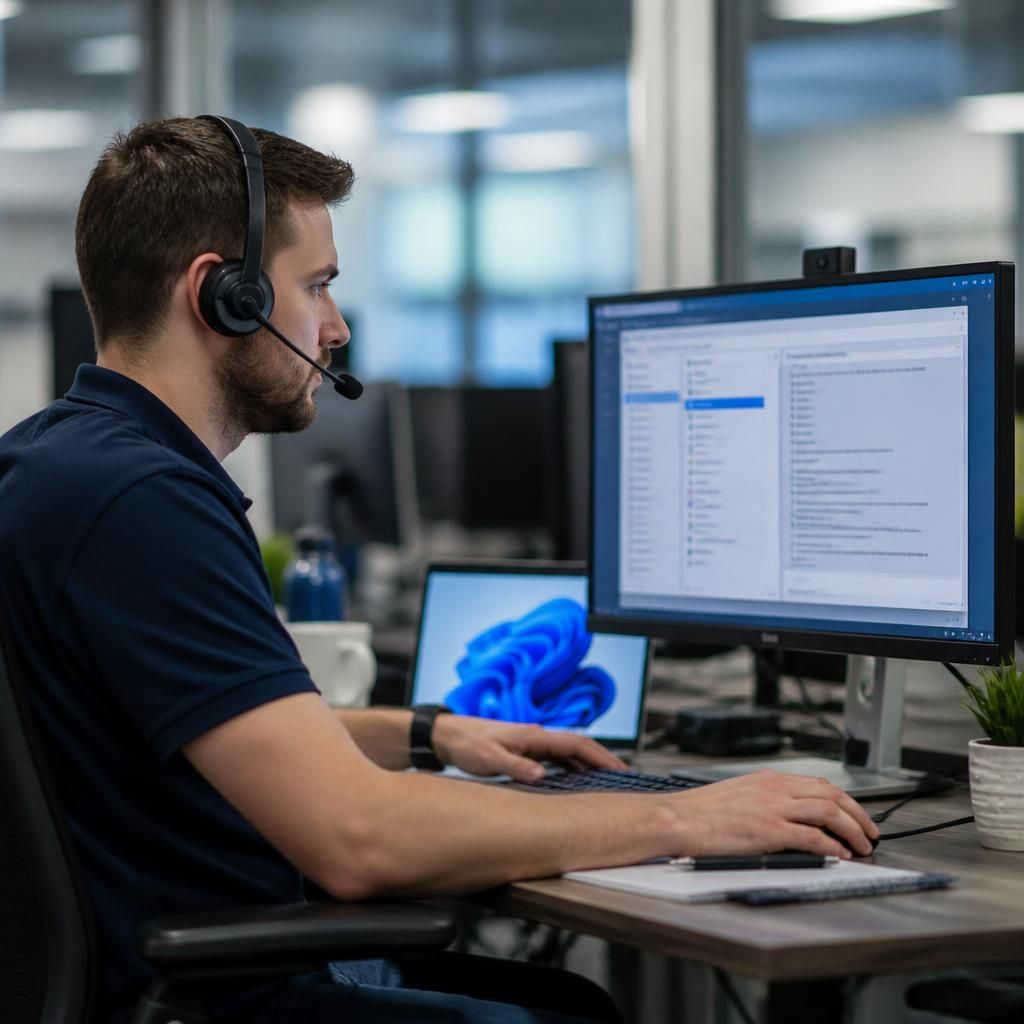
Some security-related issues can also be handled remotely, particularly during the initial response to a suspected compromise. An IT helpdesk may disable a user account, revoke active sessions, isolate a managed device from the business network, remove a malicious inbox rule or initiate a password reset, provided these actions are authorised by the organisation’s security procedures.
Remote intervention can help contain the immediate risk while preserving relevant records for further investigation. It does not automatically establish how an incident occurred or whether other systems are affected. If evidence suggests broader compromise, the matter should be escalated for formal incident management, with the helpdesk documenting the actions taken and any remaining risks.