

Onsite IT Support Services
Onsite IT support provides hands-on technical assistance at your business premises, helping resolve hardware, network and user issues that require physical access. S2 Technology Group’s technicians complement remote helpdesk support with practical diagnosis, installation and maintenance for business IT environments.
Practical Outcomes of Onsite IT Support
The value of onsite IT support extends beyond fixing an individual fault. It can improve how equipment is deployed, users are supported and technical risks are managed, giving businesses clearer control over day-to-day technology operations.
Faster fault diagnosis
Onsite inspection allows technicians to assess physical equipment, cabling, connections and environmental factors directly. This can help distinguish a device fault from a network, power or configuration issue before corrective work is planned.
More reliable equipment installations
Computers, network equipment and other business devices can be positioned, connected and configured correctly at the premises. This reduces the risk of overlooked cabling, unsuitable placement or incomplete setup affecting users later.
Better workplace connectivity
Onsite support can identify practical causes of connection problems, such as damaged cables, poor equipment positioning or gaps in network coverage. Addressing these issues helps provide a more consistent connection between users and business systems.
Reduced disruption from hardware problems
Physical faults can be assessed and addressed without relying solely on user descriptions or remote access. This is useful where a device cannot start, peripherals are not functioning or a local component needs attention.
Safer technology changes
Planned onsite work provides a controlled way to introduce, move or replace equipment. Technicians can check that connections, user access and surrounding systems remain correctly configured after the change.
Clearer IT asset oversight
Regular attention to equipment at the premises helps maintain a more accurate view of the devices, connections and infrastructure supporting the organisation. This supports informed decisions about maintenance, replacement and future upgrades.
The People Behind Your Onsite IT Support
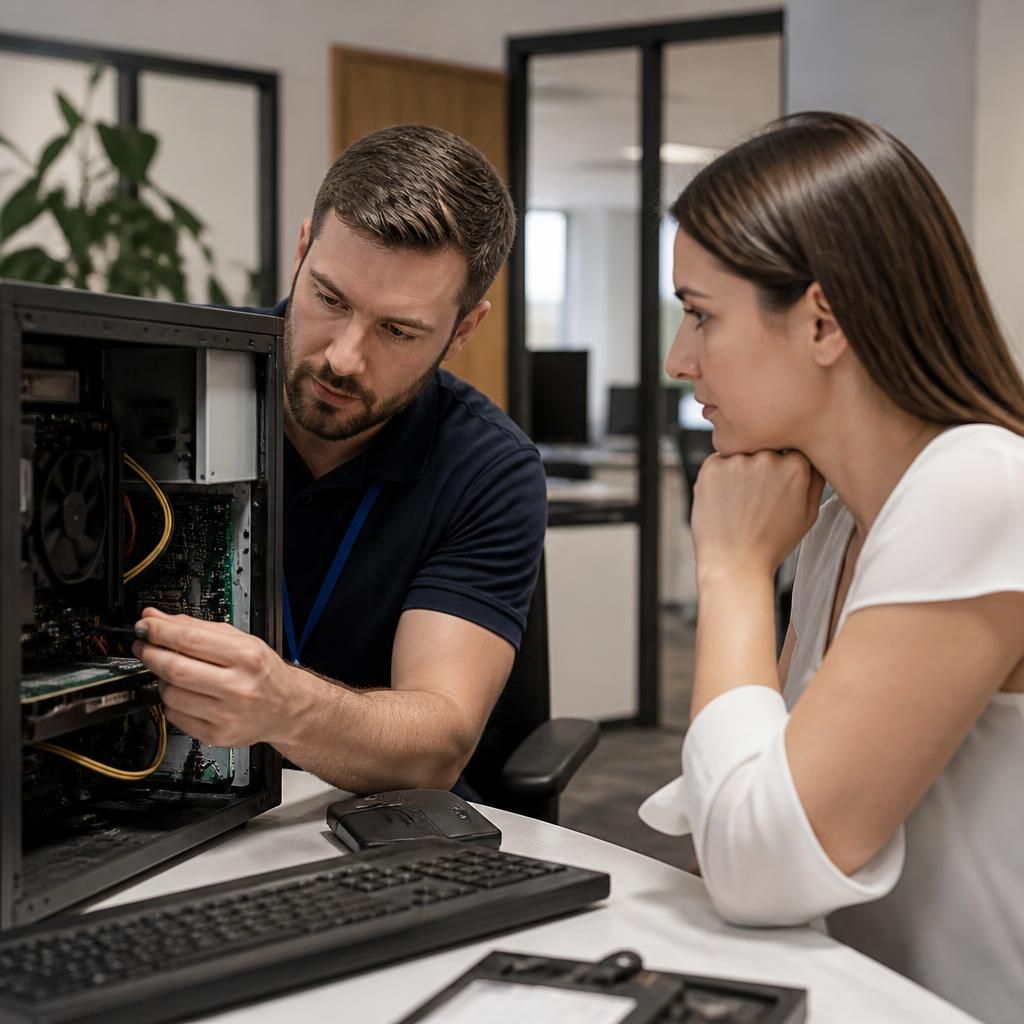
Onsite IT support is the people-focused part of technical service: a technician works directly with staff, observes how systems are used and translates a reported problem into a practical next step. This adds context that a ticket or phone conversation may not capture.
Good field support combines technical judgement with clear communication. Technicians should explain what they have found, distinguish an immediate workaround from a lasting fix, and record relevant details for the wider IT support process. That helps users understand changes rather than simply receiving instructions.
At S2 Technology Group, the emphasis is on respectful, structured support for business users. Technicians can work alongside employees, answer questions in plain language and identify recurring issues worth reviewing. This supports informed conversations about equipment, access and the changes a business may need as its working practices develop.
Specialist Expertise in Onsite IT Support
Onsite IT support is most effective when technical work is planned as part of the wider IT environment rather than treated as an isolated call-out. S2 Technology Group considers device configuration, network dependencies, user access, security controls and business continuity before making changes, helping ensure that physical interventions support the organisation’s broader technology requirements.
Experienced onsite support requires more than identifying a faulty component. It involves checking how equipment interacts with servers, cloud services, connectivity and security measures, then selecting a suitable remedy without introducing avoidable risks. This may include structured device deployment, infrastructure changes, hardware replacement planning and validation after work is completed.
S2 Technology Group applies this joined-up approach to help businesses maintain a consistent and well-managed IT estate. Onsite findings can inform wider recommendations, including infrastructure upgrades, access improvements and preventative maintenance. The result is a clearer technical record for future decisions and a more controlled basis for developing business systems as requirements change.
Questions to Ask About Onsite IT Support
What should an onsite technician check before changing business-critical equipment?
Before work begins, a sound process confirms the affected users, business impact, access permissions and change requirements; afterwards, records should capture actions, findings and any follow-up decisions for future reference.
When is onsite IT support more suitable than remote troubleshooting?
Onsite support is more suitable when faults involve physical components, cabling, power, installation, workspace conditions or multiple connected devices that remote tools cannot inspect, test or rectify without physical access.
How is onsite IT support coordinated across multiple business locations?
Coordinating onsite IT support across multiple locations requires a service record, consistent configuration standards and clear escalation routes. Technicians can align site visits with planned changes, maintaining visibility without duplication.
How should onsite IT support handle retired business devices?
Retired devices should be inventoried, access removed, and business data securely erased before reuse, return or recycling. Records should confirm disposition, while storage media receive appropriate destruction or sanitisation procedures.
How does onsite IT support protect confidential information during a site visit?
Technicians protect confidential information by using authorised accounts, limiting screen and document exposure, securing equipment, avoiding unnecessary data access, and recording only relevant technical details in appropriately secure service records.
Practical Expertise
Hands-on onsite expertise connects physical device work with wider infrastructure, security and user requirements, creating a more controlled support process.
Organisations We Support

Professional Services Offices
Professional services firms often depend on managed desktops, secure access and reliable meeting-room technology. Onsite IT support can help investigate device faults, prepare equipment for new starters and resolve issues involving printers, connectivity or shared office systems.
Manufacturing Businesses
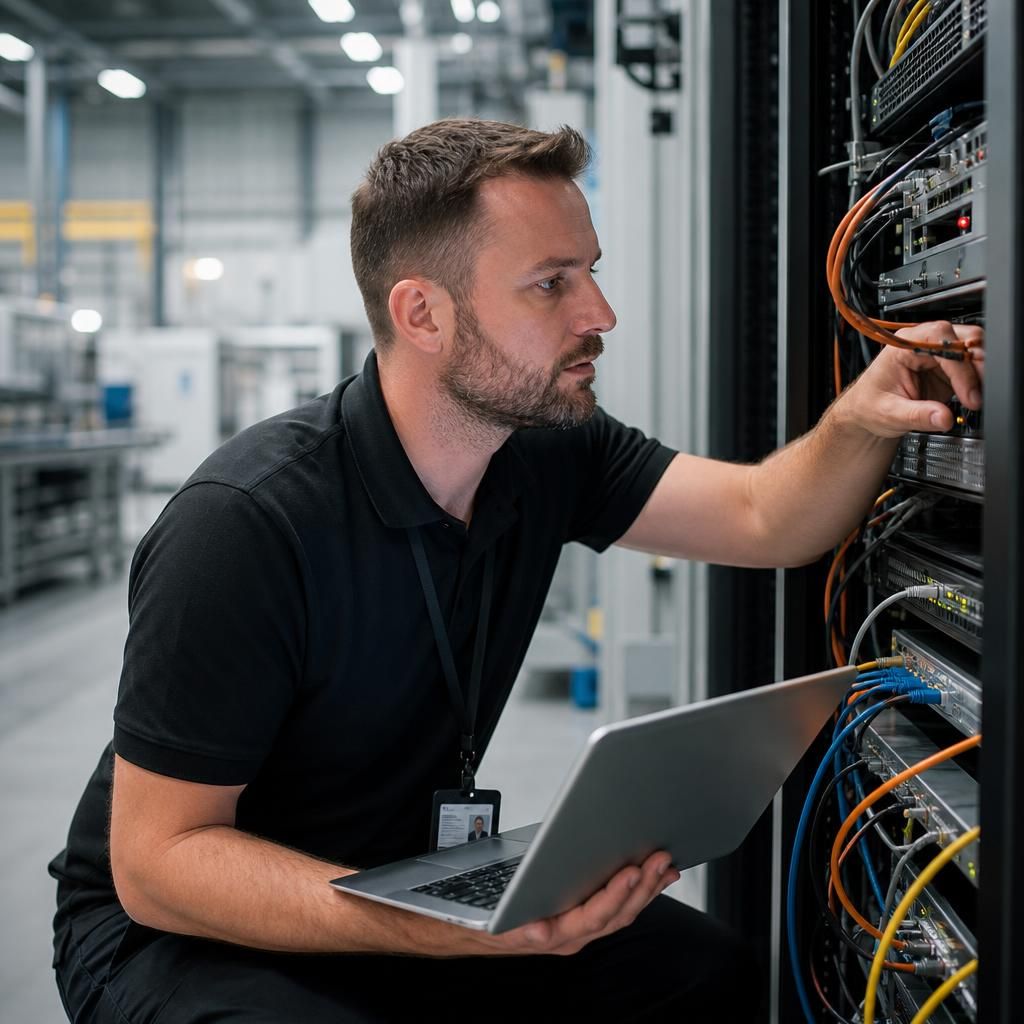
Manufacturing environments combine office systems with operational technology, shared workstations and site-specific infrastructure. An onsite technician can assess physical connections, replace faulty equipment and coordinate support for issues that cannot be diagnosed remotely.
Logistics Operations
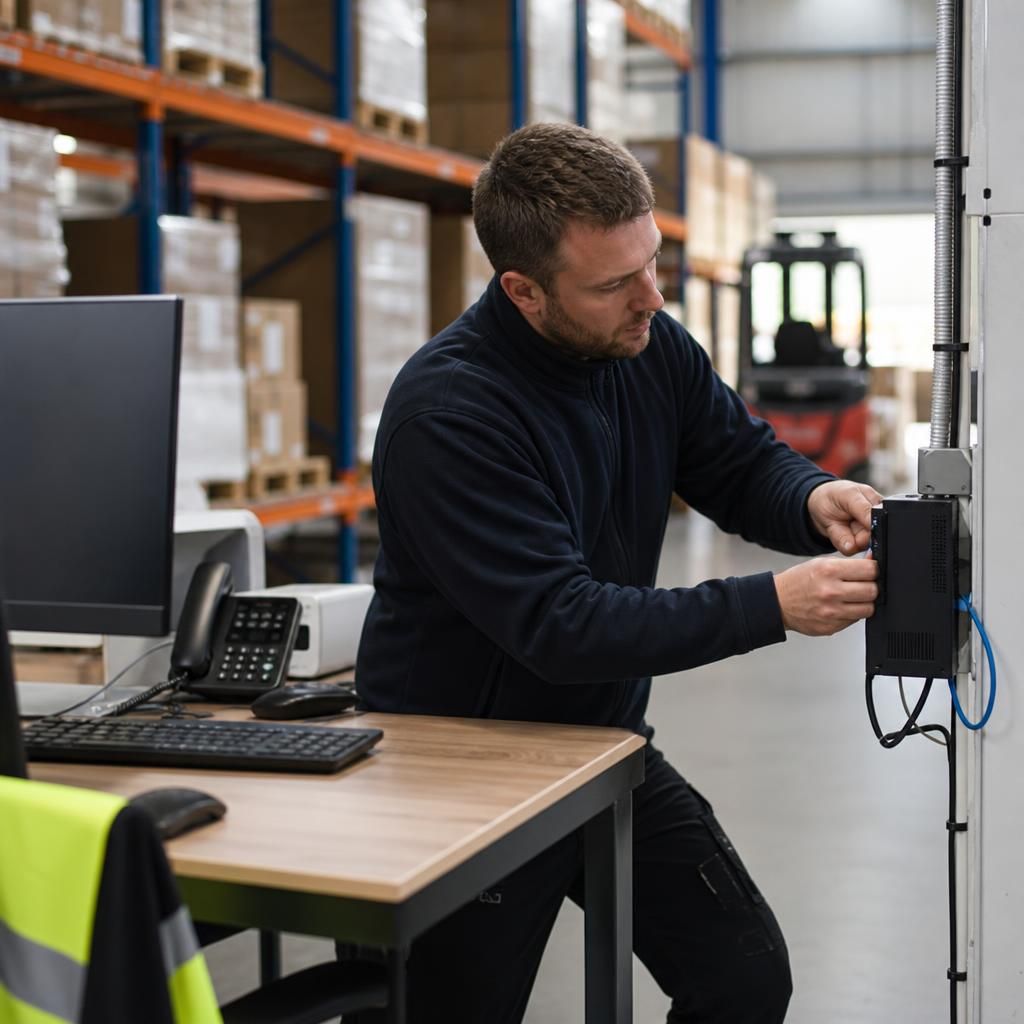
Logistics organisations rely on dependable connectivity and accessible devices across offices, warehouses and working areas. Practical support may include installing equipment, checking network points and helping maintain consistent access to the systems staff use to coordinate operations.
Growing Multi-Site Organisations
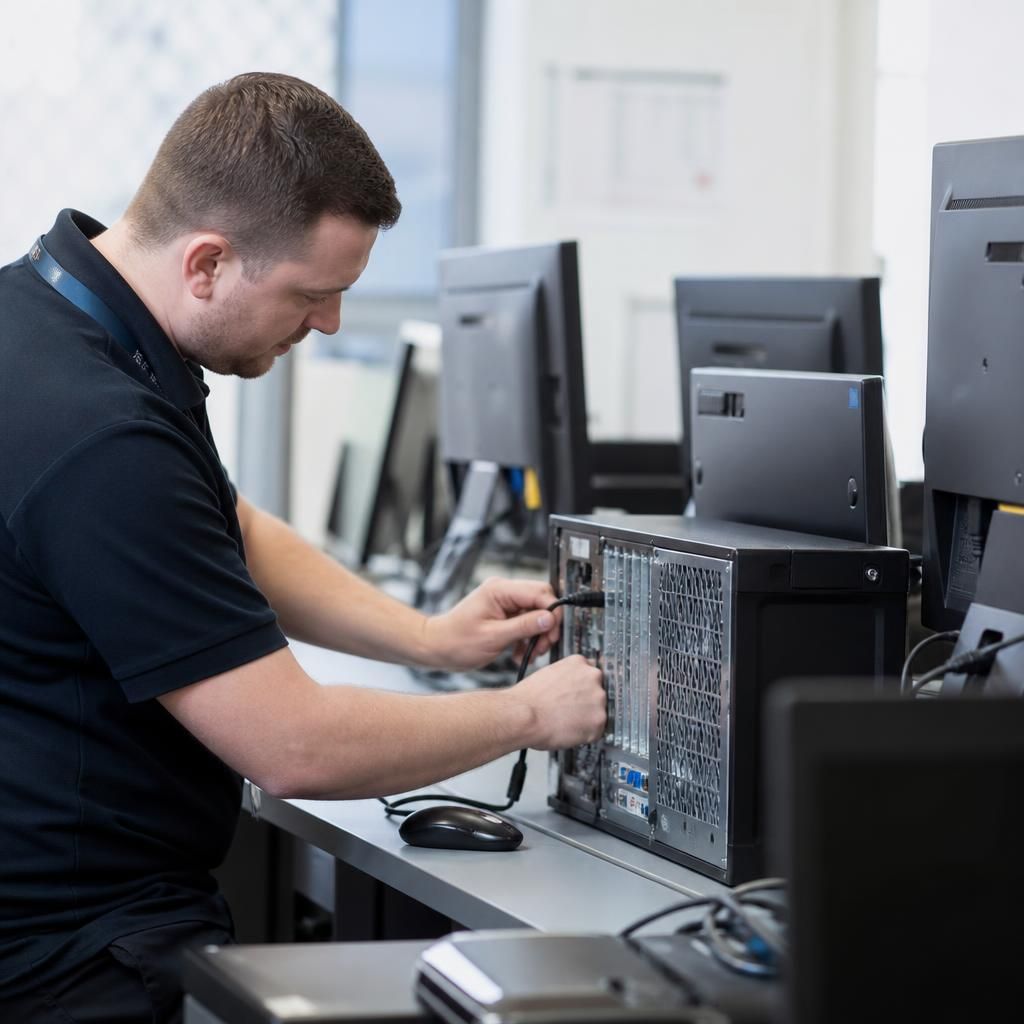
Businesses operating across several premises need a consistent approach to equipment, connectivity and user support. Onsite IT support can assist with site visits, infrastructure changes and device standardisation while keeping findings aligned with the wider IT support process.
Where Onsite IT Support Fits
The case for onsite IT support depends on the task, not simply the presence of a fault. It can suit work involving shared equipment, restricted-access areas, physical changes to a workspace, or coordination with staff and contractors.
Hardware Installation And Replacement
Onsite support suits businesses installing desktop computers, monitors, printers and other equipment. A technician can connect devices, check their configuration and confirm that they work correctly within the existing environment.
Network And Connectivity Work
Physical network issues can involve cabling, switches, wireless access points or equipment positioning. Onsite investigation helps identify whether the problem is linked to a device, connection or wider network arrangement.
New User And Workspace Setup
When staff join a business or move to a different workstation, onsite support can help prepare devices, peripherals and local connections. This is useful where equipment must be installed and checked at a particular desk or department.
Server Room And Equipment Checks
Some IT equipment is located in controlled areas and cannot be assessed effectively through remote tools alone. Onsite technicians can inspect physical connections, equipment condition and the surrounding setup as part of a structured support process.
Office Moves And Reconfiguration
Relocating desks, departments or equipment can affect cabling, network access and device connections. Onsite IT support can help plan the technical elements of the change and check systems after equipment has been repositioned.
Issues That Need Physical Diagnosis
Intermittent faults, damaged connections and unexplained device behaviour may require direct inspection. A technician can examine the equipment in context, gather information from users and pass relevant findings into the wider IT support process.
Frequently Asked Questions About Onsite IT Support
What should businesses prepare before an onsite IT support visit?
Onsite support is most suitable when resolving an issue requires physical access, equipment handling, cabling changes, workspace assessment, or direct coordination with users and other contractors at the business premises.
How does onsite IT support assess recurring desktop problems?
Technicians assess recurring desktop problems by reviewing incident patterns, checking device health, examining software, configurations and connectivity, and speaking with users to identify root causes rather than repeated symptoms alone.
How are onsite IT support findings documented?
Findings are documented in the service record, including affected equipment, observed symptoms, diagnostic work, actions taken, recommendations and outstanding risks, so future support has an accurate reference for subsequent review.
What does an onsite IT support visit typically include?
An onsite visit typically includes confirming the reported issue, inspecting relevant equipment, carrying out agreed corrective work, testing the result, and explaining any follow-up actions or wider recommendations where necessary.
Can onsite IT support assist with business printer problems?
Yes, onsite technicians can inspect printer hardware, connections, drivers, queues and network access, then test printing and identify whether the fault lies with equipment, configuration or infrastructure affecting business users.