
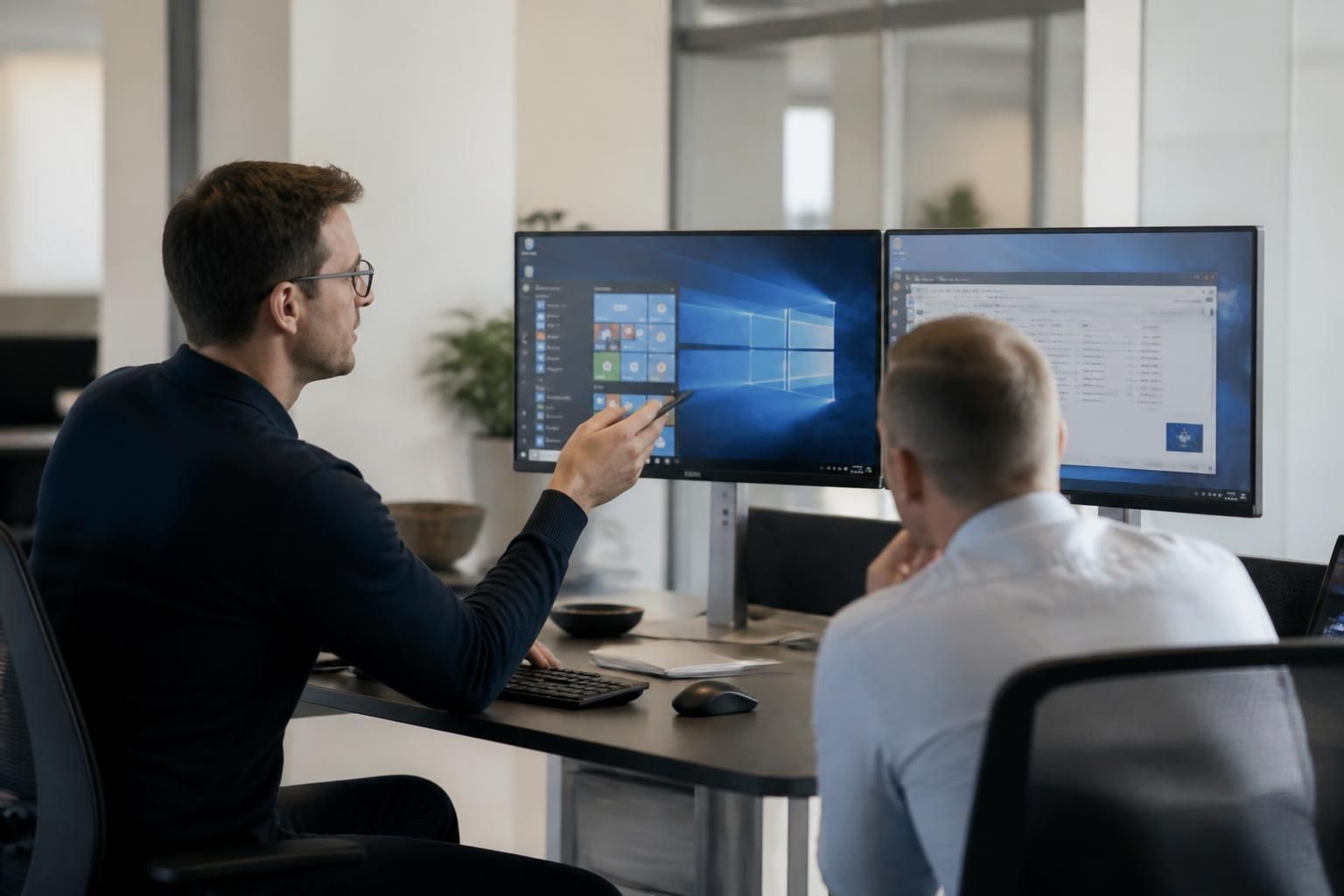
Hosted Desktop Services
Hosted desktop services provide a centrally managed business workspace delivered over the internet. Users access familiar applications and data from approved devices, while updates, security controls and infrastructure are managed within a hosted environment.
Practical Outcomes of Hosted Desktop Services
Hosted desktop services affect daily operations by changing how organisations provision and maintain user workspaces. The outcomes below cover operational consistency, administration, access control and continuity without assuming every organisation has the same requirements.
Consistent user workspaces
Applications, settings and business data are managed within a shared hosted environment, helping users work from a consistent desktop setup across approved devices.
Centralised administration
IT administrators can manage desktop configurations, applications and updates from the hosted environment rather than maintaining each user workspace separately.
Simpler device replacement
Because the desktop is delivered from the hosted environment, replacing or reconfiguring a local device does not require rebuilding the entire business workspace from scratch.
Controlled access to business resources
Access can be limited to approved devices and governed through centrally managed security controls, supporting more consistent protection of applications and data.
Reduced dependence on local installations
Users access their hosted workspace over the internet, reducing the need to install and maintain every business application directly on each endpoint.
More manageable multi-site working
A centrally hosted desktop model gives users in different offices or locations access to the same managed workspace, subject to their approved access arrangements and internet connection.
A clearer continuity approach
Keeping the desktop environment and associated data within managed hosted infrastructure can reduce reliance on a single local computer when organisations plan for equipment failure or workplace changes.

The People Behind Your Hosted Desktop
At S2 Technology Group, hosted desktop solutions are planned around how your organisation works, rather than being treated as a standard package. Our team reviews applications, user roles, access requirements and existing connectivity before recommending a suitable hosted setup.
We explain what sits within the service, including responsibility for infrastructure, application access and user administration. This makes it easier to distinguish a hosted desktop from separate cloud storage or remote support arrangements, and to identify where internal processes may need adjustment.
Our involvement does not end with initial design. We can help review changes in your user base, applications and security requirements as the organisation develops. The aim is a managed working environment that remains aligned with business needs, while keeping responsibilities clear.
Specialist Expertise in Hosted Desktop Services
Hosted desktop services require more than placing applications on a remote server. The design must account for user profiles, identity controls, application compatibility, data handling and session performance, so that the hosted workspace reflects the organisation’s operational and security requirements.
S2 Technology Group applies this technical perspective when assessing hosted desktop solutions. Consideration of dependencies between applications, authentication, printing, file access and endpoint policies helps identify issues that may not be visible in a basic cloud migration. It also supports clearer decisions about which workloads are suitable for a hosted environment and which require an alternative approach.
Hosted IT services should be governed as part of the wider technology environment, with documented permissions, sensible administration processes and regular review of changing requirements. This structured approach helps organisations maintain control of their hosted desktop platform as applications, users and business processes evolve.
Questions to Ask About Hosted Desktop Services
What happens to our data if we leave a hosted desktop service?
Clarify how data is returned, deleted or transferred if the arrangement ends, including formats, dependencies and responsibilities. A documented exit process prevents operational disruption and preserves control of business information.
What internet connection is needed for hosted desktop services?
Requirements vary by application use, concurrent sessions and audio-visual demands. Assess latency, stability, bandwidth, contention and resilience, rather than relying solely on advertised download speed, before deployment across all sites.
What backup arrangements support hosted desktop services?
Assess backup frequency, retention, recovery points, isolation and restoration testing. Confirm whether backups cover user data, configurations and applications, and establish responsibilities for validating recoverability during recovery exercises.
How is access maintained during a hosted desktop platform outage?
Ask whether the provider has documented outage procedures, infrastructure redundancy and failover options. Confirm which essential applications remain available, who authorises alternatives, and how recovery decisions are communicated and tested.
What should hosted desktop service pricing include?
Compare pricing by user licences, infrastructure, applications, support, storage, security controls, onboarding, migration, backup and exit assistance. Confirm variable charges, minimum commitments, billing units and the excluded services before signing.
Application-Aware Hosting
S2’s application-aware hosted desktop design aligns user roles, dependencies, authentication and endpoint policies in one managed workspace for each organisation.
Organisations We Support

Professional Services Practice
A professional services practice may need a consistent desktop environment for document work, line-of-business applications and controlled access to client information. Hosted desktop services provide a centrally managed workspace that can be applied consistently across fee earners, administrators and support staff.

Manufacturing Business
Manufacturing organisations often combine office-based administration with operational systems used around the production environment. A hosted desktop arrangement can provide suitable access to business applications while separating user permissions and supporting consistent configuration across relevant devices.

Logistics Operation
Logistics teams depend on timely access to scheduling, inventory and transport information. Hosted desktop services can bring these applications into a managed workspace, helping office-based users work from an environment governed by the organisation’s access and security policies.
Multi-Site Organisation
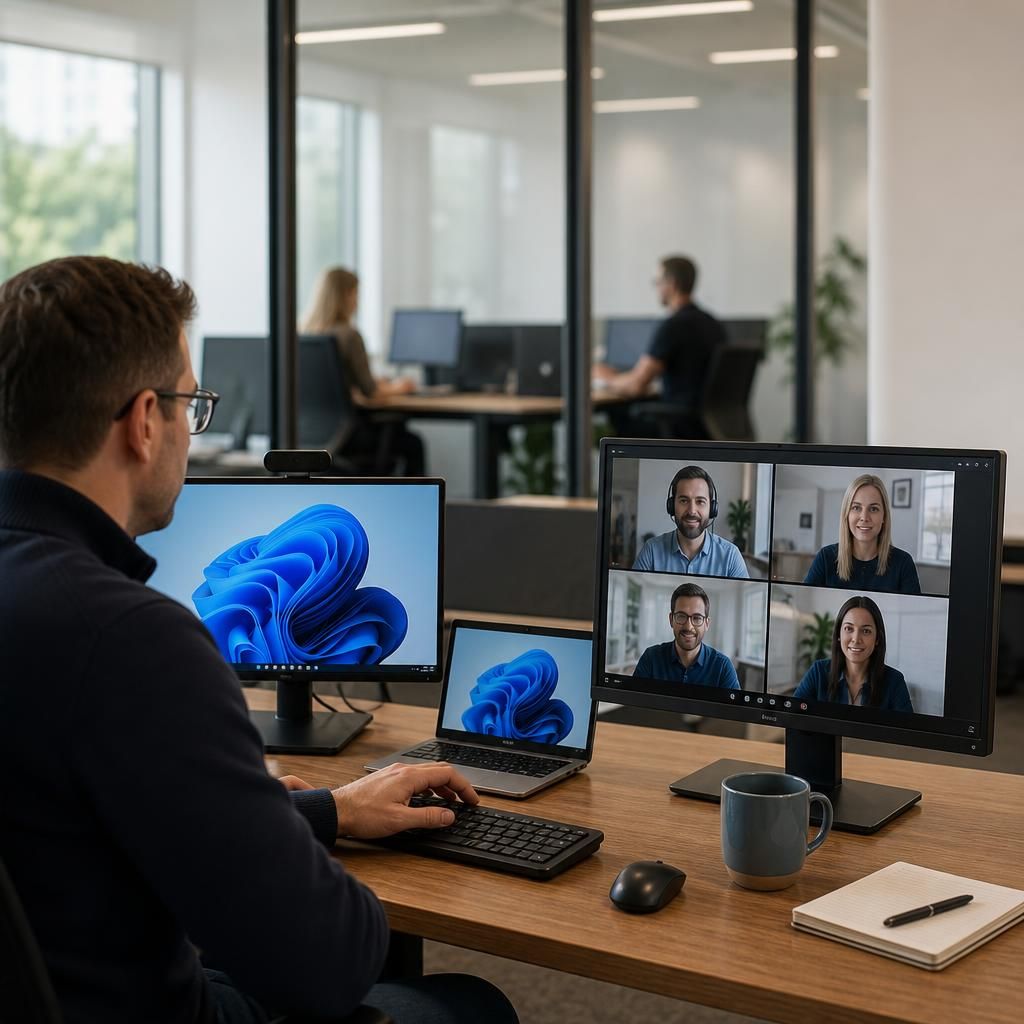
A multi-site organisation may need staff in different locations to use the same desktop environment without maintaining separate configurations at every office. Hosted desktops centralise the underlying workspace and provide a structured basis for managing users, applications and endpoint access across the business.
Hosted Desktop Options for Different Business Needs
Hosted desktop services can be configured for organisations with changing user numbers, distributed teams, specialist application requirements or limited local infrastructure. The following situations show where a hosted workspace may simplify access, administration and control without dictating an operating model.
New Sites and Acquisitions
A hosted desktop can give staff joining a new office or acquired organisation access to an established working environment without replicating every application and configuration locally. This provides a defined platform while wider systems and permissions are reviewed.
Project-Based Teams
Organisations that form temporary teams or bring in external contributors may use hosted desktops to provide access to selected applications and data without building a complete local setup for each person. Access can be aligned with the individual’s role and the project’s requirements.
Application Compatibility
Some business applications depend on particular operating systems, configurations or supporting components. Hosting the desktop environment can provide a more consistent place to run these applications, subject to checking compatibility, licensing and connectivity requirements.
Device Replacement
A hosted desktop separates the working environment from the individual computer. This can simplify a move to replacement or additional devices because applications and user settings remain managed within the hosted workspace rather than being rebuilt entirely on each endpoint.
Defined Third-Party Access
Where consultants, suppliers or other external users need controlled access to business applications, a hosted desktop may provide a clearer alternative to giving them broad access to the wider internal environment. The design should specify permitted applications, authentication requirements and account responsibilities.
Hosted Desktop Services: Your Questions Answered
How are users and permissions managed in a hosted desktop?
A proper assessment checks application compatibility, internet connectivity, user access, peripherals, printing, authentication, licensing and data-handling obligations, helping determine whether hosted desktop provision fits the organisation’s operational and technical requirements.
How are applications updated in a hosted desktop?
Application updates in a hosted desktop are typically coordinated within the hosted environment, allowing testing, scheduling and version control before changes reach users, while preserving compatibility with essential business software.
How is security managed in hosted desktop services?
Hosted desktop security combines protected infrastructure, authentication, endpoint policies, monitoring and backup arrangements, with responsibilities clearly allocated between the provider and the organisation’s internal teams for consistent oversight and accountability.
Can hosted desktops support specialist business applications?
Yes, hosted desktops can support specialist applications when the hosting environment meets their processing, licensing, integration and peripheral requirements. Some applications may require dedicated resources, careful configuration or vendor approval.
How does a hosted desktop support multiple office locations?
Hosted desktops give staff across multiple offices access to the same centrally managed workspace, reducing dependence on site-specific servers and supporting consistent application access wherever suitable connectivity is available locally.
Discuss Your Hosted Desktop Requirements
Discuss your hosted desktop requirements with S2 Technology Group to assess application compatibility, user access, connectivity and administration. Enquire for practical guidance on whether hosted IT services fit your organisation and what a suitable next step involves.