

Virtual IT Solutions for Business
Virtual IT solutions use cloud-based platforms, remote infrastructure and managed services to deliver computing resources without requiring every system to run on local hardware. S2 Technology Group helps businesses assess and manage secure virtual environments.
Business Outcomes of Virtual IT Solutions
Well-designed virtual IT solutions can improve how organisations provision, secure and manage technology. Outcomes depend on architecture and governance, but commonly include greater operational consistency, easier scaling, clearer oversight and better support for distributed teams and applications.
Consistent System Configuration
Virtual environments can apply standard configurations across servers, applications and user resources, reducing variation and making technical issues easier to investigate.
More Efficient Resource Allocation
Computing capacity can be assigned to workloads according to their requirements, helping organisations make better use of available infrastructure as operational needs change.
Centralised Administration
Virtual IT solutions bring key infrastructure controls into a managed environment, making it easier to apply updates, review access and monitor system health from defined points of administration.
Stronger Workload Separation
Applications and services can be separated into controlled virtual environments, helping limit the effect of faults or inappropriate access when the architecture and permissions are designed correctly.
Support for Distributed Teams
Centrally managed virtual applications and resources can provide approved users with consistent access across different locations, while keeping administration and security controls aligned.
Simpler Infrastructure Changes
Virtual systems can make it easier to provision, test or modify computing environments without changing every item of physical hardware, supporting more controlled technology upgrades.
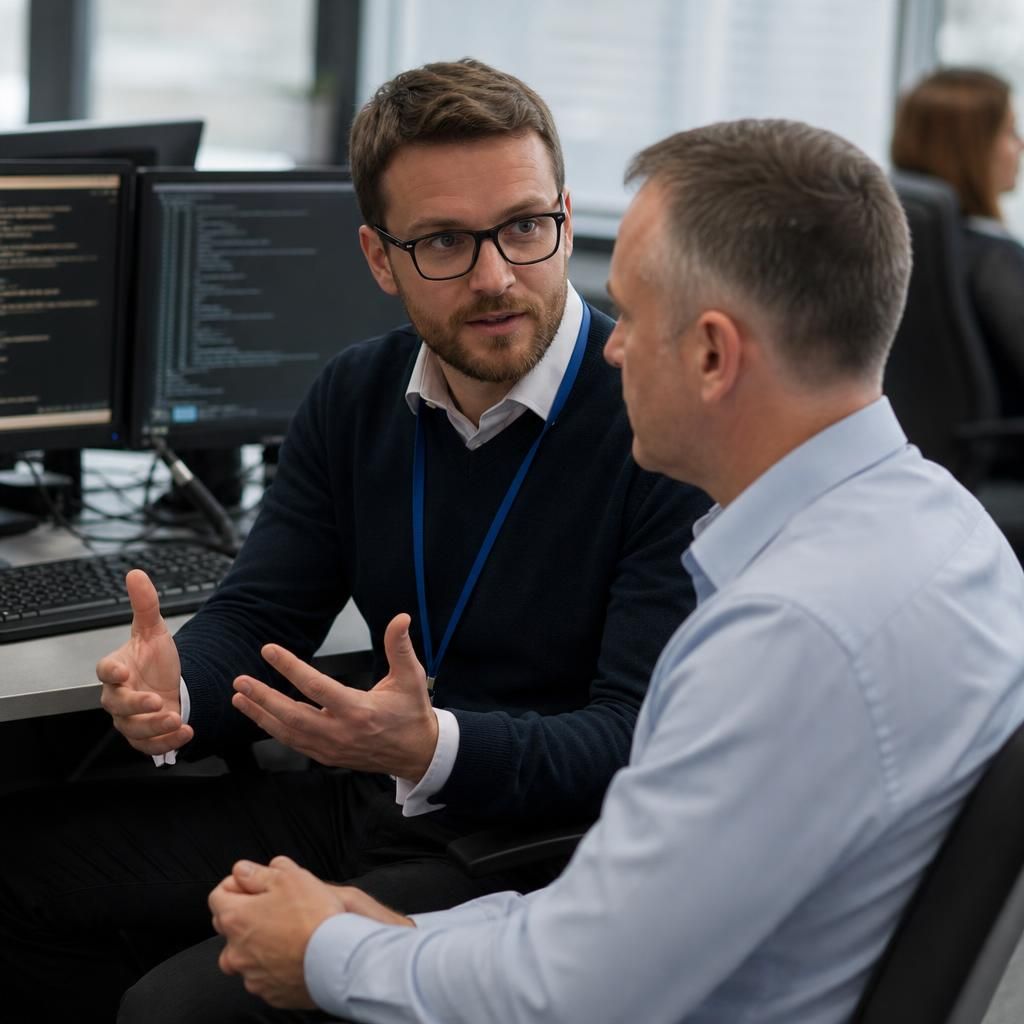
Expert Guidance for Your Virtual IT Environment
Virtual IT solutions combine cloud-hosted computing resources with managed access, rather than placing every workload on office-based hardware. They can include virtual servers, desktops and applications, but the right design depends on security requirements, data sensitivity and how staff work.
At S2 Technology Group, we begin by understanding the organisation’s existing systems and practical constraints. We then help identify which workloads are suitable for virtualisation, how access should be controlled and where local equipment remains appropriate. This avoids treating virtual infrastructure as a one-size-fits-all replacement for every IT function.
The human side matters as much as the architecture. Clear documentation, sensible permissions and user guidance make virtual environments easier to understand and manage as requirements change.
Specialist Expertise in Virtual IT Solutions
Virtual IT solutions provide centrally managed computing resources through virtual machines, hosted applications and software-defined infrastructure, rather than tying each service to a dedicated physical device. The specialist challenge is coordinating performance, availability, dependencies and administration across the virtual environment.
S2 Technology Group evaluates how virtual workloads interact with networks, identity systems, storage and business applications before recommending an appropriate operating model. This helps distinguish between systems that benefit from virtualisation and those that require dedicated or locally managed resources, while supporting consistent administration as the environment develops.
Effective virtual IT management also requires ongoing technical oversight. Capacity planning, configuration review, patch coordination, backup validation and dependency mapping help maintain control as users, applications and data volumes change. S2 Technology Group brings these considerations together to provide structured virtual IT managed services suited to the operational needs of growing organisations.
Questions to Ask About Virtual IT Solutions
What happens to your data when a virtual IT contract ends?
Assess how data and configurations can be exported, which licensing dependencies apply, how changes are approved, and what evidence supports recovery of critical virtual services before committing to an operating model.
How are security controls enforced across virtual IT environments?
Security controls are enforced through identity management, least-privilege permissions, network segmentation, endpoint protection, encryption, logging and policy-based configuration. Regular reviews and audit evidence help confirm controls remain effective over time.
How are virtual IT costs assessed before implementation?
Assess costs across licensing, compute, storage, connectivity, management and support, then separate one-off implementation expenditure from recurring costs, including migration, training, backup and exit requirements before formally approving the proposed design.
How do virtual IT solutions integrate with legacy business systems?
Integration typically uses APIs, connectors, virtual network links or controlled data exchange, while preserving legacy dependencies. Assessment should cover compatibility, authentication, latency, licensing, sequencing and rollback before migration or virtualisation.
What happens when virtual IT performance degrades?
Performance degradation should trigger analysis of resource utilisation, storage latency, network paths, application dependencies and recent changes. Remediation may involve reallocating capacity, tuning workloads, correcting configuration or revising the architecture.
Integrated Virtualisation
S2 Technology Group treats virtualisation as an architectural decision, matching each workload to the most appropriate delivery model for business.
Organisations Supported by S2 Technology Group

Professional Services Organisations
Professional services firms often require secure access to documents, business applications and client information across office and remote settings. Virtual IT solutions can centralise selected workloads while supporting controlled permissions and consistent user access.

Manufacturing Businesses
Manufacturers may use a combination of operational systems, office applications and site-based equipment. A virtual IT approach can help separate suitable business workloads from local machinery and infrastructure, with design decisions guided by security and operational requirements.
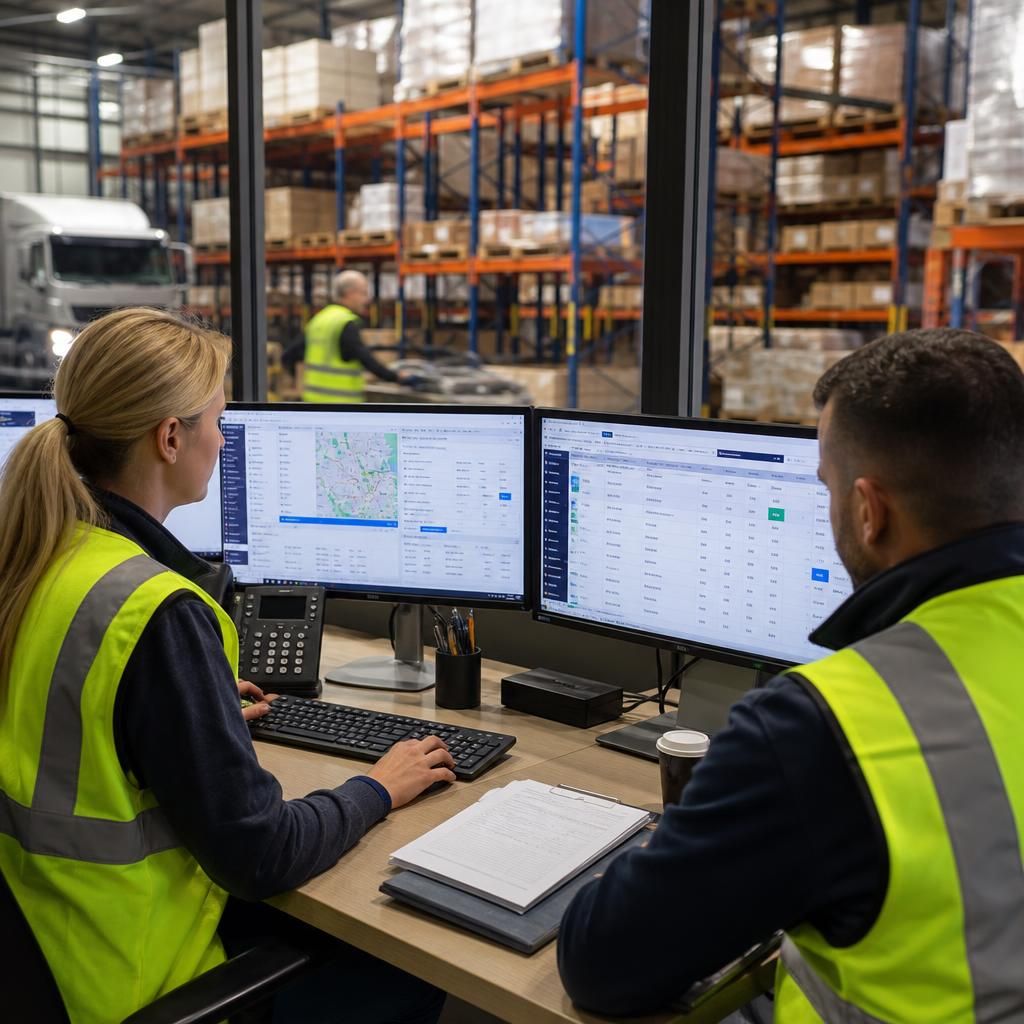
Logistics Organisations
Logistics businesses depend on access to systems that coordinate transport, administration and information flow between teams. Virtual desktops or applications may provide a consistent working environment where users operate across different locations.
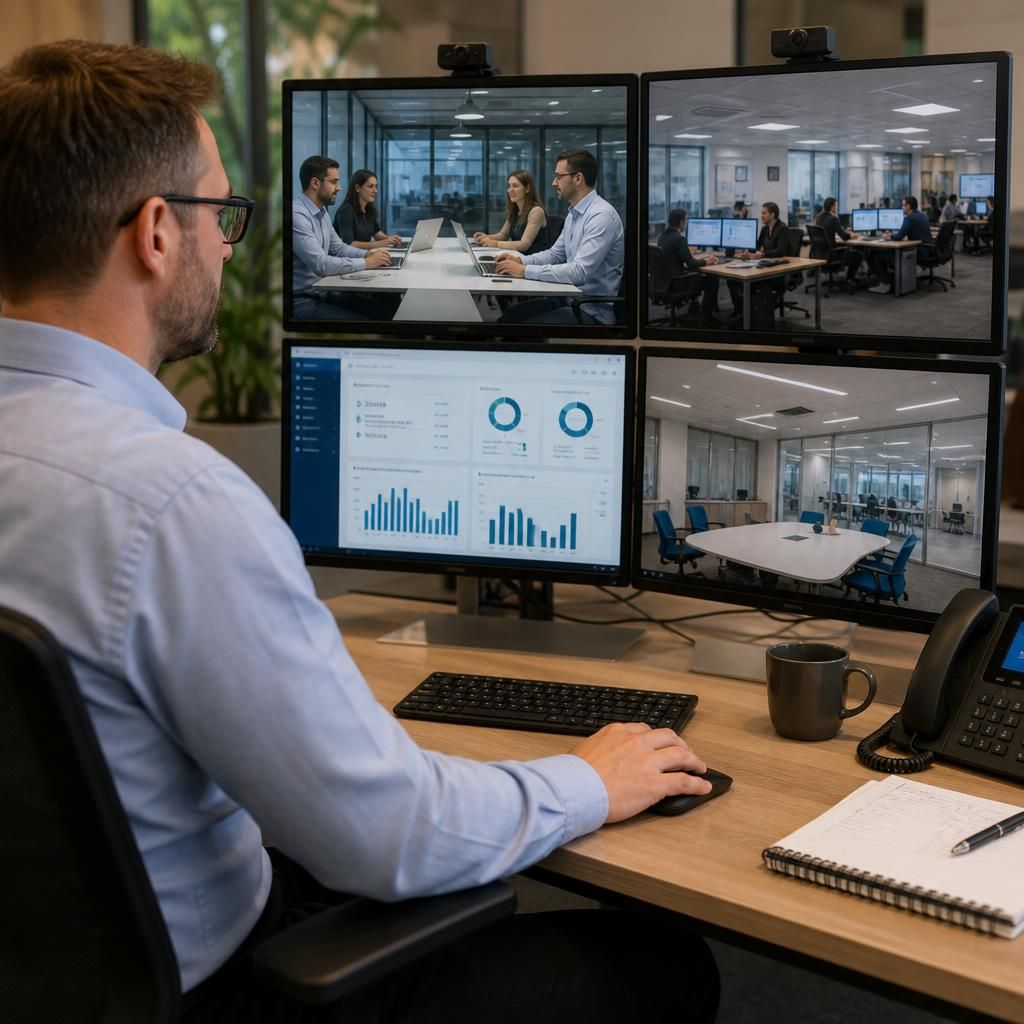
Multi-Site Businesses
Organisations with several offices need consistent access controls and dependable connections between users, applications and data. Virtual IT solutions can provide a shared platform for suitable workloads while allowing each site’s practical requirements to be considered.

Growing Organisations
As an organisation grows, locally hosted systems can become harder to manage across users, devices and locations. Virtual infrastructure may offer a structured way to assess computing needs, provided that access, data handling and ongoing management are planned carefully.
Virtual IT Solutions for Different Business Requirements
Virtual IT solutions may suit a business needing consistent application access across locations, additional computing capacity for changing demand, or an alternative to expanding on-site equipment. Common situations include growth, office moves, acquisitions and technology refresh projects.
No Full-Time IT Team
Virtual IT solutions can give small and medium-sized businesses access to structured computing services without managing every server and platform internally.
Multi-Site Operations
Businesses with offices in different locations can use centrally managed virtual environments to support consistent systems, applications and access policies.
Hybrid Working
Where staff work across office and remote settings, virtual desktops and applications can provide a controlled way to access business systems from suitable devices.
Sensitive Business Data
Virtual environments can support stronger separation between users, applications and data when access permissions and security controls need careful management.
Business Continuity Planning
Organisations reviewing how systems are maintained and restored can assess virtual infrastructure as part of a broader continuity and recovery strategy.
Growing Operational Complexity
Manufacturing, logistics and professional services businesses may benefit from virtualising selected workloads when systems have become difficult to manage across teams or locations.
Questions About Virtual IT Solutions
What are the benefits of virtual IT solutions for growing businesses?
Suitability depends on workload performance, connectivity, compliance, user access and recovery requirements; assessment should also consider licensing, integration with existing systems, data location and long-term management before implementation is approved.
Which workloads are suitable for virtual IT solutions?
Suitable workloads include standardised applications, virtual desktops, file services, development environments and variable-demand systems, provided connectivity, performance, licensing and regulatory requirements support virtualisation without compromising operational control or security needs.
What connectivity is needed for virtual IT solutions?
Virtual IT solutions require reliable, appropriately scaled internet connectivity, with sufficient bandwidth, low latency and resilient routing for user access, data transfer, voice applications and cloud-hosted workloads across business sites.
What maintenance do virtual IT solutions require?
Maintenance involves monitoring virtual machines, applying patches, reviewing configurations, managing capacity, testing backups and removing unused resources. Regular checks should also examine security controls, dependencies and performance against business requirements.
How do virtual IT solutions support disaster recovery?
Virtual IT solutions support disaster recovery by enabling replicated workloads, documented failover procedures and restoration from protected backups. Recovery design should define priorities, dependencies, access controls and acceptable data-loss parameters.
Discuss Your Virtual IT Requirements
Discuss your virtual IT requirements with S2 Technology Group to clarify suitable workloads, access controls and management arrangements. Receive practical guidance on shaping a virtual environment that supports your organisation’s current systems and future technology decisions.