
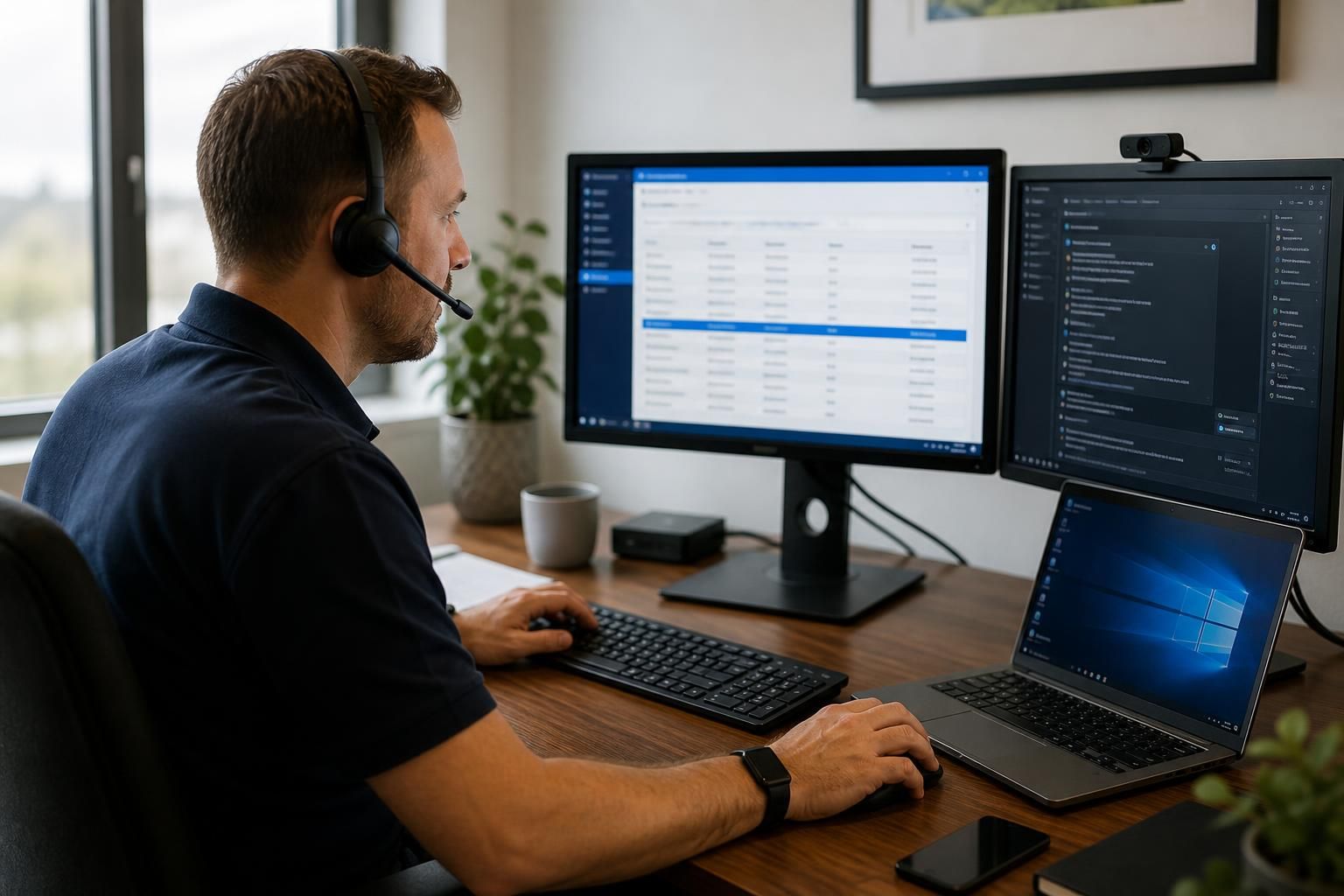
Remote Access IT Support
Remote access IT support enables authorised technicians to diagnose, manage and resolve issues on computers, servers and cloud-connected systems without being physically present. It combines secure remote connections with monitoring, troubleshooting and guidance, helping maintain dependable access to essential technology.
Benefits of Remote Access IT Support
Remote access IT support delivers practical operational benefits when systems need attention across locations. Typical outcomes can include less disruption to staff, clearer oversight of device health, safer administration and more consistent IT management for growing organisations.
Reduced disruption to staff
Technicians can investigate many software, configuration and access issues remotely, allowing employees to continue working without waiting for an on-site visit or moving equipment between locations.
Quicker fault diagnosis
Remote sessions provide direct visibility of affected systems, helping technicians review settings, logs and error messages rather than relying only on a user’s description of the problem.
Consistent support across locations
A central remote support process makes it easier to apply the same troubleshooting methods and administrative standards to users, devices and servers across different offices.
More controlled technical access
Authorised remote connections can be used to administer systems without sharing passwords or granting unnecessary permissions, supporting safer handling of support tasks.
Improved device oversight
Remote monitoring and maintenance help identify configuration issues, software problems and signs of declining device health before they develop into wider operational faults.
Lower reliance on site visits
Many routine support tasks, including configuration changes, software assistance and user guidance, can be completed remotely, reducing the need to send technicians to each business location.
The People Behind Your Remote IT Support
Remote access IT support is the controlled use of a secure connection to inspect or administer an authorised computer, server or cloud service from another location. It allows an IT professional to work with the person affected rather than relying only on written instructions.
At S2 Technology Group, technical work should remain understandable to the people responsible for the system. A technician can establish what the user is experiencing, explain the proposed action and keep the individual informed while investigating. Access is used for the agreed purpose, with care taken around business data and permissions.
This approach suits organisations where technology is shared across offices, sites or remote working arrangements. It also helps create a clearer record of what was examined and why, supporting informed decisions about recurring issues and access controls.
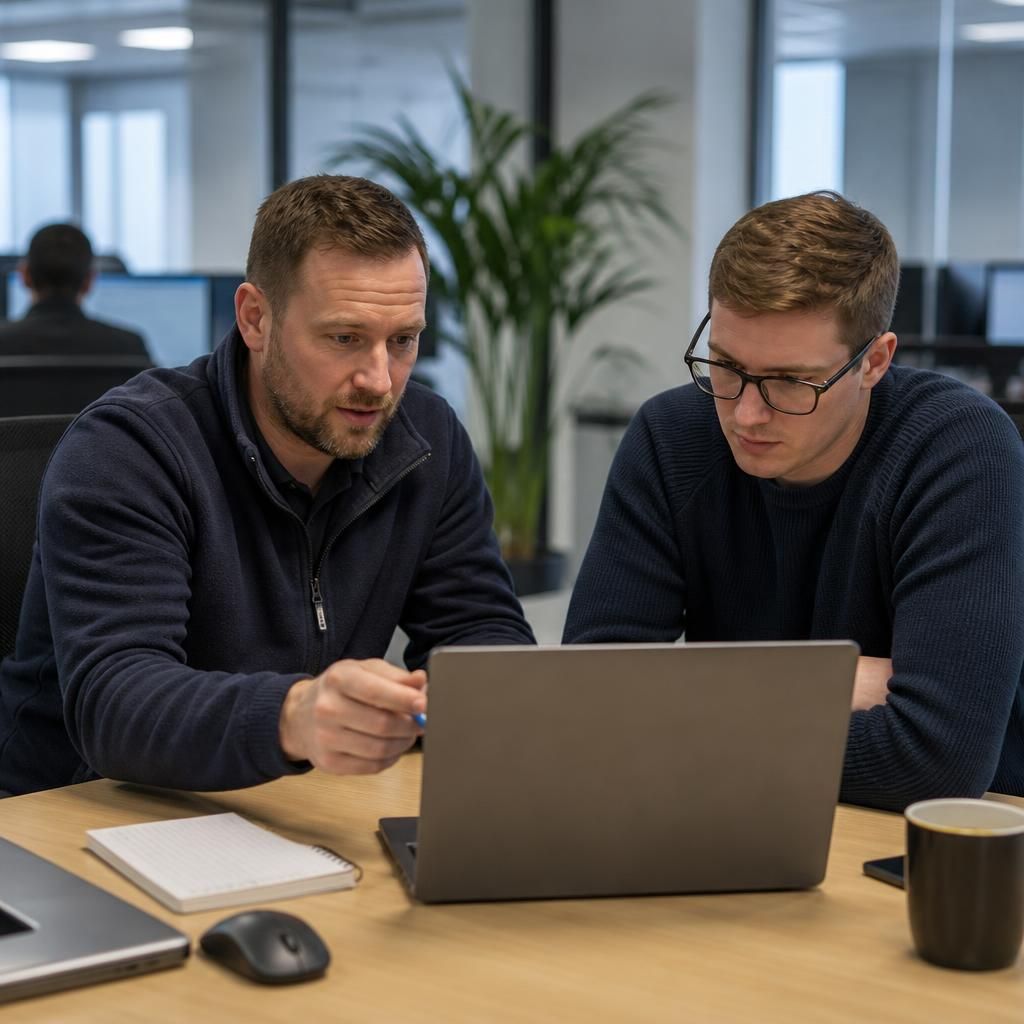
Specialist Expertise in Remote Access IT Support
Remote access IT support is a governed operational discipline that combines technical diagnosis with controlled administration of business systems. S2 Technology Group considers the relationship between user devices, Windows environments, servers, cloud services and network access, rather than treating an isolated fault as a standalone problem.
Specialist support requires appropriate access methods for the situation. A remote desktop application may suit user-led troubleshooting, while infrastructure administration or out-of-band access may be more appropriate when an operating system or device is unavailable. Each method should be restricted by permissions, protected by authentication and reviewed against the organisation’s security requirements.
S2 Technology Group applies this broader perspective to remote managed IT services, helping organisations make informed decisions about access policies, device management and infrastructure support. This depth of understanding is particularly relevant to growing businesses whose systems span offices, sites, cloud platforms and remote users, where inconsistent administration can create avoidable operational and security risks.
Questions to Ask About Remote Access IT Support
How are remote access controls tested before they are needed?
Choose support that records administrator actions, separates user and technician permissions, requires approval for sensitive changes, and provides clear handover notes, so remote intervention remains accountable and reviewable over time.
What happens when remote access cannot reach the affected device?
Technicians should verify power, connectivity and local network paths, then use approved console or on-site escalation methods. Logs should clearly document the diagnosis, access limitations and any required physical intervention.
How is business data protected during remote access sessions?
Protection depends on encrypted connections, least-privilege permissions, multifactor authentication and session logging. Sensitive files should not be copied unnecessarily, while endpoint security, retention policies and audit reviews limit data exposure.
How does remote access support integrate with your incident management process?
Remote access should feed incident records with timestamps, affected assets, actions taken, evidence gathered and closure notes. This connects technical intervention with prioritisation, escalation, root-cause review and service reporting requirements.
How are remote access permissions removed when staff or suppliers leave?
Offboarding should trigger immediate review of accounts, tokens, certificates and delegated access, with permissions revoked centrally, shared credentials rotated, and retained records confirming what was removed, when, and by whom.
Guided Access
S2 Technology Group combines user-guided troubleshooting with governed infrastructure administration, keeping remote access practical, controlled and understandable for growing businesses.
Businesses Supported by S2 Technology Group
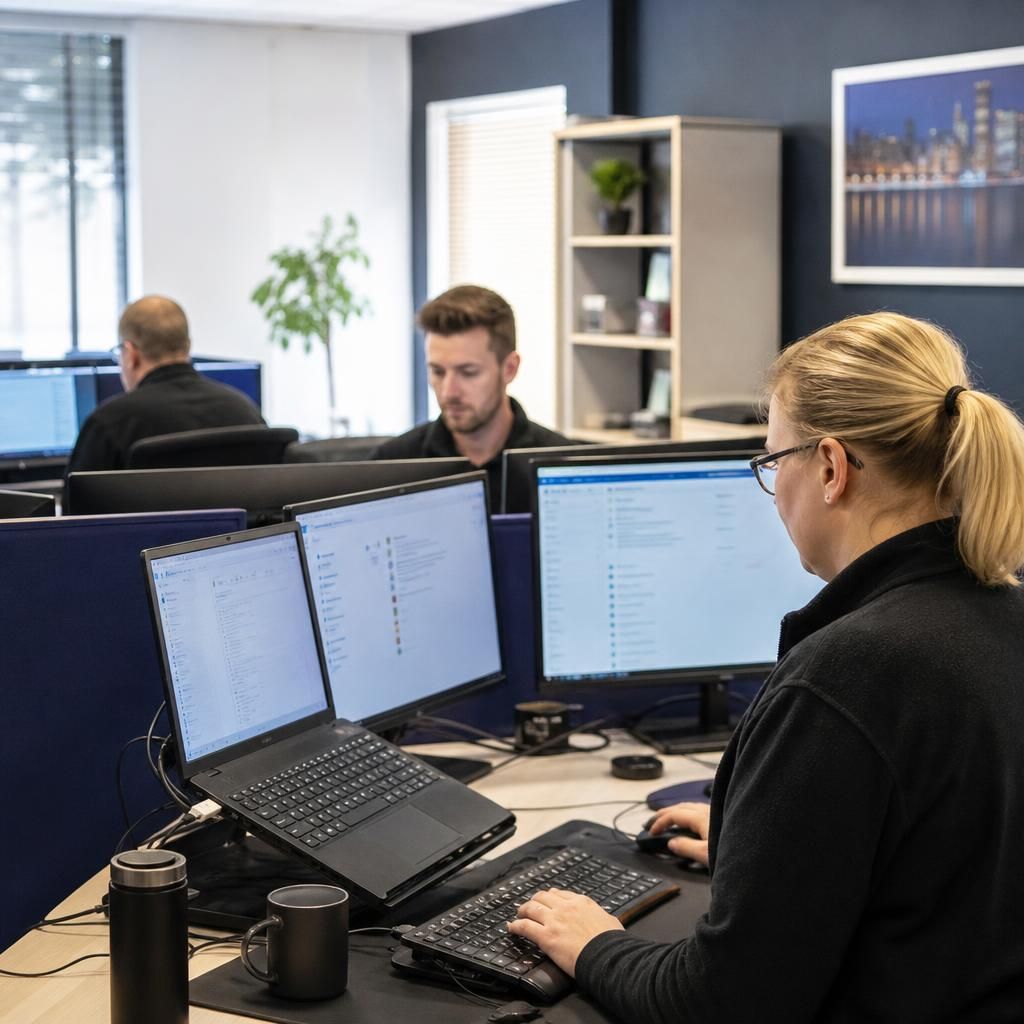
Professional Services Teams
Professional services organisations depend on accessible files, applications and user accounts to manage client work. Remote access IT support can help investigate device issues, review permissions and maintain consistent configurations without requiring every issue to be handled in person.
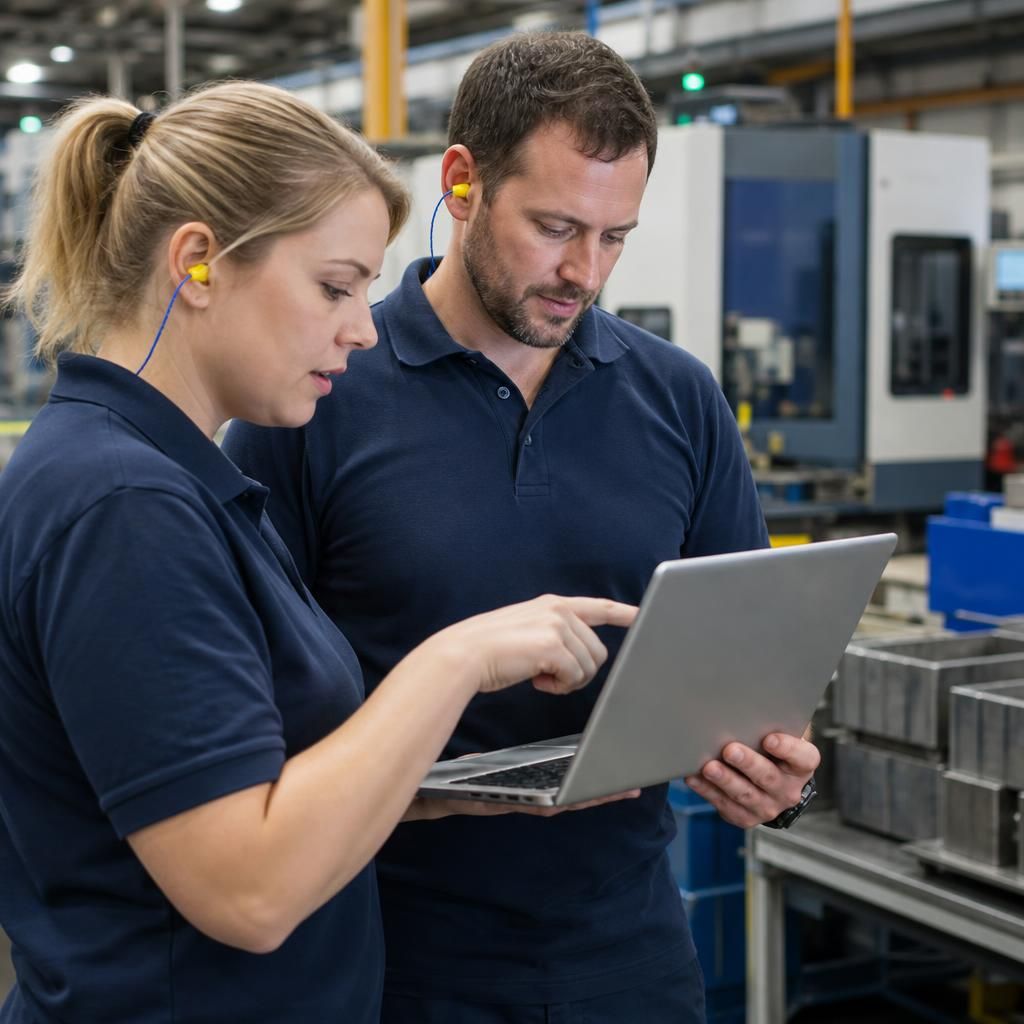
Manufacturing Operations
Manufacturing businesses often rely on a combination of office systems, production technology and shared network resources. Remote IT support provides a practical way to examine authorised devices, identify connectivity issues and coordinate technical administration across operational environments.
Logistics and Distributed Sites
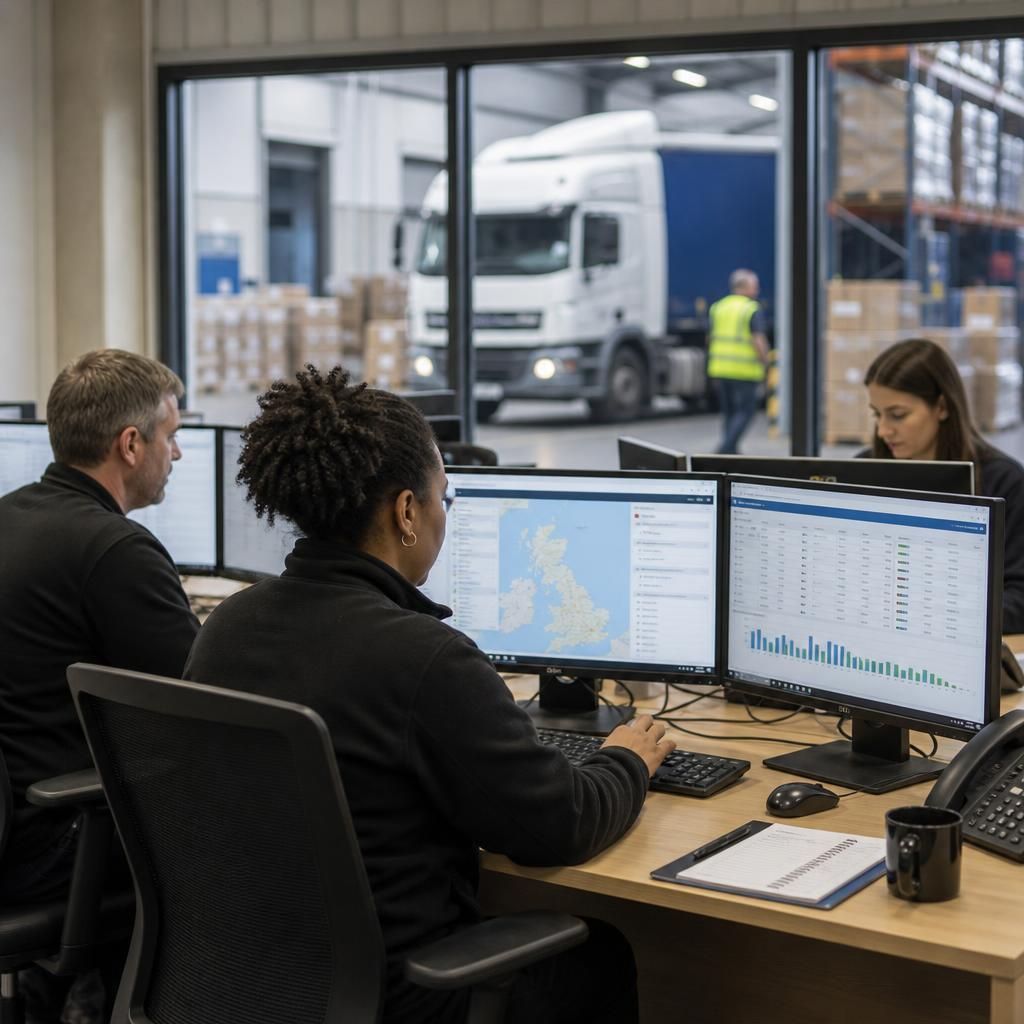
Logistics organisations may need dependable access to systems used for planning, communication and coordination between locations. Secure remote assistance can support user devices and connected services while helping maintain appropriate access to business information.
Growing Multi-Site Organisations
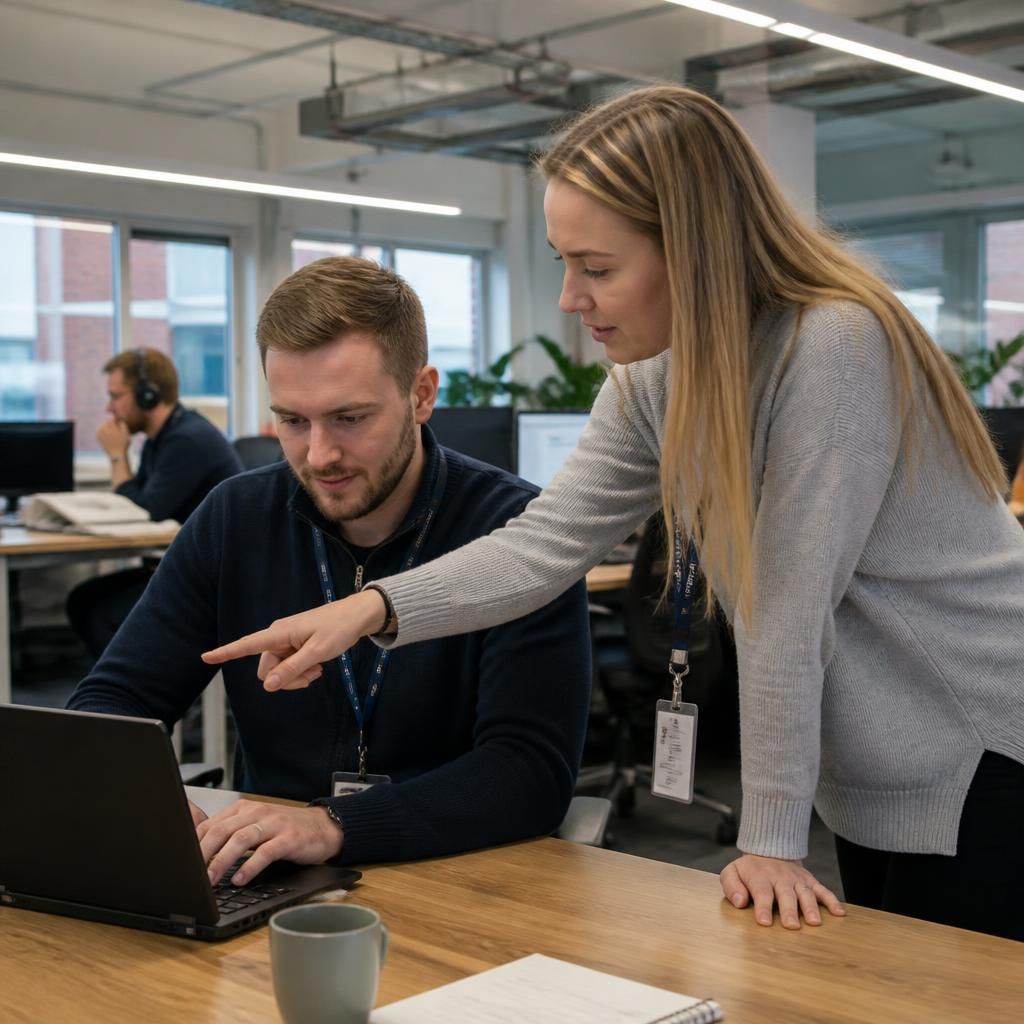
As an organisation expands across offices or sites, managing devices and user access consistently becomes more involved. Remote access IT support helps technical teams administer authorised systems, investigate recurring issues and apply a clearer approach to infrastructure management.
Where Remote Access IT Support Fits
Remote access IT support can suit organisations dealing with user device faults, software configuration issues, server administration or access problems across multiple sites. The appropriate approach depends on the affected system, required permissions and potential business impact.
Growing organisations without a full IT team
Remote access IT support can extend the capability of a small internal team by providing technical assistance with authorised systems, administration and user issues without requiring a technician to be permanently on site.
Users working away from the office
When a staff member is using an approved device from home or another location, a technician can investigate relevant settings and software through a controlled remote connection.
Cloud-connected applications
Remote support is suitable for examining configuration, account access and connectivity issues affecting cloud-connected services, provided the required permissions are available.
Server administration
Authorised remote access can support server checks, configuration tasks and infrastructure administration where the system can be safely reached and the work has been properly agreed.
Complex technical investigations
Some faults need more than a quick instruction. Remote access allows a technician to examine the relevant system directly, compare symptoms with its configuration and identify what needs further attention.
Controlled access to sensitive systems
Where business data or privileged settings are involved, remote support should use defined permissions, an agreed purpose and appropriate oversight rather than unrestricted access.
Remote Access IT Support FAQs
Is remote access IT support suitable for multi-site businesses?
Secure remote access typically uses encryption, multifactor authentication, strict permissions and activity logging. Technicians should access only authorised systems, verify identity and close sessions after completing approved work, as agreed.
What systems can remote access IT support administer?
Remote technicians can administer workstations, laptops, servers, cloud platforms, network devices and business applications, including Windows environments, subject to compatible tooling, suitable permissions and the organisation’s IT policies where appropriate.
What should staff do before a remote IT support session?
Staff should save work, close unrelated applications, connect the device to its usual network, note error messages, and describe recent changes or symptoms clearly to the technician beforehand where possible.
Can remote access IT support resolve software configuration problems?
Yes, technicians can inspect settings, identify conflicts, apply approved changes and test the result remotely. Complex issues may require vendor guidance, licence checks or investigation when remote access is insufficient.
What is out-of-band access in remote IT support?
Out-of-band access is a separate management path used when a device’s normal network or operating system is unavailable. It can support recovery, diagnostics or controlled administration through dedicated management interfaces.
Discuss Secure Remote Access for Your Business
Discuss your remote access requirements with S2 Technology Group to identify suitable controls, permissions and support arrangements. Contact the team to explore a practical approach for managing business systems securely across users, devices and sites.