
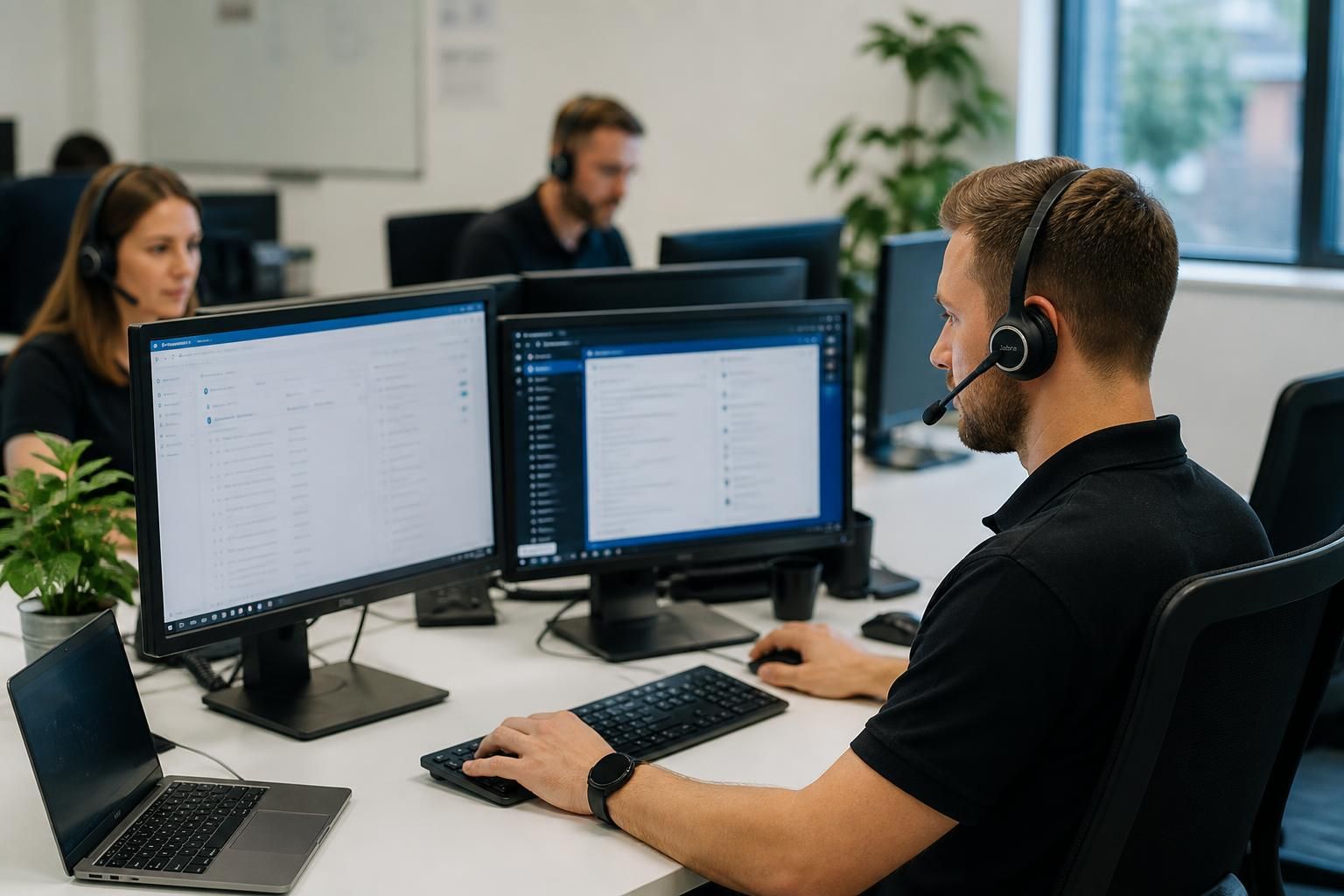
IT Support & Helpdesk
IT support and helpdesk services give businesses a structured route for reporting technical issues, investigating faults, managing user access and maintaining reliable systems. S2 Technology Group provides practical assistance for small and medium-sized organisations without a full in-house IT team.
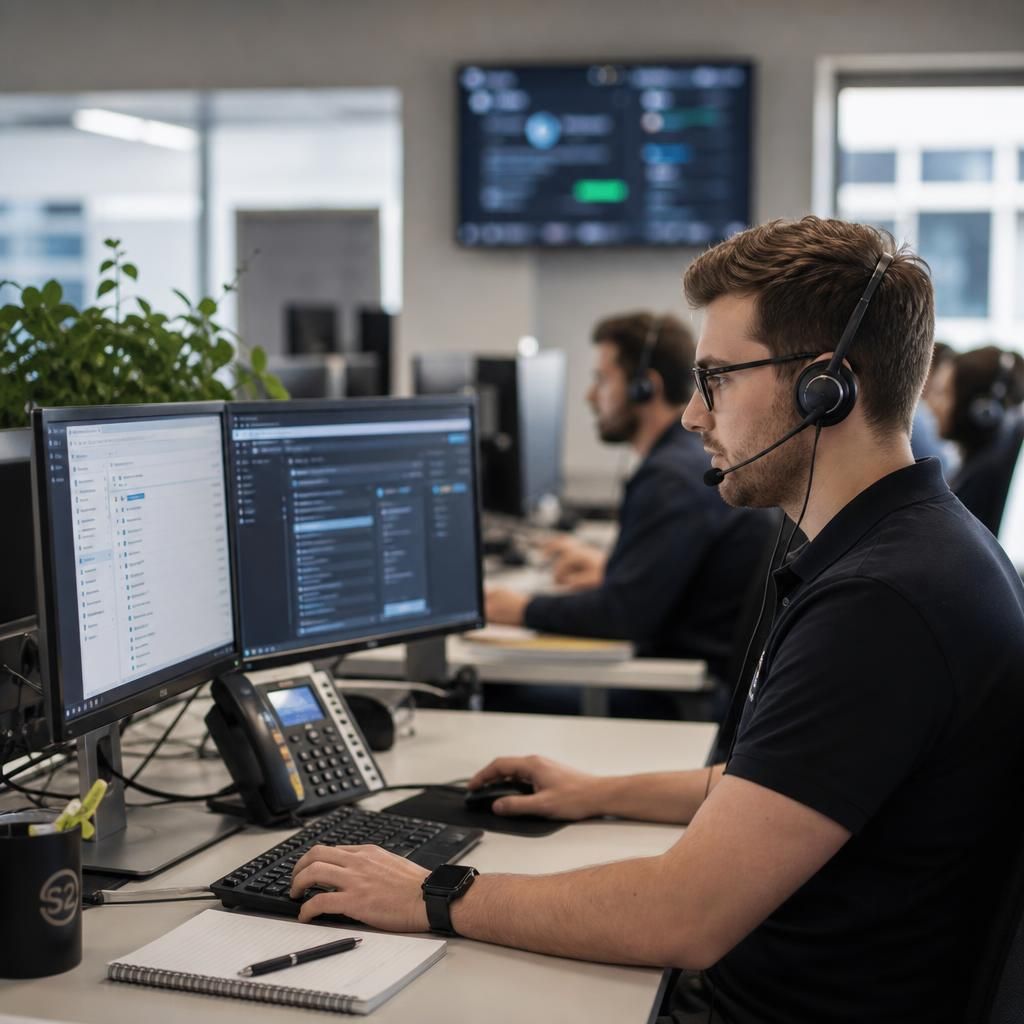
How an IT Helpdesk Resolves Issues
An IT helpdesk is a central point for handling day-to-day technology queries and faults. It records each request, captures relevant information and applies a consistent process so issues can be assessed rather than managed through disconnected messages.
Support staff typically begin by categorising the problem, checking its likely cause and identifying who or what is affected. Straightforward fixes may be completed remotely; more complex incidents can be escalated with the diagnostic notes, actions and user impact recorded in the ticket.
Good helpdesk practice also includes confirming the outcome, closing the request accurately and retaining useful information for recurring problems. This creates a clearer record for trend analysis and helps distinguish isolated user issues from wider service or infrastructure faults.
Key Strengths of S2’s IT Support
Several factors determine whether an IT support partner suits a growing organisation, including technical breadth, security awareness and the ability to align assistance with business priorities. S2’s approach combines these considerations within a practical support service.
Designed for Growing Organisations
Support is structured for small and medium-sized businesses that depend on technology but may not have a full in-house IT team. Assistance can be aligned with the organisation’s users, systems and operational priorities.
Clear, Consistent Support Processes
Requests are assessed using a documented approach, with relevant details, actions and user impact captured in the support record. This gives recurring issues and wider technical faults a clearer basis for investigation.
Security-Aware IT Assistance
Technical support considers the security implications of access, devices, systems and user activity. This helps identify where a routine IT issue may also require attention to permissions, protection or cyber security risk.
Broad Technical Coverage
S2 supports the connected technology environments used by modern businesses, including cloud services, business connectivity, remote access and core IT infrastructure. This wider view helps relate individual support issues to the systems around them.
Support Linked to Business Priorities
IT support can inform longer-term decisions about infrastructure upgrades, scalability and ongoing management. Rather than treating every fault in isolation, S2 considers how technology should support the organisation as it develops.
Why Unstructured IT Requests Create Wider Business Risks
IT helpdesk support is also a governance process, not only a way to report faults. Requests involving accounts, devices or applications should be distinguishable from incidents and handled according to the organisation’s approval and security requirements. Without this separation, informal changes can leave unclear ownership and inconsistent access.
Some user-reported problems also need security assessment. A lost device, suspicious login, unexpected permission change or possible phishing message should not be treated as an ordinary technical query, because the priority is to limit exposure and preserve relevant information for investigation. Clear links between helpdesk procedures and cyber security controls help staff recognise these situations.
For a growing organisation, this makes the choice of helpdesk provider broader than selecting a place to send questions. S2 Technology Group supports a structured approach in which technical assistance, access management and security considerations are handled as connected parts of business IT support.
IT Support Options for Different Business Needs
The right IT helpdesk arrangement depends on the type of assistance your organisation needs, from user queries and device faults to recurring technical issues requiring wider investigation. Defining these needs helps distinguish a general service desk from specialist support or a broader managed IT service.
The options below match common requirements to the appropriate form of IT support.
Match Your Business Needs to the Right Helpdesk Option
User Queries and Routine Requests
Choose a structured helpdesk when staff need a clear way to report questions about applications, devices or everyday technology use.
Device and Technical Faults
Technical support is suited to diagnosing faults affecting computers, peripherals, connectivity or individual users, with actions recorded for reference.
Account and Access Changes
Access-focused support helps manage user accounts, permissions and device changes through an identifiable approval process.
Security-Sensitive Incidents
A security-aware helpdesk route is appropriate for suspicious messages, lost devices, unusual logins or unexpected permission changes requiring careful assessment.
Recurring or Wider Issues
Managed IT support is the better fit when repeated helpdesk requests indicate an underlying system, infrastructure or configuration problem.
Questions to Ask When Choosing an IT Helpdesk
How does an IT helpdesk support multi-site businesses?
Assess whether the provider assigns clear ownership, uses documented escalation paths, protects access information, reports recurring patterns, and investigates underlying causes instead of merely closing tickets as routine administrative tasks.
What should an IT helpdesk agreement define?
An agreement should define included devices, users, locations, request channels, service priorities, security responsibilities, reporting arrangements, exclusions and review procedures, so both parties understand the helpdesk’s boundaries from the outset.
How are IT helpdesk tickets prioritised when several users report the same fault?
Prioritise by business impact, affected users, critical systems and security risk, then link related reports to one incident. This prevents duplicate work and directs investigation towards the underlying fault.
Can an IT helpdesk manage user onboarding and offboarding securely?
Use role-based approvals, documented joiner-mover-leaver procedures, timely account changes, asset records and independent checks. The helpdesk should coordinate managers and HR while preserving an auditable history of actions for review.
What should an IT helpdesk ticketing system record?
A ticket should record the requester, affected user or device, symptoms, time reported, business impact, categorisation, actions taken, approvals, linked incidents, escalation history, resolution and closure confirmation for future reference.
Explore the Capabilities of an IT Helpdesk
IT helpdesk options differ according to how requests are received, prioritised, investigated and followed through. The most suitable arrangement reflects your users, devices, applications and internal responsibilities. Consider these capabilities when comparing support approaches.
Knowledge-Led Support
A helpdesk can retain documented resolutions, user guidance and troubleshooting steps. This gives support staff a consistent reference point and helps identify whether a recurring query needs clearer instructions or a wider technical review.
Device Support
Device-focused helpdesk support covers problems with laptops, desktops, peripherals and their standard configurations. Separating hardware faults from application or account issues helps direct each request towards the appropriate investigation.
Business Application Assistance
Users may need help with application errors, configuration questions or problems affecting a particular workflow. An effective helpdesk records the application, user impact and relevant changes so technical issues can be assessed in context.
Recurring Problem Analysis
Repeated incidents can indicate an underlying problem rather than a series of unrelated requests. Reviewing patterns, affected systems and previous actions helps an organisation decide whether further investigation or a planned infrastructure change is appropriate.
Support for Multiple Locations
Businesses operating across more than one site may need a helpdesk process that distinguishes users, devices and systems by location. This makes it easier to understand local impact while maintaining a consistent approach to recording and managing requests.
Clear Request Ownership
Each ticket should have a defined owner, an accurate description of the issue and a record of actions taken. Clear ownership reduces duplicated effort and makes it easier to determine which requests require input from an internal team or external provider.
Give Your Team a More Reliable Route to IT Support
A business IT helpdesk is a defined support function that helps employees resolve technology issues without relying on informal messages or individual staff members. It gives users a consistent way to request assistance with devices, software, connectivity and accounts, while giving the organisation a clearer view of its support needs.
The main benefit is reduced disruption to everyday work. Users know where to raise a problem and what information to provide, while support staff can apply relevant technical knowledge without repeatedly rebuilding the same context. A well-maintained record can also reveal recurring issues, helping inform decisions about training, equipment and infrastructure improvements.
For organisations without a full internal IT team, an external helpdesk provides access to structured support without requiring every technical responsibility to sit with employees. S2 Technology Group can help assess your current support arrangements and identify a practical IT helpdesk approach that fits your systems, users and internal responsibilities.
IT Support & Helpdesk FAQs
What is the difference between an IT helpdesk and a service desk?
Requests are generally assessed by business impact, number of affected users, security implications and technical complexity, allowing routine matters and significant incidents to follow an established support process.
What issues can an IT helpdesk resolve remotely?
Remote helpdesk support can address software errors, account and password problems, configuration faults, device performance issues, connectivity difficulties and user guidance when systems remain accessible for remote diagnosis and troubleshooting.
How does an IT helpdesk support cybersecurity?
An IT helpdesk supports cybersecurity by verifying users, managing access, recording suspicious activity, applying approved updates, and escalating potential incidents for investigation under the organisation’s security procedures and response requirements.
How does an IT helpdesk support software and system changes?
An IT helpdesk supports software and system changes by documenting requests, checking dependencies, testing configurations, scheduling approved work, communicating user impacts, and recording results throughout the process.
When should a business use onsite IT support?
Onsite IT support is appropriate when physical access is necessary for hardware replacement, cabling faults, device installation or infrastructure work that remote diagnosis cannot safely complete without direct physical access.