What happens when remote IT support cannot resolve an issue during one session?
If remote IT support cannot resolve the issue in one session, the technician records the findings, identifies the next diagnostic step and escalates the case where specialist expertise or physical access is required. S2 Technology Group can then continue the investigation through further remote support, configuration work or an onsite intervention, depending on the fault.
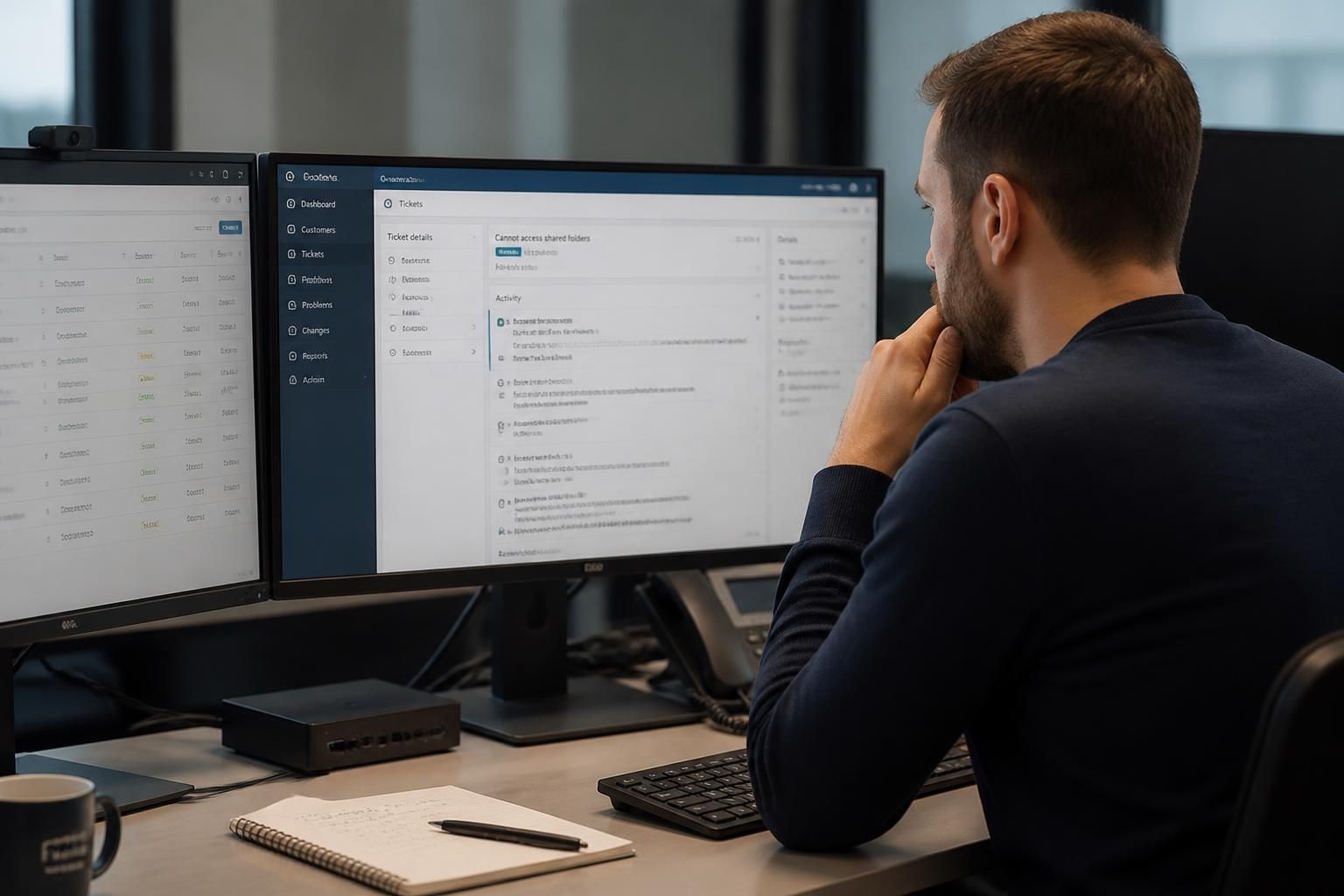
When a remote IT support session does not resolve a fault, the issue should move into a controlled follow-up process rather than being treated as closed. The technician reviews what has already been tested, records the current state of the affected system and agrees the next action based on the likely cause, business impact and access required.
The first step is to establish the current position. Support notes should capture the symptoms, error messages, affected users or devices, recent changes and diagnostic checks already completed. This prevents repeated testing and gives any further technician a reliable starting point. It also helps separate the original fault from any secondary problems caused by attempted workarounds.
The issue is then prioritised according to its effect on the organisation. A problem affecting one application may require a different route from a fault that prevents several users from accessing essential systems. The support process can consider factors such as whether a workaround exists, whether data is at risk, whether the problem is spreading and whether a supplier or administrator is needed to proceed.
- Contain the disruption. Where practical, the technician may suggest a temporary workaround, isolate an affected device or adjust access so that normal work can continue while the underlying cause is investigated. A workaround should be recorded as temporary rather than mistaken for a permanent fix.
- Review dependencies. Some faults originate outside the device being accessed remotely. The investigation may therefore examine user permissions, network connections, cloud services, backup processes, security controls, recent software changes or dependencies between systems.
- Assign the appropriate next action. The case may need a scheduled configuration change, additional evidence from the user, input from a specialist, or coordination with a third-party provider. The required action should be linked to the evidence already collected rather than based on guesswork.
- Test the proposed resolution. After a change is made, the technician should check the original symptom and any related functions. For a business system, this may include confirming that the relevant users can sign in, access the required data and complete the affected task.
- Close with a useful record. The final notes should explain the cause, action taken, any workaround left in place and recommendations intended to reduce recurrence. If the cause remains uncertain, that should be stated rather than replaced with an unsupported assumption.
If the symptoms suggest a security issue, the priority changes from ordinary fault-finding to protecting accounts, systems and evidence. Access may need to be restricted, suspicious activity preserved for investigation and relevant credentials reviewed. Remediation should be carefully documented so that security measures do not remove information needed to understand what happened.
Physical access is not always the only reason a remote session cannot finish the job. The technician may need information that is unavailable through the remote connection, approval to make a higher-impact change, access to a separate administration portal, or confirmation from a software or connectivity provider. Identifying this dependency early avoids repeated sessions that cannot progress.
For a small business, a useful support arrangement should make these handovers clear. Ask how unresolved cases are tracked, how ownership is maintained between sessions, how urgent business impact is recorded, how approval for changes is obtained and what information is included in the final report. S2 Technology Group can use this structured approach as part of its remote IT support, continuing the investigation through the route that best fits the technical and operational circumstances.
A remote support session should stop when continuing the investigation could create more risk than benefit. If the next step involves changing a production system, altering permissions, restarting a critical service or affecting several users, the technician may defer the work until the change has been assessed and approved. The unresolved case then remains open with a clearly defined action, rather than being closed after an unsafe or incomplete attempt.
This distinction is important because remote access makes technical changes possible but does not remove their operational consequences. A controlled follow-up may involve a planned maintenance window, a second technician, specialist input or a different access method. The decision should be based on the potential impact of the proposed action, the quality of the available evidence and the organisation’s tolerance for disruption.