How does remote IT support handle faults that require physical access?
Remote IT support first identifies whether a fault can be diagnosed or resolved through software, configuration changes and guided physical checks. If the problem requires someone to handle a device, cable or network component directly, the issue is documented and passed to trusted on-site help with the relevant findings and next steps.
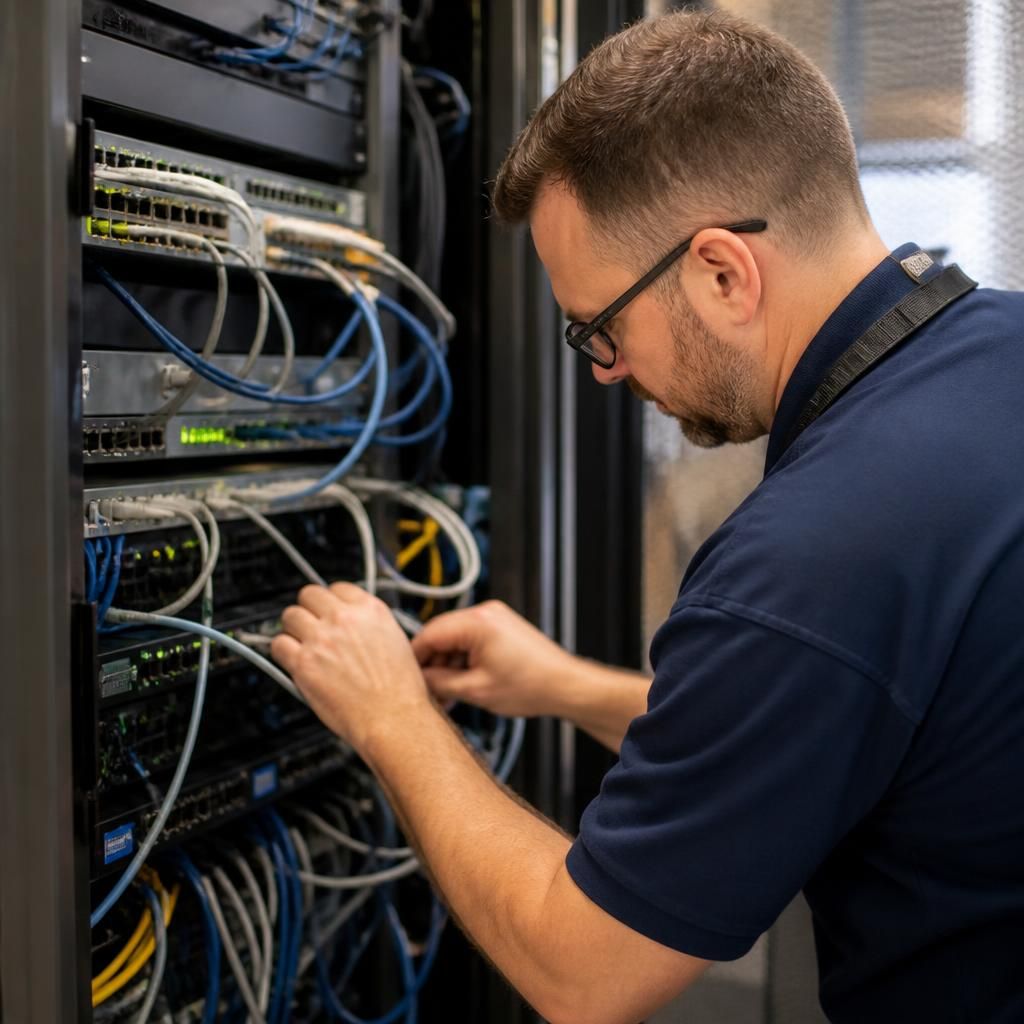
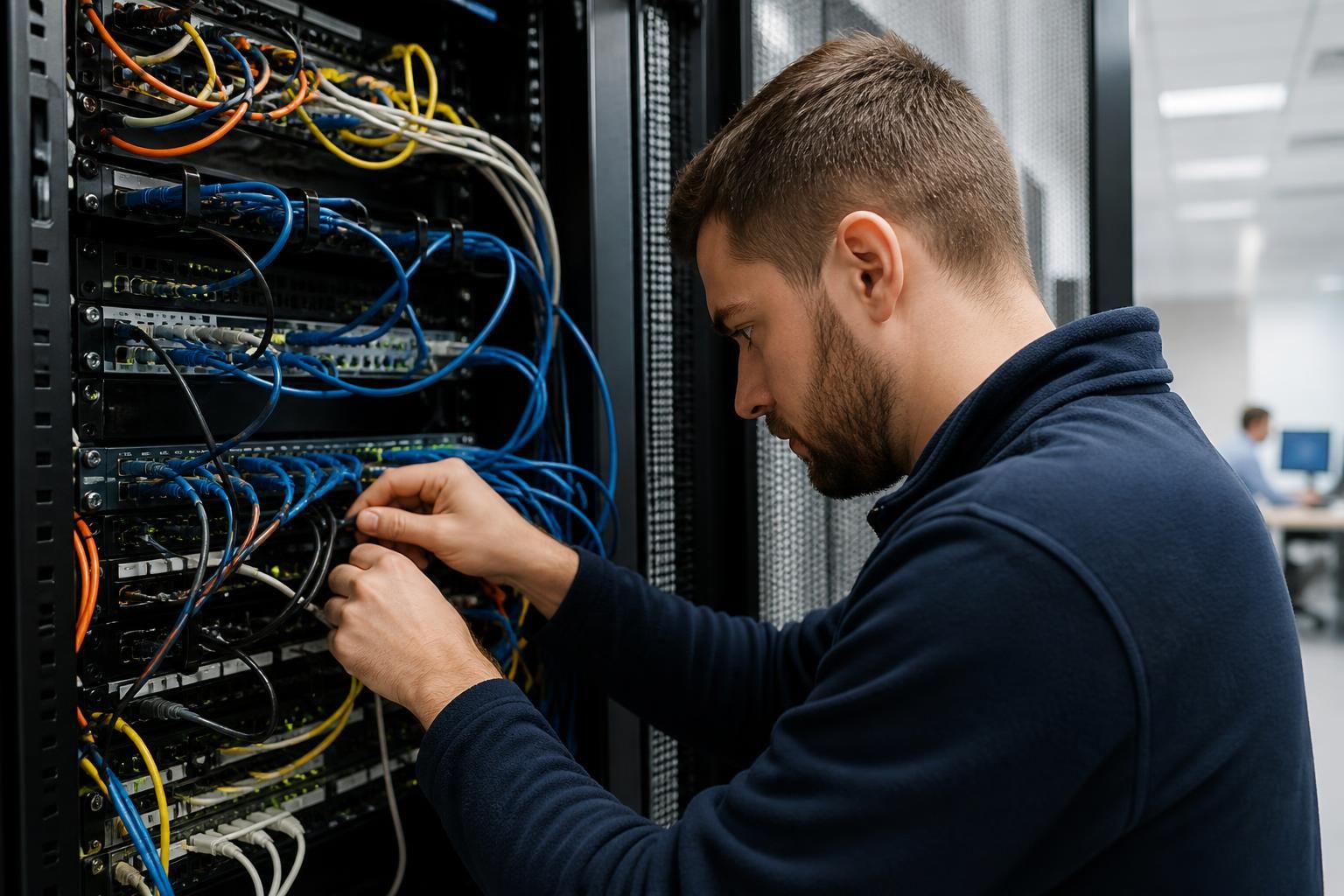
A fault requiring physical access is one where the cause or remedy depends on handling equipment rather than changing software remotely. Examples include a failed power supply, disconnected network cable, damaged port, unresponsive local switch, faulty printer connection or device that will not power on. Remote support remains useful because it can establish the scope of the problem, identify the affected equipment and determine what physical action is appropriate.
The process normally begins with remote diagnosis. The technician checks device status, error messages, event logs, connectivity and recent configuration changes. This helps distinguish a hardware or cabling problem from an issue that only appears to be physical. For example, a workstation showing no network connection may have a damaged cable, but it could also be affected by an incorrect network setting or a wider switch configuration problem.
Where it is safe and practical, the technician may guide a suitable person at the premises through basic checks. These can include confirming that equipment is receiving power, checking indicator lights, verifying cable connections, identifying loose or damaged leads and confirming which device is connected to which port. Instructions should be specific to the equipment and situation; asking an untrained user to open hardware, alter electrical connections or reset business-critical equipment can create further risk.
If the fault cannot be safely addressed by a guided check, the next step is to arrange an appropriate physical intervention. The person carrying out that work may need clear information about:
- the asset identification and physical location of the affected equipment;
- the symptoms observed and when they began;
- tests already completed remotely;
- cables, ports, power sources or components that require inspection;
- any operational, access or safety restrictions at the premises; and
- the checks required after the physical work is completed.
Good remote support does not simply record that a device is “not working”. It narrows the likely cause before anyone attends, so the physical task is defined rather than exploratory. This can help prevent unnecessary replacement of working equipment and makes it easier to decide whether the issue concerns a cable, peripheral, power source, network component or the device itself.
Some physical faults require coordination with the organisation’s own staff or facilities contacts. Access to a comms cabinet, server room, locked office or equipment mounted in a difficult location may need to be authorised in advance. A business should also consider whether disconnecting a device could affect other users, telephony, security systems, production equipment or shared network services. The support record should identify these dependencies before any change is made.
Once the physical check or repair has taken place, remote support can verify the result. This may involve checking that the device is visible on the network, confirming that services have restarted, testing user access and reviewing monitoring or event information. If the original symptom remains, the new findings provide a more accurate basis for further diagnosis rather than repeating the same checks.
For audit and continuity, the record should distinguish between what was observed remotely, what was reported by the person on site and what physical action was taken. It should include relevant asset details, findings, changes made and any recommended follow-up, such as replacing damaged hardware, improving cable labelling or reviewing the resilience of a network connection.
In practice, remote IT support is therefore a combination of technical diagnosis, safe guidance and controlled coordination. It cannot physically repair a cable, replace a component or reconnect equipment by itself, but it can define the fault, reduce avoidable intervention and provide the information needed for the physical work to be completed correctly.
When a fault cannot be repaired remotely, support may separate temporary service restoration from the permanent physical repair. Where suitable equipment or an approved alternative already exists, the technician can help determine whether a user can work from another device, use an alternative connection or redirect a task to another available system. This can maintain a necessary business function without treating the workaround as a fix.
The workaround must be assessed against access permissions, data protection and dependencies such as shared applications, printing or telephony. It should also have a clear removal point, so the original damaged device or connection is not left in service indefinitely. Once physical access is available, the underlying fault can be addressed and the temporary arrangement checked for closure.