
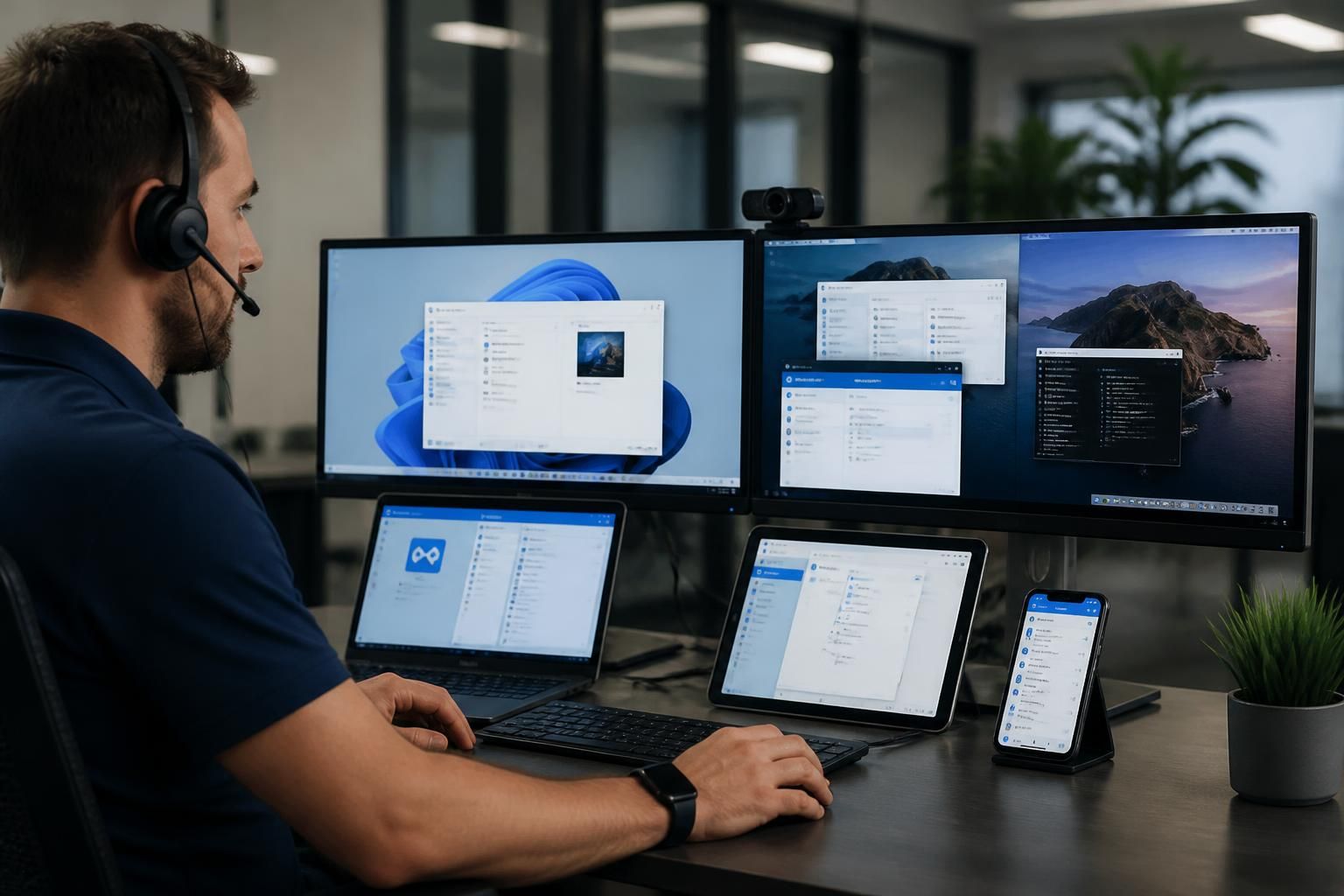
How does remote IT support work across mixed devices and operating systems?
Remote IT support works across mixed devices and operating systems by using secure, compatible remote-access tools and platform-specific diagnostic methods. Technicians can troubleshoot settings, applications, connectivity and security controls on each device while applying appropriate procedures for Windows, macOS, mobile devices and other supported platforms.
Remote IT support across mixed devices and operating systems is a coordinated method of managing a varied technology estate without requiring every user or device to follow the same technical configuration. The support process combines an accurate device inventory, appropriate access controls, operating-system-specific procedures and consistent service records, allowing technicians to work safely across a business environment that may include desktops, laptops, smartphones, tablets and specialist equipment.
The main challenge is variation. Different platforms expose different administrative controls, use different file systems and apply different rules for permissions, software installation, updates and security settings. A procedure that is suitable for one operating system may be ineffective or potentially disruptive on another. Effective remote support therefore begins by identifying the device type, operating system, version, user context and business role before any change is made.
A managed approach typically maintains an asset record for each supported device. This can include:
- the device owner or assigned user;
- operating system and version information;
- hardware specifications and encryption status;
- installed business applications;
- network, security and management settings;
- support eligibility and known configuration requirements.
This information gives the technician useful context before investigating a fault. It also helps distinguish a device-specific problem from a wider issue affecting a particular application, network service or user group. For example, if only one type of device is affected after an application update, the investigation can focus on compatibility or deployment settings rather than treating every endpoint as identical.
Remote access must be matched to the platform. Desktop operating systems generally allow a broader range of administrative inspection and configuration than mobile operating systems. A technician may be able to examine system services, policy settings, logs or application dependencies on a managed computer, whereas a mobile device may restrict direct access to system files and rely more heavily on approved management controls. The support method must respect those boundaries rather than attempting to apply desktop procedures to a mobile platform.
In practice, this means separating support activities into three categories:
- Common tasks: checking account status, confirming connectivity, reviewing application access and validating required settings.
- Platform-specific tasks: inspecting operating-system logs, permissions, services, profiles or security controls using the tools available on that platform.
- Management tasks: applying approved policies, software configurations or device restrictions through the organisation’s central management systems.
This separation improves consistency while avoiding the assumption that every device can be controlled in the same way. It also makes troubleshooting easier to audit, because the record can show which method was used and why it was appropriate for the device involved.
User identity and permissions are particularly important in a mixed environment. A user may work from a computer, mobile device and tablet while accessing the same business services. Remote support should verify that the correct user, device and access context are being considered. Administrative actions should be limited to what is necessary, with elevated permissions used only where the support task requires them. This reduces the risk of changing the wrong device or granting broader access than intended.
Application compatibility also needs careful handling. A business application may behave differently depending on the operating system, browser, processor architecture, local permissions or supporting components. A remote technician can compare the affected device with a known working configuration, check whether the required dependencies are present and determine whether the issue is local or service-wide. Where an application is not designed for a particular platform, the appropriate outcome may be a supported alternative, a controlled access method or escalation to the software provider rather than repeated local changes.
Updates are another area where mixed-device support requires planning. Operating systems and applications do not necessarily release updates on the same schedule, and an update can alter compatibility, security settings or device-management behaviour. A sensible process records the change, identifies affected device groups and tests important business applications before wider deployment where the organisation’s systems allow it. If a device cannot receive a required update, that exception should be recorded and reviewed rather than left as an unknown risk.
Remote support is also influenced by the device’s connection to the business network. A computer connected directly to the office network may present different routing, authentication and policy conditions from a laptop used remotely or a mobile device using a cellular connection. Technicians may therefore need to compare local network settings, virtual private network access, wireless configuration and identity policies without assuming that the user is in the same network environment as other staff.
When a remote change is made, good practice is to record the device, issue, action taken, result and any follow-up requirement. This is especially useful where several operating systems are involved, because future support staff can see which configuration applies to each platform. It also helps identify recurring patterns, such as one device model requiring a separate driver, one operating-system version lacking a feature or one application policy being applied inconsistently.
For a small or growing organisation, the most practical model is usually not to eliminate every difference between devices, but to define a supported baseline. That baseline can specify permitted operating systems, minimum security settings, approved applications, update expectations, ownership and the circumstances in which a device receives remote support. Devices outside the baseline can then be assessed individually, with the risks and limitations made clear.
In this way, remote IT support remains workable across a diverse technology estate by combining standard procedures with platform-aware decisions. The technology may differ from one endpoint to another, but the supporting framework—asset visibility, controlled access, documented changes, compatibility checks and clear support boundaries—provides a consistent way to manage those differences.
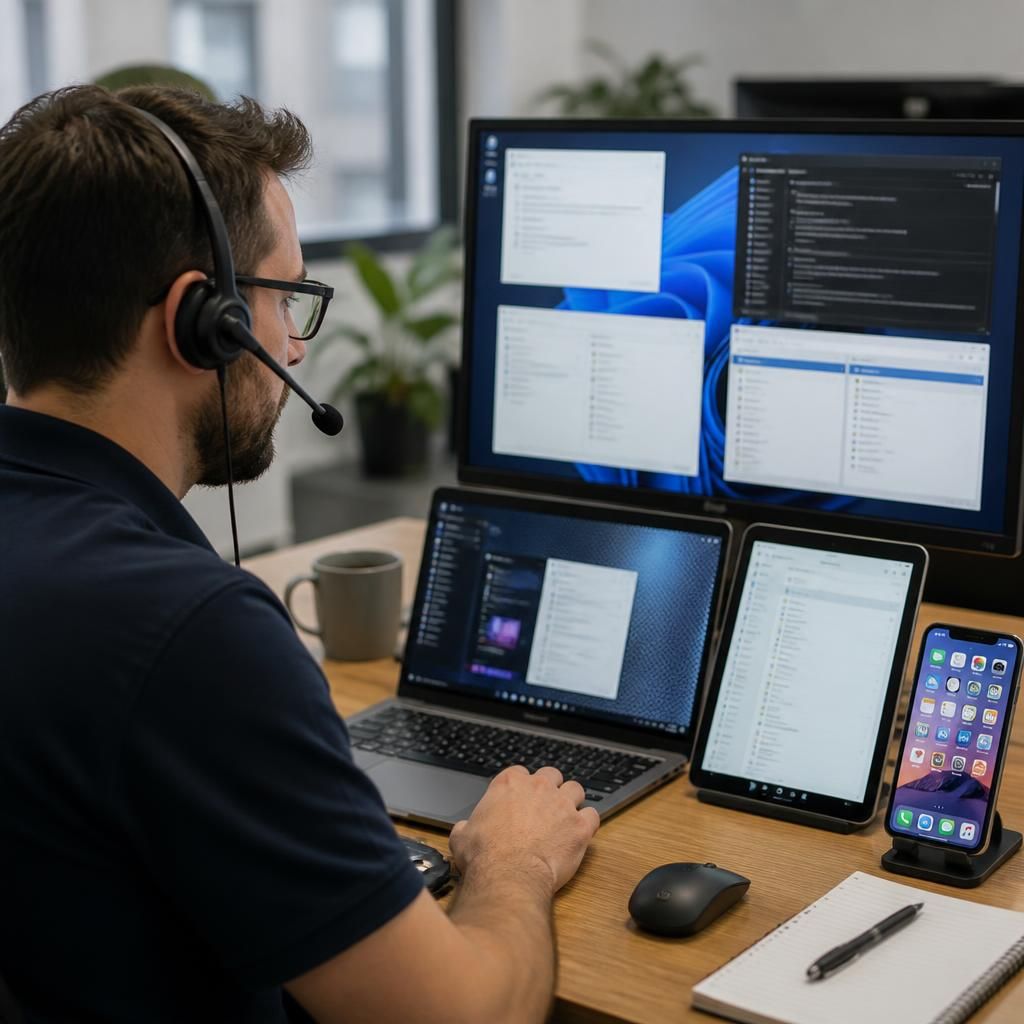
When local compatibility varies between devices, a business can sometimes move the application or workspace closer to the service layer instead of reproducing the same setup on every endpoint. Browser-based applications, hosted desktops and centrally delivered software can provide a more consistent way to access business systems from different operating systems.
This approach does not remove every support requirement. Technicians still need to consider identity controls, browser capabilities, local printing, file handling, audio and video peripherals, network quality and whether users need access when disconnected. A centrally delivered application may simplify version control, but it can also introduce dependence on connectivity or create limitations for specialist hardware.
Remote IT support can therefore assess whether the problem belongs on the device or in the delivery method. If a locally installed application is unsuitable for one platform, a controlled browser-based or hosted alternative may be more appropriate than repeatedly changing that device. The decision should reflect the application’s technical requirements, the user’s role and the organisation’s security and access policies.