How do virtual IT solutions integrate with legacy business systems?
Virtual IT solutions integrate with legacy business systems by assessing existing applications, dependencies and data flows, then connecting or migrating them in controlled stages. Where replacement is not practical, compatible virtual infrastructure, secure interfaces and carefully managed access can preserve essential legacy functions while newer systems are introduced around them.
Virtual IT solutions integrate with legacy business systems by providing a controlled operating layer around older applications, databases and devices. This allows established systems to continue supporting critical processes while users, data and newer applications connect through managed interfaces, virtual machines, remote access services or carefully designed integration tools.
The appropriate approach depends on how the legacy system operates. Some applications run on an outdated server operating system, while others depend on fixed network addresses, local databases, specialist hardware or software that was never designed to communicate with modern cloud services. Integration therefore starts with technical and operational constraints, including:
- the operating system, database and runtime requirements of the application;
- how users authenticate and what permissions they require;
- which systems exchange information with it;
- whether it relies on local storage, shared folders, serial connections or specialist devices;
- the level of latency the application can tolerate; and
- the support and licensing conditions that apply to the legacy platform.
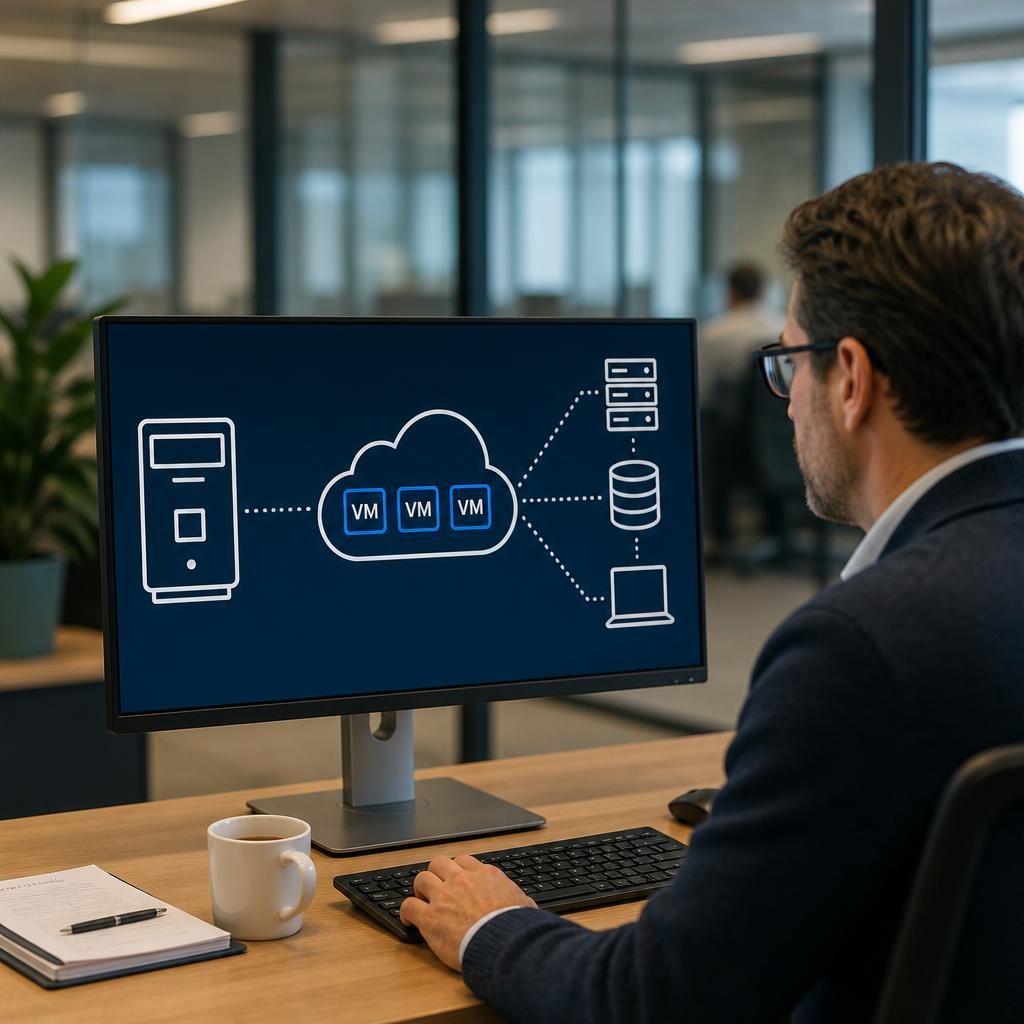
Where the application cannot be installed directly on current infrastructure, it may be hosted in a virtual machine that reproduces the environment it needs. The application remains separated from newer systems, while the virtual machine is managed through current backup, monitoring, access-control and recovery processes. This can be useful for line-of-business software that is still operationally important but no longer supported on modern operating systems.
Integration can also take place at the data or application layer. A connector, API, scheduled export or controlled database interface may transfer selected information between the legacy platform and a newer service. For example, customer, order, stock or finance data might be exchanged without giving the newer system unrestricted access to the underlying database. Read-only access, staged synchronisation and field-level mapping can reduce the risk of accidental changes to records that the older application still relies on.
For systems without modern APIs, integration may use middleware or an intermediate data store. This separates the legacy application from the newer service and provides a place to validate, transform and queue information before it is passed on. Data formats, duplicate records, failed transactions and conflicting updates need clear rules. Without these controls, a technically successful connection can still create inconsistent records or obscure errors.
Access is another important consideration. Legacy applications often have weak authentication, shared accounts or limited audit facilities. A virtual IT design can place the system behind a more controlled access path, such as authenticated remote application delivery, segmented network access or a secure gateway. Permissions should be based on each user’s role, with administrative access separated from ordinary use. Where the legacy system cannot record sufficient activity, surrounding controls can provide additional logging of connections, account use and changes made through related systems.
Network segmentation helps contain the risks associated with older technology. The legacy environment can be placed in a restricted network zone, allowing only the specific connections it needs rather than exposing it broadly to users or other servers. Firewall rules, monitored service accounts and limited management access can reduce unnecessary pathways. This does not make unsupported software secure by itself, but it limits the consequences of a weakness and makes the environment easier to govern.
Performance must be tested as part of the design. An application may appear suitable for virtualisation but perform poorly if it depends on low-latency storage, direct access to hardware or a particular network configuration. Testing should include normal user activity, peak processing, printing, file transfers, database operations and connections to dependent systems. It should also confirm that peripherals and specialist equipment behave correctly when users access the application remotely.
A safe integration process normally includes the following stages:
- Document the current service: record dependencies, users, data locations, interfaces, authentication methods and operational workarounds.
- Define the target design: decide whether the system should be virtualised, wrapped with an interface, connected through middleware or retained temporarily in its existing form.
- Build an isolated test environment: use representative application data and test connections without affecting live records.
- Validate business processes: confirm that staff can complete essential tasks and that information remains accurate across connected systems.
- Plan the transition: establish data synchronisation, rollback steps, user training and ownership for any exceptions.
- Monitor after implementation: review performance, access events, failed transfers, capacity and application errors before making further changes.
Data protection and continuity requirements should be considered separately from the connection itself. Backups need to cover the virtual machine, application data, configuration files and any dependent databases. Restoration testing should establish whether the legacy application can be recovered in a usable state, including its licences, integrations and required settings. If the system processes personal or commercially sensitive information, access, retention and transfer arrangements must also align with the organisation’s policies and legal obligations.
Legacy integration is often temporary rather than a permanent replacement for modernisation. Documentation should identify unsupported components, known limitations, renewal dates, data owners and the conditions that would trigger migration or retirement. This prevents a virtualised legacy system becoming an undocumented dependency and gives the organisation a clearer route towards replacing it when a suitable alternative is available.
For small and medium-sized organisations, the practical objective is usually controlled coexistence: preserve the functions that the business still needs, place older technology within a more manageable technical boundary, and introduce newer services without disrupting established operations. A well-designed virtual IT solution makes those boundaries, dependencies and risks visible so that legacy systems can be managed as part of the wider IT environment rather than treated as isolated exceptions.
Legacy integration must preserve the business controls built around the older system, not just establish a technical connection. When a modern application sends transactions to a legacy platform, the design should confirm that approvals, segregation of duties, audit records and exception handling still operate as intended.
For example, an order created in a newer system may need to remain pending until the legacy finance or stock process accepts it. The integration should record who initiated the transaction, when it was accepted, and what happens if validation fails. Clear reconciliation reports can then identify incomplete or duplicated transactions without requiring staff to compare systems manually.
This approach allows newer interfaces and services to be introduced while retaining the controls that protect financial, operational and regulatory processes. Testing should therefore involve process owners as well as technical staff, with acceptance based on accurate outcomes and traceable activity across both environments.