
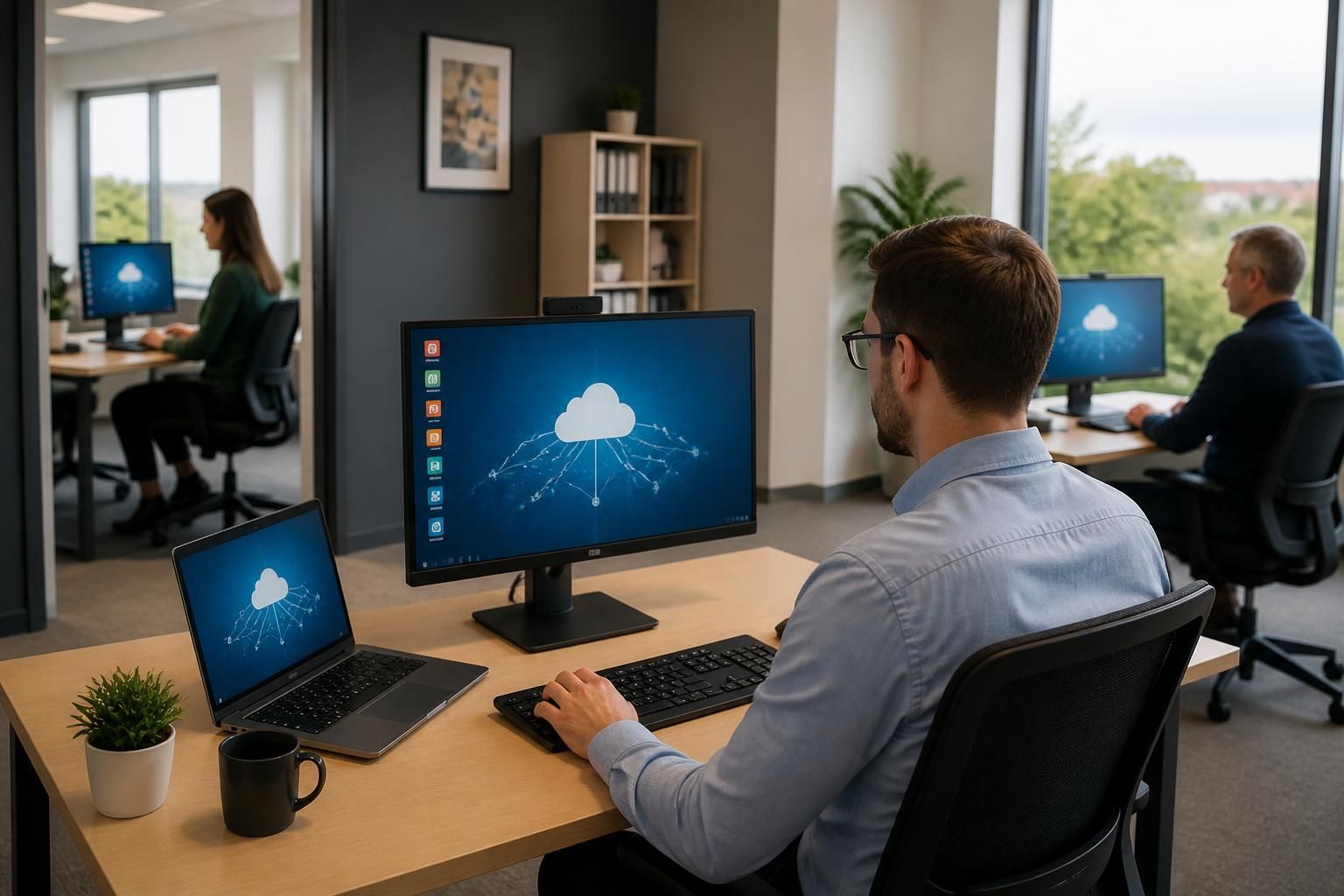
How does a hosted desktop support multiple office locations?
A hosted desktop supports multiple office locations by providing each user with secure access to the same centrally managed desktop environment, regardless of where they work. Applications, user permissions and business data are managed from one platform, helping maintain consistent access and working practices across sites.
A hosted desktop supports multiple office locations by separating the user’s working environment from the physical office. Each site connects to the hosted platform through an internet connection, while the desktop sessions, applications and business files remain within the service’s managed environment. This allows an organisation to operate across several premises without building a complete desktop infrastructure at every location.
The main advantage is consistent configuration between offices. Staff can work with the same application versions, desktop settings and business processes whether they are based at the primary office, a branch site or another approved location. New starters, transferred employees and users who regularly move between sites can therefore be assigned an appropriate workspace without rebuilding a computer for each premises.
Multi-site performance depends on the connection between each office and the hosted desktop platform. The important considerations include available bandwidth, latency, connection stability and the number of concurrent users. A site with many users may need a different connection design from a small branch office. Voice calls, video meetings, large file transfers and other local internet traffic should also be assessed so that they do not unnecessarily affect desktop sessions.
Network design can reduce the effect of local connectivity problems. Traffic may be prioritised according to business requirements, while suitable routing and secure access controls can separate hosted desktop traffic from guest or non-business use. Offices may also retain local services such as printing, scanning or specialist equipment, provided these are compatible with the hosted environment and configured securely.
Central administration is particularly useful when several offices have different staffing levels or operating requirements. Administrators can apply policies by user, department, role or location, rather than managing every computer independently. Access can be adjusted when an employee changes office, joins a new team or no longer needs a particular application. A clear permissions structure is important because it prevents convenience between sites from becoming excessive access to company information.
Hosted desktops can also simplify the opening, relocation or consolidation of offices. The technology requirement at a new site is generally focused on suitable endpoint devices, connectivity, authentication and any required local peripherals. This does not remove the need for planning: the organisation should test applications, printers, scanners, displays and other equipment before users rely on the new location.
A practical multi-office design should document:
- the number and type of users at each location;
- the applications each team requires;
- expected peak usage and internet capacity;
- printing, scanning, telephony and other local device requirements;
- user groups, permissions and authentication arrangements;
- how new offices, home workers and temporary locations will be introduced; and
- the process for investigating whether a problem is caused by the local network, the hosted platform or an individual device.
The hosted desktop provider and the organisation’s IT team should test the design using representative users from each office. Testing should cover simultaneous logins, application performance, document access, printing, meetings and reconnection after a temporary network interruption. Monitoring can then help identify whether performance issues are isolated to one site or affect the wider service.
For a growing organisation, the suitability of a hosted desktop depends less on the number of buildings than on how well the service is designed around users, applications, connections and local equipment. S2 Technology Group can help businesses around Stourbridge and neighbouring areas assess these requirements as part of a managed cloud and IT support approach.
A hosted desktop makes an office location an access attribute rather than a separate desktop environment. Users can sign in to their assigned workspace from an approved site without creating duplicate local profiles, application installations or document stores for each building. This is particularly useful for organisations where employees move between branches, teams are split across locations, or a role is based at more than one office.
The design should distinguish between centrally delivered resources and site-specific requirements. Core applications, user settings and business information can follow the user, while items such as local printers, specialist hardware or office-specific policies may need to be assigned according to the site. Clear rules for these exceptions help preserve a consistent desktop without ignoring the practical differences between offices.