
How are users and permissions managed in a hosted desktop?
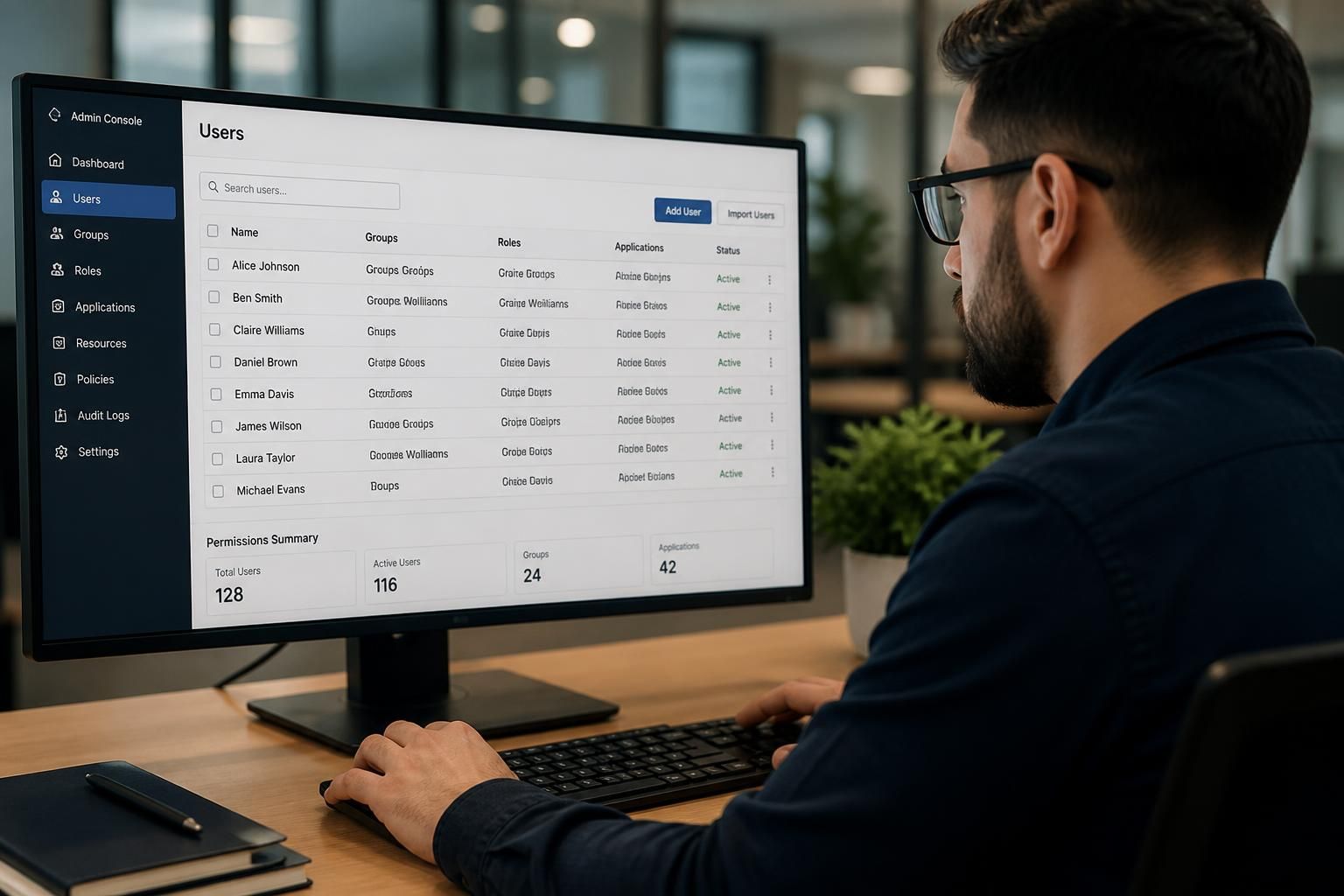
In a hosted desktop, users and permissions are managed centrally through individual accounts, groups and role-based access controls. Administrators assign each person only the applications, files and functions required for their role, then review, change or remove access as responsibilities change.
A hosted desktop separates proving a user’s identity from deciding what that identity may do. Authentication confirms that the person is authorised to sign in, while permissions determine which desktops, applications, files, settings and administrative functions are available after sign-in.
Access is usually designed in layers rather than as one broad approval:
- Platform access: controls whether a person can connect to the hosted desktop environment.
- Desktop access: determines which desktop or workspace is presented to them.
- Application access: limits access to software according to job responsibilities and licensing requirements.
- Data access: controls which folders, shared drives and business records a user can open, edit or delete.
- Administrative access: is restricted to authorised IT staff or designated system administrators.
These layers help prevent a user who needs one business application from automatically receiving access to unrelated systems or confidential information. They also make it easier to apply different rules to departments, locations, contractors and external users.
Account management should follow the employee lifecycle. When a new person joins, an authorised manager or nominated administrator requests access based on the person’s role. When responsibilities change, the existing access is reviewed rather than simply adding more permissions. When someone leaves, their account is disabled or removed and associated sessions, application access and stored credentials are dealt with as part of the offboarding process.
Good practice is to use the principle of least privilege: each account receives the minimum access needed to complete its duties. Separate administrator accounts are preferable to using an elevated account for ordinary work, because they reduce the risk of accidental or unauthorised changes. Temporary access should have a defined purpose, an owner and an end point, particularly where it involves sensitive data or elevated privileges.
Sign-in controls provide another important part of the arrangement. A hosted desktop can be configured around individual credentials, multi-factor authentication, password policies and conditional rules such as approved devices or connection locations, where supported by the chosen platform. These controls protect the account itself; they do not replace the need to restrict what the account can reach once the user is connected.
Permissions should be reviewed regularly and whenever there is a change in role, team, office or employment status. Reviews should look for dormant accounts, unnecessary access, conflicting privileges and permissions inherited through multiple groups. A record of approvals and changes provides an audit trail and helps an organisation investigate unusual activity or demonstrate that access is being managed responsibly.
File and application permissions also need to match the rules within the relevant software. For example, access to an application does not necessarily mean a user should see every record held in it. Permissions may need to be applied inside the application as well as at the hosted desktop or file-system level. Poorly planned overlapping rules can create unintended access, so the access model should be documented and tested with representative user accounts before it is introduced.
For a small or medium-sized organisation without dedicated internal IT resources, a managed IT provider such as S2 Technology Group can help document access requirements, configure account controls and carry out permission reviews. The important objective is a repeatable process: access is approved for a clear business reason, limited to what is required, monitored through records and removed when it is no longer justified.
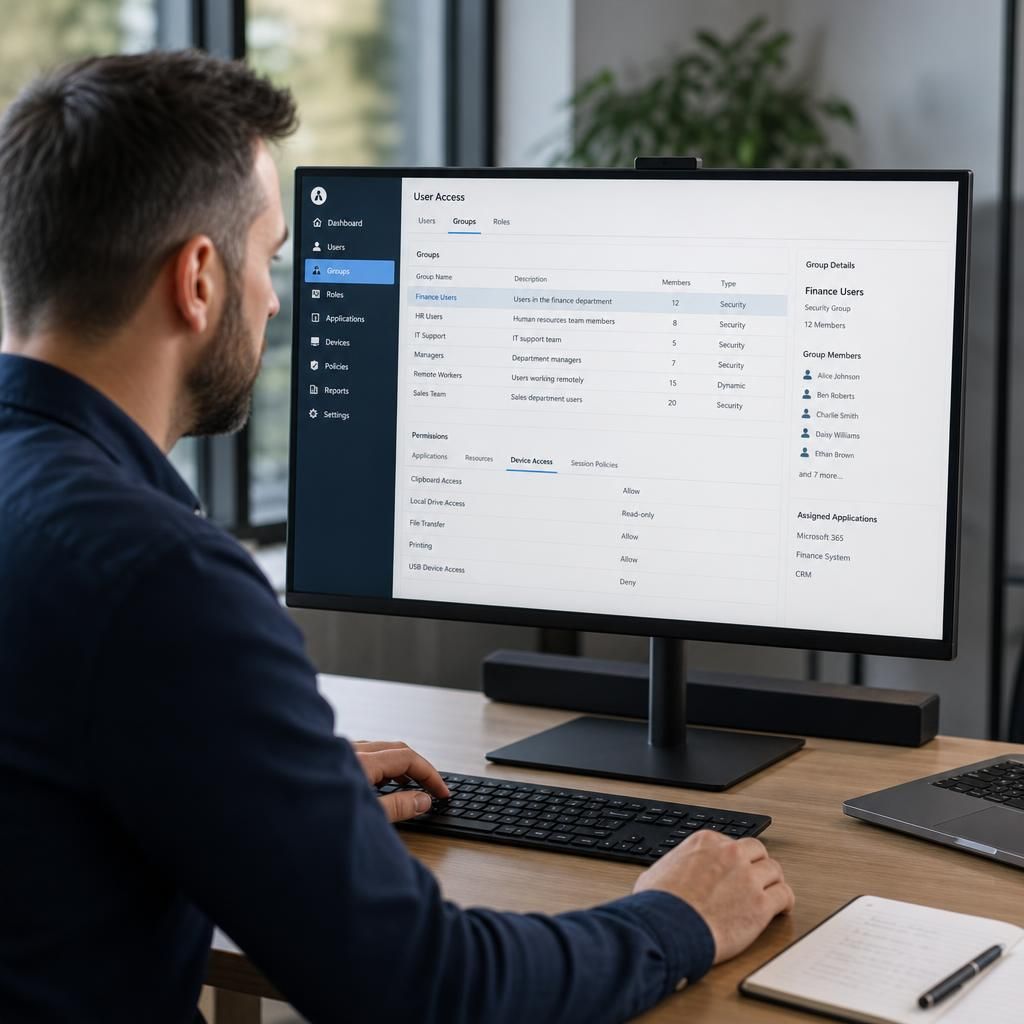
Hosted desktop permissions can also control how users interact with the environment, not just which applications or files they can open. Policies may govern clipboard use, printing, local drive access, file transfer and access to devices such as USB storage. These settings are typically applied by role or user group, so a finance user, for example, can receive different controls from a field-based employee who needs to transfer documents.
These restrictions should be based on a clear business requirement. Blocking every local device may hinder legitimate work, while allowing unrestricted copying or printing can create an unnecessary route for sensitive information to leave the hosted environment. A well-designed configuration documents each exception, tests the effect on normal tasks and records who approved any less restrictive setting.