How does Microsoft 365 support test configuration changes before applying them?
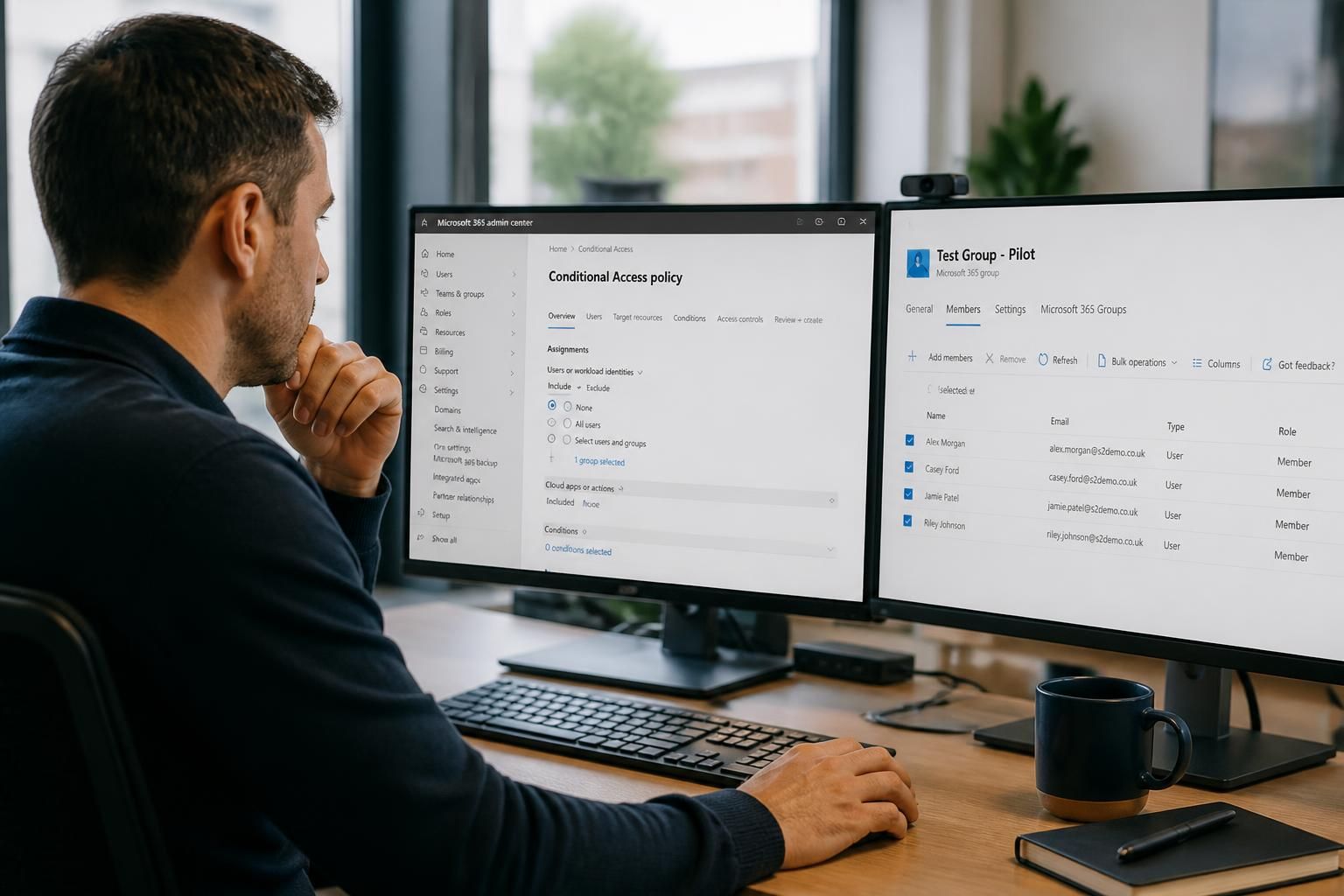
Microsoft 365 supports safer configuration changes through isolated test environments, controlled pilot groups and staged rollouts. Administrators can validate settings, permissions and service behaviour before applying changes more widely, reducing the risk of unexpected disruption.
Microsoft 365 supports configuration testing by separating design, assessment and deployment activities. Administrators can use a dedicated test tenant where practical, apply changes to narrowly defined accounts or groups, use report-only and simulation features, and record the expected result before changing the wider production environment. This provides evidence that a setting works as intended and identifies dependencies that may not be visible from the configuration screen alone.
The appropriate testing method depends on the type of change:
- Identity and access policies: use policy simulation, report-only modes and carefully selected test identities to examine whether sign-in, multi-factor authentication and access conditions would produce the expected outcome.
- Device and application settings: assess configuration profiles, compliance rules and application deployments against representative device types and operating systems.
- Email and collaboration settings: check permissions, sharing controls, mail flow, retention behaviour and access for internal and external users.
- Security controls: review how alerts, blocking actions, quarantine processes and user notifications behave without unnecessarily affecting normal work.
A separate test tenant offers the clearest isolation, particularly for significant identity, security or service changes. It should contain representative configuration rather than uncontrolled copies of live data. Test accounts, sample groups, non-production domains and suitable licensing can be used to reproduce the relevant conditions while limiting privacy and operational risk. A test tenant does not automatically reproduce every production dependency, so results still need to be checked against the live organisation’s integrations, naming conventions and administrative roles.
Where a separate tenant is not proportionate, Microsoft 365 settings can often be assessed through scoped assignments. A dedicated test group should be created with a known membership, documented exclusions and no nested groups that make the scope unclear. Administrators should avoid using personal accounts as the sole test case because their permissions, devices and existing sessions may not represent other users. Testing should include ordinary users, mobile users, remote users and administrative roles where those identities are affected.
Before applying a change, the administrator should define:
- the business or technical reason for the change;
- the services, users, devices and data it may affect;
- the expected behaviour and measurable acceptance checks;
- the settings that must remain unchanged;
- the person responsible for approval and the person responsible for implementation;
- the steps for reversing or amending the configuration.
Existing settings should be recorded before modification. Depending on the service, this may involve exporting policy details, capturing configuration values, documenting group membership or recording current permissions. A change record should identify dependencies such as line-of-business applications, third-party integrations, mobile devices, mail connectors and delegated administration. This is important because a technically valid setting can still cause a problem if another service relies on the previous configuration.
Testing should cover both the intended result and failure conditions. For example, an access policy should be checked with permitted and denied sign-in scenarios; a retention configuration should be assessed against the relevant item types and user actions; and a device policy should be checked for conflicts with existing profiles. Audit logs, sign-in records, service reports and user-facing prompts can provide evidence of what actually occurred. Testing should also confirm that administrators can identify an affected user and remove or correct the setting if the result is unexpected.
Changes that pass testing should not automatically be treated as permanently safe. Microsoft 365 services are updated over time, and related settings may be introduced or changed. A post-deployment review should therefore compare the observed result with the acceptance criteria, examine relevant alerts and audit information, and gather structured feedback from the people included in the assessment. Any exception should be documented rather than quietly worked around.
Rollback planning is a separate part of safe configuration management. Reversal may mean restoring a previous policy, removing an assignment, changing a rule to report-only, disabling a conflicting setting or returning permissions to their recorded state. Administrators should establish which action is reversible, how it will be verified and who can authorise it. Some changes, particularly those involving data processing or service behaviour, may not fully undo activity that has already taken place, so prevention and careful approval remain important.
For organisations without dedicated Microsoft 365 administration expertise, an IT support partner such as S2 Technology Group can help document dependencies, review proposed settings and establish a repeatable change-control process. The practical objective is not simply to test whether a button can be selected; it is to demonstrate that the configuration is understood, its effects are evidenced and its consequences can be managed before it becomes an organisation-wide setting.
Configuration testing is most reliable when it is repeatable rather than based on a single successful check. A defined test case should state the starting conditions, the action being tested, the result that should occur and the evidence required to confirm it. Repeating the same case after an adjustment helps distinguish a genuine improvement from a result caused by a changed account, device or policy scope.
For significant Microsoft 365 changes, administrators can maintain a small test pack covering normal use, restricted use and deliberate exceptions. Each run should identify the configuration version and record any differences from the previous result. This creates a clear comparison between proposed changes and earlier tests, making it easier to decide whether the configuration is ready for controlled deployment or needs further refinement.