
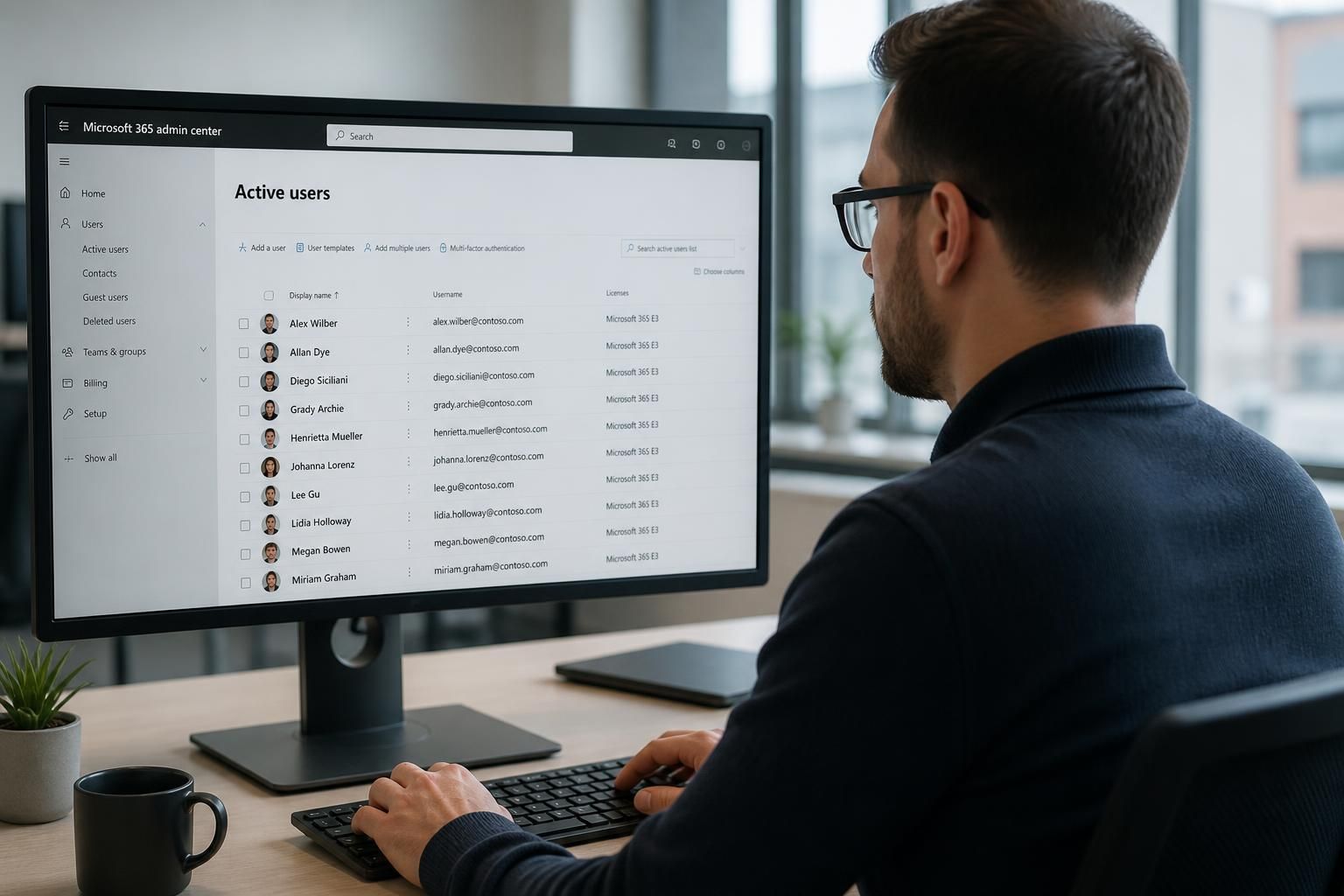
How can Microsoft 365 support improve user onboarding and offboarding?
Microsoft 365 support can standardise onboarding and offboarding by applying consistent steps for account creation, licence assignment, access permissions and security controls. This helps new users receive the access they need while ensuring departing users are promptly disabled, with business data and shared resources handled appropriately.
Microsoft 365 support improves user onboarding and offboarding by turning identity lifecycle management into a controlled, documented process rather than a series of ad hoc administrative tasks. The aim is to give each person an appropriate working environment from their first day, then remove or transfer access in a way that protects information, preserves business continuity and creates a clear record of what was done.
A well-designed process begins with an agreed joiner, mover and leaver procedure. Before an account is changed, support should receive authoritative information such as the person’s name, role, department, manager, start or leaving date, employment type and required applications. This avoids decisions being based on informal requests and helps ensure that access reflects the individual’s actual responsibilities.
For onboarding, the process should distinguish between standard requirements and role-specific access. A new employee may need an account, an appropriate Microsoft 365 licence, membership of relevant groups, access to selected Teams and SharePoint resources, and suitable security registration. Someone in finance, operations or a management role may require a different set of resources. Using approved role profiles makes these differences repeatable while reducing the risk of granting broad access simply because it is convenient.
Onboarding should also include verification rather than ending when the account is created. Support can check that the user can sign in, register the required authentication methods, access the resources assigned to their role and use email and collaboration tools correctly. This provides an opportunity to correct group membership, licensing or permissions before the user begins handling business information.
Security controls need to be part of the process from the outset. New accounts should be subject to the organisation’s authentication requirements, device standards and access policies. Where conditional access or multifactor authentication is in use, the user’s sign-in experience should be tested against the circumstances in which they are expected to work, including approved devices and remote access. Support should avoid weakening controls temporarily unless there is a documented, authorised reason and a defined route for restoring them.
Offboarding requires a different sequence of decisions. Disabling access is important, but it is only one part of the process. Before an account is closed, the organisation should identify whether the user owns files, mail, Teams content, sites, groups, meetings, workflows or other resources that colleagues still need. Ownership and business records should be transferred according to internal policy, without giving other users unnecessary access to unrelated personal or confidential material.
A controlled leaver process normally considers:
- When sign-in should be blocked and sessions or active tokens should be revoked.
- Whether company devices, authentication methods and stored credentials need to be removed from the user’s control.
- Which mailbox, calendar, files, Teams and SharePoint content must be retained, transferred or made available to an authorised colleague.
- Whether the user belongs to groups, distribution lists, shared mailboxes or application roles that require review.
- Whether automated processes, meeting ownership or document permissions depend on the departing account.
- How long relevant records must be retained and who is authorised to access them.
The timing and authority for an offboarding action should be clearly defined, particularly where employment information is sensitive. A request should be traceable to an authorised manager or designated business function, with the effective date and scope recorded. This reduces the chance of disabling the wrong account or leaving access active because responsibility for the task was unclear.
Support should also account for less obvious identities. Contractors, temporary workers, external guests and dormant accounts may not follow the same pattern as permanent employees, but they still need an owner, an intended end date and a defined access scope. Periodic review can identify accounts that no longer have a valid business purpose, while avoiding the assumption that every inactive account can be removed without checking its ownership and dependencies.
Documentation is central to a reliable lifecycle process. A record should show who requested the change, what was approved, which actions were completed, when they occurred and any exceptions that remain. This supports internal reviews and helps investigate incidents. It also allows a support provider and the organisation’s managers to distinguish between a deliberate exception and an accidental omission.
Automation can improve consistency when it is based on accurate source information and sensible controls. For example, standard tasks can be triggered by approved personnel records, while unusual roles or sensitive permissions are routed for additional review. Automation should not remove human oversight from high-risk changes. A process that creates accounts or removes access automatically still needs monitoring, error handling and a method for correcting incomplete or incorrect records.
Support should measure the process through evidence rather than assumptions. Useful checks include whether all required onboarding tasks were completed, whether departing users were removed from relevant access groups, whether resource ownership was transferred, and whether exceptions were resolved. Reviewing failed tasks and recurring manual work can reveal weaknesses in role definitions, approval routes or documentation.
For organisations using Microsoft 365, the most effective approach is therefore a joined-up lifecycle process covering identity, licensing, permissions, devices, collaboration data and records management. Microsoft 365 support can help define the workflow, document responsibilities, test the technical steps and review the controls over time. The result is a more predictable experience for new users and a more defensible method of protecting business information when people leave or change roles.
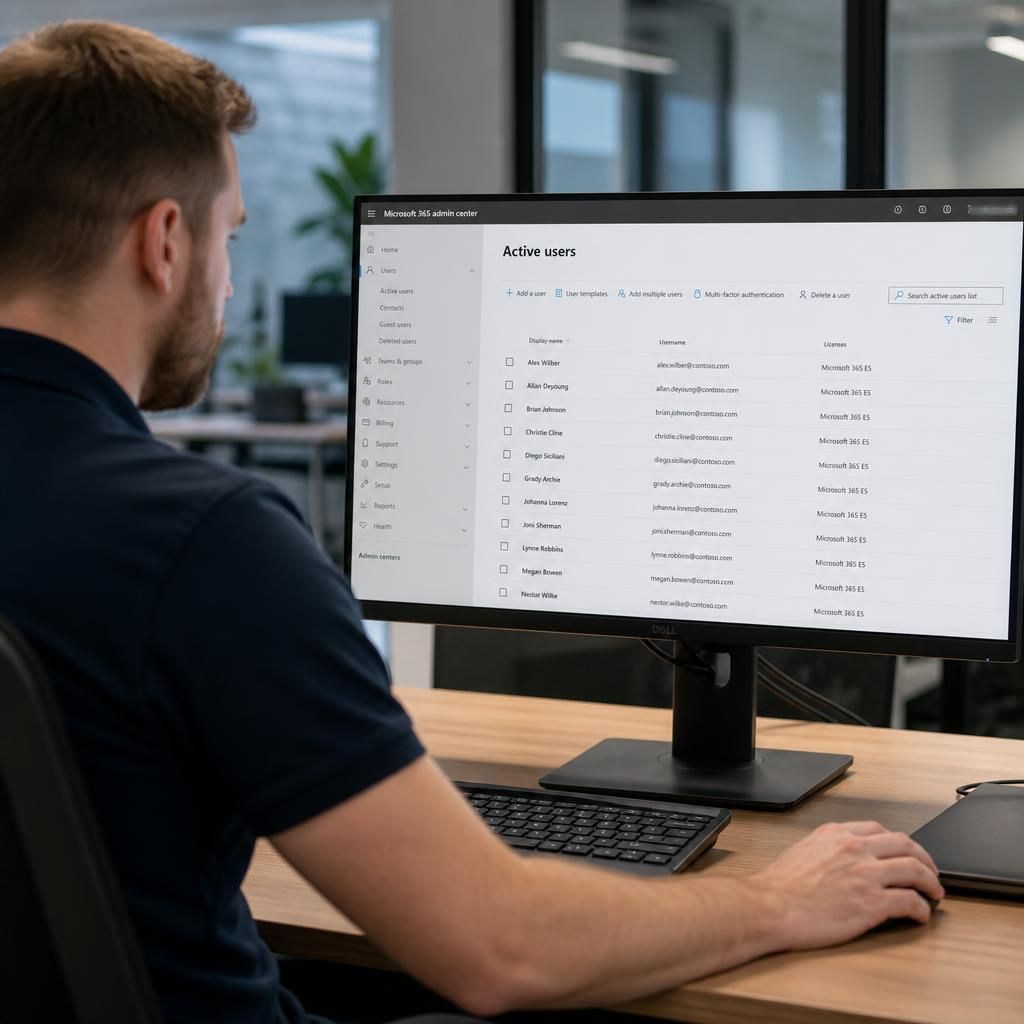
A safer offboarding design separates blocking access from deleting the user identity. Disabling sign-in prevents further use while giving authorised staff time to confirm ownership, retention and recovery requirements. Immediate deletion can remove useful context from audit records or make it harder to establish which resources still depend on the account.
Microsoft 365 support can therefore use defined stages for leaver accounts:
- Block sign-in and revoke active sessions when the approved leaving action takes effect.
- Preserve the information required by organisational and legal policy.
- Review dependencies such as delegated access, application connections and scheduled activities.
- Remove or delete the identity only after the responsible business owner confirms that no further access or recovery action is required.
This staged approach gives administrators a controlled point at which to identify exceptions, rather than treating account deletion as the entire offboarding process.