
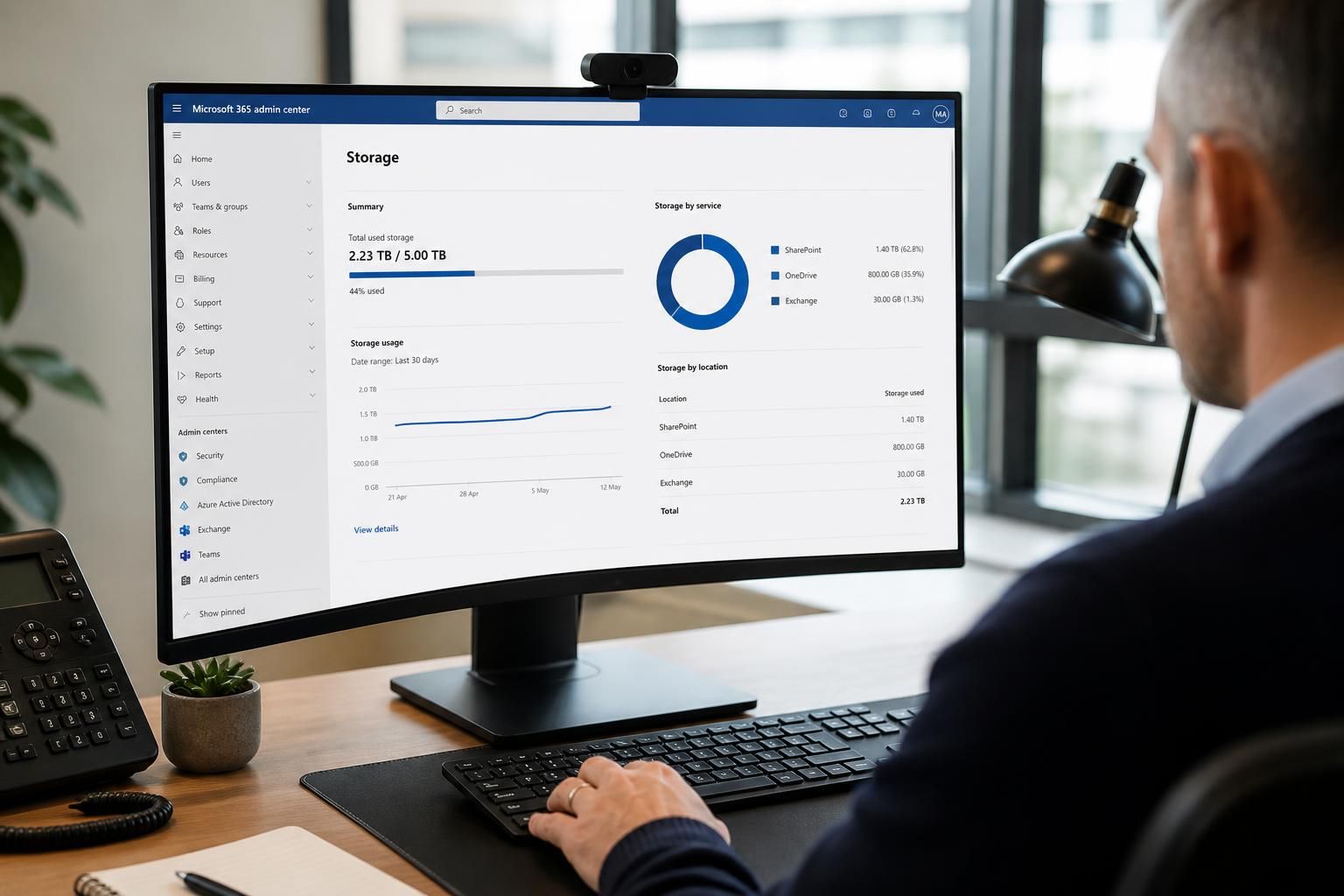
Is SharePoint storage shared across Microsoft 365 Business Premium users?
Yes. SharePoint storage in Microsoft 365 Business Premium is pooled across the organisation’s SharePoint sites, rather than assigned as a separate personal allowance to each user; individual users’ OneDrive storage is managed separately.
SharePoint storage is managed at the organisation level. The available capacity is consumed by the SharePoint sites in the tenant, so a document library does not receive a permanently reserved allowance simply because it belongs to a particular user or department.
In practice, this means that storage usage from team sites, communication sites and other SharePoint sites contributes to the same organisational capacity. A site with extensive document libraries, large media files or substantial version history can therefore affect the storage available for other sites.
Shared storage does not mean that every site can grow without restriction. SharePoint administrators can monitor usage and, depending on the tenant configuration, apply site-level storage limits or manage storage allocation settings. These controls help prevent one project, department or collaboration space from consuming capacity needed elsewhere.
- Team sites: Files used by a department or project are stored in the associated SharePoint site and count towards the organisation’s SharePoint usage.
- Communication sites: Published documents and media stored in these sites also use the shared SharePoint capacity.
- Microsoft Teams channel files: Files uploaded to standard channels are held in the connected SharePoint site, so they contribute to SharePoint storage rather than being treated as a separate Teams allowance.
- Version history: Earlier versions of files can consume additional space, particularly where large files are edited frequently or many versions are retained.
- Recycle bins: Deleted content may continue to occupy storage until it is permanently removed through the relevant SharePoint recycle-bin process.
The important distinction is between pooled capacity and site governance. The capacity is shared across the tenant, but access permissions, site ownership and administrative controls remain separate. A user may have permission to work in several sites, while the files they handle continue to count against the storage of the relevant sites.
Storage should therefore be managed by reviewing site usage rather than assigning an informal allowance to each employee. Administrators can identify sites with unusually high consumption, examine large libraries and files, review version-retention settings, and remove obsolete content in line with the organisation’s retention requirements.
Before deleting files or reducing version history, check whether the content is subject to legal, regulatory or internal retention obligations. Storage management should reduce unnecessary data without removing records that the organisation is required to keep.

SharePoint storage belongs to the organisation’s sites, not to the employees who create or manage the files. If a user leaves the business or their access is removed, documents stored in a team or project site do not automatically disappear; they remain part of that site’s content and continue to use its storage until an authorised administrator deletes them or retention rules determine otherwise.
This is why storage reviews should consider inactive sites, former projects and redundant collaboration areas as well as current users. Removing a user account changes access and ownership arrangements, but it is not, by itself, a method of reclaiming SharePoint capacity.
Get advice on managing shared SharePoint storage
For practical guidance on reviewing SharePoint site usage, storage governance and retention settings, speak to S2 Technology Group. We support organisations around Stourbridge, Kinver, Wordsley, Kingswinford, Kidderminster, Halesowen, Dudley and neighbouring areas with Microsoft 365 and managed IT advice.