How is Microsoft 365 Business Premium SharePoint storage calculated?
Microsoft 365 Business Premium SharePoint storage is calculated as your organisation’s base SharePoint allocation plus the additional allowance provided for each eligible licensed user. The available pool is used by content across SharePoint sites, including files, pages, document versions and items retained in the recycle bins.
Microsoft 365 Business Premium SharePoint capacity is worked out at tenant level, rather than as a separate allowance for each SharePoint site. The organisation receives the plan’s included base allocation, with an additional allowance linked to each eligible Business Premium licence. Any separately purchased SharePoint storage is added to this pool.
In practical terms, the calculation is:
Total provisioned storage = included base allocation + eligible user allowances + purchased additional storage.
Remaining storage = total provisioned storage − storage currently in use.
The user-based element depends on qualifying licences assigned within the Microsoft 365 tenant. It is not calculated from the number of SharePoint sites, the number of people who actively open files, or the number of files stored by an individual employee. Removing an eligible licence can reduce the organisation’s included capacity, so licence changes should be considered when reviewing storage headroom.
SharePoint measures usage across the tenant’s SharePoint content. This can include:
- Documents and other files stored in site libraries
- Pages and their associated content
- Items held in SharePoint lists
- Earlier versions retained through version history
- Items in first- and second-stage recycle bins
- Files in standard Microsoft Teams channels, because those files are stored in the connected SharePoint site
Version history is an important part of the calculation. A library containing a current document and many retained earlier versions can use substantially more space than the visible current files suggest. Recycle-bin content also remains part of the tenant’s storage usage until it is permanently removed or reaches the end of its retention period.
SharePoint storage should be distinguished from OneDrive storage. A user’s OneDrive allowance is an individual storage service and does not simply increase the organisation’s shared SharePoint pool. Similarly, the number of Microsoft 365 users does not mean that every user receives a separate site quota. The additional allowance contributes to the tenant’s overall SharePoint capacity.
Site quotas are an administrative control within that wider pool. An administrator may allocate limits to individual sites, but those limits do not create additional storage. A site can have unused quota while another site is approaching its limit, and the tenant can still be close to exhausting its total provisioned capacity.
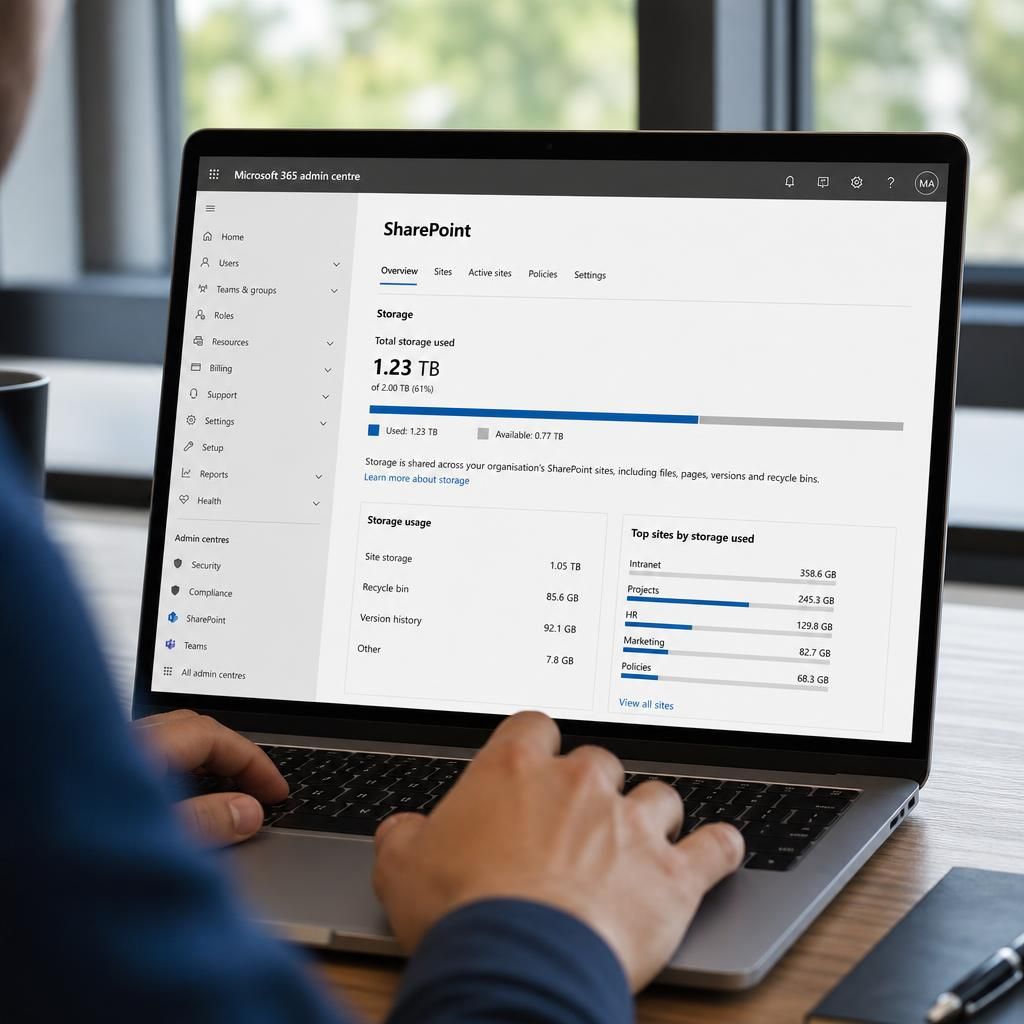
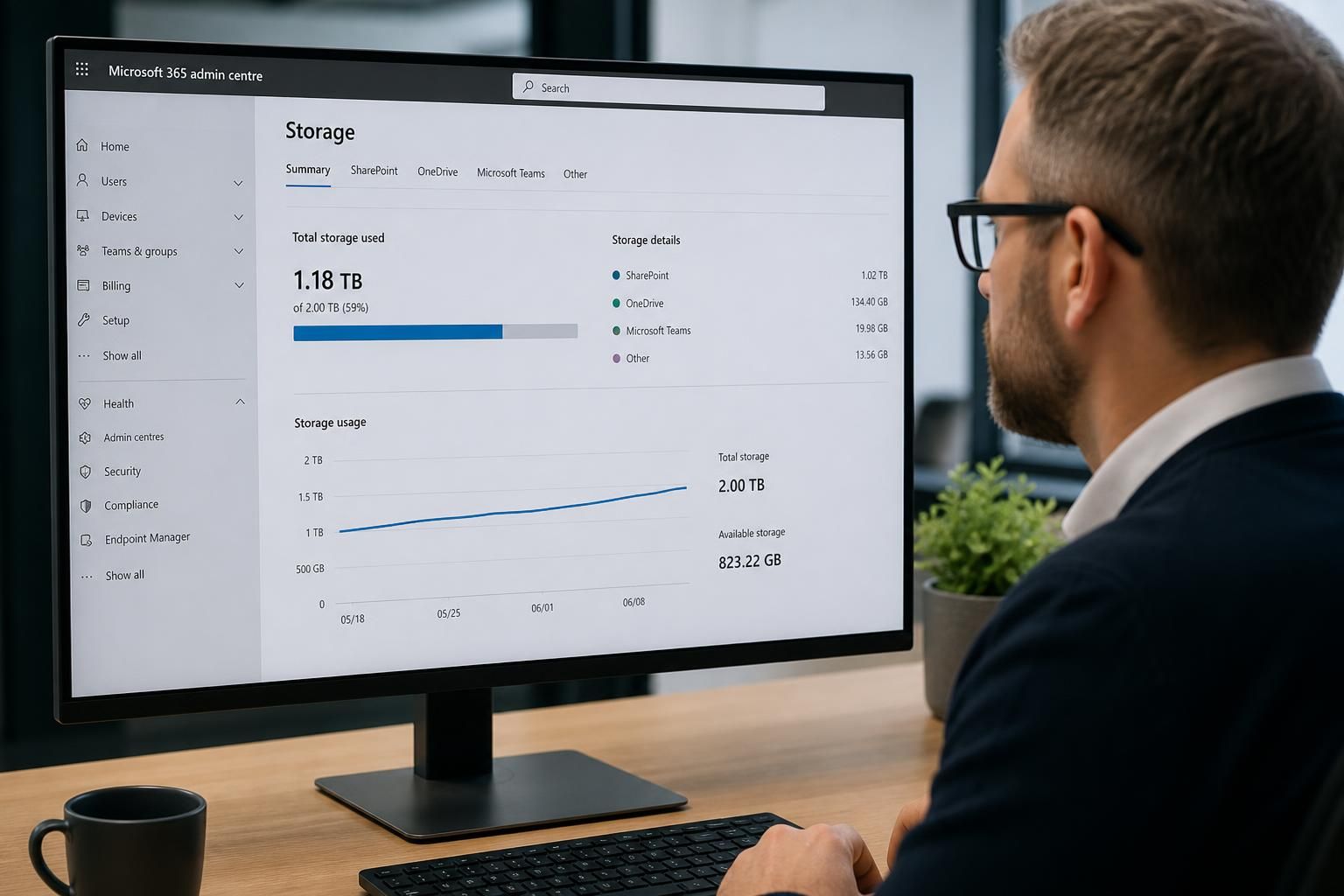
To check the calculation, review the SharePoint storage usage and available capacity in the Microsoft 365 administration tools, then compare the figures with the organisation’s current licence assignments and any separately purchased storage. It is also useful to examine the largest sites, recycle-bin content, document libraries with extensive version history and Teams-connected sites. This identifies whether the apparent usage comes from active business files or retained content that could be governed more efficiently.
For planning purposes, calculate capacity from the current licensed-user position, include any additional storage purchases, and allow for growth in files, versions, sites and Teams collaboration. The resulting figure is the tenant’s working SharePoint capacity; it is not a personal storage balance for each Business Premium user.
When reviewing Microsoft 365 Business Premium SharePoint storage, distinguish between the organisation’s provisioned capacity and the storage assigned as a limit to an individual site. A site quota is an administrative boundary for that site; it is not an extra allowance added to the tenant’s SharePoint capacity.
This means a site can remain below its own limit while the organisation’s overall SharePoint capacity becomes constrained. Storage reviews should therefore use the tenant-level figures as the primary measure, with site reports used to identify where the capacity is being consumed and whether individual site limits remain appropriate.