
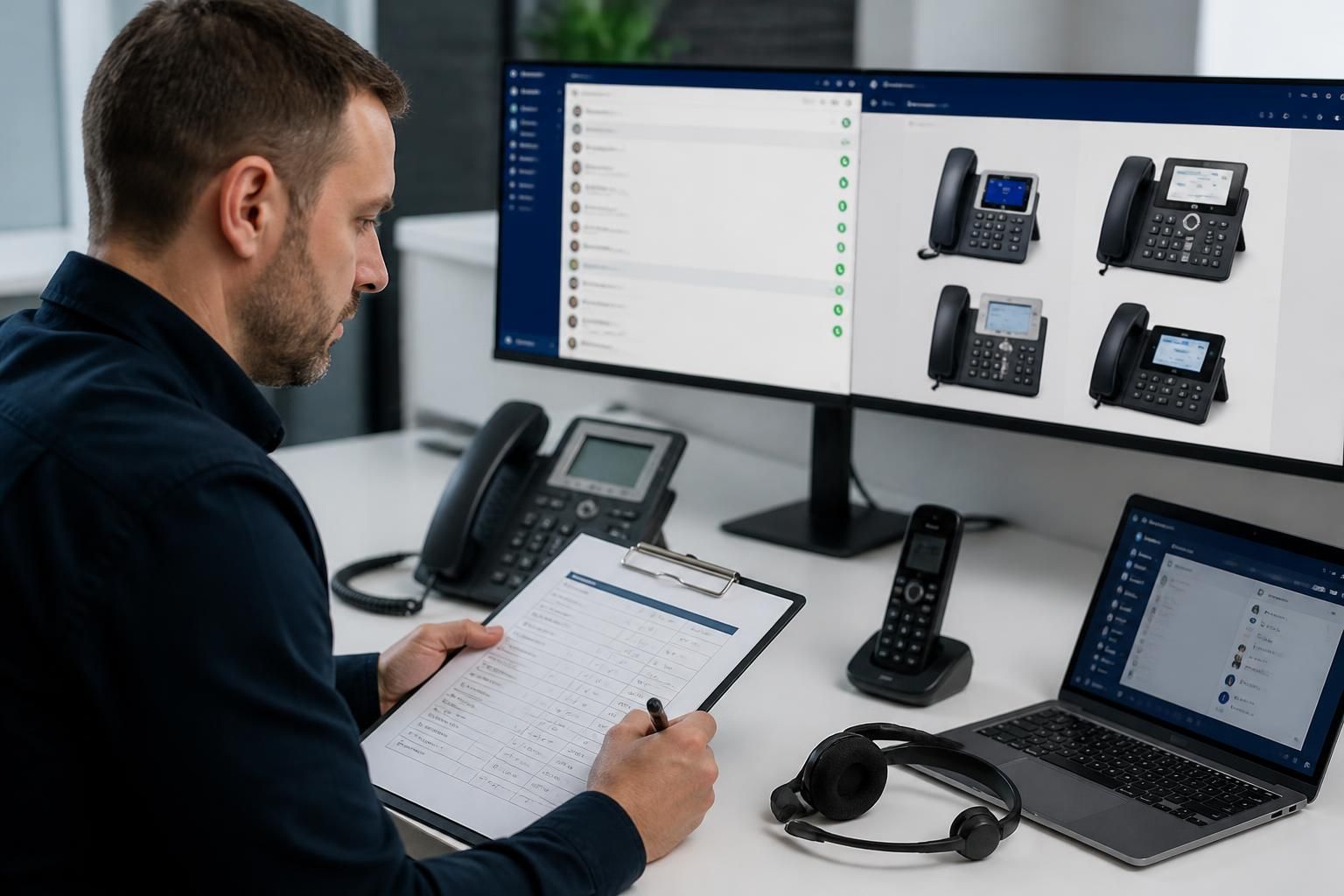
How does managed IT support for VoIP manage handset and softphone compatibility?
Managed IT support for VoIP manages compatibility by assessing handset and softphone requirements against the phone system, users’ devices and network configuration. It then standardises settings, checks firmware and operating-system compatibility, and tests calling, audio and authentication before deployment or changes are introduced.
Managed IT support for VoIP treats handset and softphone compatibility as an ongoing service-management process rather than a one-off installation check. It ensures that each endpoint can use the required calling features, obtain the correct configuration, work with the organisation’s network and peripherals, and remain supportable as the phone platform, operating systems and devices change.
Compatibility starts with the intended user experience. A reception handset, a mobile worker’s softphone and a supervisor’s device may require different capabilities. Support teams typically map requirements such as transfer, hold, voicemail, call recording, presence, conferencing, headset control and shared lines to the endpoint type. This prevents users being issued equipment that can make basic calls but cannot support the functions their role depends on.
Handset compatibility includes more than SIP registration. A physical phone may need suitable support for provisioning, extension assignment, button layouts, directory access, power delivery and voice network settings. Managed IT support can maintain approved device profiles and check that the endpoint receives the intended configuration. Where older handsets lack required features or cannot be maintained securely, they can be identified before they create faults across the wider deployment.
Softphone compatibility depends on the complete user device. The operating system, processor resources, microphone, speakers, camera, headset, browser permissions and security controls can all affect performance. Support should check whether the application is supported on the organisation’s desktop and mobile platforms, whether users have permission to access audio devices, and whether endpoint protection or device-management policies interfere with calling functions. Bluetooth and USB headsets also need testing for microphone selection, call answer controls and audio routing.
Feature support must be checked at platform level. Two endpoints may both register successfully while offering different levels of support for features such as attended transfer, busy lamp fields, hot desking, emergency calling or recording indicators. A compatibility assessment should distinguish between features supported by the phone system, features supported by the endpoint and features enabled for a particular user. This avoids treating successful registration as proof that the whole service is compatible.
A managed compatibility process commonly includes:
- Maintaining an approved list of handset, headset and softphone configurations.
- Recording which endpoint types are assigned to each user or role.
- Checking operating-system and application support before upgrades or replacements.
- Testing core calls and relevant business features on representative devices.
- Confirming that provisioning, authentication and user permissions work as intended.
- Documenting exceptions, legacy equipment and any features that require a different endpoint.
Testing should reflect real working conditions. A softphone may function at a desk but fail when a user docks a laptop, changes networks, connects a headset or works through a managed security control. Physical handsets should be tested with their intended power and network arrangements. Testing a representative range of devices is more useful than checking only one model, particularly where a business uses a mixture of desk phones, laptops, tablets and mobile devices.
Change control protects compatibility over time. Operating-system updates, softphone releases, firmware changes, security policies and phone-system upgrades can alter how endpoints behave. Managed IT support can review these changes, test them against the organisation’s approved configurations and schedule remedial work where necessary. Keeping configuration records and a clear replacement process also makes it easier to identify whether a fault relates to the endpoint, the user account, the network or the VoIP service.
For a business, the practical objective is a controlled endpoint estate in which users receive equipment suited to their role and support staff can identify incompatibilities without guesswork. S2 Technology Group can advise organisations around Stourbridge, Kinver, Wordsley, Kingswinford, Kidderminster, Halesowen, Dudley and neighbouring areas on the IT controls and support processes that help VoIP handsets and softphones remain compatible with the wider working environment.

When a user has both a physical handset and a softphone, compatibility also depends on how the two endpoints share one extension. Managed IT support checks whether both devices can register correctly, how incoming calls are presented, and which endpoint controls features such as hold, transfer and voicemail.
This arrangement should be assessed for practical behaviours, including:
- whether calls ring on the intended devices without creating duplicate or confusing alerts;
- how an active call is transferred between the handset and softphone;
- whether presence, busy status and call state remain consistent across endpoints;
- what happens when one device loses connectivity or is signed out; and
- whether users can change their preferred device without disrupting established call handling.
These checks are particularly relevant for hybrid workers, reception teams and users who move between a desk phone and a laptop. Documenting the expected behaviour for each user role gives support staff a clear reference when a device appears to be incompatible, even though the extension itself is registered successfully.