How should IT asset management handle remote devices?
IT asset management should maintain a central, up-to-date record of each remote device, including its assigned user, location, ownership status, configuration and lifecycle stage. Devices should be securely enrolled and routinely checked for patching, encryption, authentication, security controls and policy compliance, with remote support, access revocation and secure wiping available when equipment is lost, replaced or reassigned.
Effective IT asset management for remote devices combines accurate asset information with controls that work regardless of where a device is being used. The process should cover company-owned equipment, personally owned devices permitted for business use, loan equipment and devices assigned to contractors, while making clear who is responsible for each asset and what access it is allowed.
Remote management should begin with dependable device discovery. An asset may not connect to the corporate office network, so records need to be populated from endpoint management tools, cloud identity platforms, mobile device management systems, purchasing records and service desk activity. These sources should be reconciled to prevent duplicate records and to identify devices that have disappeared from management. A device that has not checked in should not automatically be treated as retired; it may be offline, reimaged, faulty or still in a user’s possession and require investigation.
Organisations should define which device types fall within the process. This can include laptops, tablets, smartphones, home-working equipment, removable storage and specialist endpoints used by travelling or field-based staff. Each category may require different controls. For example, a company laptop can normally be managed more extensively than an employee’s personal phone, where the organisation may need to limit management to an approved work profile and business data.
- Company-owned devices: apply the organisation’s standard security baseline, management tooling and replacement process.
- Bring-your-own devices: document acceptable use, supported operating systems, minimum security requirements and the organisation’s ability to remove business data.
- Contractor or temporary devices: set an end date, named sponsor and access scope so that temporary arrangements do not become permanent gaps.
- Shared or loan devices: record the person or team currently responsible for the equipment and confirm its condition when it is returned.
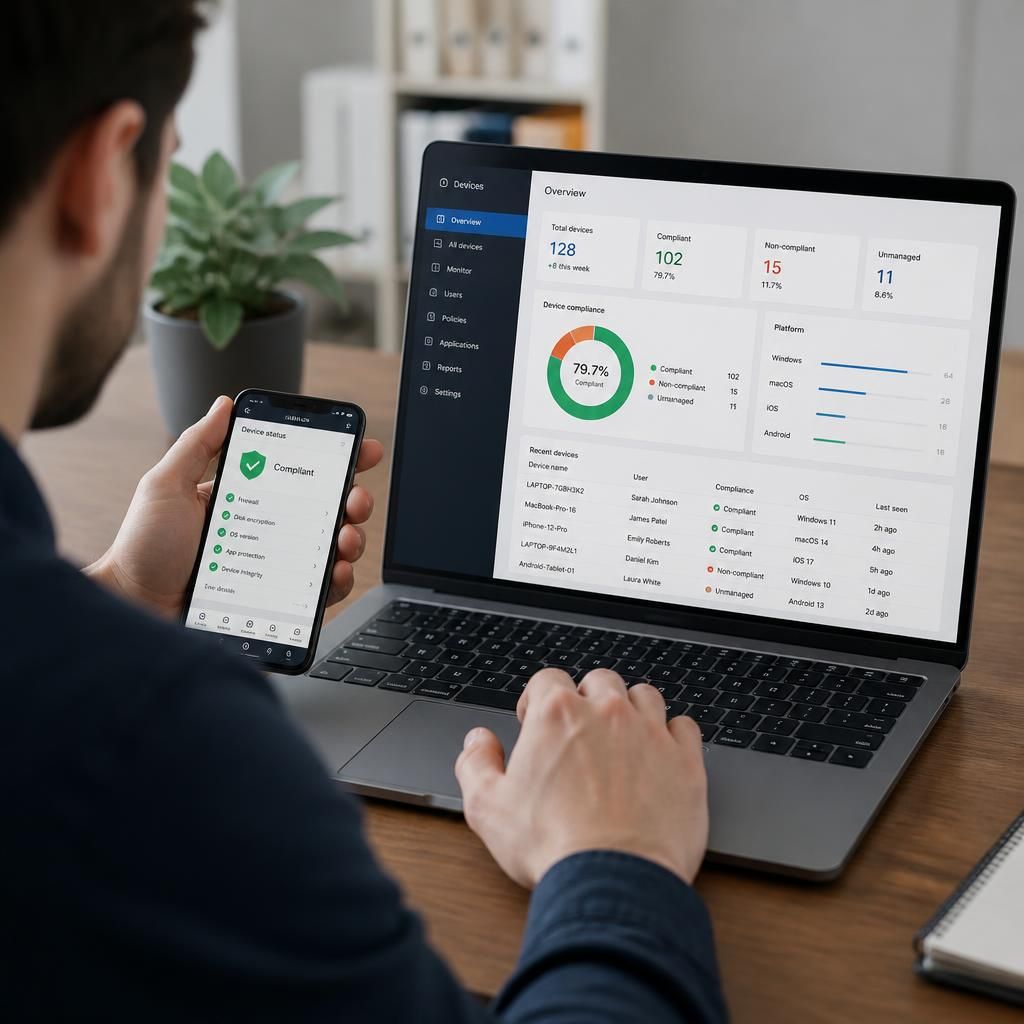
Remote devices should be assessed against a defined baseline rather than treated as compliant simply because they are present in an asset system. Useful checks include operating system support status, endpoint protection, firewall configuration, disk encryption, screen-lock settings, secure authentication, local administrator rights and the presence of required management agents. The baseline should distinguish between mandatory controls, permitted exceptions and devices that must be isolated or removed from service.
Patch and configuration management also need to account for intermittent connectivity. Devices may miss updates while switched off, connected through a restricted home network or used in locations with limited bandwidth. Management processes should record failed updates, retry where appropriate, highlight devices that remain out of date and provide an escalation route for exceptions. Asset records should show the relevant status and date of the latest successful check, rather than relying on an assumption that a policy was applied.
Remote access creates a close relationship between asset records and identity management. Access should be linked to the device’s approved user, role and risk status, with additional restrictions where a device is unmanaged, compromised or no longer supported. When a user changes role or leaves the organisation, the offboarding process should address both account permissions and equipment. This includes recovering company assets, removing business access from permitted personal devices and checking whether authentication tokens, certificates or locally stored data need to be invalidated.
Loss and theft procedures should be documented before an incident occurs. The process should identify who can report an incident, how the device is marked as missing, which sessions or credentials are revoked, whether a location or last-contact record can assist investigation, and when secure erasure is authorised. These actions should be recorded against the asset so that later audits can establish what happened without relying on informal messages or individual memory.
Privacy is particularly important when managing equipment used in employees’ homes or on personal devices. The organisation should collect only information needed for security, support, compliance and asset accountability. Policies should explain what information is visible to administrators, whether personal applications or locations are monitored, how business and personal data are separated, and when records are deleted. For personally owned equipment, technical controls should be proportionate to the access being granted.
Remote support should follow the same evidence and approval standards as support delivered on-site. A technician may need to verify the user, confirm the device identity, obtain appropriate consent where required and record changes made during the session. Administrative access should be controlled and auditable. Where a device cannot be reached remotely, the record should show the attempted action, the reason it failed and the next practical step rather than being silently left unresolved.
Asset management should also connect remote equipment to financial and operational processes. The record can support decisions about warranty status, repair, replacement, reassignment, disposal and subscription or licence allocation. Before disposal or return, the organisation should confirm that business data has been removed, management enrolment has been cleared where appropriate, and the asset’s status has been updated to provide a complete lifecycle history.
Regular review should focus on exceptions and risk, not just on whether a database contains an entry. Useful review questions include:
- Which remote devices have not checked in or supplied current security information?
- Which assets are assigned to inactive users, former employees or unverified contractors?
- Which devices fall outside the approved operating system or security baseline?
- Which personal devices still hold business access or data?
- Which assets have unclear ownership, an expired loan period or an incomplete disposal record?
- Which exceptions have an owner, an expiry date and a documented reason?
The resulting information should be useful to both technical teams and business leaders. Technical staff need actionable exceptions, device identity and management status, while leaders may need a view of exposure, unsupported equipment, replacement requirements and policy exceptions. Keeping these views connected helps the organisation make decisions based on current evidence rather than on a static list of equipment. For businesses with distributed teams, this makes IT asset management an ongoing control process rather than a one-off inventory exercise.
Remote devices should be prioritised according to the access they provide and the sensitivity of the information they handle, not simply listed as equal assets. A laptop used to administer systems or access confidential records presents a different risk from a device used for limited, low-sensitivity tasks, even if both are managed by the same platform.
IT asset management should record relevant risk factors alongside the basic asset details. These may include the user’s role, data access, device ownership, operating system support status, security exceptions and whether the device is shared. This allows the organisation to direct remediation appropriately: a high-risk device with a control failure may require access restriction or immediate investigation, while a lower-risk issue may be handled through a planned corrective action.
The classification should be reviewed when a user changes role, the device gains access to a new system, or its condition changes. Keeping the risk assessment connected to the asset record gives IT teams a defensible basis for prioritising remote-device reviews and helps business leaders understand which exceptions require attention first.