
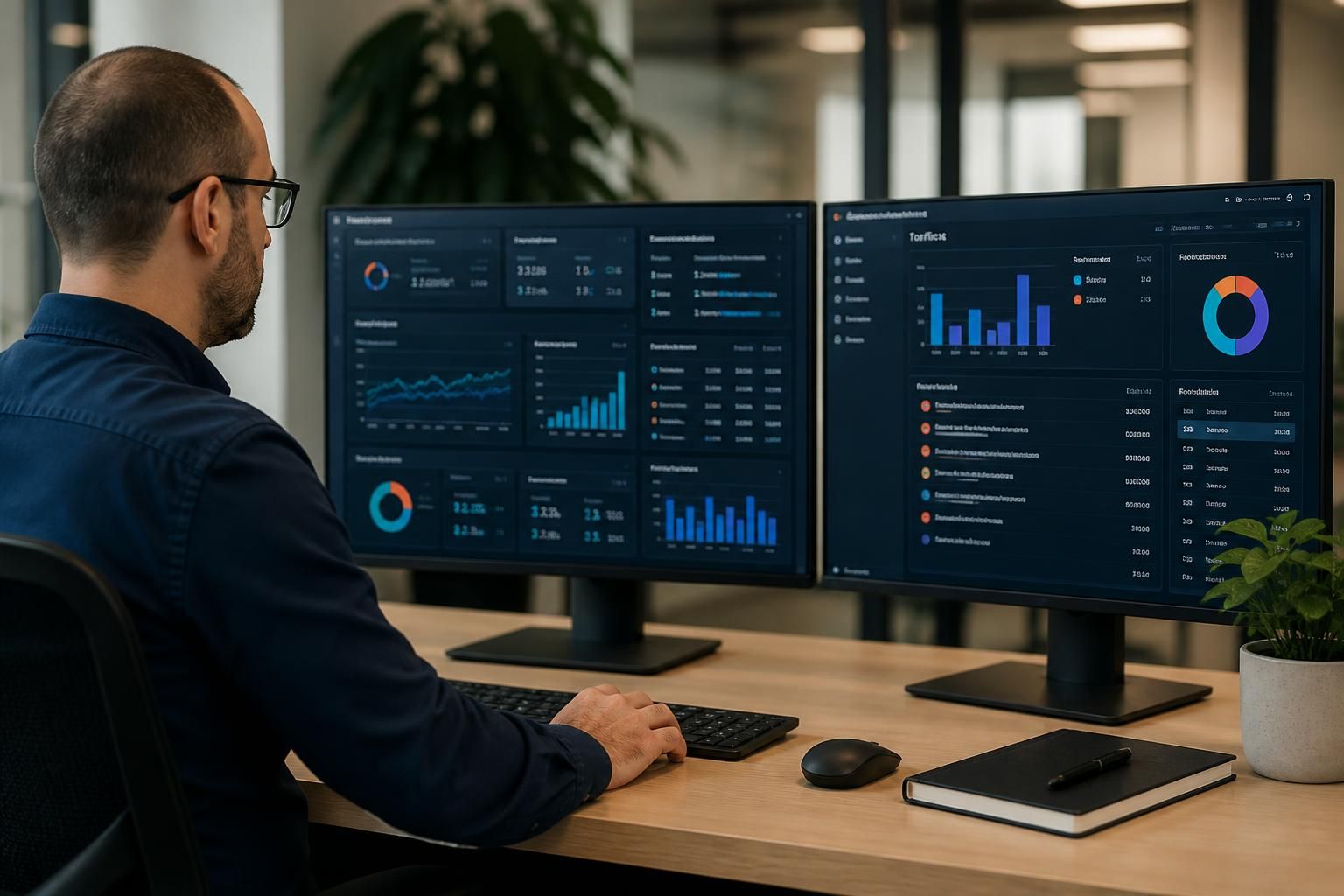
What reporting should small business IT support provide?
Small business IT support reporting should summarise service activity, security events, system performance, backup status, unresolved risks and planned improvements. It should also explain significant findings in practical terms, helping business leaders prioritise actions, review technology needs and make informed decisions about ongoing IT management.
Small business IT support reporting should turn technical data into a clear record of what has happened, what requires attention and which decisions the business needs to make. A useful report is not simply a list of tickets or automated alerts; it should relate technology activity to operational risk, user productivity, security obligations and planned business changes.
Management summary. The opening section should give business leaders a concise view of the current position. It can highlight material incidents, recurring issues, outstanding decisions, changes completed during the reporting period and risks that need an owner. Technical detail can follow, but the summary should make it possible for a non-technical reader to understand whether any issue requires budget, policy changes or management action.
Support activity and trends. A service report should explain the nature of support work rather than only stating how many requests were logged. Useful information includes:
- the main categories of request, such as user access, devices, applications or connectivity;
- recurring problems affecting particular users, locations or systems;
- incidents that required escalation or caused disruption;
- requests that remain open, including their current status and next action; and
- patterns that suggest a need for training, configuration changes, replacement equipment or process improvements.
Trend information is particularly valuable for small organisations because repeated low-level issues can consume staff time without appearing as a major incident. The report should distinguish between routine requests and underlying problems that need a longer-term fix.
Security reporting. Security information should be specific enough to support risk decisions without overwhelming the reader with raw alerts. Depending on the systems in use, this may cover suspicious sign-in activity, malware detections, blocked threats, privileged account changes, exposed services, security policy exceptions and outstanding vulnerabilities. Each significant item should explain its business relevance, the action taken and whether further work is required.
It is also useful to record security activities that reduce risk, such as access reviews, device protection checks, staff awareness activity and configuration changes. A report should separate confirmed incidents from attempted or automatically blocked events, since these have different implications. Where an investigation is incomplete, that uncertainty should be stated rather than presenting an assumption as a conclusion.
Backup and recovery evidence. A backup status should show more than whether a scheduled job appears to have run. Reporting should identify failed or incomplete jobs, systems not covered by the backup approach, retention concerns and any corrective action. Where recovery tests have been carried out, the report should record what was tested, whether the data could be restored and any limitations discovered. This helps the business judge whether its recovery arrangements are suitable for the systems it depends on.
System health and capacity. Performance reporting can cover storage consumption, server or cloud resource use, network stability, device condition and capacity trends. The important point is interpretation: a measurement is useful when it shows whether a system is operating within an acceptable range or is approaching a constraint. Reports should identify the likely effect of continued growth and distinguish an immediate fault from a developing capacity issue.
Changes and configuration control. A clear record of completed changes helps the business understand how its technology environment is being maintained. This may include infrastructure upgrades, user and permission changes, security configuration updates, software deployments and adjustments to remote access. The record should include the reason for each material change, any relevant outcome and whether follow-up validation is still needed. This creates an audit trail and can help identify the cause if a later problem appears.
Asset and licence position. Reporting can also provide an accurate view of devices, key infrastructure and software entitlements. It should identify assets approaching replacement, equipment no longer in use, unsupported systems and licences that need review. This information supports budgeting and reduces the risk of relying on an unrecorded device or allowing software access to continue after it is no longer appropriate.
Recommendations and action tracking. Recommendations should be prioritised rather than presented as an unstructured list. Each recommendation should state:
- the issue or risk it addresses;
- the likely business consequence of leaving it unresolved;
- the proposed action and any meaningful alternatives;
- the owner responsible for approving or completing it; and
- the target review point or dependency, where one has been agreed.
Priorities may be based on risk, operational impact, regulatory relevance, cost, technical dependency or the age of the problem. A recommendation should not be treated as an urgent project simply because it is technically desirable. The report should give decision-makers enough context to weigh it against other business requirements.
Useful report design. The format should match the audience. Owners and directors generally need a short summary, meaningful exceptions and decisions required. A person responsible for operations may also need ticket detail, technical findings and action history. A report that includes every available metric can obscure the information that matters, so measures should be selected for a clear purpose and retained consistently enough to reveal change over time.
Reporting should also make clear which information is measured automatically, which has been reviewed by an IT professional and which depends on confirmation from the business. This distinction improves confidence in the report and highlights where better records or processes are needed. S2 Technology Group can use this type of reporting within its managed IT support approach to help small and medium-sized organisations understand their technology position and plan improvements based on evidence.
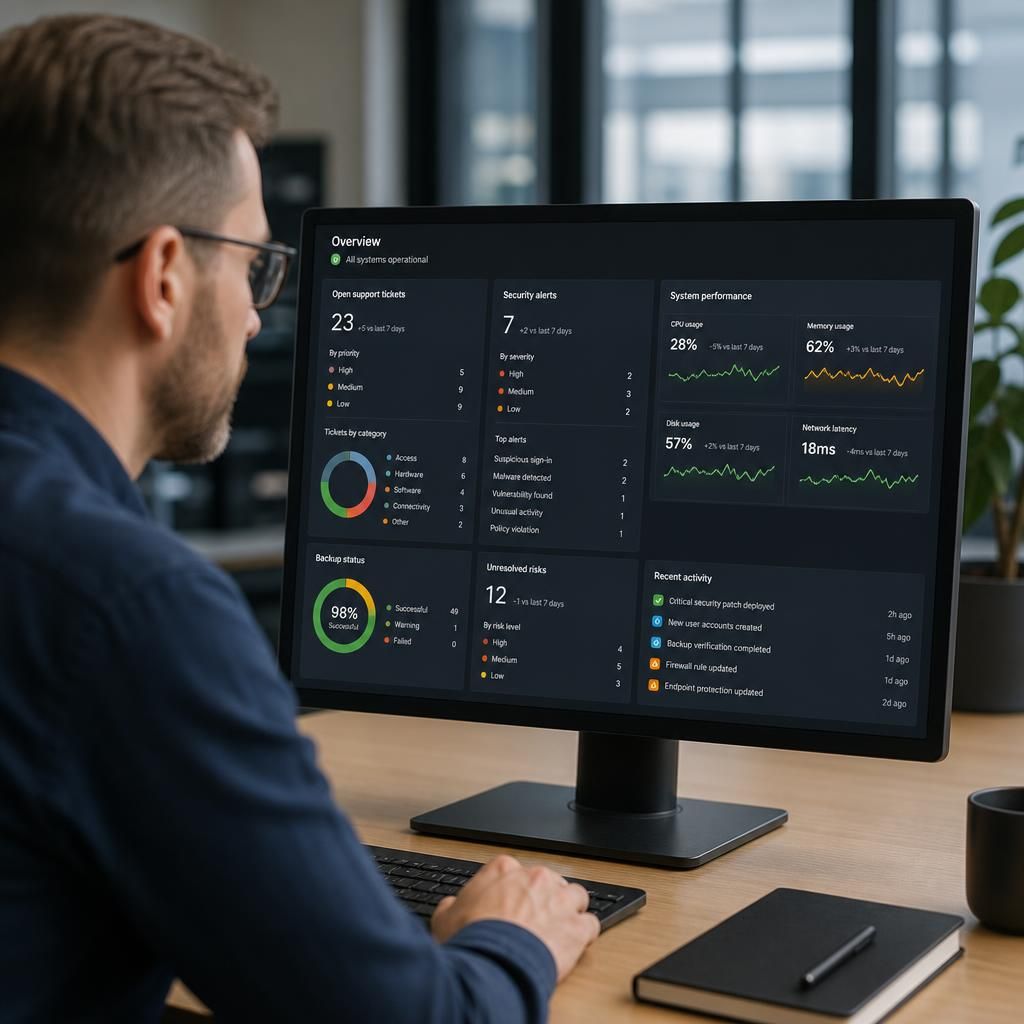
Small business IT support reporting should define its scope clearly, so a reader can tell what the evidence does and does not cover. Each report should identify the period reviewed, the systems and locations included, any services outside the agreed scope, and gaps caused by missing or unreliable data.
This prevents a lack of information from being mistaken for a lack of incidents or risk. It also makes reports easier to compare over time: changes in the systems monitored, reporting criteria or service arrangements can be recorded rather than creating misleading trends. Where a measure has a threshold, the report should explain what that threshold means and why it matters to the business.